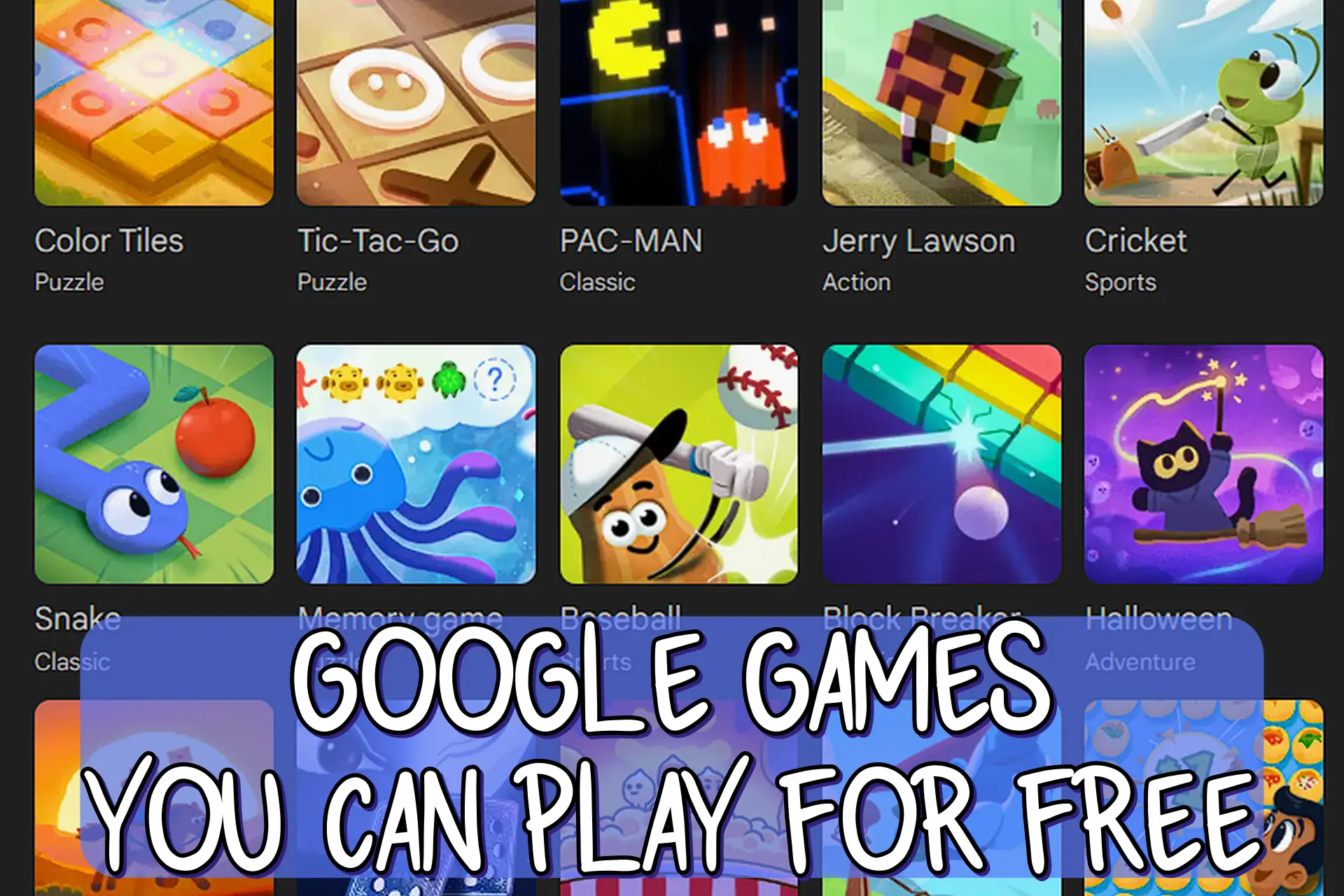
How to Enjoy Free Games That You Can Play Instantly
You can enjoy free games that you can play instantly by opening any modern web browser on your desktop, smartphone, or tablet and visiting reputable web gaming portals. Powered by HTML5, WebGL, and WebAssembly, these games run directly...
You can enjoy free games that you can play instantly by opening any modern web browser on your desktop, smartphone, or tablet and visiting reputable web gaming portals. Powered by HTML5, WebGL, and WebAssembly, these games run directly inside your browser within seconds, requiring no downloads, file installations, mandatory registrations, or upfront payments.
Contents
The Technology Behind Instant Web Gaming
Playing video games directly in your browser without downloading heavy installers is possible due to massive advances in open web standards. For decades, interactive web content relied on third-party plugins like Adobe Flash or Java Applets. These platforms required frequent security updates, consumed excess hardware resources, and presented severe security vulnerabilities.
Following the global deprecation of Adobe Flash, the web development community standardized native technologies that allow web browsers to render high-performance 2D and 3D graphics directly within the document object model (DOM).
- Modern Web Browser:
- HTML5 Canvas (2D Rendering)
- WebGL 2.0 (3D Shader Engine)
- WebAssembly (Compiled C/C++)
- Hardware Acceleration Engine (System GPU, CPU, and System Memory)
HTML5 Canvas and Vector Rendering
The HTML5 element serves as a blank scriptable surface where JavaScript draws pixels in real time. For 2D arcade games, card games, and simple platformers, the Canvas API manages sprites, animation loops, and collision detection seamlessly without external plugins.
WebGL and 3D Graphics Processing
For complex 3D titles, browsers utilize WebGL (Web Graphics Library). According to technical documentation on the MDN Web Docs WebGL API, WebGL integrates directly with OpenGL ES graphics standards, allowing JavaScript code to harness the target device's dedicated Graphics Processing Unit (GPU). This enables lighting, shader effects, and high-frame-rate rendering directly inside a browser window.
WebAssembly (Wasm) Performance
Complex games originally built in C++ or Unity can be compiled to run on the web via WebAssembly. As outlined by the MDN WebAssembly Guide, Wasm executes compiled binary code at near-native speed inside browser sandboxes. This breakthrough allows developers to port desktop-class titles and game engines straight to browser portals without sacrificing execution speed.
Popular Categories of Instant Browser Games
Instant games span nearly every traditional gaming genre, optimized specifically for fast session startups and responsive controls.
1. Multiplayer Arena (.io) Games
Pioneered by titles like Agar.io and Slither.io, arena games connect players to low-latency multiplayer servers instantly. Players join active matches within milliseconds by entering a nickname, competing for high scores on a shared leaderboard.
2. Physics and Logic Puzzles
Puzzle games leverage vector math and canvas rendering to create engaging mechanics. From spatial sorting and block-matching to complex physics simulations like gravity catapults and marble runs, these games offer short, rewarding play loops ideal for quick breaks.
3. Retro Emulation and Arcade Classics
Open-source web emulators translate legacy arcade, 8-bit, and 16-bit console ROM formats into web-friendly formats using JavaScript and WebAssembly. Fans of retro gaming can play classic arcade titles directly in their browser without installing local emulation software.
4. Endless Runners and Action Platformers
Designed with responsive jump-and-dodge mechanics, action games tests player reflexes. These games utilize fast client-side physics loops, storing local high scores in browser memory so players can resume their progress anytime.
Comparing Instant Gaming Platforms and Delivery Methods
Choosing the right platform depends on your hardware capabilities, privacy preferences, and genre interests. The table below compares the primary methods used to deliver free instant games today.
| Platform / Method | Primary Game Genres | Installation Required? | Recommended Hardware | Key Advantages | Potential Limitations |
|---|---|---|---|---|---|
| HTML5 Web Portals | Casual, Arcade, Puzzles | None (Runs in browser) | Entry-level PC / Mobile | Instant load, cross-platform compatibility | Ad displays prior to game launch |
| WebAssembly Portals | 3D Action, First-Person, Strategy | None (Runs in browser) | Mid-range PC with GPU | Near-native graphics and performance | Larger initial asset download sizes |
| Social Media Instant Games | Party, Trivia, Turn-based | None (Inside native app) | Any iOS / Android phone | Built-in friend invites and voice chat | Requires active social platform account |
| Browser Cloud Demos | AAA Titles, Graphic-Heavy RPGs | None (Video stream) | Fast connection (25+ Mbps) | Play console-quality games on low-end hardware | Requires high bandwidth; potential input latency |
Step-by-Step Guide: How to Start Playing Instantly
Starting an instant gaming session requires minimal setup. Follow these steps to optimize your system for smooth playback and reliable performance.
Step 1: Prepare a Modern Web Browser
Ensure your web browser is updated to the latest stable release of Google Chrome, Mozilla Firefox, Microsoft Edge, or Apple Safari. Modern browser updates include critical performance improvements for JavaScript engine execution and WebGL rendering.
Step 2: Enable Hardware Acceleration
For 3D browser games, hardware acceleration offloads graphic rendering tasks from your CPU to your GPU:
- Open your browser settings menu.
- Search for Hardware Acceleration or Graphics Acceleration.
- Toggle the setting to On and restart your browser if prompted.
Step 3: Access a Gaming Portal or Instant App
Navigate directly to a verified web gaming platform or click an embedded game frame on an authoritative portal. Avoid sites that require executable (.exe or .msi) downloads before playing. Genuine instant game sites launch games immediately inside the browser frame.
Step 4: Configure Input Devices
Most instant games automatically map controls to standard hardware:
- Keyboard & Mouse: Standard W-A-S-D or Arrow keys for movement, Spacebar for action commands, and Left Click for targeting.
- Gamepads: Modern browsers support USB and Bluetooth controllers natively. Per the MDN Gamepad API Guide, plugging in an Xbox or PlayStation controller allows compatible web games to read analog input instantly.
- Touchscreens: Mobile browsers translate touch gestures, virtual d-pads, and taps directly into game events.
- Standard Instant Game Input:
- W, A, S, D (Move)
- Mouse Left Click (Action)
- Gamepad Bluetooth/USB (Native API)
Performance Optimization and Troubleshooting
While instant games are designed for lightweight operation, system bottlenecks can cause micro-stuttering, input lag, or failing asset loads.
Fixing Frame Rate Drops and Lag
- Close Background Tabs: Browser tabs running media streams or heavy web applications compete for RAM and CPU cycles. Close non-essential tabs before starting a high-performance 3D web game.
- Disable Resource-Heavy Extensions: Certain browser extensions scan webpage DOM elements continuously, consuming CPU overhead. Use a clean browser profile or add the gaming site to your extension whitelist.
- Monitor GPU Memory: If 3D textures fail to load, clear your browser's cached images and files to release reserved VRAM.
Resolving Control and Audio Glitches
- Click Inside the Game Canvas: Browsers often suppress keyboard input or audio playback until the user directly interacts with the game canvas frame. Click once inside the game area to grant focus to the audio context.
- Check Unmute Toggles: Modern browsers restrict automatic audio playback to prevent unwanted sound. Look for an in-game speaker icon to enable audio if the stream stays silent.
Safety, Privacy, and Monetization Realities
Understanding how instant web platforms operate ensures a safe, uninterrupted experience.
- Instant Gaming Data Flow:
- Game Host Server (Assets: Web Assembly/HTML5)
- User Browser:
- LocalStorage (Settings & High Scores)
- IndexedDB (Save Data & Assets)
How Free Platforms Are Funded
Free instant games typically use one of two monetization strategies:
- Ad Integration (Pre-roll and Mid-roll): Short video ads play before the game loads or during natural pauses between levels. Developers earn revenue through ad impressions.
- In-Game Microtransactions: Optional cosmetic upgrades, power-ups, or ad-removal passes can be purchased inside the game frame using secure web payment portals.
Protecting Your Privacy and Data
- No Account Necessary: Legitimate instant gaming portals let you play as a guest without creating an account or supplying an email address.
- Local Data Storage: Game saves and high scores are usually stored locally on your device via
LocalStorageorIndexedDB. Clearing your browser history or cookies will delete your local save files unless the platform offers cloud saving. - Avoid Suspicious Pop-ups: Never click pop-ups claiming you need to update software (such as "Update Media Player") to run a web game. Modern browser games rely entirely on built-in web standards and never require secondary software downloads.
Frequently Asked Questions
Do I need to install software plugins to play instant games?
No. Modern instant games run on native HTML5, WebGL, and WebAssembly technologies built directly into modern web browsers. You do not need Adobe Flash, Java, or third-party executable plugins to play.
Can I play instant games on mobile phones and tablets?
Yes. Most modern web games are built with responsive touch controls and auto-scaling canvas elements. They adjust automatically to fit iOS and Android mobile web browsers without installing native app store files.
How do instant games save my game progress?
Instant web games write save files, settings, and high scores directly to your browser's internal storage mechanisms, such as LocalStorage or IndexedDB. Your progress persists as long as you use the same browser and do not clear your browser site data.
Why do some 3D web games lag on older computers?
3D web games rely heavily on WebGL hardware acceleration. Older computers with integrated graphics cards or disabled hardware acceleration settings offload graphics processing to the main CPU, resulting in reduced frame rates. Enabling hardware acceleration in your browser settings often solves this issue.
Are instant web games completely free to play?
The vast majority of instant browser games are completely free to play, supported by video or display advertisements. Some titles offer voluntary in-game purchases for cosmetic items or ad-free experiences, but core gameplay is typically accessible without payment.
Recommended Next Steps
To get started with instant gaming today:
- Open an updated web browser such as Chrome, Firefox, Edge, or Safari.
- Verify that hardware acceleration is enabled in your browser preferences.
- Visit a reputable instant gaming directory or web portal.
- Select a game category, click the title, and begin playing within seconds—no downloads or sign-ups required.
Image Gallery