How to Look at Cars at Carvana: A Complete Guide to Virtual and Physical Inspection
To look at cars at Carvana in 2026, you primarily use their digital platform to conduct a comprehensive virtual inspection. This involves using the 360-degree interactive viewer to spot imperfections, reviewing the free CARFAX report,...
To look at cars at Carvana in 2026, you primarily use their digital platform to conduct a comprehensive virtual inspection. This involves using the 360-degree interactive viewer to spot imperfections, reviewing the free CARFAX report, and analyzing high-resolution photography of the interior and exterior. Physical inspection occurs after delivery or at a Vending Machine during your 7-day money-back guarantee period.
Contents
The traditional car-buying experience typically involves walking through rows of vehicles on a paved lot, peering through windows, and kicking tires. Carvana has completely inverted this model. By 2026, the company has refined its "digital-first" approach, meaning the "looking" phase happens almost entirely through a screen. However, looking at a car effectively on a digital platform requires a different set of skills and attention to detail than an in-person visit. This guide explores the tools, techniques, and strategies for thoroughly inspecting a Carvana vehicle before and after you commit to a purchase.
Navigating the Digital Showroom
The first step in looking at cars at Carvana is mastering the search and filter interface. Unlike a physical lot where you are limited to what is physically present, Carvana’s inventory spans thousands of vehicles across the country.
Utilizing Advanced Search Filters
To see the cars that actually matter to you, you must use the filtering system effectively. You can sort by make, model, body type, and price, but the real power lies in the "More Filters" section. Here, you can filter for specific features such as Apple CarPlay, heated seats, or third-row seating. In 2026, as electric vehicles (EVs) have become more prevalent, filtering by battery range and charging speed has become a standard part of the "looking" process.
Setting Up Search Alerts
Because the best-valued cars often sell within hours, "looking" at cars also involves being proactive. By saving a search, you can receive push notifications on your mobile device the moment a vehicle matching your specific criteria is uploaded to the platform. This ensures you are among the first to view the high-resolution imagery and vehicle history of a fresh arrival.
Mastering the 360-Degree Virtual Tour
The centerpiece of looking at a car at Carvana is the high-definition, 360-degree virtual tour. This technology is designed to replicate the experience of walking around the car and sitting in the driver’s seat.
Exterior Inspection and "Hotspots"
When you open a vehicle listing, you are presented with an interactive exterior view. You can click and drag to rotate the vehicle. Carvana’s proprietary imaging technology uses studio lighting to ensure every angle is visible.
- Imperfection Markers: Carvana is known for its transparency regarding cosmetic wear. Look for small yellow "hotspot" icons. Clicking these will zoom in on specific scratches, chips, or dings. In 2026, these images are high-enough resolution to see the depth of a scratch, helping you decide if the wear is acceptable.
- The Undercarriage: While you cannot "crawl" under the car virtually, Carvana provides specific shots of the undercarriage for many listings to show the presence or absence of significant rust or frame damage.
Interior Panoramas
The interior view allows you to "sit" in the car. You can pan 360 degrees to look at the dashboard, the upholstery, and the headliner.
- Wear and Tear: Pay close attention to the driver’s seat bolster and the steering wheel, as these areas show the most wear.
- Technology Check: Look at the digital displays while the car is "on" (as shown in photos). Ensure there are no warning lights on the dashboard images and that the infotainment screen appears functional and clear of "dead pixels."
Looking Beyond the Surface: Documentation and History
Looking at a car isn't just about the paint and leather; it's about the vehicle's "biography." Carvana provides several key documents that act as your "eyes" into the car’s past.
The Free CARFAX Report
On every vehicle detail page, Carvana provides a link to a free CARFAX report. This is a critical component of looking at the car. You should look for:
- Accident History: Look for structural or airbag deployment events, which are significant red flags.
- Service Records: A car with consistent oil changes and brake services at a dealership is generally a safer bet than one with a "dark" history.
- Ownership History: Check if it was a personal lease, a rental, or a corporate fleet vehicle. Personal leases often mean the car was well-maintained to avoid end-of-lease penalties.
The Carvana Inspection Report
Carvana performs a 150-point inspection on every vehicle. While this is an internal report, the listing will highlight that the vehicle has passed checks for engine functionality, transmission health, and safety features. Reviewing the standards of this inspection gives you a baseline of what has already been "looked at" by a professional technician before the car reached the website.
Can You Look at Cars in Person?
One of the most common questions is whether you can visit a physical location to browse the cars. The short answer is: Generally, no.
The Vending Machine Reality
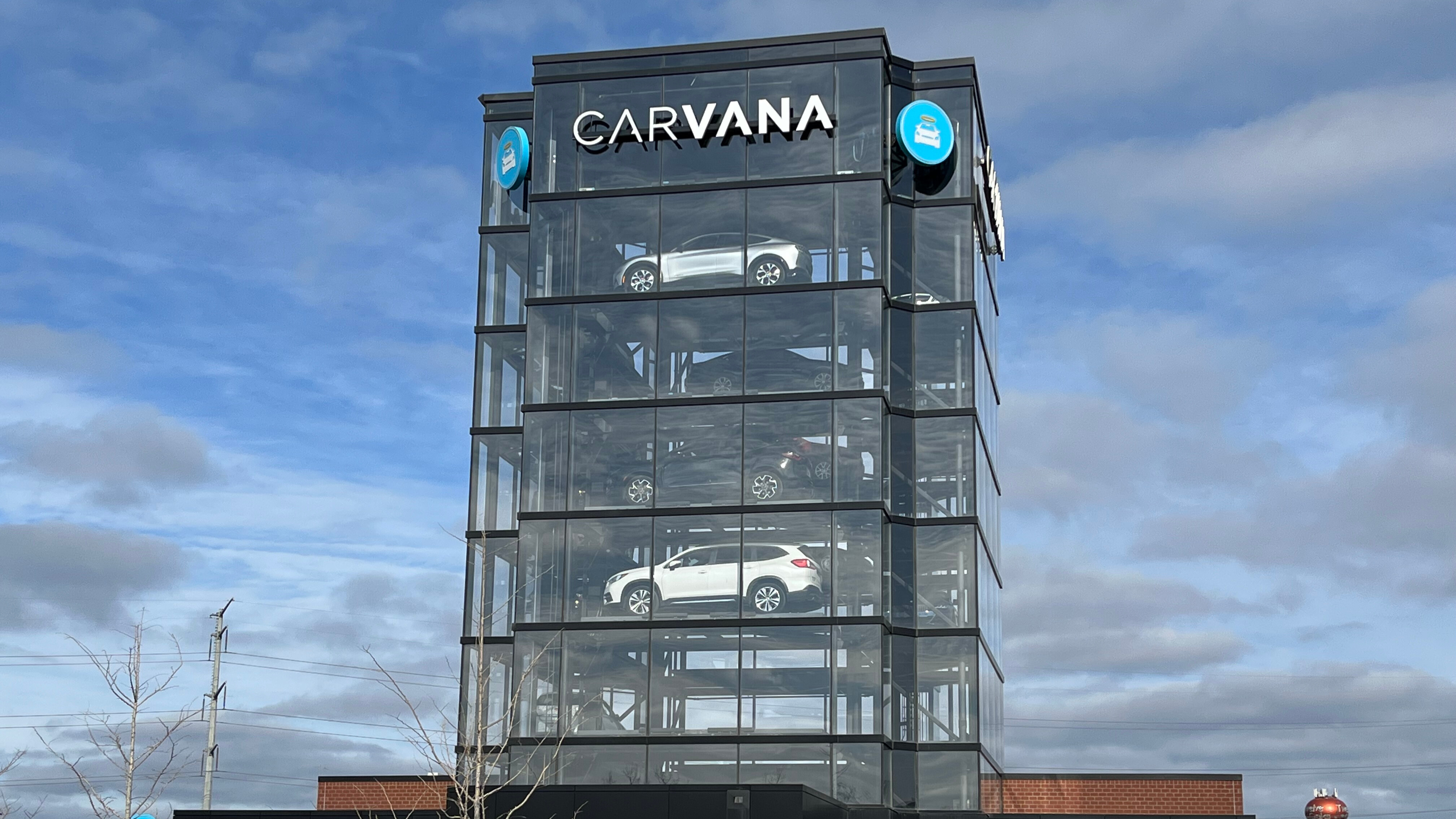
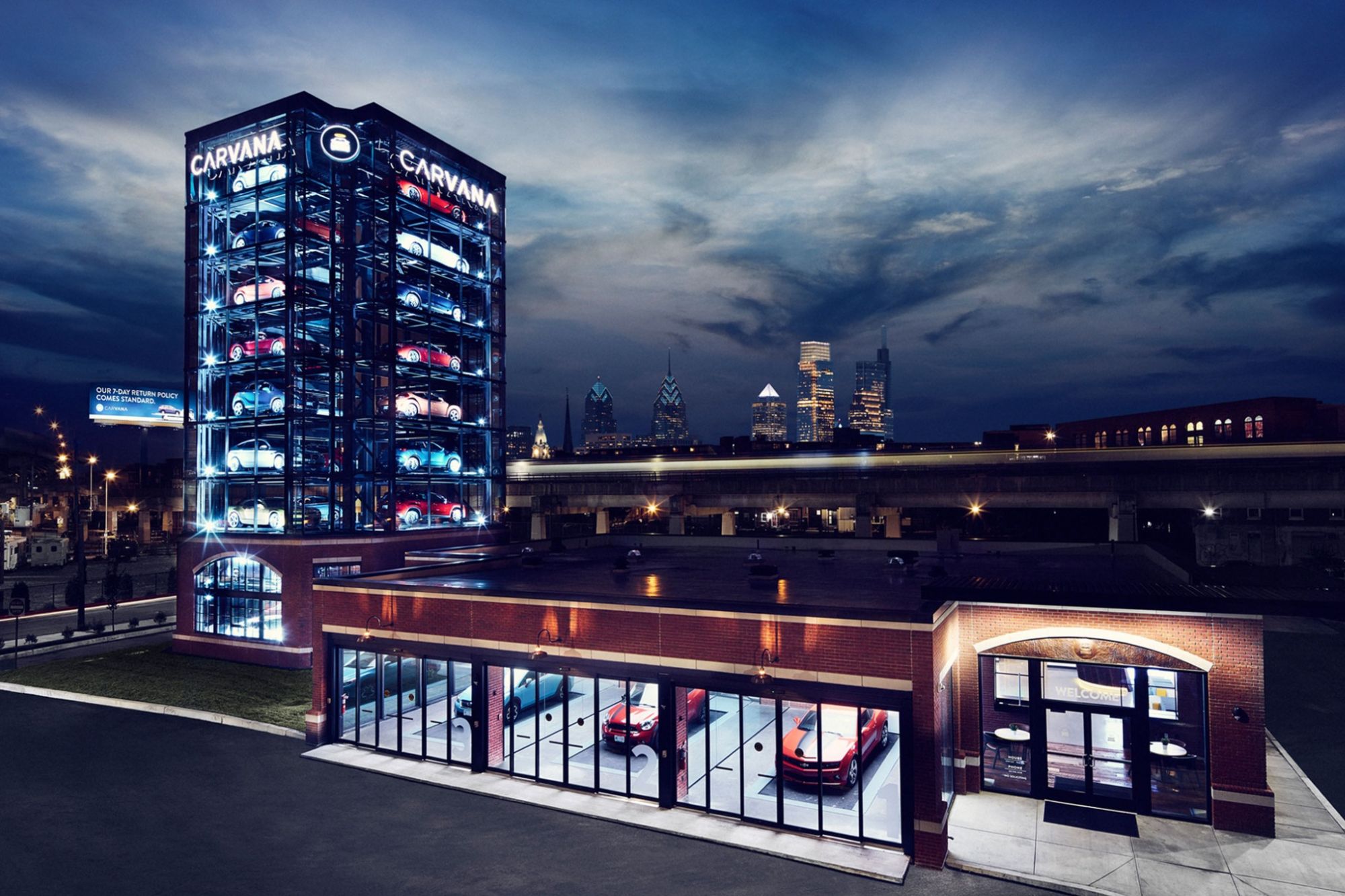
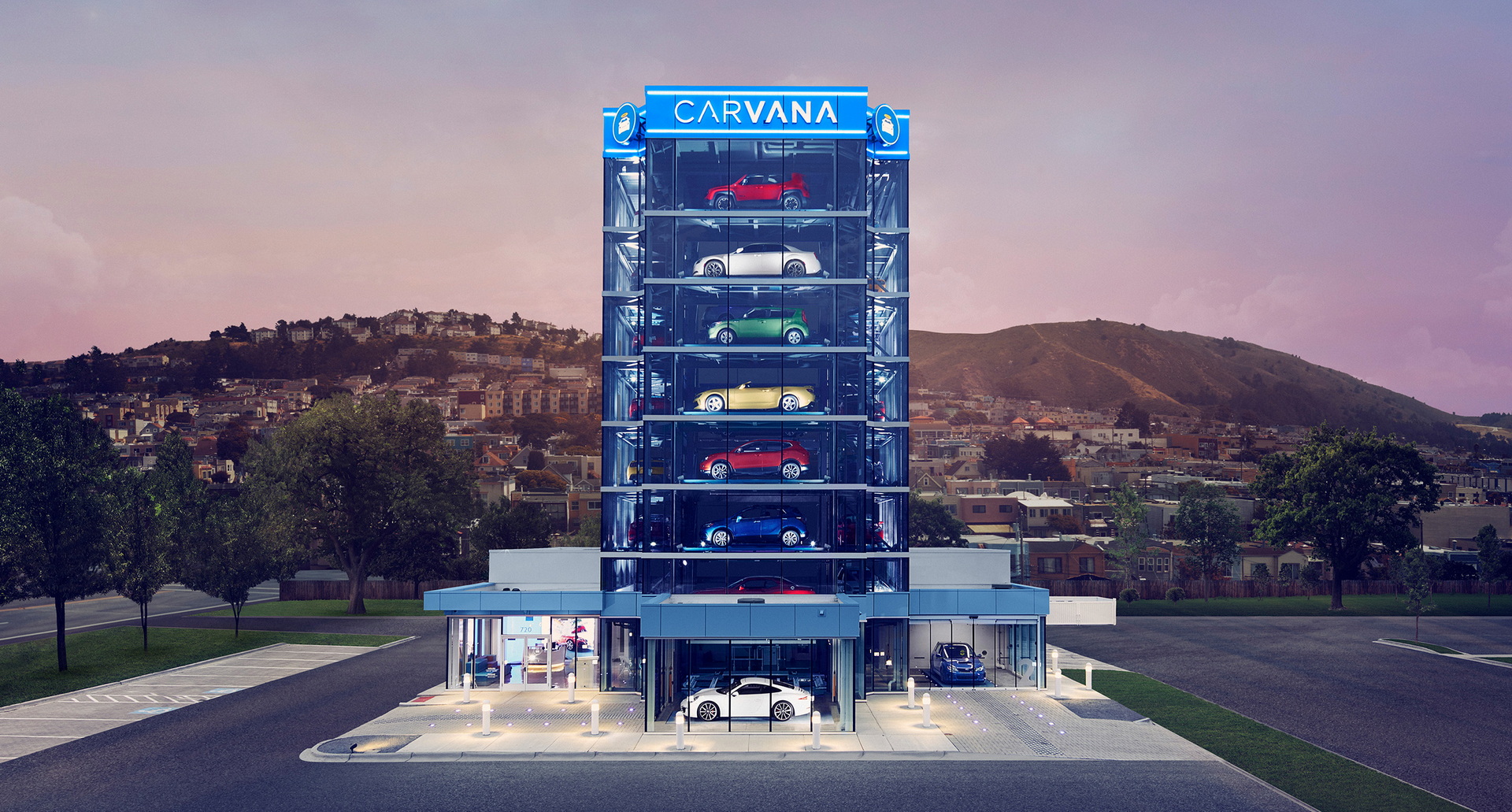
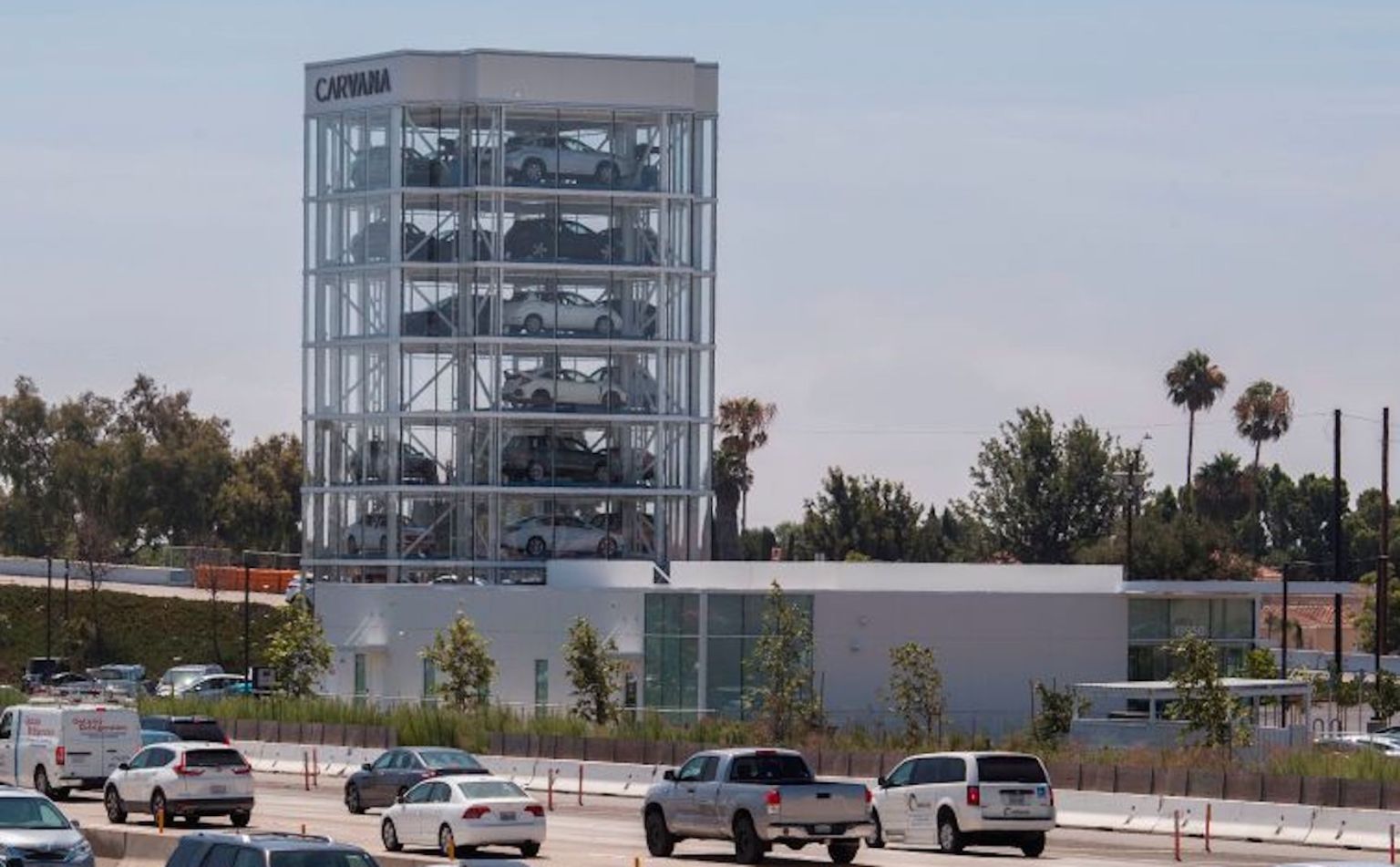
Carvana’s iconic glass towers, known as Car Vending Machines, are primarily delivery hubs. They are not traditional dealerships with open lots for browsing.
- Viewing from the glass: You can certainly drive by a Vending Machine and look at the cars through the glass, but you won't be able to touch them, sit in them, or see the specific car you found online unless you have already started the purchase process for that specific vehicle.
- Scheduled Pickups: If you choose "Vending Machine Pickup" instead of home delivery, your first physical look at the car happens when you arrive for your appointment. Even then, the car is technically yours for the next 7 days, provided you complete the paperwork.
The Delivery Hand-off
If you opt for home delivery, your first opportunity to look at the car in person is when the flatbed truck arrives at your driveway. The delivery advocate will allow you to do a walk-around and a brief "around-the-block" test drive before they leave. This is your chance to ensure the car matches the digital description. If it doesn't, you can refuse the delivery on the spot.
The 7-Day Money-Back Guarantee: The Ultimate Inspection
At Carvana, the real "looking" happens during the first seven days of ownership. Because you cannot perform a traditional test drive before purchase, Carvana treats the first week as an extended inspection period.
Performing Your Own 150-Point Inspection
Once the car is in your driveway, you should not just "look" at it—you should inspect it.
- Mechanical Inspection: The most important action you can take is to bring the car to a trusted, independent mechanic within the first 48 hours. Ask them to perform a "Pre-Purchase Inspection" (PPI), even though you have already technically purchased it. They can look for leaks, suspension wear, or previous repairs that weren't disclosed.
- Functional Testing: Test every button. Open and close every window, run the heater and the AC, test the sunroof, and check the spare tire kit.
- The "Cold Start" Test: Listen to the engine when it starts for the first time in the morning. This is often when timing chain issues or belt squeals are most audible—something you could never "look at" or hear on a website.
Comparison of Viewing Methods
| Feature | Virtual Tour (Online) | In-Person (Delivery/Vending) | Professional PPI (Mechanic) |
|---|---|---|---|
| Availability | 24/7 on Web/App | At Delivery/Appointment | During 7-Day Trial |
| Cost | Free | Included in Purchase | $100 - $200 (Recommended) |
| Cosmetic Detail | High (Hotspots) | High (Real-world lighting) | Moderate |
| Mechanical Depth | Low (History only) | Moderate (Short drive) | High (Diagnostic tools) |
| Interior Smell | None | Immediate | N/A |
Common Mistakes to Avoid When Looking Online
When you are looking at cars at Carvana, it is easy to get caught up in the convenience and miss vital clues. Avoid these common pitfalls:
- Ignoring the Tire Brand: High-quality tires (like Michelin or Bridgestone) often suggest the previous owner didn't cut corners on maintenance. Cheap, "no-name" tires on a luxury vehicle can be a sign of deferred maintenance elsewhere.
- Overlooking Interior Photos: People often focus on the exterior, but the interior is where you spend your time. Zoom in on the roof liner to check for water stains (signs of a sunroof leak) or "smoke" odors which sometimes linger even after professional cleaning.
- Forgetting the "Market Value": While looking at a specific car, always keep a second tab open with a valuation tool like Kelley Blue Book or Edmunds. Ensure the "look" of the car matches its price tag in the 2026 market.
Frequently Asked Questions
Can I see a car at a Carvana lot before I buy it?
No, Carvana does not have traditional browsing lots. All inventory is stored in regional inspection centers that are closed to the public. You must initiate the purchase process online to have a vehicle brought to a Vending Machine or your home for viewing.
How accurate are the "hotspots" for damage?
The hotspots are generally very accurate for noticeable dents and scratches. However, they may not capture every tiny rock chip or swirl mark in the clear coat. Carvana’s policy is to highlight "imperfections that go beyond standard wear and tear."
What happens if I look at the car during delivery and don't like it?
You can reject the vehicle immediately. If there is a delivery fee, you may or may not be refunded that specific portion depending on your location and the reason for rejection, but you are not obligated to keep the car.
Can I look at the car's service records before purchasing?
Yes, the CARFAX report linked on the vehicle detail page provides all reported service history. If a car was serviced at a "shop that doesn't report to CARFAX," those records may be missing, which is a factor to consider during your 7-day trial.
Does Carvana show photos of the actual car or a stock photo?
Carvana always uses photos of the actual vehicle you are purchasing. They use a standardized photo booth (the "Carvana 360" booth) to ensure consistency, but the VIN on the car in the photos will match the VIN of the car delivered to you.
Recommendation for Next Actions
To effectively look at cars at Carvana, your first step should be to download the Carvana mobile app and create an account. Start by setting up a "Saved Search" with your must-have features. Once you find a vehicle that catches your eye, spend at least 15 minutes navigating the 360-degree tour and reviewing the CARFAX report.
If the digital inspection meets your standards, proceed with the "pre-order" or "purchase" to lock the car in. Remember that the true "look" happens during your 7-day money-back guarantee. Schedule a professional inspection with a local mechanic to occur on day two of your ownership. This combination of digital scrutiny and professional physical inspection is the safest way to ensure the car you "looked at" online is the quality vehicle you expect in your driveway.
Image Gallery