Can You Play Fortnite on Xbox One? Complete Setup, Requirements, and Performance Guide
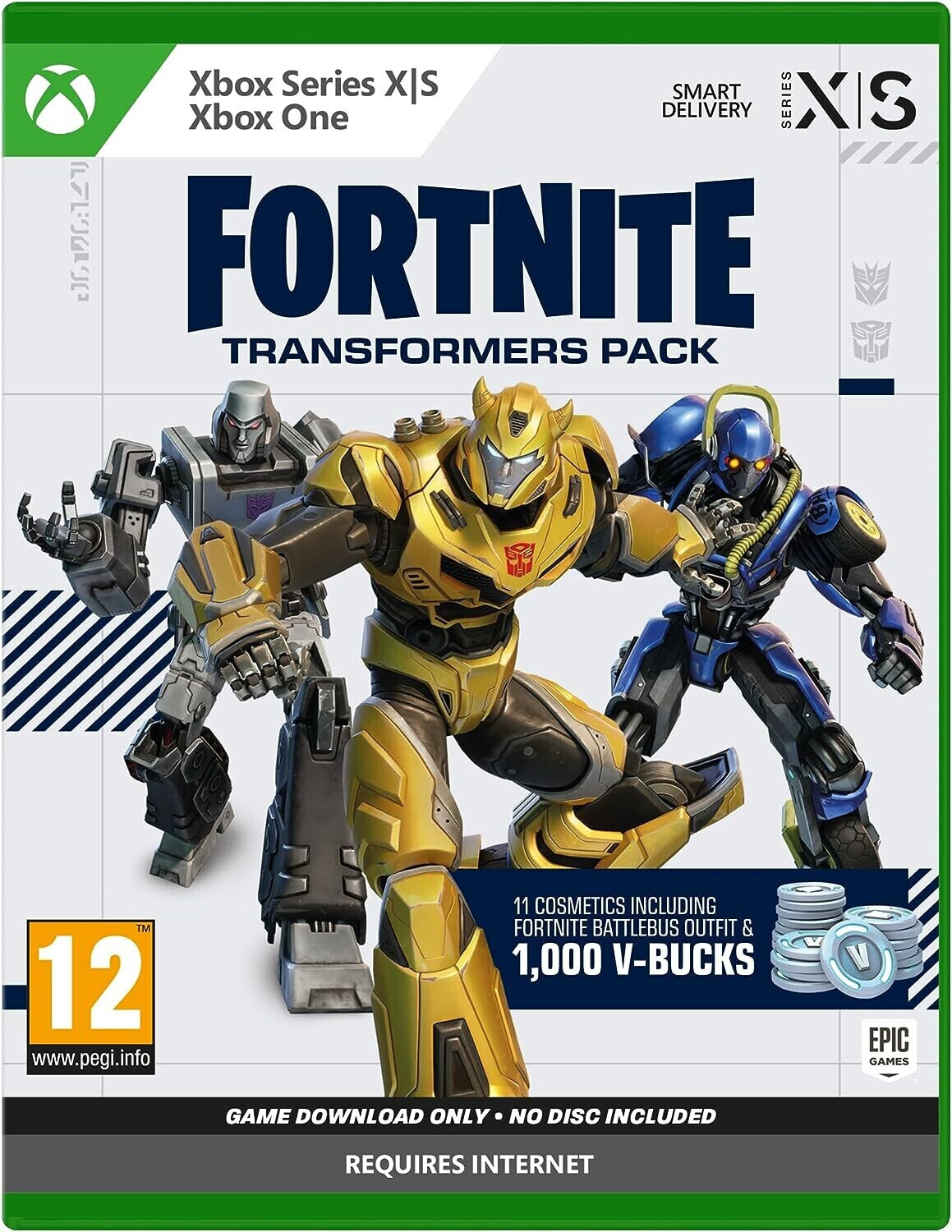
Yes, you can play Fortnite on Xbox One. The game is fully supported on all versions of the console, including the original Xbox One, Xbox One S, and Xbox One X. It is available as a free digital download directly from the Microsoft Sto...
Yes, you can play Fortnite on Xbox One. The game is fully supported on all versions of the console, including the original Xbox One, Xbox One S, and Xbox One X. It is available as a free digital download directly from the Microsoft Store, allowing players to jump into battle royale, zero build, and creative modes without purchasing an initial software license.
Contents
Playing modern multiplayer video games on legacy hardware requires understanding console variations, digital storage constraints, online subscription policies, and performance optimization. While the Xbox One family remains a viable entry point for Epic Games' flagship title, navigating the installation process and understanding hardware limitations ensures a smooth and stable gaming experience.
Understanding Xbox One Hardware Compatibility for Fortnite
The Xbox One console family spans several distinct hardware iterations released over multiple years. Because Epic Games continually updates Fortnite with advanced rendering techniques, physics engines, and graphical enhancements, hardware performance varies significantly depending on which specific model you own.
Original Xbox One vs. Xbox One S vs. Xbox One X
- Original Xbox One (2013): The base model runs Fortnite at a dynamic resolution that often targets 1080p, but frequently scales down during heavy combat to maintain frame rates. Load times are noticeably longer due to the traditional mechanical hard drive.
- Xbox One S: Features the same core processing architecture as the original console with a minor clock speed bump and 4K media playback support. Fortnite performance is nearly identical to the base model, though hardware reliability and thermal management are improved.
- Xbox One X: A mid-generation hardware refresh offering a substantial GPU upgrade and a faster hard drive interface. This console renders Fortnite at a higher native resolution and maintains a more stable visual presentation, though it remains capped by CPU limitations compared to current-generation hardware.
Storage Requirements and Management
Fortnite is a live-service game that expands continuously through seasonal content drops, map changes, and high-resolution asset updates. Consequently, the game occupies a significant footprint on your console's internal storage drive.
- Free Space: Ensure you have at least 30 GB to 40 GB of free storage space available before initiating the download. This leaves a necessary buffer for upcoming patches and seasonal updates.
- Drive Type: While the Xbox One uses internal mechanical hard drives (HDDs), utilizing a high-speed external Solid State Drive (SSD) via USB 3.0 can noticeably decrease map loading times and texture pop-in issues during matches.
Step-by-Step Guide to Downloading and Launching Fortnite on Xbox One
Getting started with Fortnite on your console requires navigating the Xbox dashboard and connecting to your Microsoft account. The process is entirely digital, meaning no physical disc is required.
1. Power On and Connect to the Internet
Turn on your Xbox One and verify that your console is successfully connected to the internet via an Ethernet cable or a stable Wi-Fi network. An active internet connection is mandatory to download the game and participate in online matches.
2. Access the Microsoft Store
Navigate to the Xbox dashboard home screen, scroll down or use the dashboard menu to locate the Store application, and open it. Alternatively, press the Xbox button on your controller, select the search icon, and type "Fortnite."
3. Locate and Download the Game
Type "Fortnite" into the store search bar. Select the official Fortnite application tile published by Epic Games. Click the Get or Install button. The system will add the game to your installation queue, and the download will begin automatically depending on your available bandwidth.
4. Link or Create an Epic Games Account
Upon launching Fortnite for the first time, the game will prompt you to log in or create an Epic Games account. If you already play Fortnite on a PC, mobile device, or PlayStation, linking your existing Epic Games account preserves your cosmetic items, V-Bucks balance, and progression across platforms.
Online Multiplayer Requirements and Costs
One of the most common questions regarding free-to-play titles on Xbox consoles involves subscription requirements. Historically, Microsoft required an active Xbox Live Gold subscription to play any online multiplayer game.
However, Microsoft updated its policy regarding free-to-play multiplayer games. You do not need an Xbox Game Pass Core (formerly Xbox Live Gold) subscription to play Fortnite on Xbox One. Downloading, updating, and playing public matches, ranked modes, and custom games is entirely free of ongoing subscription fees. An active internet connection and a Microsoft account are the only mandatory prerequisites.
| Feature / Requirement | Status for Fortnite on Xbox One |
|---|---|
| Game Purchase Price | Free (Free-to-Play digital download) |
| Xbox Game Pass Core Required? | No (Exempt under Microsoft's free-to-play policy) |
| Minimum Storage Space | ~30 GB to 40 GB recommended |
| Cross-Play Support | Fully supported (Play with PC, PlayStation, Switch, Mobile) |
| Voice Chat Support | Built-in party and game chat via headset |
Optimizing Fortnite Performance on Older Hardware
Because the Xbox One architecture was introduced over a decade ago, hardware bottlenecks can occasionally affect gameplay fluidity. Implementing a few optimization steps helps maintain a responsive experience during intense building battles and fast-paced gunfights.
Adjusting In-Game Video Settings
Fortnite on Xbox One provides limited video setting adjustments compared to the PC version, but certain toggles can improve frame-rate stability:
- Motion Blur: Turn this setting off. Disabling motion blur reduces visual distortion during fast camera movements and makes spotting distant enemies easier.
- 120 FPS Mode: Note that the standard Xbox One, Xbox One S, and Xbox One X do not support 120 FPS output; frame rates are capped at 60 FPS (and frequently target lower thresholds during complex scenes). Ensure your television or monitor settings match your console's maximum output capabilities.
Maintaining Network Stability
Online battle royale games demand consistent data transmission between your console and regional game servers.
- Wired Connection: Whenever possible, use a wired Ethernet cable instead of Wi-Fi to eliminate wireless interference and packet loss.
- Quality of Service (QoS): If other devices on your local network are streaming video or downloading large files while you play, network congestion can cause high latency (lag).
Frequently Asked Questions
Can I play Fortnite on Xbox One with friends on PlayStation or PC?
Yes, Fortnite features full cross-platform play. By linking your Epic Games account and enabling cross-play in your game settings, you can form parties, chat, and matchmake with friends playing on PlayStation 4, PlayStation 5, Xbox Series X/S, Nintendo Switch, PC, and mobile devices.
Do I need to pay money to win in Fortnite?
No, Fortnite is entirely free-to-play. All purchases in the Item Shop—such as outfits, pickaxes, gliders, and emotes—are strictly cosmetic and provide no competitive gameplay advantages. Spending money is optional.
Why is my game lagging or freezing during matches?
Lag or freezing on an Xbox One is typically caused by an unstable internet connection, server congestion, or storage drive bottlenecks. Verify your internet speed, restart your console to clear the system cache, and ensure the game is installed on a healthy drive.
Can I use a keyboard and mouse on Xbox One for Fortnite?
Yes, the Xbox One version of Fortnite natively supports USB keyboards and mice. Simply plug a compatible keyboard and mouse into your console's USB ports, and the game will automatically recognize the peripherals, shifting your matchmaking pool accordingly if necessary.
Conclusion and Next Actions
Playing Fortnite on Xbox One is straightforward, entirely free, and requires no paid online subscription. To get started today, turn on your console, open the Microsoft Store, download the application, and sign into your Epic Games account. For the best possible performance, consider utilizing a wired internet connection and keeping your console's internal storage organized to accommodate regular seasonal updates.
Image Gallery