Selecting and Deploying Supermicro Rackmount Servers for Enterprise Infrastructure
Supermicro rackmount servers provide high-density, modular computing power for enterprise data centers, AI workloads, and cloud infrastructure. By leveraging a building-block architecture, these systems allow IT administrators to custo...
Supermicro rackmount servers provide high-density, modular computing power for enterprise data centers, AI workloads, and cloud infrastructure. By leveraging a building-block architecture, these systems allow IT administrators to customize CPU, GPU, storage, and networking configurations to meet specific performance requirements while maintaining standardized, space-efficient form factors within industrial-standard server racks.
Contents
The Architecture of Supermicro Rackmount Servers
Supermicro distinguishes its server lineup through a "Building Block Solutions" approach. Unlike monolithic server vendors that often mandate rigid, pre-configured hardware tiers, Supermicro designs its rackmount chassis to be vendor-agnostic in terms of internal modularity. This means the same 1U, 2U, or 4U chassis can often support various motherboard configurations, power supply units (PSUs), and cooling modules.
For the IT administrator, this offers two primary advantages: longevity and serviceability. When a component fails, you replace the specific module rather than the entire server node. Furthermore, as compute requirements evolve, you can upgrade the processor or memory density while retaining the existing chassis, cabling, and rack infrastructure. This modularity is a foundational element in high-performance computing (HPC) environments where standardizing on a specific chassis footprint simplifies thermal management and rack-unit (U) planning.
Core Form Factors and Use Cases
Understanding the physical footprint of these servers is critical for data center capacity planning. Supermicro categorizes its systems by Rack Unit (U) height, which dictates both power density and expansion capability.
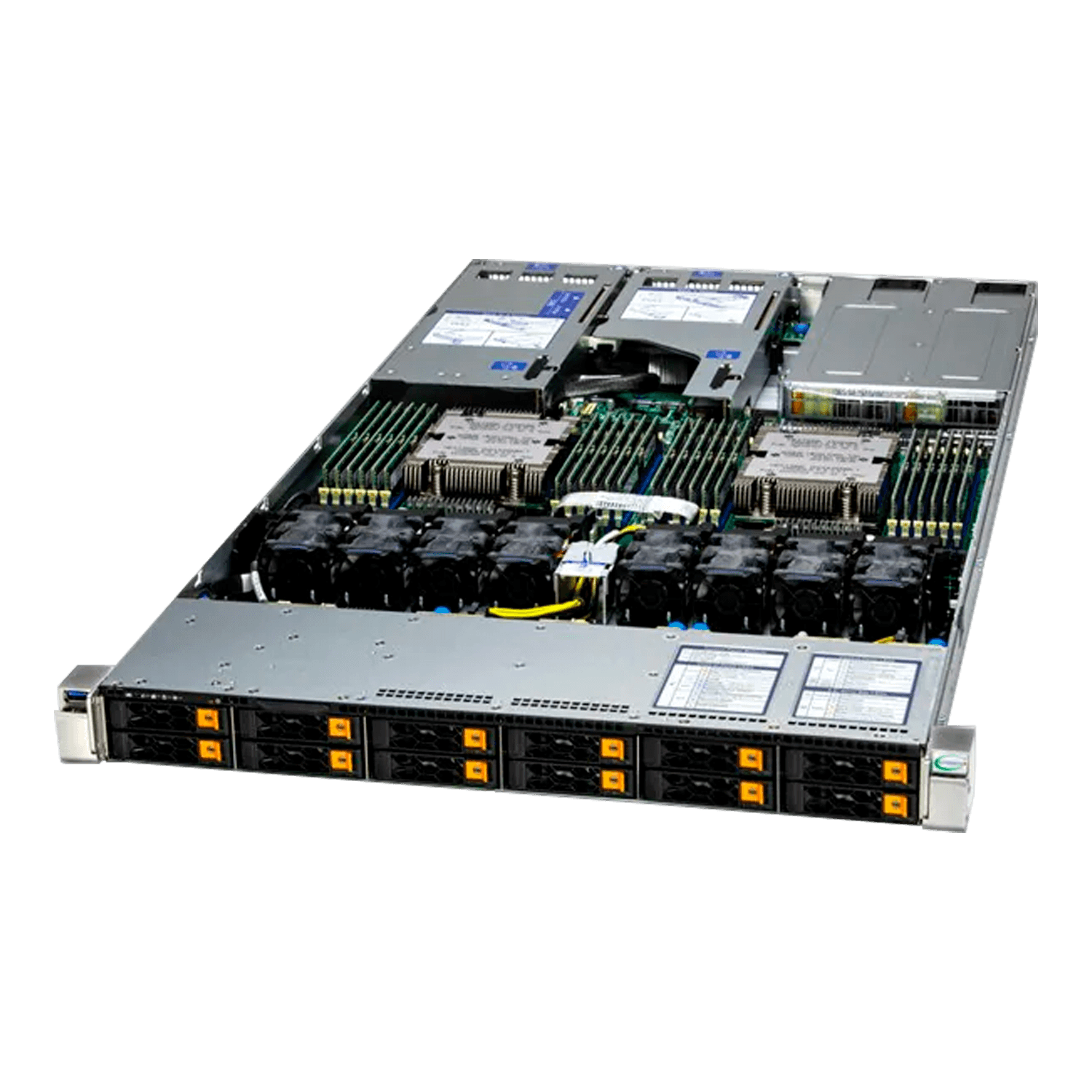
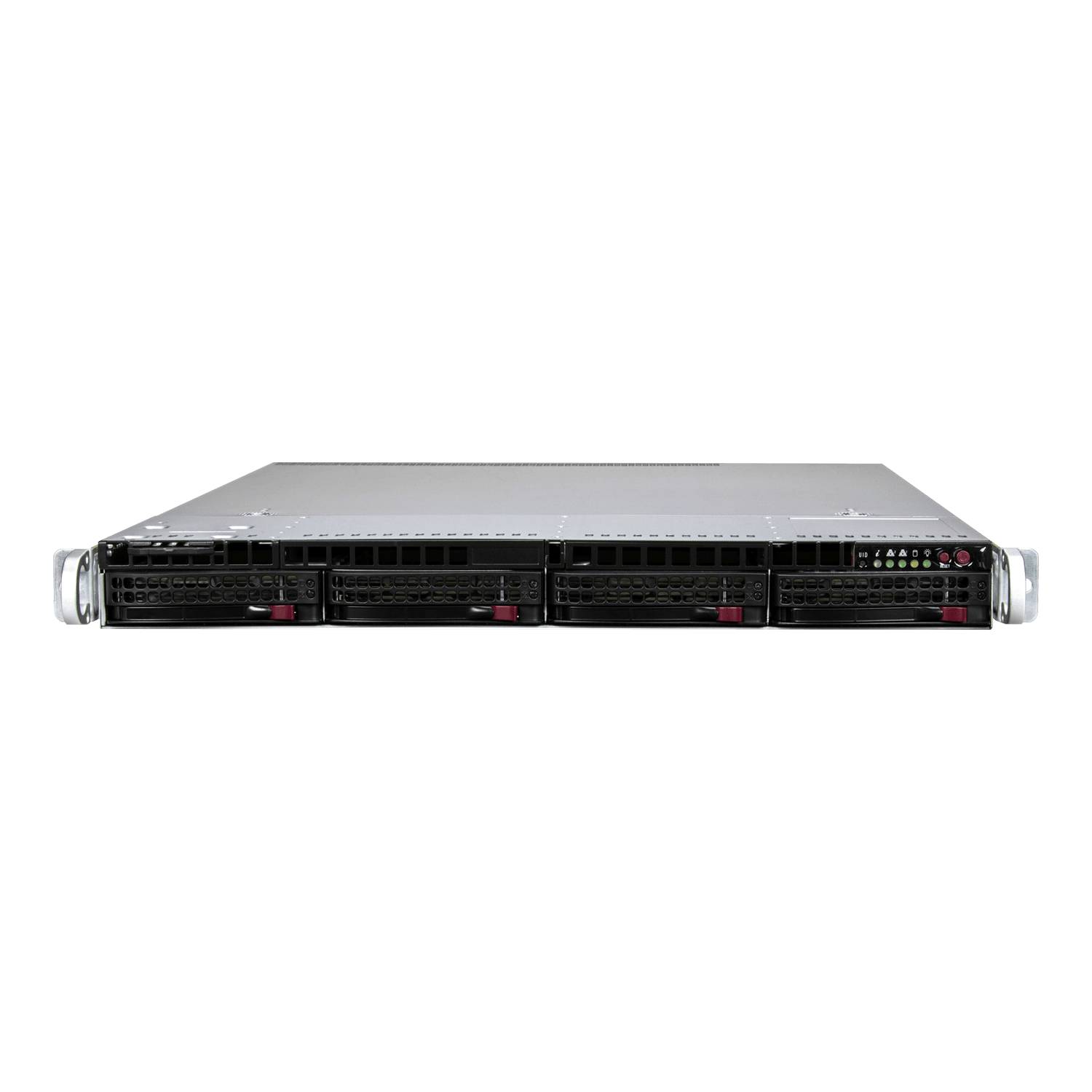
1U Rackmount Servers
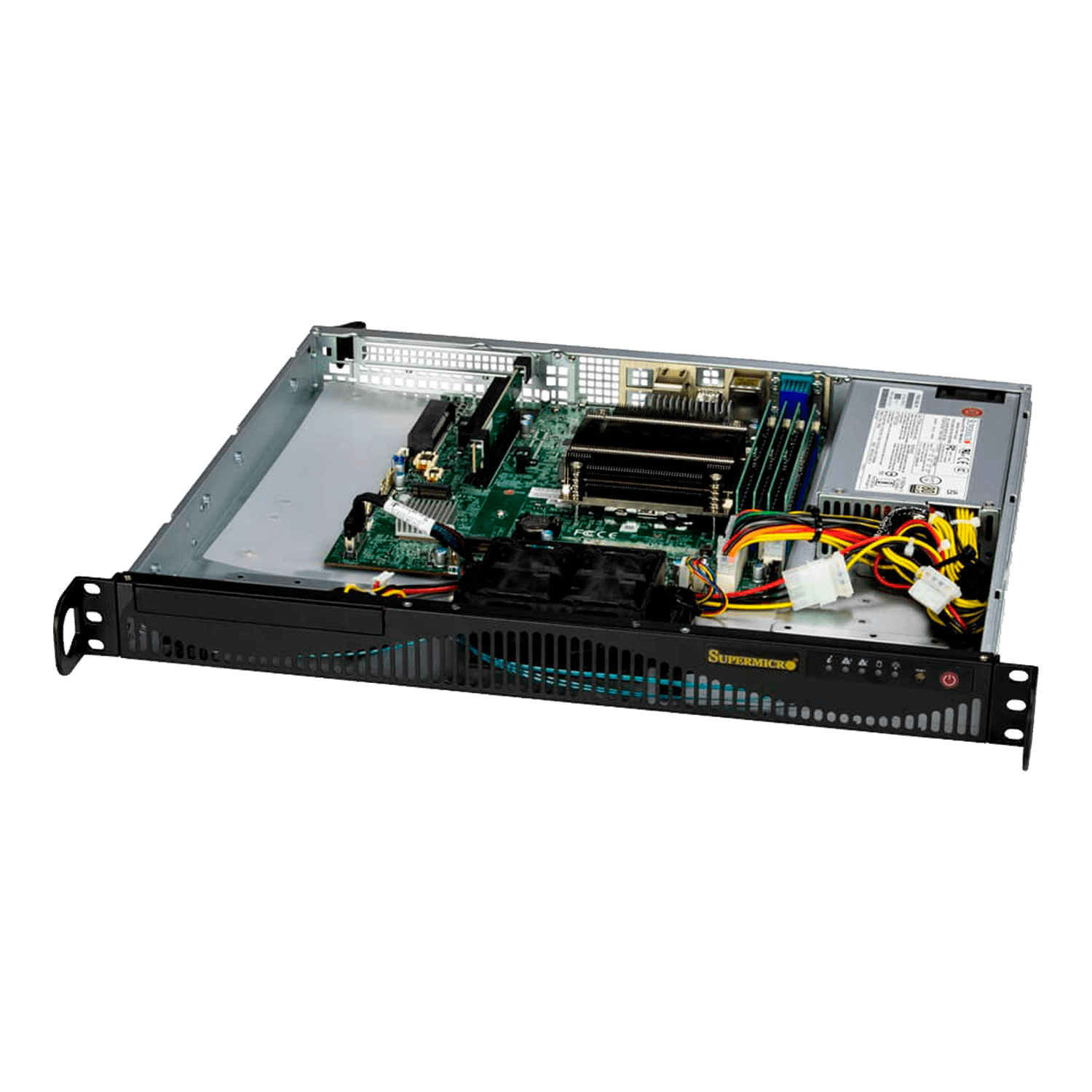
Designed for high-density environments, 1U servers are the workhorses of web hosting, virtualization, and front-end networking. Because of their limited vertical space, 1U units prioritize throughput and cooling efficiency. They are ideal for applications where horizontal scaling (adding more nodes) is preferred over vertical scaling (making a single node more powerful).
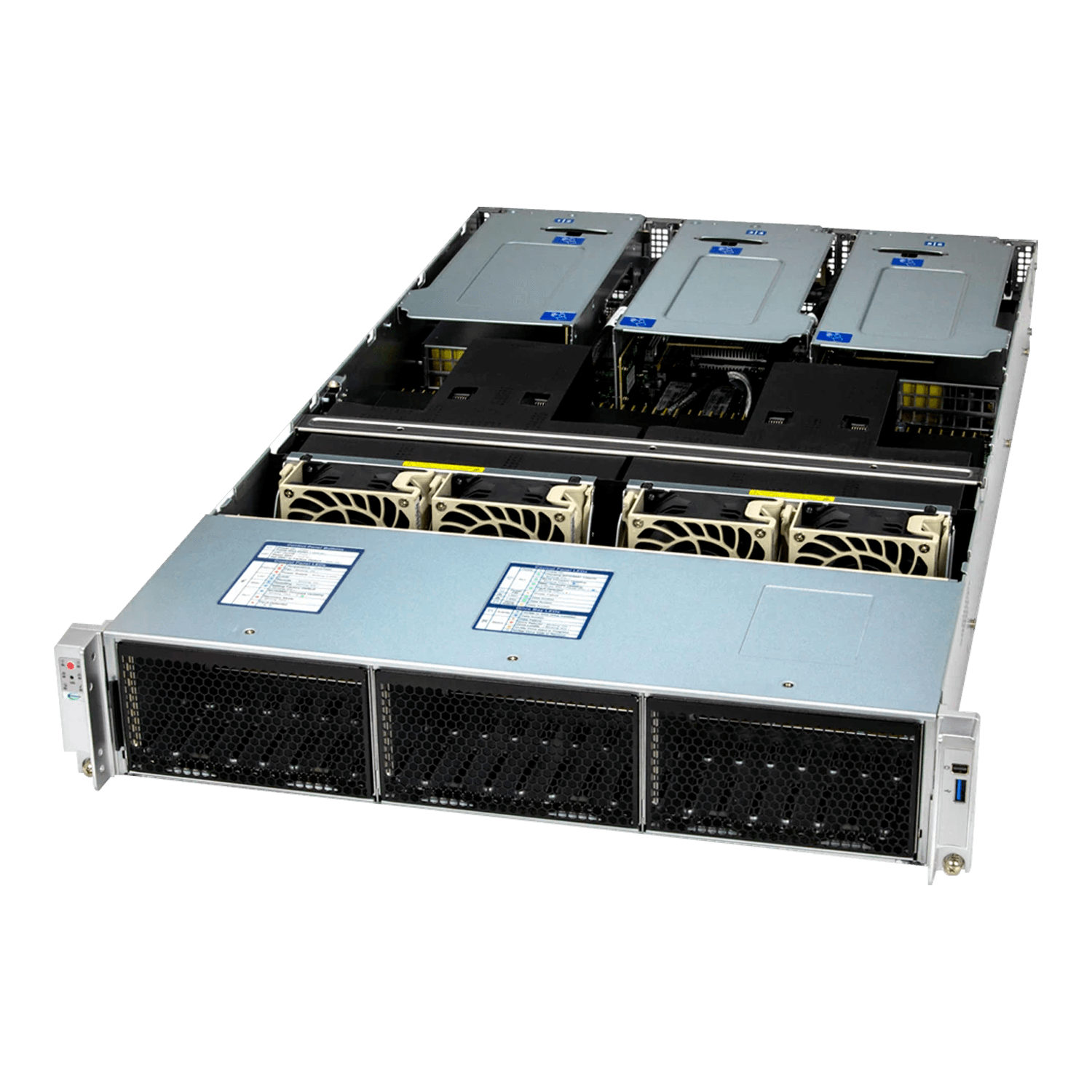
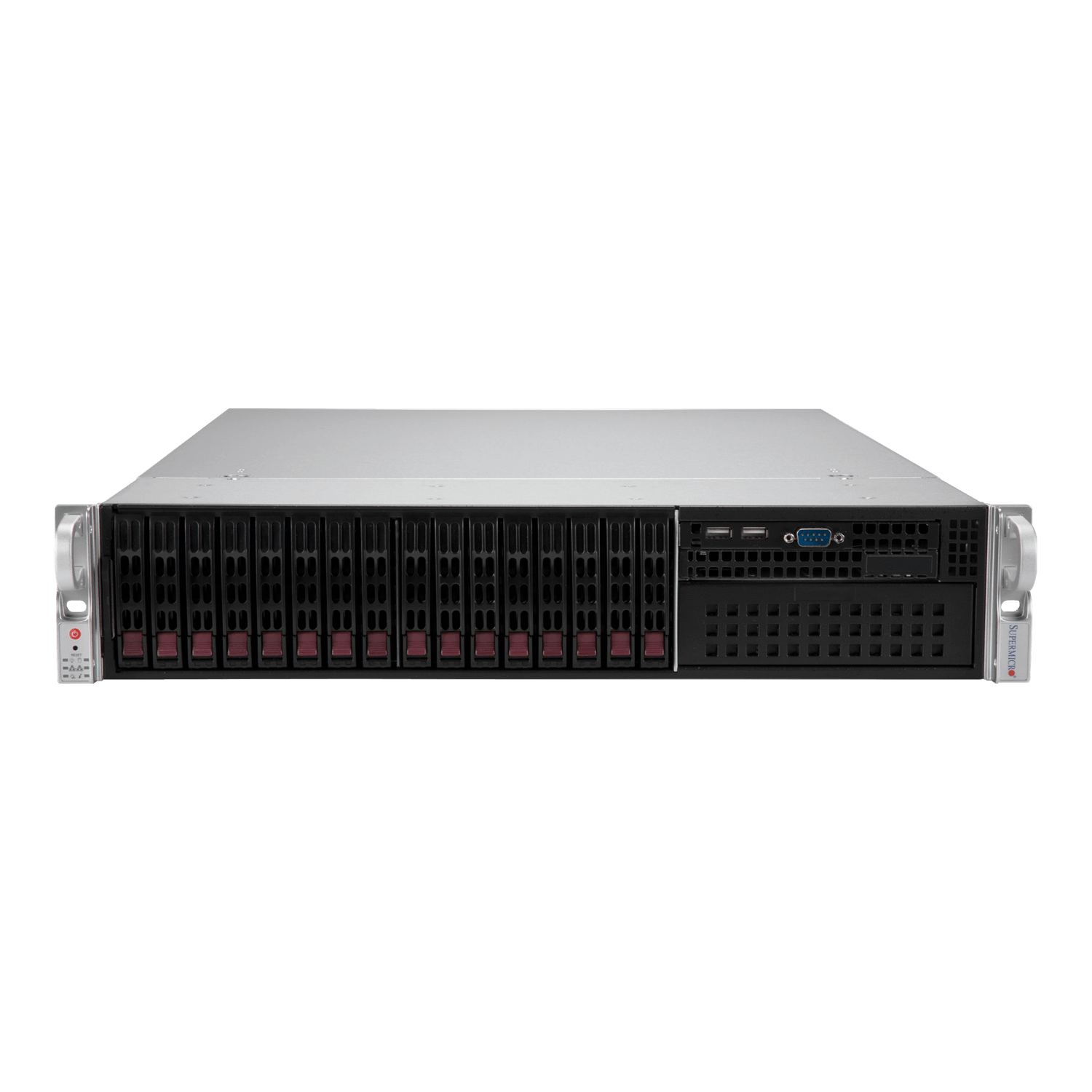
2U Rackmount Servers
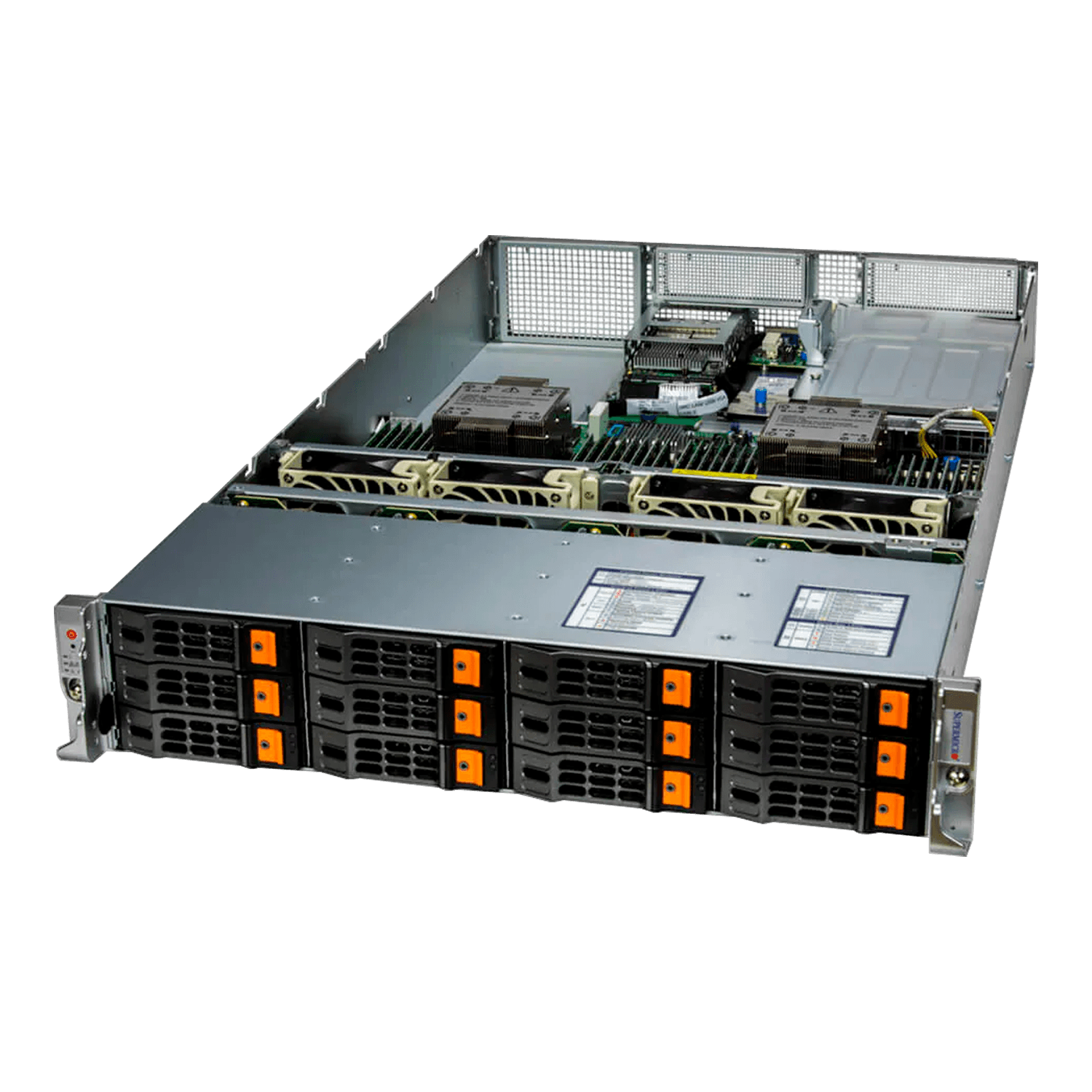
The 2U form factor is arguably the most versatile in the Supermicro ecosystem. It provides the necessary internal volume for advanced cooling solutions and significant peripheral expansion, such as multi-GPU support or high-capacity NVMe storage arrays. These units are commonly deployed for database management, mid-tier enterprise applications, and storage-heavy workloads.
4U and Tower-Convertible Servers
For mission-critical tasks requiring maximum expansion, such as AI model training, large-scale deep learning, or enterprise-grade storage expansion (JBODs), 4U servers offer the physical volume required for massive GPU arrays and redundant hot-swappable components. Many of these units are also designed to be convertible to tower configurations for office or lab environments where a traditional server rack may not be available.
Comparison of Server Segments
| Server Segment | Primary Focus | Ideal Workload | Expansion Slots |
|---|---|---|---|
| SuperServer (General) | Balance/Versatility | Virtualization, Web, Enterprise | Moderate |
| GPU-Optimized | Compute Density | AI/ML, Rendering, VDI | High (Multiple GPUs) |
| Ultra Series | Performance | High-Frequency Trading, ERP | Extreme |
| BigTwin | Multi-node Density | Hyper-converged Infrastructure | High (per node) |
Key Technical Considerations for Procurement
When procuring Supermicro hardware in 2026, the decision-making process must move beyond simple CPU core counts. Modern infrastructure requires a holistic view of the "thermal and power envelope."
Thermal Management and Airflow
Supermicro chassis are engineered with specific airflow paths. When selecting a server, ensure that the intake and exhaust requirements match your data center’s hot-aisle/cold-aisle containment strategy. Higher-density GPU servers generate significantly more heat than standard compute nodes; verify that your rack’s power distribution units (PDUs) can handle the amperage and that your HVAC infrastructure can manage the localized heat dissipation.
Power Supply Redundancy
Most Supermicro rackmount systems ship with dual-redundant, hot-swappable power supplies. In enterprise environments, it is imperative that these are connected to independent power circuits (e.g., A/B power feeds). During the configuration phase, ensure you are selecting titanium or platinum-rated power supplies to minimize energy waste, which significantly impacts operational expenditure (OPEX) in large deployments.
Remote Management (IPMI)
Supermicro servers include the Intelligent Platform Management Interface (IPMI). This is a critical out-of-band management tool that allows administrators to monitor the health of the server, perform power cycles, and access the console remotely, even if the primary operating system is unresponsive. Ensure your networking team has secured the IPMI dedicated ports, as they represent a potential entry point if left on an unsecured public network.
Common Challenges and Troubleshooting
Despite the reliability of these systems, administrators often face common hurdles during deployment and operation.
- Firmware Version Mismatch: Supermicro frequently updates BIOS/UEFI and IPMI firmware to address security vulnerabilities and improve memory compatibility. Always audit your hardware against the latest release notes on the official support portal upon arrival.
- Memory Channel Balancing: Performance degradation often occurs when DIMM slots are populated incorrectly. Supermicro motherboards follow strict population rules for balanced memory access. Consult the specific motherboard manual for your chassis; populating channels out of sequence can disable multi-channel memory support, leading to significant latency.
- Cable Management: High-density configurations can lead to "cable soup" if not managed properly. Utilize the integrated tie-down points within the chassis and opt for custom-length cables to maintain optimal airflow. Airflow obstruction is the leading cause of premature component failure in high-density 1U and 2U rackmounts.
Frequently Asked Questions
Are Supermicro servers compatible with all standard data center racks? Yes, they are designed to fit within standard 19-inch EIA rack enclosures. However, always verify the "depth" of the chassis. Some high-performance GPU servers are deeper than standard 1U compute nodes and may require deeper rack cabinets to accommodate the server and rear-mounted cabling.
How do I verify the authenticity of a Supermicro server? Always purchase through authorized distributors or direct OEM channels. Each server includes a serial number that can be verified via the Supermicro support portal. Avoid secondary-market units that lack verified provenance, as they may contain non-genuine power supplies or modified motherboards.
What is the benefit of the BigTwin series over standard servers? The BigTwin architecture packs multiple independent server nodes into a single 2U chassis. This allows for significantly higher compute density and shared power/cooling resources, reducing the total footprint compared to an equivalent number of individual 1U servers.
Can I mix and match components from different Supermicro models? While many parts are modular, you must check the Compatibility Matrix provided by the manufacturer. Motherboards, backplanes, and risers are often chassis-specific. Do not attempt to force components into a chassis that is not explicitly validated for them, as this can cause physical damage or power-distribution faults.
Next Steps for Deployment
To begin your deployment, first audit your workload requirements, specifically focusing on the ratio of compute, storage, and I/O throughput. Once the requirements are defined, use the Supermicro online configurator to build a bill of materials that includes the chassis, motherboard, and necessary risers. Confirm with your facility manager that the rack space, power amperage, and cooling capacity are sufficient for the proposed load. If you are handling sensitive data, ensure that you have a plan for securing the IPMI interface and establishing a dedicated management network segment before bringing the units online.
Image Gallery