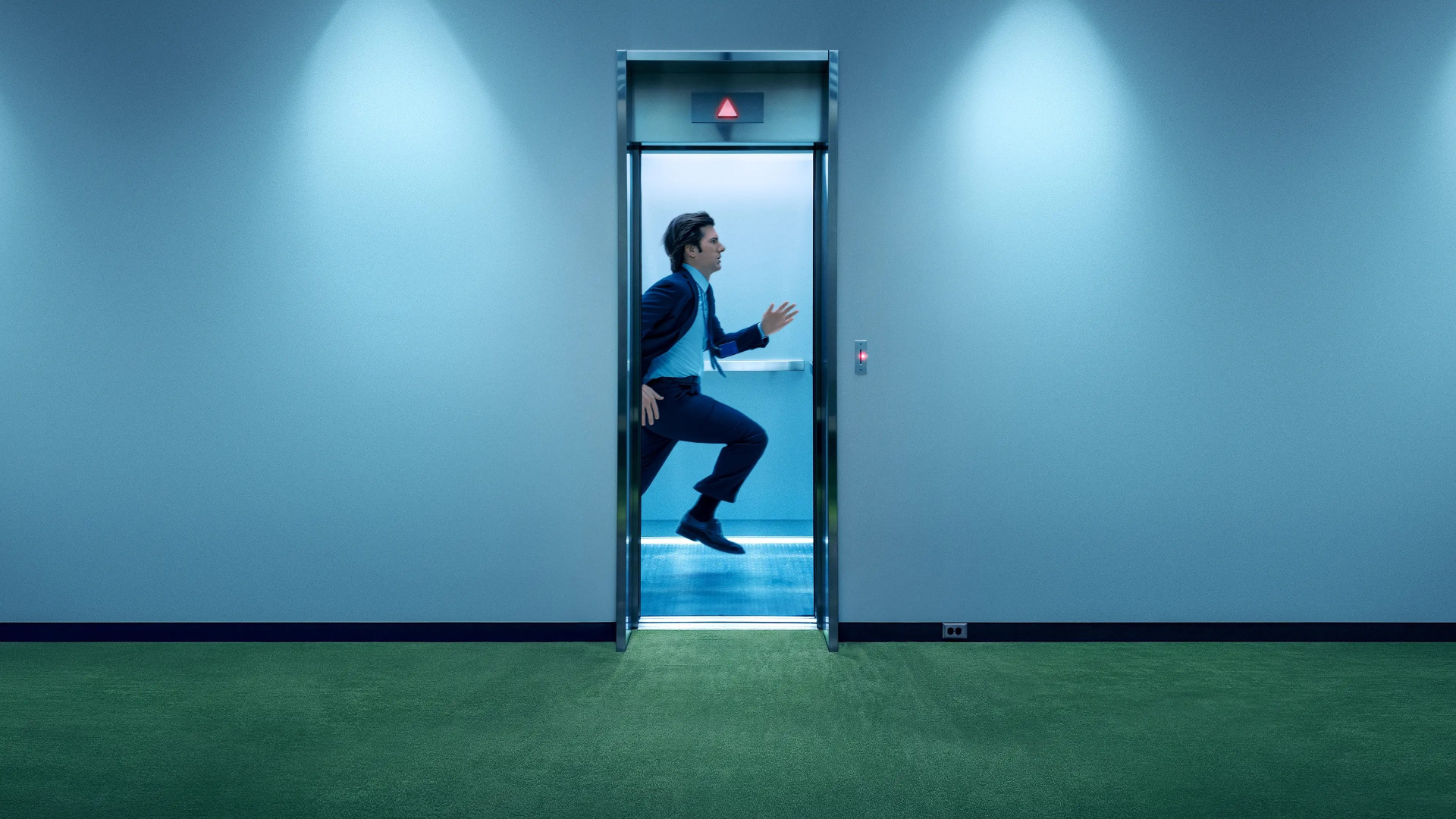
Where Does Severance Stream? How to Watch the Sci-Fi Thriller Series
Severance streams exclusively on Apple TV+. As an official Apple Original series, every episode of the critically acclaimed psychological thriller is available on demand through the Apple TV app across compatible smart TVs, streaming m...
Severance streams exclusively on Apple TV+. As an official Apple Original series, every episode of the critically acclaimed psychological thriller is available on demand through the Apple TV app across compatible smart TVs, streaming media players, mobile devices, gaming consoles, and web browsers worldwide. It is not available on Netflix, Hulu, Amazon Prime Video, or traditional linear cable TV.
Contents
The Exclusive Home of Severance: Apple TV+
To watch Severance, you must access it through Apple TV+, the subscription streaming service operated by Apple Inc. The show is an in-house original production produced by Red Hour Productions and Fifth Season for Apple. Because Apple holds global distribution rights to the series, Severance does not rotate through third-party streaming libraries or license its subscription rights to competitor platforms.
Whether you are starting the series for the first time or rewatching the mysteries of Lumon Industries, Apple TV+ hosts all released seasons in full resolution with complete audio options.
Is Severance Available on Other Streaming Services?
A common point of confusion for viewers is whether Apple Original shows eventually migrate to broader platforms like Netflix, HBO Max (Max), or Hulu.
- Netflix: No. Severance is not on Netflix in any region.
- Amazon Prime Video: Not included with Prime. However, users on certain streaming hardware can access the Apple TV app or subscribe to Apple TV+ via Prime Video Channels in supported regions.
- Hulu / Disney+: No. Severance is not available through Disney’s streaming packages.
- Cable and Satellite TV: The show does not broadcast on traditional cable channels or pay-per-view television network schedules.
While some physical media releases (such as Blu-ray or DVD editions) or digital store purchases may exist in select territories for home video collections, subscription-based video-on-demand (SVOD) access remains strictly isolated to Apple TV+.
How to Access Apple TV+ Across Different Devices
You do not need an Apple device—such as an iPhone, iPad, or Mac—to stream Severance. Apple has made the Apple TV app available across a wide ecosystem of third-party hardware, ensuring that non-Apple users can easily set up an account and watch the show on their primary home television or desktop screen.
Supported Devices and Operating Systems
- Smart TVs: Native Apple TV applications are pre-installed or available for download on major smart TV operating systems, including Samsung Tizen, LG webOS, Sony Google TV/Android TV, Vizio SmartCast, and Hisense TV models.
- Streaming Media Players: You can install the Apple TV app on Roku devices (Roku Express, Streaming Stick, Ultra, and Roku TVs), Amazon Fire TV products (Fire Stick, Cube, and Fire Edition TVs), and Chromecast with Google TV.
- Gaming Consoles: The Apple TV app is free to download from the PlayStation Store (PS4 and PS5) and the Microsoft Store for Xbox (Xbox One, Xbox Series X, and Xbox Series S).
- Apple Hardware: Apple TV 4K boxes, iPhones, iPads, and Mac computers feature integrated system support for the app, supporting native hardware playback optimization.
- Web Browsers: If you do not wish to install an application, you can stream Severance directly inside any standard web browser on Windows, ChromeOS, or Linux by navigating to tv.apple.com.
Step-by-Step Setup Instructions
Setting up access to stream Severance takes only a few minutes regardless of your chosen hardware:
- Step 1: Download or Launch the App. Open the Apple TV app on your device, or navigate to the web portal on your computer.
- Step 2: Create or Sign In with an Apple ID. To stream content, you must log in using an Apple ID. If you already use an Apple service (such as iCloud, iTunes, or Apple Music), sign in with those credentials. If you do not have an account, select the option to register a new Apple ID. You can register an account using any valid email address, including Gmail, Outlook, or Yahoo addresses.
- Step 3: Start a Subscription or Free Trial. Confirm your payment details to start a standard standalone Apple TV+ subscription or initiate an eligible free trial.
- Step 4: Search for Severance. Use the search icon within the application interface to type in "Severance." Select the series poster, choose Season 1, Episode 1 ("Good News About Hell"), and press play.
Subscription Plans, Costs, and Free Trial Options
Accessing Apple TV+ requires an active paid subscription or a qualifying trial period. Apple offers several pathways to access its streaming library, ranging from direct monthly plans to combined service bundles.
| Feature | Details |
|---|---|
| Platform Exclusivity | Exclusive to Apple TV+ worldwide |
| Device Support | Smart TVs, Streaming Sticks, Gaming Consoles, Mobile, Web |
| Standard Free Trial | 7 Days (for new subscribers) |
| Hardware Purchase Promotion | 3 Months Free (with qualifying Apple device) |
| Bundle Options | Apple One (Individual, Family, Premier) |
| Playback Features | 4K UHD, HDR10, Dolby Vision, Dolby Atmos, Offline Downloads |
Standard Monthly Subscription
A direct standalone subscription to Apple TV+ provides unlimited, ad-free streaming for all episodes of Severance alongside the rest of Apple’s original film and television catalog. Subscriptions automatically renew monthly until canceled, and account holders can share access with up to five family members using Apple’s Family Sharing feature.
Free Trial Pathways
If you only wish to stream Severance without committing to a long-term subscription, several free trial offers are routinely available:
- Standard New User Trial: Apple typically provides a 7-day free trial for first-time account sign-ups directly through the Apple TV app or website.
- New Hardware Purchase: Purchasing an eligible new iPhone, iPad, Mac, or Apple TV device often includes an offer for three months of free Apple TV+ access. This promotion must be claimed within 90 days of setting up the new hardware.
- Apple One Bundles: If you subscribe to multiple Apple services—such as Apple Music, Apple Arcade, and iCloud storage—the Apple One bundle integrates Apple TV+ into a single discounted monthly bill. Apple One plans also frequently offer a one-month free trial for new users.
- Carrier and Partner Promotions: Mobile network providers, electronics retailers, and credit card issuers frequently distribute promotional redemption codes providing between one and three months of complimentary Apple TV+ access to new or returning subscribers.
To manage or cancel your active subscription to prevent automatic billing after watching the show, navigate to your account settings within the Apple TV app or manage subscriptions directly through your Apple ID profile settings at support.apple.com.
Platform Technical Specifications & Playback Features
Streaming Severance on Apple TV+ grants access to top-tier audio and video output standards. The production design and visual styling of Lumon Industries' minimalist office spaces, as well as the show’s eerie soundscapes, benefit significantly from high-bitrate playback.
Video Quality: 4K UHD & Dolby Vision
Apple TV+ streams Severance natively in 4K Ultra HD resolution (3840 x 2160 pixels). The platform dynamically adjusts bitrates depending on your network bandwidth. The series also supports high dynamic range (HDR) formatting via Dolby Vision and HDR10. High dynamic range enhances color depth and contrast, making the clinical whites of the severed floor and the stark outdoor winter environments visually crisp on supported displays.
Audio Options: Dolby Atmos
For home theater setups, soundbars, or compatible headphones, Severance includes a multichannel Dolby Atmos spatial audio track. This object-based sound profile highlights subtle audio details, such as fluorescent light hums, distant office echoes, and Theodore Shapiro’s haunting musical score. Standard 5.1 surround sound and stereo mixes are automatically delivered to hardware without Atmos support.
Offline Downloading for Mobile Devices
If you plan to watch Severance while traveling or without a reliable internet connection, the Apple TV app on iOS, iPadOS, and macOS permits offline video downloads.
- Open the app on your mobile device or Mac.
- Navigate to the Severance series page.
- Tap or click the download icon (a cloud with a downward arrow) next to individual episodes.
- Downloaded episodes store directly to your device storage and can be watched off-grid without requiring cellular data or Wi-Fi.
Detailed Comparison: Apple TV+ vs. Alternative Media Options
While Apple TV+ is the primary location for viewing Severance, understanding how it compares to standard video platforms clarifies your viewing options.
| Streaming Platform / Format | Severance Availability | Resolution & Audio | Subscription / Purchase Required | Offline Download Support |
|---|---|---|---|---|
| Apple TV+ | Yes (Exclusive) | 4K UHD, Dolby Vision, Dolby Atmos | Yes (Monthly fee or Apple One) | Yes (iOS, iPadOS, macOS app) |
| Netflix | No | N/A | N/A | No |
| Amazon Prime Video | No (Except via Apple TV Channel) | Varies by Channel integration | Requires Apple TV+ add-on | Yes (via Prime app if subscribed) |
| Hulu / Max | No | N/A | N/A | No |
| Digital Purchase (iTunes/VUDU) | Limited (Select Regions) | Up to 4K UHD | Pay per Season / Episode | Yes (Platform dependent) |
| Physical Media (Blu-ray / DVD) | Limited Collector Editions | 1080p / 4K UHD | One-time physical disc purchase | N/A (Physical disc media) |
Troubleshooting Common Playback and Access Issues
If you encounter technical issues attempting to stream Severance on your television or mobile screen, work through these troubleshooting steps:
1. "Content Unavailable" or Geo-Restriction Errors
Apple TV+ is available in over 100 countries. However, if you travel internationally or use virtual private network (VPN) tools, you may run into location verification issues. Disconnect active VPN connections to allow the Apple TV app to authenticate your account against your home store location.
2. Low Video Resolution or Buffering
4K UHD streaming with Dolby Vision demands substantial internet bandwidth (recommended minimum speed of 25 Mbps per stream). If Severance appears blurry or stutters:
- Check if your internet connection meets speed requirements.
- Restart your home router and streaming hardware.
- On smart TVs, clear the Apple TV app cache or reinstall the application.
- Switch from Wi-Fi to a wired Ethernet connection if your TV or media player supports it.
3. Audio Signatures and Dialogue Clarity
If the dialogue sounds muffled relative to background sound effects, your playback device may be attempting to output a 5.1 or Dolby Atmos channel configuration to a standard two-channel stereo TV built-in speaker. Go to the audio playback settings on your device or within the Apple TV app, and manually set the output to Stereo or enable Enhance Dialogue if using Apple TV hardware.
Frequently Asked Questions
Can I stream Severance for free legally?
Yes, you can stream Severance for free by taking advantage of a 7-day free trial of Apple TV+ for new subscribers, or a 3-month trial provided with the purchase of an eligible new Apple device. Be sure to complete your viewing before the trial period ends to avoid incurring recurring subscription charges.
Is Severance available on DVD or Blu-ray?
Select physical media releases, including Blu-ray sets, have been manufactured in limited capacity through specialized media distributors for home video collectors. However, availability varies by retailer, and physical copies do not include extra digital streaming rights outside of the disc itself.
How many seasons of Severance are on Apple TV+?
All released seasons of Severance are hosted exclusively on Apple TV+. The show premiered its first season in early 2022, followed by subsequent season releases directly on the platform. All episodes remain permanently accessible in the Apple TV+ library.
Do I need an Apple TV hardware box to watch the show?
No. You do not need the physical Apple TV 4K streaming box. The Apple TV software app runs natively on many non-Apple platforms, including Smart TVs from Samsung, LG, and Sony, as well as Amazon Fire TV sticks, Roku devices, PlayStation, Xbox, and web browsers.
Can I buy individual episodes of Severance on Amazon or Google Play?
In most major markets, Apple Original series are kept exclusively within the Apple ecosystem to drive subscription value. Severance is generally unavailable for individual digital episode purchases on competitive storefronts like Google TV or Amazon's video store, requiring an active Apple TV+ channel or service access.
Summary & Next Actions
To stream Severance, subscribe to Apple TV+ or sign up for an eligible free trial using your Apple ID. Download the Apple TV app onto your preferred smart TV, streaming stick, or gaming console, or open a web browser to watch online at tv.apple.com. Once logged in, search for Severance to stream the entire series in full 4K HDR resolution.
Image Gallery