How to Make a New Nintendo Account in 2026
Creating a new Nintendo Account is the essential first step to access the Nintendo eShop, play online multiplayer, manage digital game purchases, and link your profile to a Nintendo Switch or smart device app. Whether you are setting u...
Creating a new Nintendo Account is the essential first step to access the Nintendo eShop, play online multiplayer, manage digital game purchases, and link your profile to a Nintendo Switch or smart device app. Whether you are setting up a profile for an adult or a child, the process requires an active email address and a stable web browser or console interface.
Contents
Understanding Nintendo Account Prerequisites and Core Concepts
Before diving into the creation process, it helps to understand what a Nintendo Account is and what you need to have ready. A Nintendo Account is distinct from a local user profile on your Nintendo Switch console, though they must be linked together to unlock online features.
Unlike local profiles that only exist on a single piece of hardware, a Nintendo Account lives in the cloud. This allows you to back up save data via Nintendo Switch Online, sync purchase histories across multiple consoles, and earn My Nintendo gold points.
Account Hierarchy Note: Nintendo structures accounts based on age. Users aged 13 and older can create independent standard accounts. Children aged 12 and under cannot have standalone accounts; instead, they must be added as supervised child accounts under a parent or guardian's adult Nintendo Account family group.
Essential Checklist Before You Start
- A valid, accessible email address that is not already tied to an existing Nintendo Account.
- A device with internet access (smartphone, tablet, PC, or your Nintendo Switch console).
- Your date of birth, which determines age-tier restrictions and eShop content visibility.
- A secure password meeting Nintendo's complexity requirements (at least 8 characters, combining letters, numbers, and symbols).
Step-by-Step Guide to Making a New Nintendo Account
The registration process takes less than five minutes when you follow the official workflow. You can register via the official Nintendo website or directly through a Nintendo Switch console interface.
Method 1: Creating an Account via Web Browser (Recommended)
- Navigate to the official Nintendo Account website using any standard web browser.
- Click on the option to Sign Up / Create a Nintendo Account.
- Select the appropriate age category. For users 13 and older, select the standard account option.
- Fill in the required registration fields, including your nickname, email address, password, country or region of residence, time zone, and date of birth.
- Click Submit to finalize the initial form. Nintendo will immediately send a verification code to the email address you provided.
- Retrieve the 4-digit verification code from your inbox and enter it on the website to activate your account.
Method 2: Creating an Account Directly on Nintendo Switch
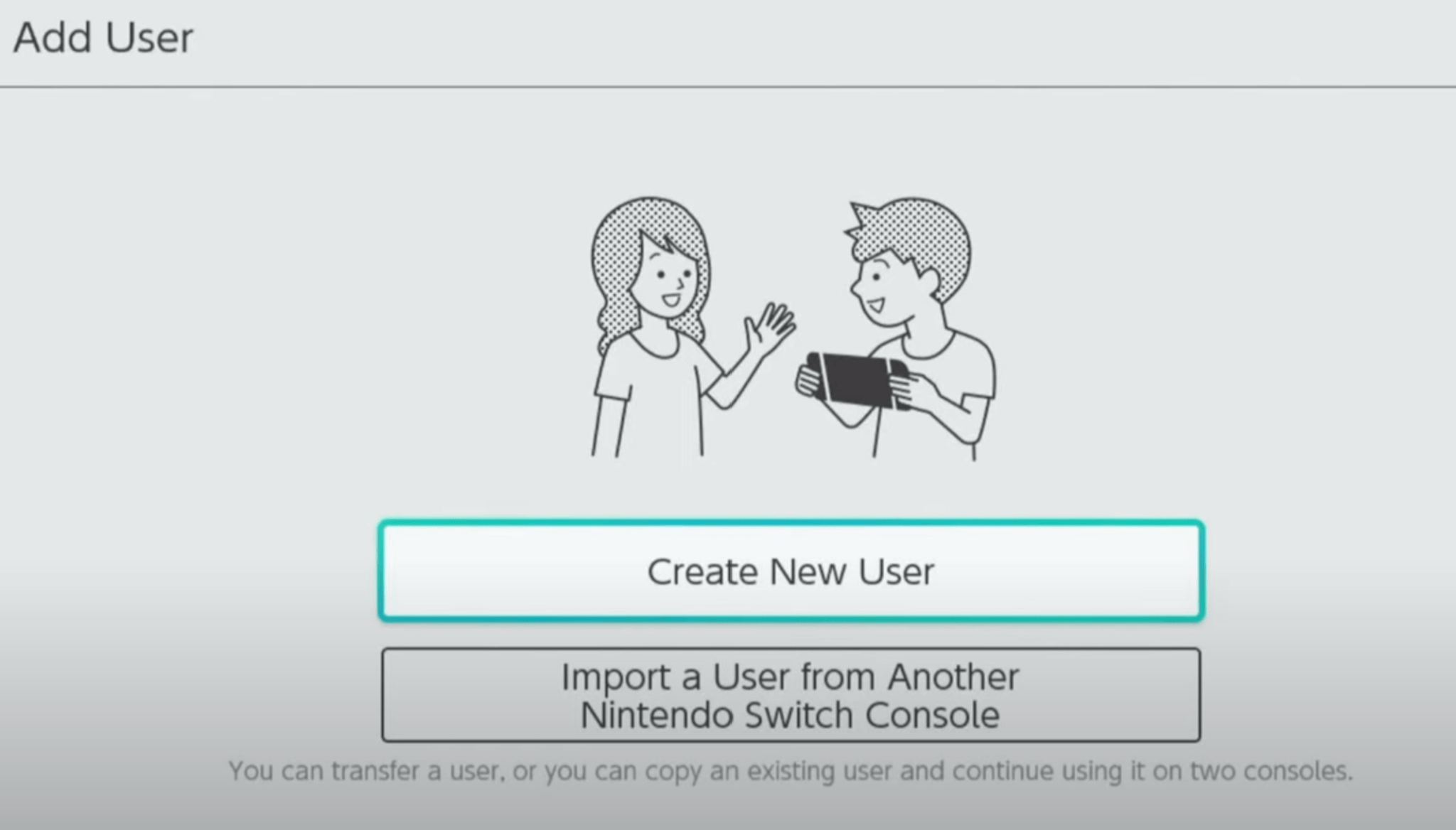
- Power on your Nintendo Switch and select System Settings from the Home menu.
- Scroll down and select Users, then select your local user profile.
- Choose Link to a Nintendo Account and follow the on-screen prompts.
- Select Sign In and Link, then choose Create a New Account.
- Select Send Instructions via Email. Enter your email address to receive a setup link directly to your device, where you can complete the password, region, and date of birth details safely using your phone or computer keyboard.
Account Types and Age Verification Rules
Nintendo enforces strict compliance regarding minor safety, adhering to international standards such as COPPA and GDPR. Understanding how age categories affect account functionality prevents administrative headaches later.
| Account Type | Eligible Age | Primary Capabilities | Parental Control Status |
|---|---|---|---|
| Standard Account | 18+ Years | Full access to all eShop content, purchasing, billing management, and social features. | Independent; cannot be controlled by a family group administrator. |
| Teen Account | 13–17 Years | Access to online play and most eShop browsing, with optional purchase restrictions set by a parent. | Can be linked to an adult family group for spending oversight. |
| Child Account | 0–12 Years | Cannot be created independently; must be generated inside an adult's profile dashboard. | Fully supervised; adult account controls playtime, purchases, and communication. |
Linking Your Nintendo Account to Your Nintendo Switch Console
Once your account is active, you must connect it to your physical hardware to synchronize your digital footprint.
- From the Nintendo Switch Home menu, select your profile icon in the top-left corner.
- Select Link to a Nintendo Account.
- Log in using your newly created email address and password, or use a smart device to sign in via a generated QR code.
- Confirm the link. Once linked, your profile icon will update with your Nintendo Account avatar, and you will gain immediate access to online services, cloud saves, and the Nintendo eShop.
Comparison: Web Registration vs. Console Registration
Choosing where to create your account depends on your hardware preference and convenience. Both methods yield the exact same end result.
| Feature / Metric | Web Browser Registration | Nintendo Switch Console Registration |
|---|---|---|
| Convenience | High (full keyboard, easier data entry) | Moderate (on-screen keyboard navigation) |
| Speed | Fast (direct form submission) | Requires secondary device for email confirmation step |
| Region Lock Setup | Set manually during initial form fill | Automatically detected based on hardware region or IP |
| Best Used For | Parents setting up child accounts | Solo adult users setting up their personal console |
Troubleshooting Common Nintendo Account Creation Errors
Even with a straightforward process, technical hurdles can occur. Review these common failure points and remedies before contacting Nintendo Support:
- Email Already in Use: If you receive an error stating your email address is already registered, you likely created an account in the past (perhaps for a 3DS, Wii U, or mobile game like Fire Emblem Heroes). Use the Forgot Password recovery tool instead of trying to force a new registration.
- Region Mismatch: Your Nintendo Account country/region must match the region of the Nintendo eShop you intend to use. If you move or travel, changing your account region requires having a zero balance in your eShop wallet and no active auto-renewal subscriptions.
- Verification Code Not Arriving: Check your spam, junk, or promotional tabs. If the email is delayed, wait 10 minutes before requesting a new code to avoid temporary lockout triggers.
- Child Account Restrictions: If you cannot purchase certain games on a child account, verify that the spending limits and content rating restrictions within the Parental Controls settings of the parent account are configured properly.
Practical Recommendations for Account Security
Protecting your digital game library requires proactive security measures. Because Nintendo Accounts hold payment information and digital libraries worth hundreds of dollars, basic password hygiene is insufficient.
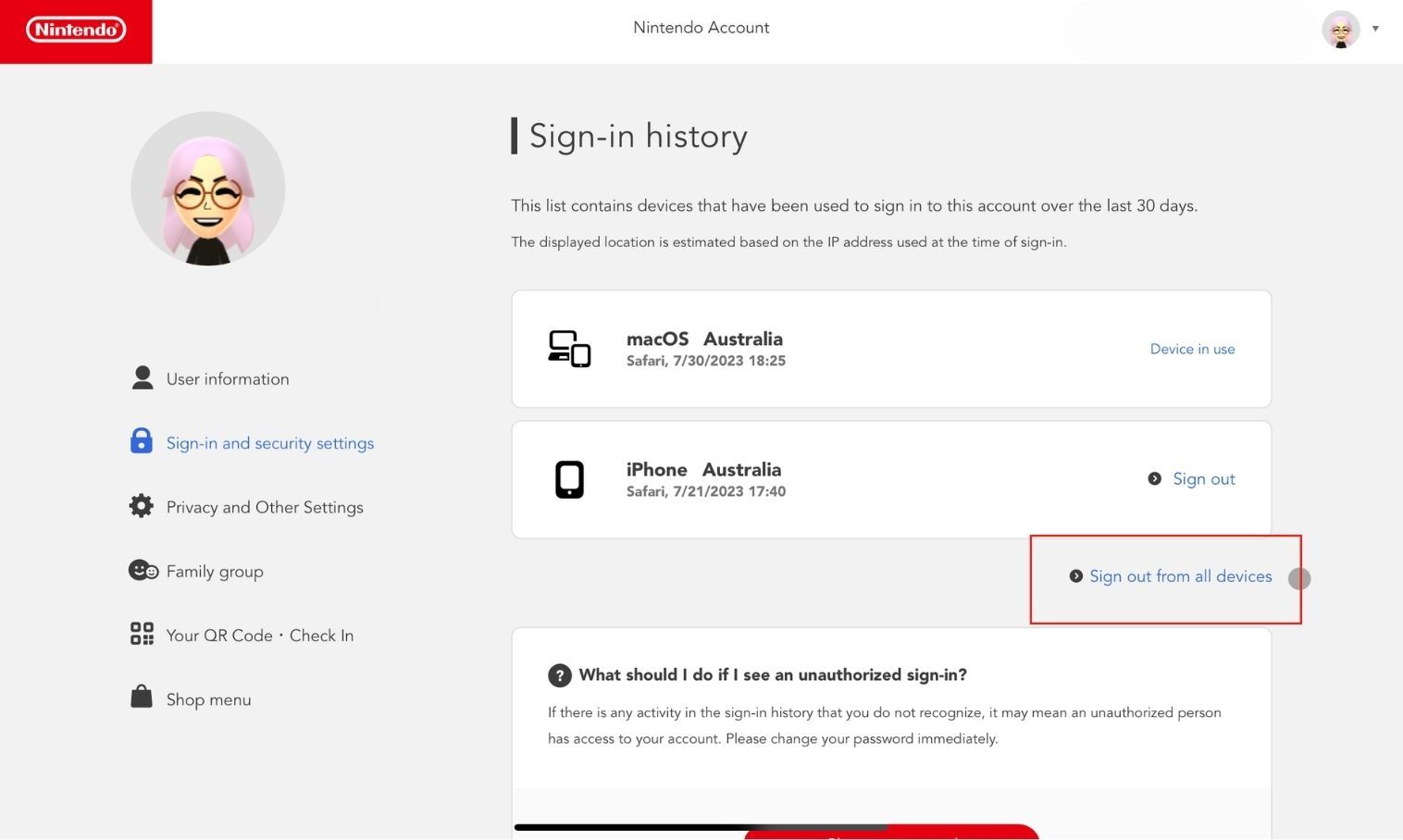
- Enable Two-Step Verification (2SV): Navigate to your security settings on the Nintendo website and link an authenticator app like Google Authenticator or Microsoft Authenticator. This stops unauthorized logins even if your password is compromised.
- Secure Your Recovery Email: Ensure the email address tied to your account has its own 2SV enabled. If an attacker gains control of your email, they can easily reset your Nintendo Account credentials.
- Keep Login Credentials Private: Never share your password with other users or trading sites promising free digital currency or game codes. Nintendo will never ask for your password via email or customer support chat.
Take control of your gaming experience today by setting up your profile correctly, securing your login credentials, and jumping straight into the Nintendo ecosystem.
Image Gallery