How to Play Fruit Merge: A Complete Guide to Mastering the Viral Puzzle Game
To play Fruit Merge, you must drop various fruits into a container, aiming to touch two identical fruits to combine them into a single, larger fruit. The objective is to evolve your fruits up the hierarchy until you reach the watermelo...
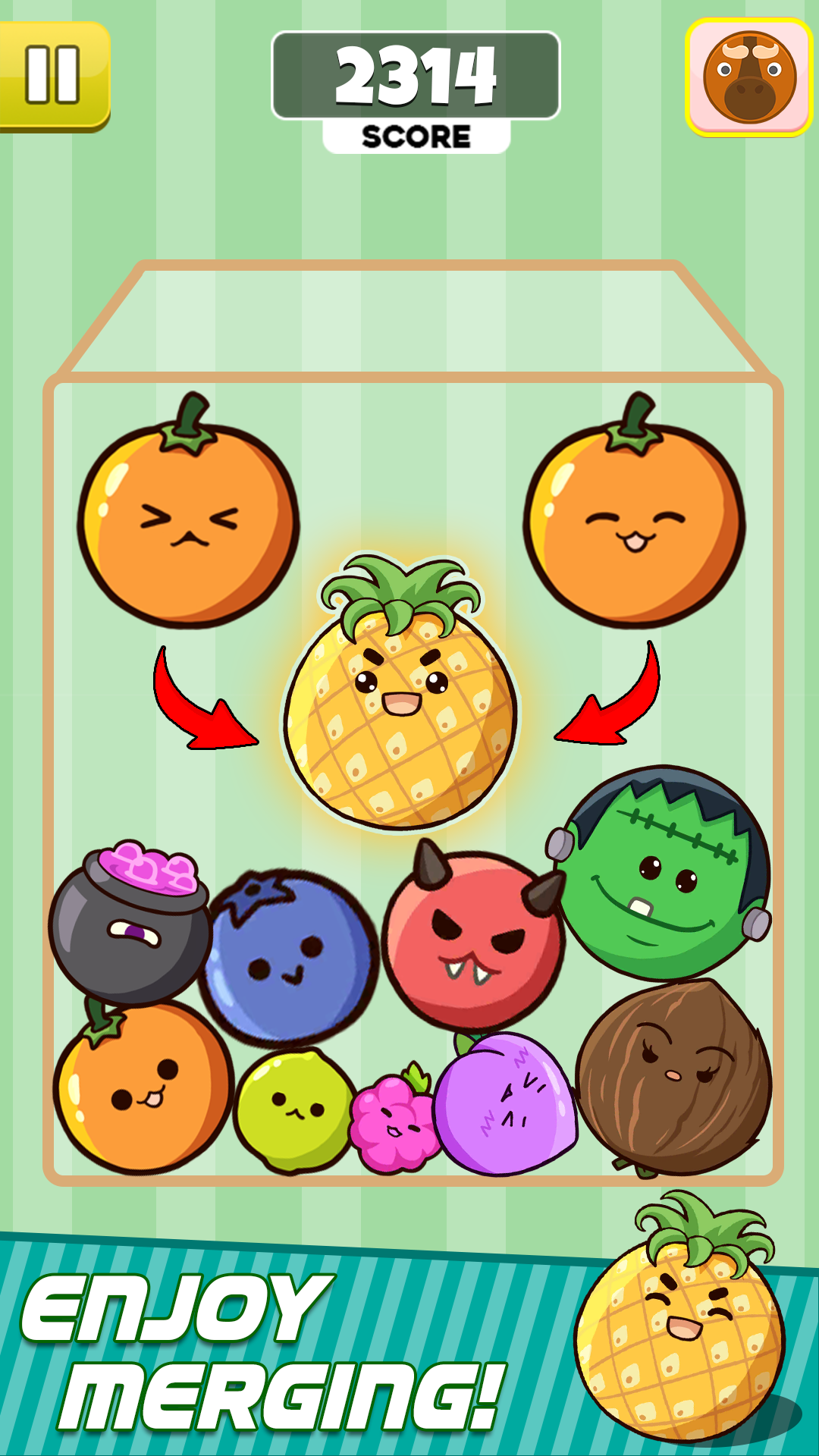
To play Fruit Merge, you must drop various fruits into a container, aiming to touch two identical fruits to combine them into a single, larger fruit. The objective is to evolve your fruits up the hierarchy until you reach the watermelon without any fruit crossing the top deadline of the container.
Contents
Fruit Merge, a genre-defining puzzle game that gained massive popularity through its minimalist physics-based mechanics, remains a staple of casual gaming in 2026. Whether you are playing the classic web-based versions or the polished mobile iterations, the core loop relies on spatial awareness and an understanding of "stacking physics." While it may appear simple at first glance, the game requires a deep level of strategy to manage the increasing volume of fruits within a confined space.
Understanding the Core Game Mechanics
The fundamental appeal of Fruit Merge lies in its "merge-two" logic combined with a gravity-driven physics engine. Unlike traditional tile-based merge games, Fruit Merge uses circular entities that can roll, bounce, and shift based on the weight and momentum of other fruits.
The Evolution Hierarchy
Success in Fruit Merge is dictated by your knowledge of the fruit progression. Every time you merge two identical items, they disappear and are replaced by the next tier in the sequence. In the standard 2026 editions, the hierarchy generally follows this path:
- Cherry (Smallest)
- Strawberry
- Grape
- Dekopon (a Japanese citrus)
- Orange
- Apple
- Pear
- Peach
- Pineapple
- Melon
- Watermelon (Final evolution)
Once two Watermelons merge, they typically disappear, granting a massive score boost and clearing significant space in your container. This is the ultimate goal for any high-score attempt.
Physics and Collision Detection
The game utilizes a 2D physics engine where each fruit has a specific mass and friction coefficient. Smaller fruits like cherries are light and prone to being pushed around by larger, heavier fruits like pineapples. Understanding that fruits are not static is essential. When a merge occurs, it creates a small "pop" of energy that can displace nearby fruits. This displacement can be your greatest ally—triggering chain reactions—or your downfall, pushing a stray grape over the game-over line.
Step-by-Step Guide to Playing Your First Round
Before you start dropping fruits, you need to understand the interface and the controls. Most versions of Fruit Merge utilize a simple "click-and-release" or "tap-and-swipe" mechanic.
Step 1: Analyze the "Next" Indicator
Look at the top corner of your screen (usually the right side). The game provides a preview of the fruit currently in your "hand" and the fruit that will follow. Planning your moves based on the next fruit is what separates beginners from intermediate players. If you have an orange now but see a cherry coming up, you should place the orange in a way that leaves a small gap for that future cherry.
Step 2: Aiming and Positioning
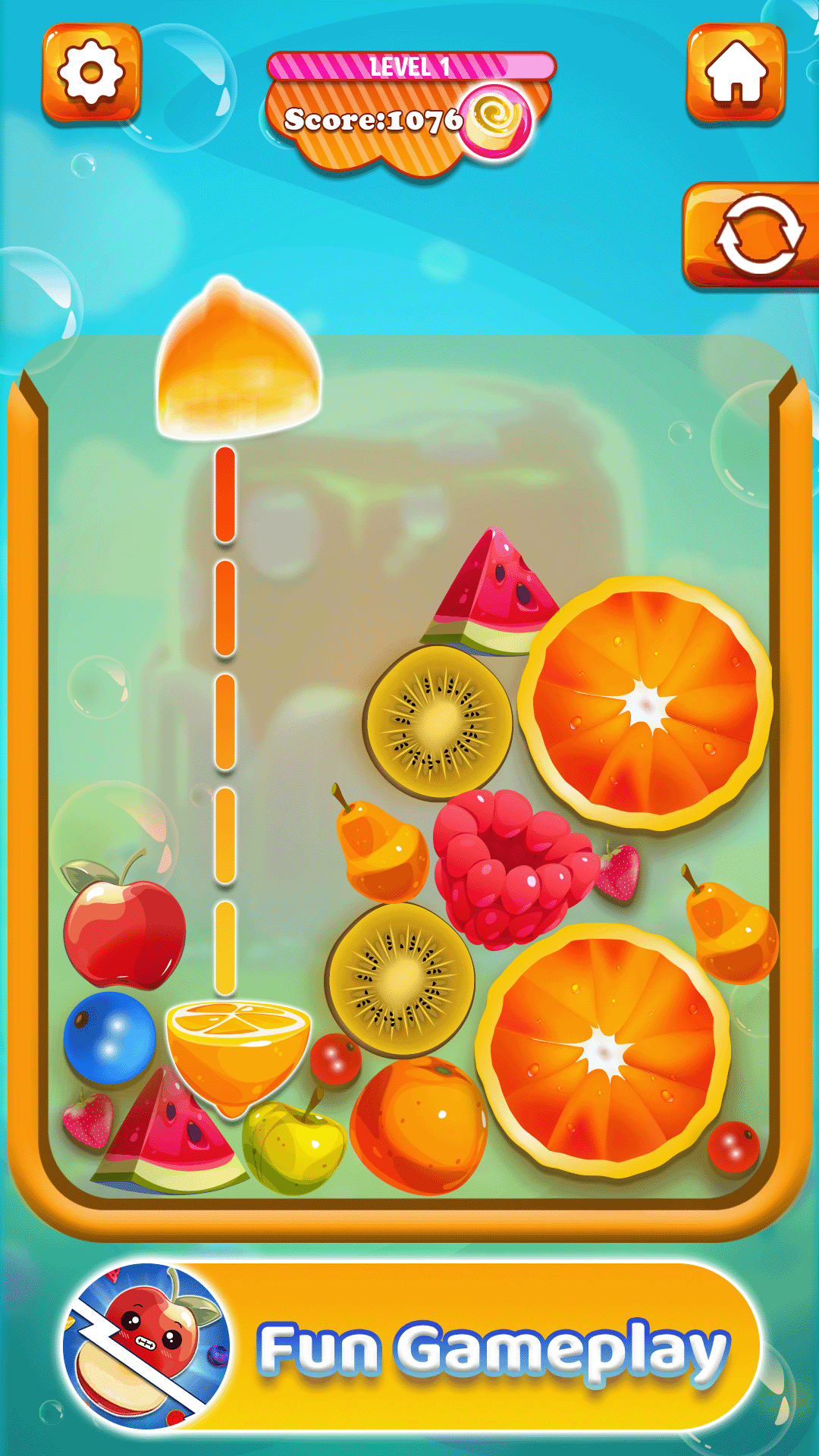
Move your cursor or finger horizontally across the top of the container. A faint vertical line often indicates the exact drop path. You should rarely drop fruits randomly. In the early game, aim for the center to establish a base. As the container fills, you will transition to "edge-loading," where you try to keep larger fruits toward the walls.
Step 3: Executing the Drop
Release your hold to let the fruit fall. Gravity will take over. If the fruit hits a matching fruit, they will instantly fuse into the next tier. If it hits a different fruit, it will bounce or roll. You must wait for all fruits to settle into a stationary position before the game allows you to drop the next one.
Step 4: Managing the Deadline
The top of the container features a dotted or red line. If any fruit rests above this line for more than a few seconds, the round ends. The game-over condition is not triggered by a fruit simply passing the line while bouncing; it must come to a rest there.
Advanced Strategies for High Scores
To achieve scores in the thousands, you must move beyond basic merging and start managing the "structural integrity" of your fruit stack.
The Corner Strategy
One of the most effective methods in 2026 competitive play is the "Corner Anchor." This involves choosing a bottom corner (left or right) and attempting to keep your largest fruit there at all times. By keeping the Melon or Pineapple in a corner, you prevent it from rolling around and crushing smaller fruits. You then build your hierarchy in a "descending arc" away from that corner.
Managing "Trapped" Fruits
A common mistake is allowing a small fruit, like a cherry or strawberry, to get trapped at the very bottom beneath a large fruit like a peach. Because the cherry is so small, it is unlikely that another cherry will ever reach it once the "ceiling" of larger fruits is established.
- The Solution: Use the "vibration" of merges to your advantage. When two large fruits merge, the resulting larger fruit often creates enough of a gap for smaller fruits to slip through or be pushed upward.
- The Wall-Slide: You can sometimes drop a small fruit directly against the wall, hoping it slides through the narrow gaps between the larger fruits and the container edge.
Chain Reaction Optimization
A "Chain" occurs when one merge creates a fruit that immediately touches another matching fruit, triggering a second merge. This is the most efficient way to clear space. When you see two pears near each other, but not touching, try to drop a third pear or a merge-equivalent in a way that pushes the two pears together.
Technical Specifications and Requirements
Fruit Merge is designed to be highly accessible, but the 2026 versions have improved visual effects that may require basic hardware acceleration.
| Feature | Minimum Requirement | Recommended Specification |
|---|---|---|
| Platform | Web Browser (HTML5) | iOS 16+ / Android 13+ / Desktop |
| Memory (RAM) | 2 GB | 4 GB+ for smooth physics |
| Control Input | Mouse or Touchscreen | High-refresh rate Touchscreen |
| Internet | Required for Leaderboards | Stable connection for cloud saves |
| Frame Rate | 30 FPS | 60 FPS for precise physics aiming |
Common Mistakes to Avoid
Even experienced players can lose a run due to simple tactical errors. Recognizing these patterns early will significantly improve your longevity in the game.
- Over-stacking the Center: Beginners often drop everything in the middle, creating a "volcano" shape. This is dangerous because fruits will eventually roll off the sides at high speeds, often bouncing out of the container or crossing the deadline.
- Ignoring the Physics "Pop": When two fruits merge, the new fruit is centered at the point of contact. This often causes the new, larger fruit to expand outward. If you have a fruit right on the deadline, this expansion can push it over the edge. Always leave a "buffer zone" near the top.
- Rushing the Drops: Fruit Merge is not a time-based game (unless you are playing a specific "Blitz" mode). Take your time to let the fruits settle completely. A fruit that looks like it has stopped might still be slowly rolling, and dropping another fruit on top of it could cause an unpredictable ricochet.
Frequently Asked Questions
What happens when I get two Watermelons?
In most standard versions of Fruit Merge, merging two Watermelons causes them to vanish from the screen entirely. This is considered a "board clear" for that specific chain and rewards the player with the highest possible point increment. It provides the necessary space to continue the game and attempt to beat your previous high score.
Is there a way to undo a move in Fruit Merge?
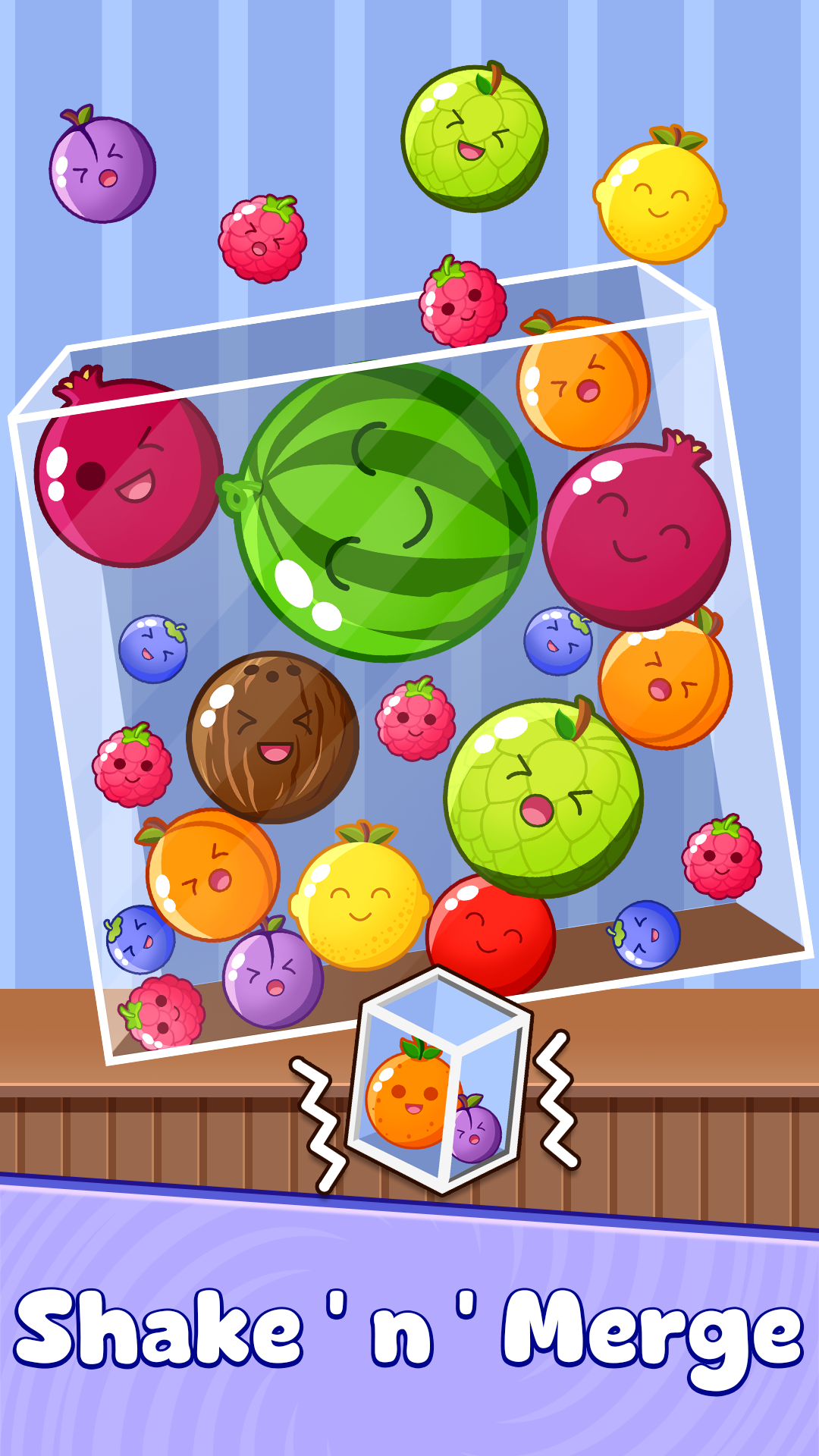
Generally, no. Most versions of the game are designed as "permadeath" puzzles where every drop is final. However, some 2026 mobile versions offer a "Shake" or "Undo" power-up that can be earned by watching an advertisement or using in-game currency. In competitive or "Classic" modes, undoing is strictly prohibited.
Why do the fruits sometimes jump or glitch?
This is usually related to the physics engine trying to resolve a "collision overlap." If a fruit is forced into a space that is technically smaller than its diameter, the engine will apply a corrective force to push it out, which can result in a "jump." To avoid this, try not to wedge small fruits into tight corners under heavy pressure.
Can I play Fruit Merge offline?
This depends on the version. Web-based versions on portals like Poki or CrazyGames usually require an active internet connection to load the assets. However, many dedicated apps available on the Apple App Store or Google Play Store offer offline modes, though you may lose access to global leaderboards and daily challenges.
Does the game get harder over time?
The game does not necessarily increase in "difficulty" through speed or new mechanics, but it becomes naturally harder as the container fills. The more fruits you have on screen, the more complex the physics calculations become and the less room you have for error. The "difficulty" is player-driven based on how well you manage your space.
Final Recommendation
To master Fruit Merge, focus on the Corner Strategy and prioritize clearing the smallest fruits as quickly as possible. The game is as much about "housekeeping" as it is about matching. By keeping your container organized and respecting the physics of the "pop," you can consistently reach the Watermelon stage. For your next game, try to resist the urge to drop fruits quickly; instead, visualize where the fruit will roll after it hits the pile.
Image Gallery