Rutgers Unofficial Transcript: Complete Guide to Accessing Your Academic Record
Accessing your Rutgers unofficial transcript is a straightforward process for current students and recent alumni via the secure My Rutgers portal or the official transcripts system. Whether you are applying for an internship, updating...
Accessing your Rutgers unofficial transcript is a straightforward process for current students and recent alumni via the secure My Rutgers portal or the official transcripts system. Whether you are applying for an internship, updating your resume, or reviewing your cumulative grade point average, obtaining this document provides an immediate, comprehensive history of your coursework, credits, and grades without official certification fees.
Contents
Understanding the distinction between an official and unofficial academic record ensures you select the correct document for your specific application requirements. While official transcripts are sent securely to third-party institutions in a sealed or digitally certified format, unofficial transcripts serve as a readily available self-service tool for personal advising, employment screening, and internal academic tracking across Rutgers University-New Brunswick, Rutgers University-Newark, and Rutgers University-Camden.
Understanding the Rutgers Unofficial Transcript and Academic Records
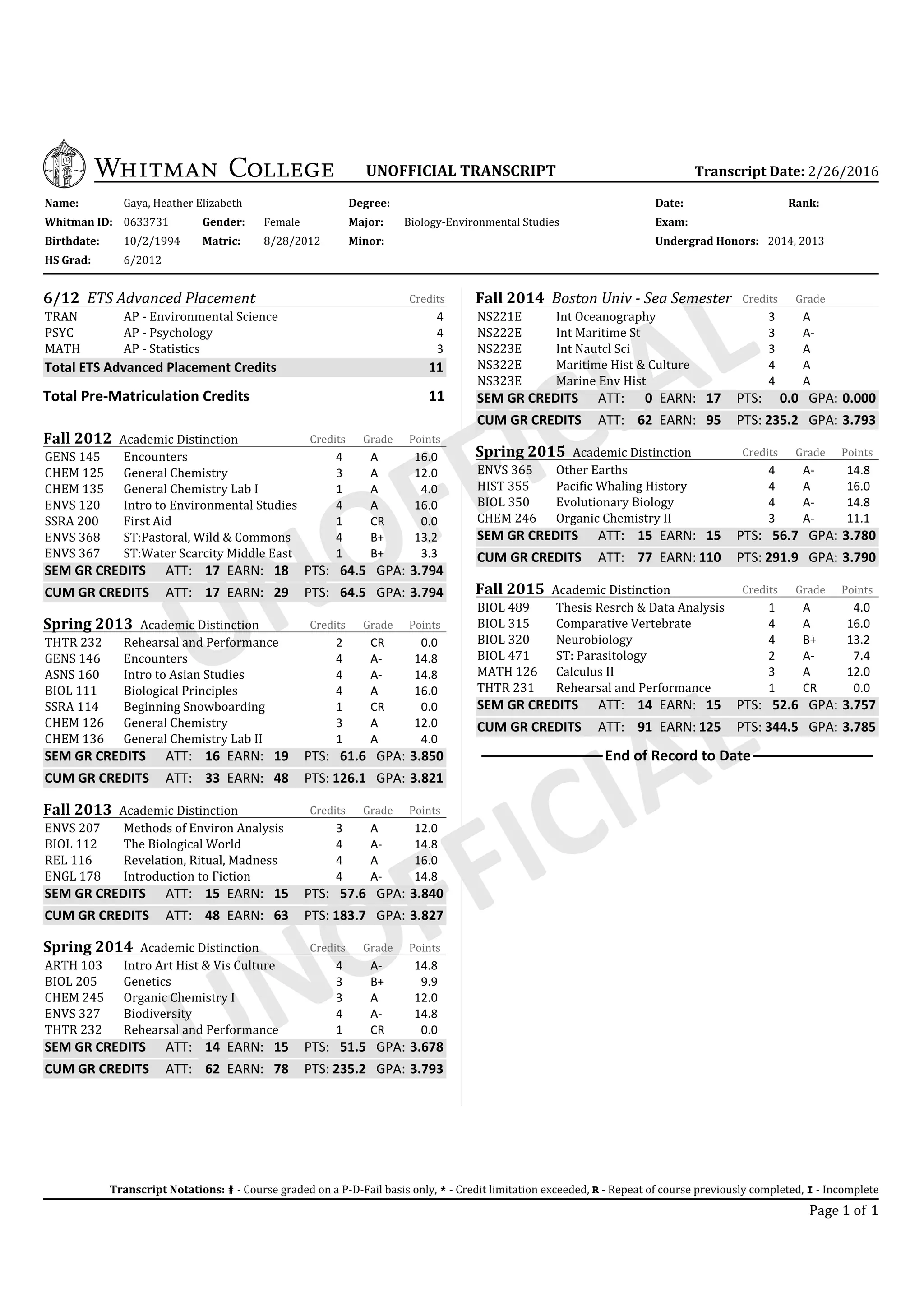
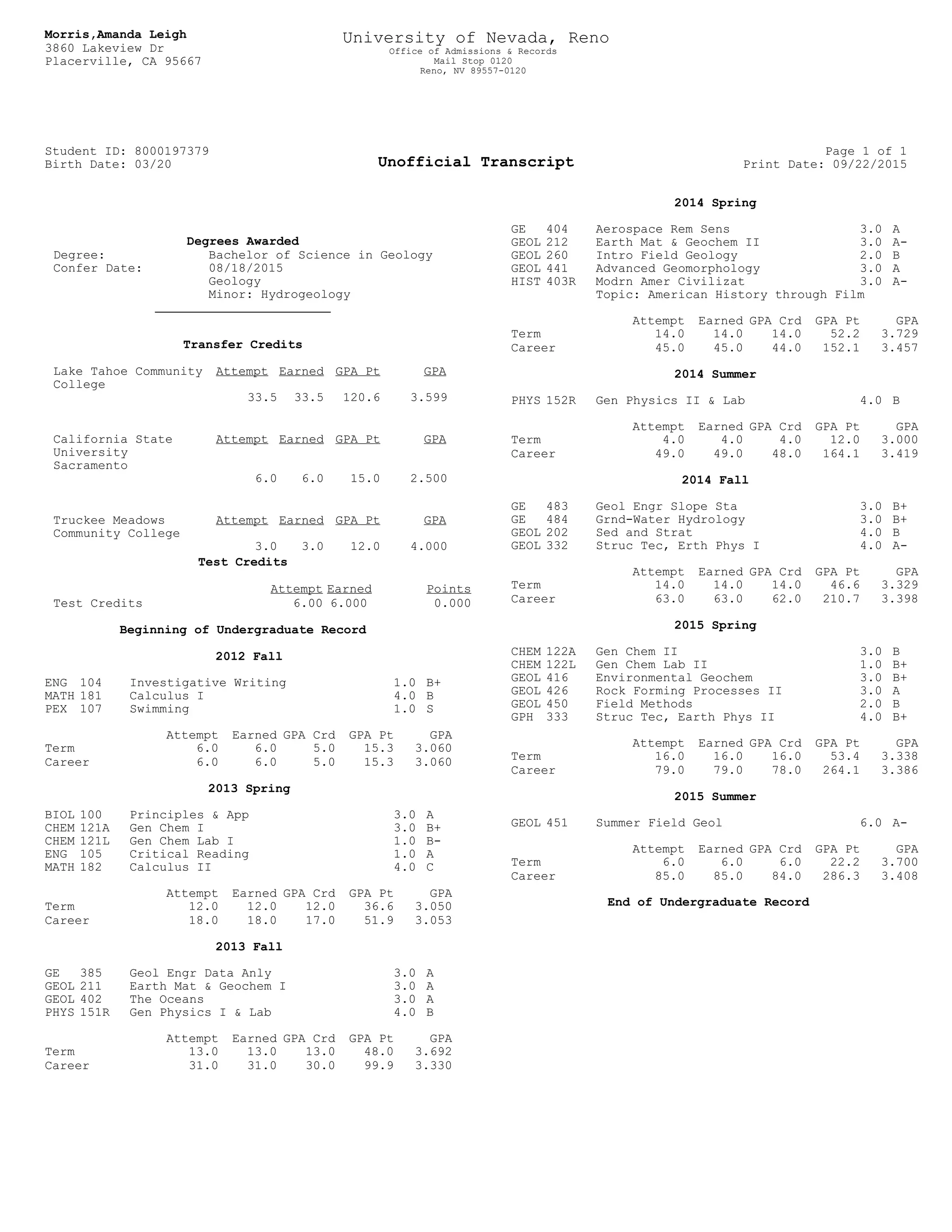
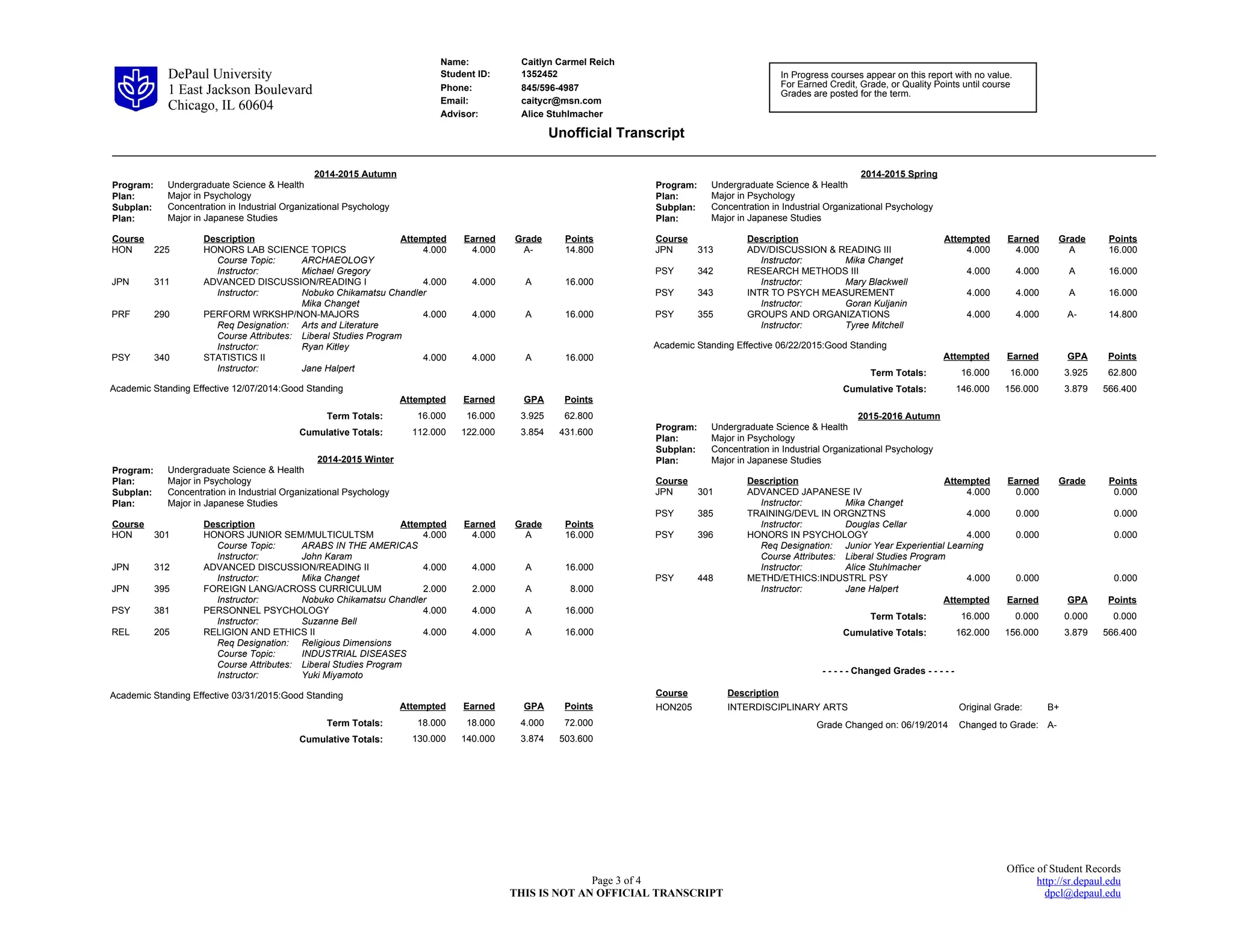
An unofficial transcript is a complete chronological record of a student's academic history at Rutgers University. It lists all enrolled courses, semester-by-semester grades, transfer credits, honors, academic standing, and the cumulative grade point average (GPA). Unlike official transcripts, unofficial records do not feature the University Registrar's signature, the official university seal, or secure electronic encryption designed for third-party verification.
The primary purpose of an unofficial transcript is personal review and preliminary evaluation. Academic advisors utilize these records during registration consultations and degree-progress checks. Students also reference them to monitor prerequisite completions, verify major requirements, and prepare curriculum vitae for job applications that do not strictly require registrar-certified documents.
Prerequisites and Account Access Requirements
Before attempting to retrieve your academic record, verify that you meet the necessary authentication requirements established by Rutgers University Office of Information Technology (OIT) and the Office of the Registrar. Accessing student self-service applications requires active digital credentials and multi-factor authentication (MFA).
- Active NetID and Password: You must have a functioning Rutgers NetID. If you have forgotten your credentials, use the NetID management tools to reset your password.
- NetID Duo Multi-Factor Authentication: Duo security verification is mandatory for accessing sensitive university systems, including student portals containing academic records.
- Alumni Account Limitations: Former students who graduated or separated from the university prior to the implementation of modern student information systems may need to activate a Rutgers ScarletApps or alumni account or request records through alternate channels if their NetID has expired.
- Financial and Administrative Clearances: While active holds generally restrict the issuance of official transcripts, students with administrative flags should verify whether viewing or printing unofficial records is restricted through their portal dashboard.
Step-by-Step Guide to Downloading Your Rutgers Unofficial Transcript
Current students and recent alumni with active portal access can retrieve their academic history within minutes by following a standardized navigation path through the official university platforms.
- Navigate to the Official Portal: Open a secure web browser and go to the primary Rutgers University portal page at my.rutgers.edu or the Rutgers Student Records page.
- Authenticate Your Identity: Click the login button, enter your Rutgers NetID and password, and complete the Duo multi-factor authentication prompt on your mobile device or security key.
- Locate the Academic Resources Section: Once logged into your dashboard, look for the Academics tab, Student Services widget, or the direct link designated for transcript requests.
- Select the Unofficial Transcript Option: Choose the menu item specifically labeled for viewing or printing an unofficial academic record rather than ordering an official transcript.
- Choose Your Output Parameters: Select your student career or campus affiliation if you attended multiple schools within Rutgers University, and choose the transcript level (e.g., Undergraduate, Graduate).
- Generate and Save the Document: Click generate to view the document on your screen. Use your browser or PDF viewer controls to save the file locally as a PDF or send it directly to a connected printer.
Official vs. Unofficial Transcripts: Key Differences
Selecting the correct document format prevents wasted application fees and ensures compliance with institutional policies. The following comparison highlights the operational and functional differences between Rutgers official and unofficial academic transcripts.
| Feature / Attribute | Rutgers Unofficial Transcript | Rutgers Official Transcript |
|---|---|---|
| Primary Delivery Method | Instant PDF download via student portal | Secure electronic delivery (PDF) or paper mail via Parchment |
| Cost to Student | Free of charge for self-service retrieval | Standard university processing fees apply per copy |
| University Seal & Signature | Absent; intended for personal review | Included; validated by the Office of the Registrar |
| Acceptable For | Advising, personal records, informal job applications | University admissions, professional licensing boards, formal employment |
| Third-Party Verification | Not accepted by external institutions for official credit transfer | Universally accepted by academic institutions and employers |
Troubleshooting Common Access Issues
Technical obstacles can occasionally interrupt the retrieval process. Addressing these common failure points ensures rapid resolution without requiring immediate intervention from technical support desks.
- NetID Authentication Failures: If your login is rejected, verify that your password has not expired. Visit the Rutgers NetID management site to update your credentials.
- Pop-Up Blockers and Browser Incompatibility: Secure transcript generators frequently open documents in new browser tabs or windows. Disable strict ad-blockers or switch to a modern, fully updated browser such as Mozilla Firefox, Google Chrome, or Apple Safari if the PDF fails to render.
- Missing Coursework or Incomplete Grades: Grade updates occur at the conclusion of each academic term following faculty submission deadlines. If a recent grade is missing, consult your instructor or check the student grading portal to confirm submission status.
- Name or Personal Data Discrepancies: Official name changes must be processed directly through the Office of the Registrar with legal documentation before updated names appear on academic records.
Frequently Asked Questions
Can I use a Rutgers unofficial transcript for official job applications?
Most employers requiring verified academic credentials will request an official transcript sent directly from the registrar or a certified vendor. However, an unofficial transcript is often acceptable for initial screening, interviews, or resume verification when official certification is not explicitly mandated.
Is there any fee associated with viewing my unofficial transcript?
No, accessing, viewing, and printing your unofficial academic record through the secure student portal is entirely free for current students and recent alumni with active portal access.
How do I access my transcript if my NetID has expired?
If your NetID is no longer active due to a long separation from the university, you must order an official electronic or paper transcript through the official transcript ordering service managed by Parchment, as self-service portal access is restricted for inactive accounts.
Does the unofficial transcript display my cumulative GPA?
Yes, the unofficial transcript provides a detailed breakdown of semester-specific performance alongside your cumulative grade point average, total earned credits, and academic standing at the end of each completed term.
Can I access unofficial transcripts for multiple Rutgers campuses?
Yes, if you completed coursework across different Rutgers legacy institutions or campuses (such as New Brunswick, Newark, or Camden), your comprehensive academic history is compiled within your unified student record system.
Practical Recommendations
To maintain efficient management of your academic documentation, download a fresh copy of your unofficial transcript at the close of every grading cycle. Store this file securely in an encrypted local directory or cloud storage platform for easy access when updating career profiles, applying for graduate fellowships, or preparing for faculty advising sessions. Always verify third-party document requirements beforehand to determine whether an instant unofficial download or a registrar-certified official transcript is mandatory for your specific submission.
Image Gallery