How to Use the Official Church of Jesus Christ of Latter-day Saints Meetinghouse Locator in 2026
The official Meetinghouse Locator tool provided by The Church of Jesus Christ of Latter-day Saints is the primary digital resource for identifying worship locations, service times, and bishopric contact information. By entering a city,...
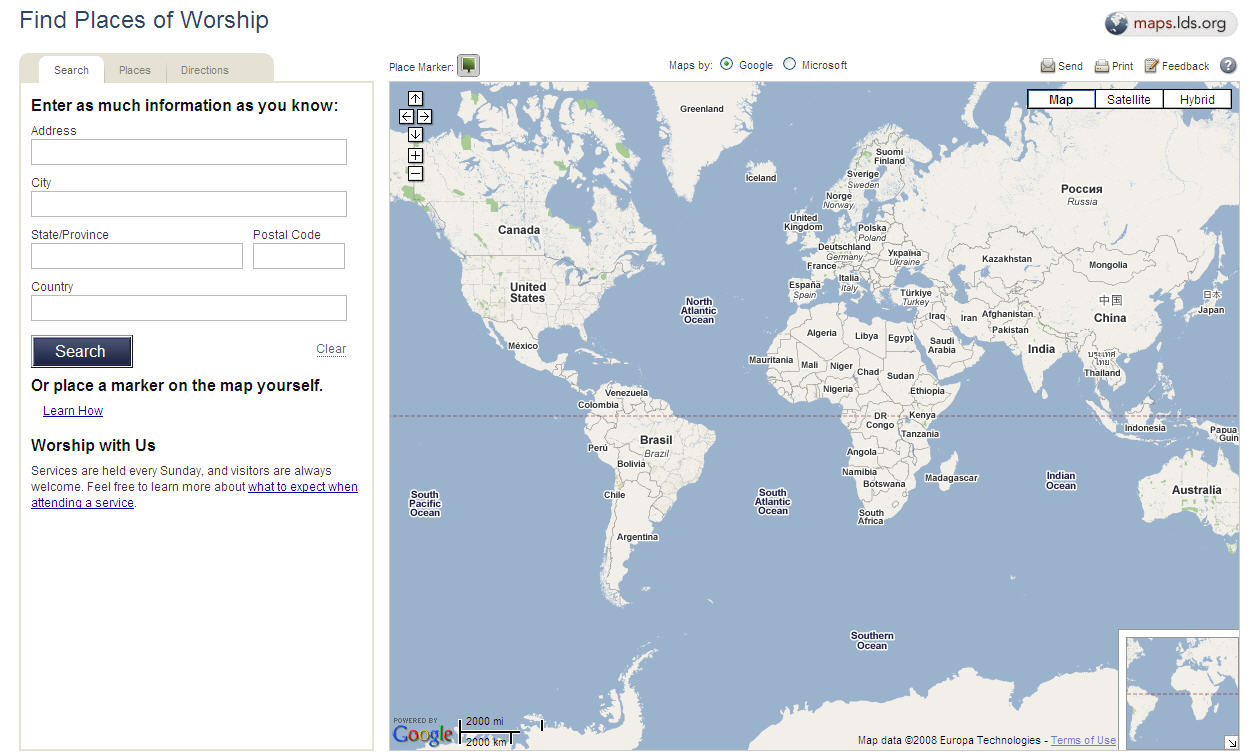
The official Meetinghouse Locator tool provided by The Church of Jesus Christ of Latter-day Saints is the primary digital resource for identifying worship locations, service times, and bishopric contact information. By entering a city, address, or postal code into the Church’s official website or mobile app, users can access real-time data regarding ward and stake boundaries, building accessibility, and scheduled sacrament meeting times for 2026.
Contents
Navigating the Official Meetinghouse Locator Interface
The Church of Jesus Christ of Latter-day Saints maintains a centralized database of over 30,000 congregations worldwide. To ensure accuracy, the tool leverages geocoding technology that aligns with the most recent ecclesiastical unit boundary adjustments as of early 2026.
When you access the locator, the primary interface prompts you for a location. Upon submission, the system generates a list of nearby meetinghouses. It is important to distinguish between a "Ward" (a local congregation) and a "Stake" (a regional group of congregations). The locator provides the following specific data points for each entry:
- Building Address: The physical location of the meetinghouse.
- Sacrament Meeting Time: The current local time for the main Sunday worship service.
- Ward or Branch Name: The formal designation of the congregation meeting in that facility.
- Bishop or Branch President Contact: In many cases, contact information or specific instructions for reaching local leadership are provided to assist newcomers or visitors.
Understanding Ecclesiastical Boundaries and Service Times
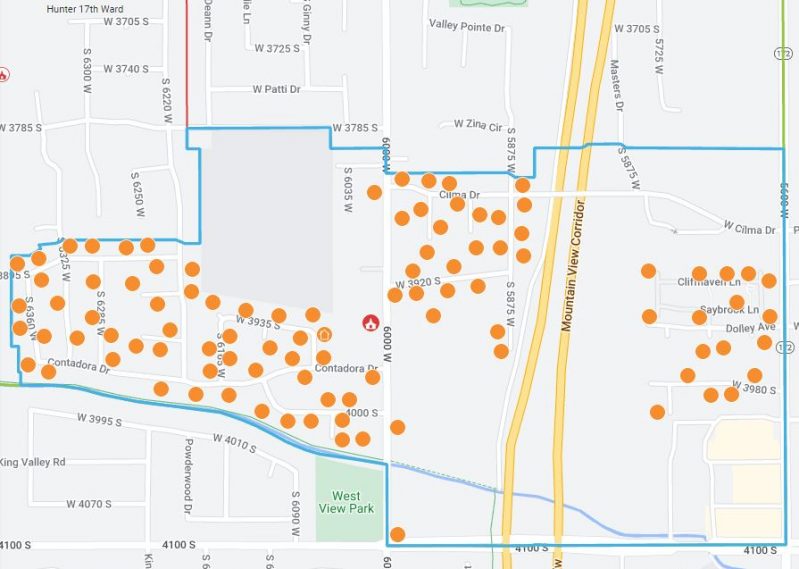
Congregation boundaries are established by regional leaders to balance membership numbers and geographic accessibility. As of 2026, many units have transitioned to flexible meeting schedules. If you are planning to attend a service in a new area, you should verify the specific meeting time using the locator tool no more than 48 hours in advance, as ward schedules may be adjusted for local events, building maintenance, or stake conferences.
Factors Influencing Congregation Assignments
- Geographic Proximity: The primary driver for ward assignment is your residential address.
- Language Units: In diverse urban areas, units are sometimes organized by language (e.g., Spanish, Mandarin, or ASL) rather than strictly by street boundaries.
- Young Single Adult (YSA) Units: Specific congregations exist for members aged 18–30. These units often operate under different boundary rules that supersede standard geographical assignments.
Comparison of Digital Access Methods
To effectively locate a church building, you can choose between the web-based portal or the mobile application. Both utilize the same backend data infrastructure.
| Feature | Official Website (ChurchofJesusChrist.org) | Gospel Library App (Mobile) |
|---|---|---|
| Real-time Updates | Instant synchronization | Requires manual refresh/data sync |
| Mapping Integration | Browser-based (Google/Apple Maps) | Native OS integration |
| Ease of Use | Best for desktop/pre-trip planning | Best for on-the-go navigation |
| Accessibility | High (Screen reader optimized) | High (Optimized for mobile OS) |
Step-by-Step Guide to Finding Your Local Congregation
- Navigate to the Source: Always use the official Church of Jesus Christ of Latter-day Saints website to ensure you are accessing the verified database.
- Input Search Criteria: Enter your current street address or city/state.
- Filter Results: If you are looking for a specific language unit or a YSA ward, apply the available filters in the sidebar.
- Verify Meeting Times: Look at the "Sacrament Meeting" field. If multiple wards meet in the same building, the tool will list them separately with their respective times.
- Utilize Navigation Features: Select the "Get Directions" link to open your device's default GPS navigation software.
Troubleshooting Common Search Issues
If the locator fails to return results, consider these common variables:
- Incomplete Address: Ensure you include the city and state or a valid postal code.
- Browser Caching: If you have moved recently, your browser may be holding onto location data from your previous residence. Clear your cache or use an Incognito/Private window.
- Boundary Adjustments: If you live in an area of high growth, stake boundaries may have been reorganized recently. If your address does not map to a unit, use the "Contact" feature or reach out to the nearest stake center.
Privacy and Data Security
The official Church website maintains strict data privacy standards. Your location data is used exclusively to facilitate your search and is not stored or shared for third-party marketing purposes. When interacting with local leadership, you are providing information to ecclesiastical volunteers who are bound by internal privacy policies regarding member records.
Frequently Asked Questions
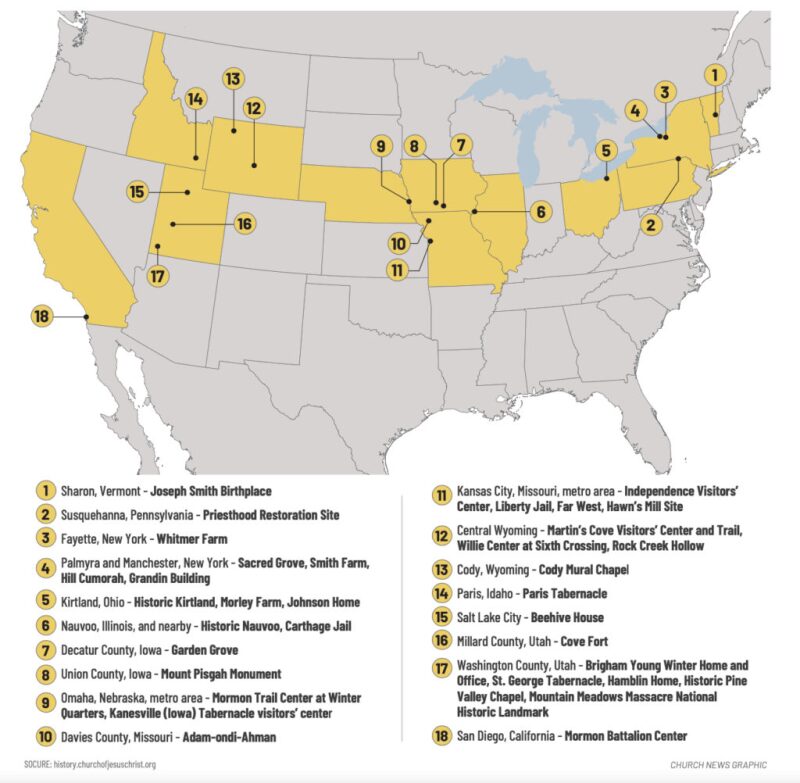
Does the locator show all church buildings or only those with services? The locator primarily identifies active meetinghouses where current congregations are assigned. It does not typically list historic sites, temples, or administrative offices unless they also serve as a meetinghouse for a local congregation.
Can I attend a ward outside of my geographic boundary? Yes, visitors are welcome at any ward. If you are moving to a new area and wish to permanently change your membership records to a new ward, you should contact the leadership of the local ward where you reside.
Are all sacrament meetings held at the same time? No. Sacrament meeting times vary significantly by congregation. Because many buildings house multiple wards, the times are staggered to accommodate different groups. Always check the specific time listed for your ward in the locator.
What should I do if the listed meeting time is incorrect? If you encounter an outdated meeting time, you can notify the Church through the feedback links provided on the website. These reports are routed to local stake technology specialists who update the information.
Do I need a membership account to use the locator? No, the Meetinghouse Locator is a public-facing tool. You do not need to sign in with a Church account to view meeting locations, addresses, or service times.
Engaging with Local Leadership
If you are relocating, the best way to integrate into a new congregation is to use the contact information provided by the locator to reach out to the local bishop. You can inform them of your move, and they will provide guidance on when to transfer your records. For 2026, most communication regarding member records is handled through the digital membership portal, but initial outreach is most effective via the contact details provided in the locator tool.
Image Gallery