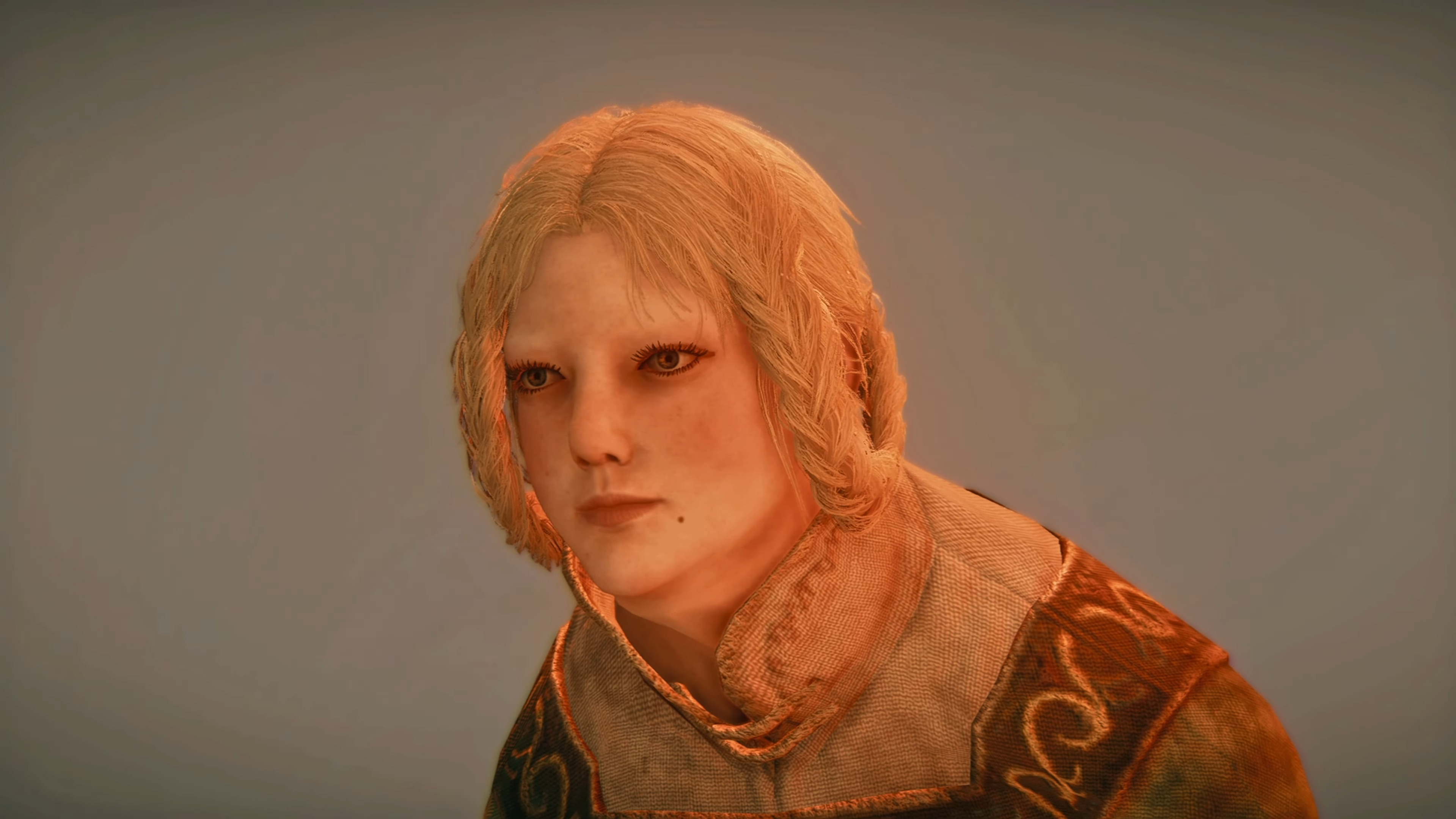
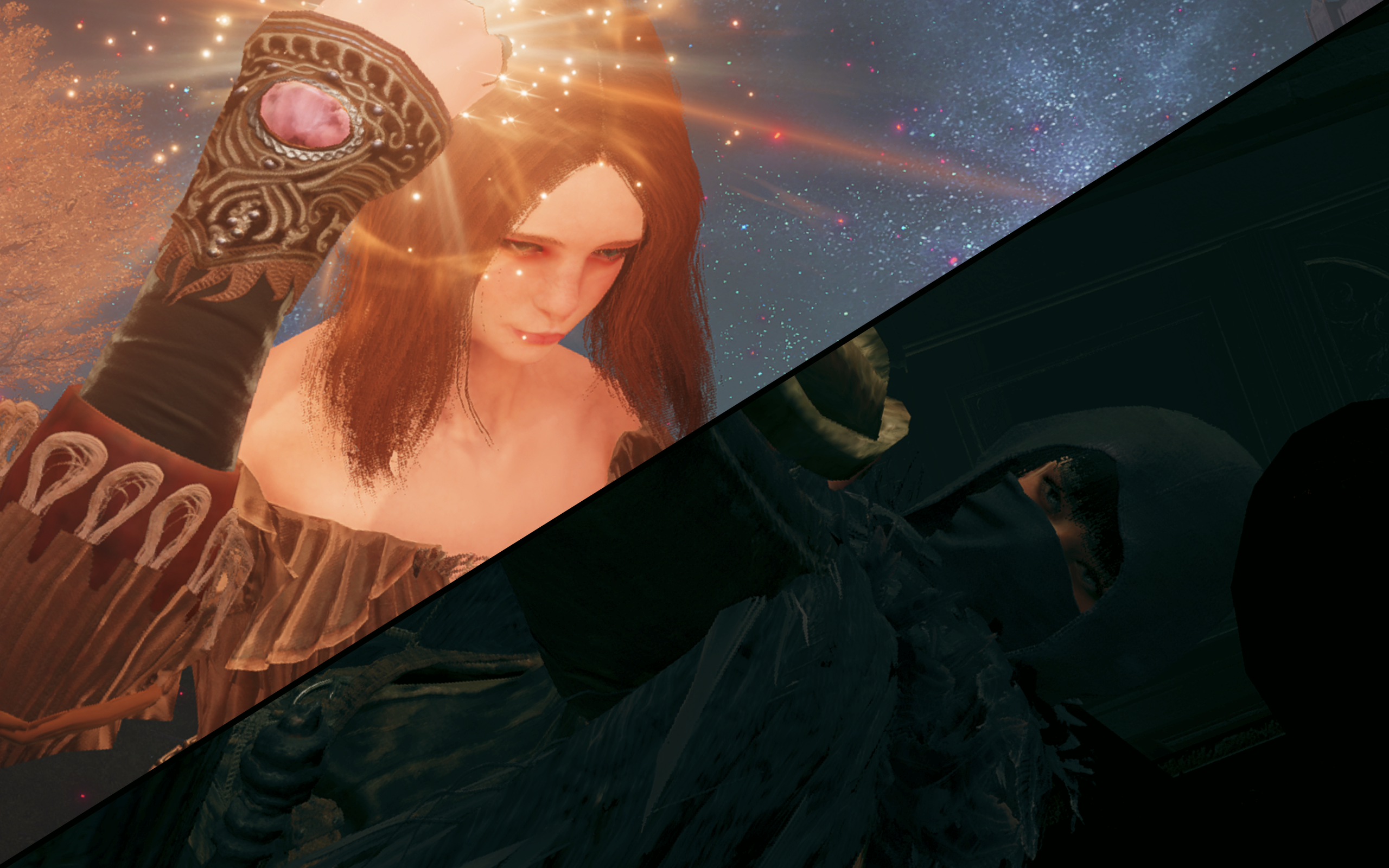
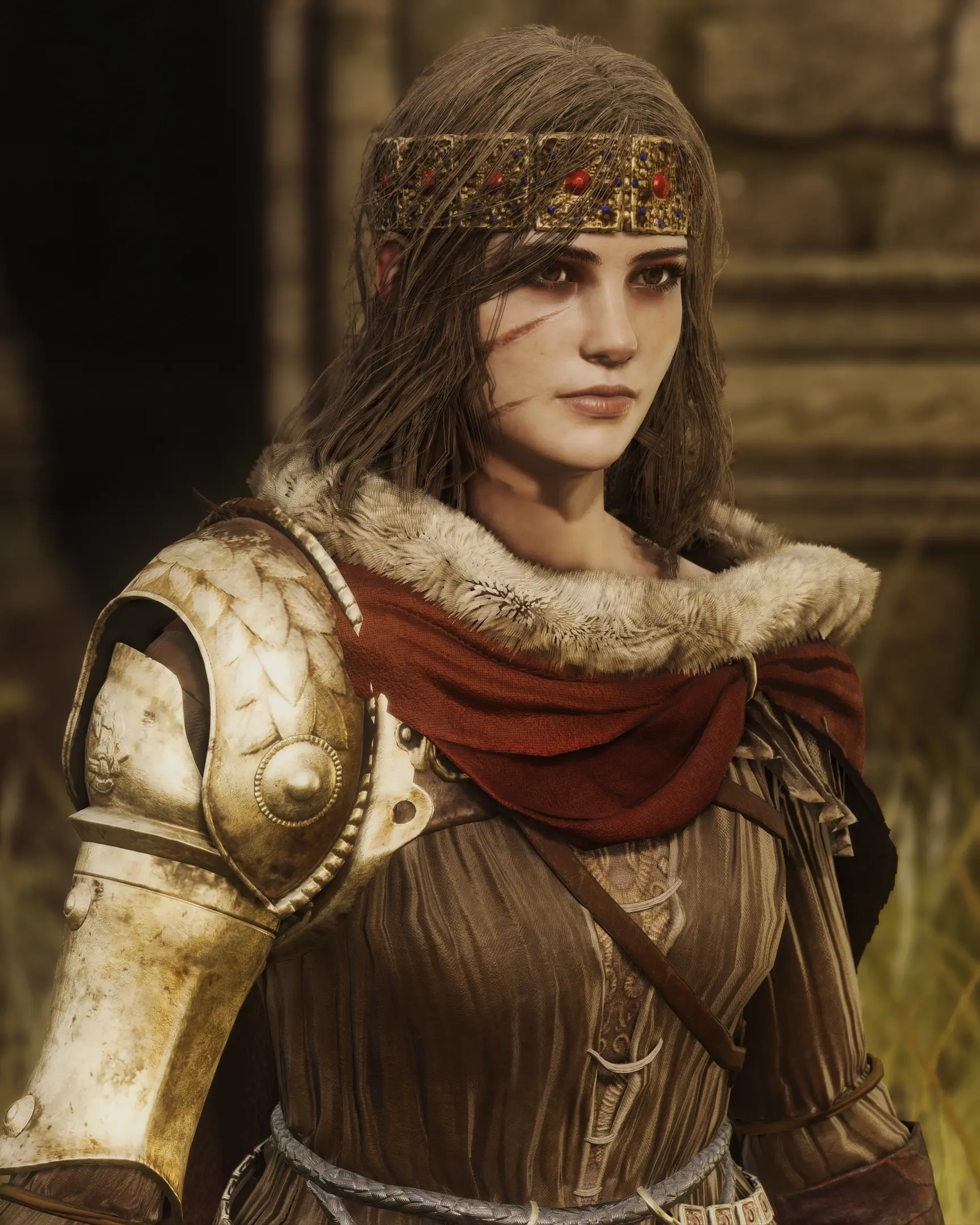
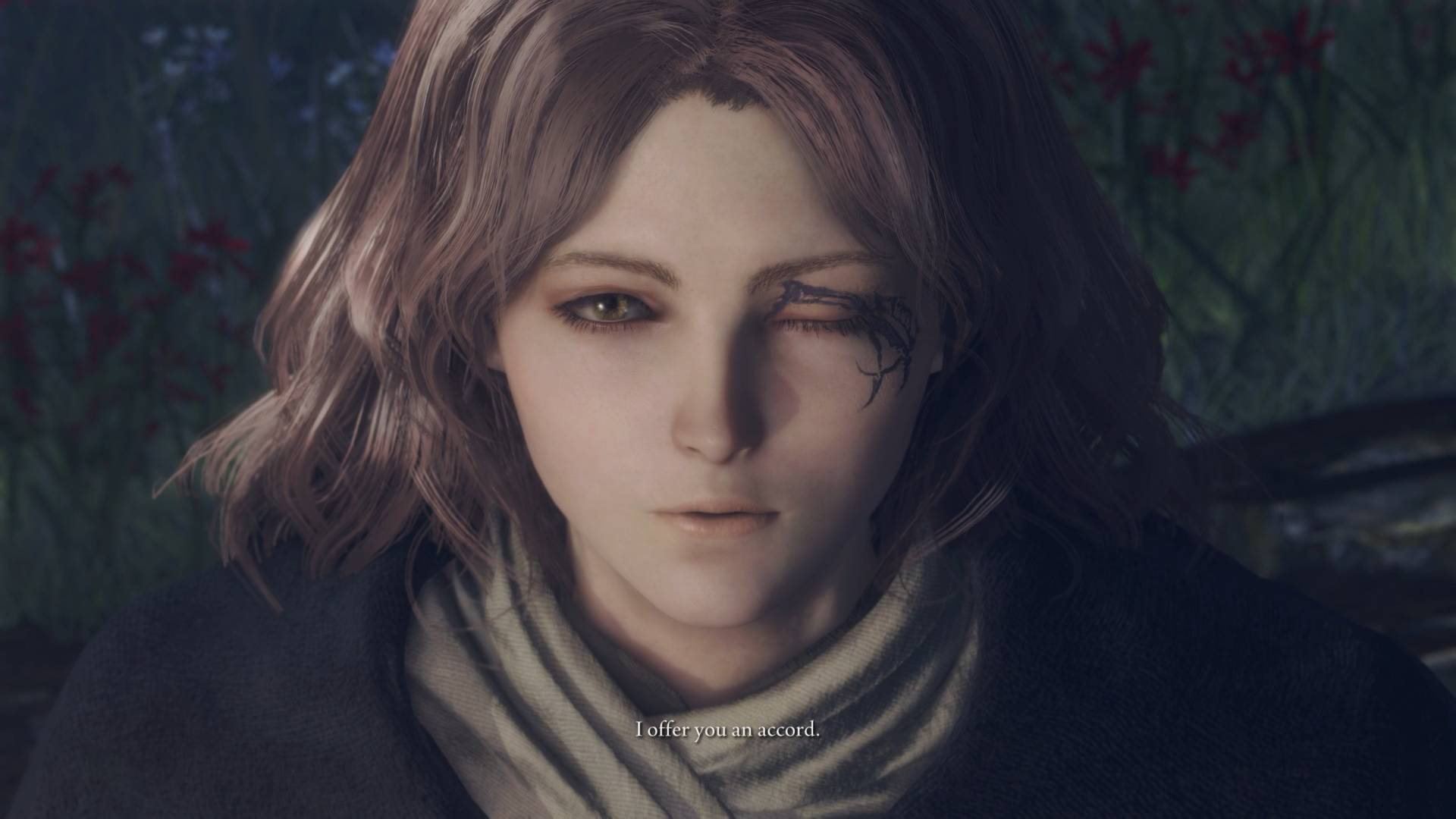
Elden Ring Female Presets: A Comprehensive Guide to Character Customization in 2026
Creating a distinctive female character in Elden Ring requires a precise understanding of the game's robust character creator, which offers granular control over facial geometry, skin texture, and aesthetic themes. By leveraging base t...
Creating a distinctive female character in Elden Ring requires a precise understanding of the game's robust character creator, which offers granular control over facial geometry, skin texture, and aesthetic themes. By leveraging base templates and adjusting sliders for bone structure, color depth, and makeup, players can craft characters ranging from battle-hardened veterans to ethereal mages that remain visually consistent within the dark fantasy world of the Lands Between.
Contents
Understanding the Elden Ring Character Creation Engine
The character creation system in Elden Ring, powered by the FromSoftware proprietary engine, allows for intricate adjustments that go far beyond standard RPG presets. To achieve a high-quality aesthetic result, you must balance the "Base Template" selection with the "Detailed Appearance" adjustments. In 2026, the community continues to refine these presets to overcome the engine’s tendency toward slightly rigid facial expressions, utilizing specific lighting-correction techniques within the menu.
When designing your character, consider the "Age" and "Voice" settings carefully, as these interact with your chosen armor sets and lore-based roleplay. Unlike many modern titles, Elden Ring’s character creator relies on a coordinate-based system for the face, meaning that small shifts in the "Jaw" or "Nose" settings can drastically alter the silhouette of your character under different lighting conditions in the game world, such as the harsh gold of the Erdtree or the blue-hued gloom of Liurnia.
Strategic Workflow for Designing Custom Female Characters
To produce a consistent, high-fidelity character, follow this systematic approach to the sliders. The goal is to avoid the "uncanny valley" effect by ensuring that facial features maintain proportional harmony.
- Select the Base Template: Choose the template that most closely matches your desired facial structure. Do not skip this; it is much harder to "sculpt" a face from a completely mismatched starting point.
- Skin and Texture Calibration: Set your skin color first. Ensure the "Skin Color" matches the "Skin Texture" slider to avoid an unnatural appearance in high-contrast environments.
- Sculpting the Face: Prioritize "Face Shape" before moving to eyes or mouth. Use the "Face Balance" slider as your master control; this dictates the global proportion of the forehead, nose, and chin.
- Refinement through Makeup: Use the "Cosmetics" tab to add depth. Light eyeshadow and subtle lip color can help define facial boundaries that would otherwise be lost in the game's post-processing blur.
Recommended Preset Archetypes
Players often look for specific "looks" to match their character's build. Whether you are playing a Dexterity-based Samurai or an Intelligence-heavy Sorcerer, these archetypes provide a foundation for your design.
| Preset Archetype | Focus Area | Recommended Aesthetic | Best For |
|---|---|---|---|
| The Battle-Hardened Veteran | Jaw and Brow | Scarring, weathered skin, stern expression | Strength/Quality builds |
| The Ethereal Sorceress | Eye Size and Nose | Pale complexion, high contrast, elegant | Intelligence/Faith builds |
| The Rugged Nomad | Skin Texture | Dirt/Ash textures, sharp cheekbones | Bandit/Dexterity builds |
| The Noble Tarnished | Makeup and Hair | Elaborate hair, symmetric features | Paladin/Confessor builds |
Technical Considerations for Visual Fidelity
Achieving the perfect look requires accounting for the environmental lighting of the Lands Between. In 2026, many players find that their character looks significantly different in the "Roundtable Hold" lighting compared to the open-world zones.
Lighting and Color Management
Dynamic Lighting Assessment: Always verify your character's appearance in multiple lighting conditions before confirming your save. The game’s deferred rendering engine treats skin reflections differently depending on the zone. It is recommended to perform final adjustments in a neutral lighting zone, such as the Limgrave starting area during midday, to ensure your settings are not over-saturated or overly pale.
Resolution Scaling: If you are playing on high-resolution displays (4K/144Hz), ensure your skin detail sliders are set to "High." Lower settings can cause "banding" on the face during cutscenes.
Modifying Existing Characters After Creation
If you have already started your journey, you do not need to restart the game to change your appearance. You can modify your presets at any time by visiting the "Mirror of Transformation" located in the Roundtable Hold.
- Accessibility: The mirror is located in Fia’s room. Accessing it is free and unlimited.
- Scope of Changes: You can change everything about your physical appearance, including body type, skin color, and facial structure, without affecting your stats, level, or equipped items.
- Limitations: You cannot change your "Origin" (Starting Class) or "Name" once the game has commenced. Ensure your character's aesthetic is compatible with your chosen class during the initial setup.
Frequently Asked Questions
Can I export or import preset values between characters? Currently, Elden Ring does not support a native import/export feature for character sliders. You must manually note down the values of each slider if you wish to replicate a look across different save files.
Do presets affect gameplay statistics or hitboxes? No, all presets are purely cosmetic. The hitboxes for female-model characters are identical to male-model characters, and there are no armor or weapon restrictions based on the appearance you select.
Why does my character look different in gameplay than in the creator? The character creator uses a specific lighting rig that differs from the dynamic, weather-dependent lighting of the open world. Always use the "Environment" toggle in the creator menu to cycle through different lighting scenarios to get a more accurate representation.
Are there community-made presets available for download? While you cannot "download" a character directly into the engine, many community hubs host "slider sheets." These are screenshots of every slider position, which allow you to manually recreate a specific popular look.
Does changing my character's appearance in the Mirror cost Runes? No, using the Mirror of Transformation in the Roundtable Hold is entirely free. You can use it as many times as you like throughout your 2026 playthrough to experiment with new aesthetics as you acquire new armor sets.
Final Recommendations for Your Tarnished
To truly master the Elden Ring character creator, treat it as a long-term project. Many of the most iconic character builds are the result of multiple sessions at the Mirror of Transformation. As you progress through the game and acquire unique armor pieces—such as the Raging Wolf set or the various robes available—you may find that your character's facial features need subtle tweaks to better complement the new aesthetic. Do not be afraid to adjust your sliders as your character's story evolves; it is part of the depth that makes this experience a defining standard in modern action-RPGs.
Image Gallery