Comprehensive Guide to Playing Detroit: Become Human on PlayStation 5
To play Detroit: Become Human on a PlayStation 5, you can use either a physical PS4 disc or a digital copy purchased from the PlayStation Store. The game runs via backwards compatibility, offering the enhanced PS4 Pro visual suite, inc...
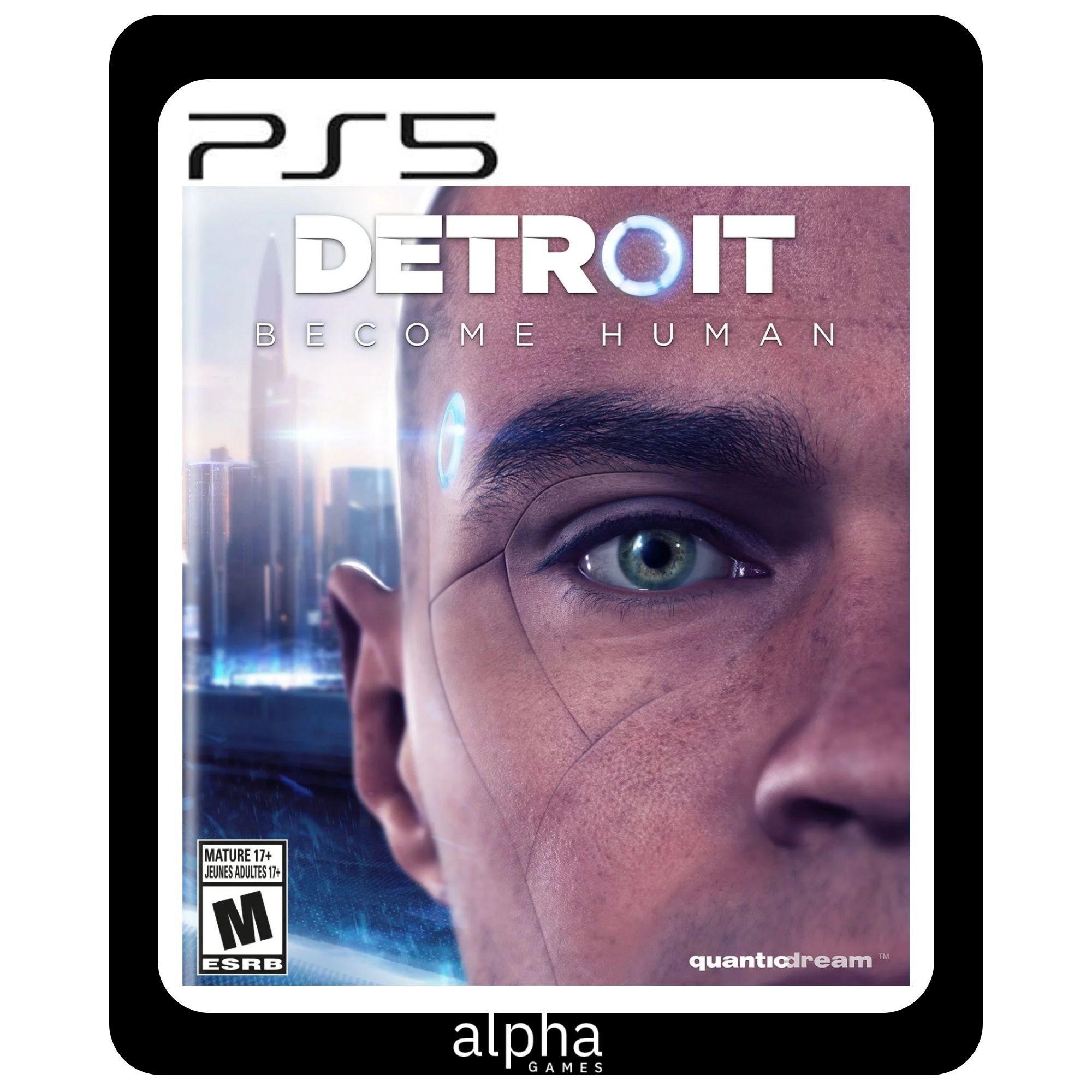
To play Detroit: Become Human on a PlayStation 5, you can use either a physical PS4 disc or a digital copy purchased from the PlayStation Store. The game runs via backwards compatibility, offering the enhanced PS4 Pro visual suite, including checkerboard 4K resolution, HDR support, and significantly faster loading times thanks to the PS5’s ultra-high-speed SSD.
Contents
Understanding Backwards Compatibility for Detroit: Become Human
As of 2026, Detroit: Become Human remains one of the most visually striking titles from the eighth generation of consoles. Developed by Quantic Dream, it was originally designed to push the PlayStation 4 and PlayStation 4 Pro to their absolute limits. Because the PlayStation 5 was engineered with a native backwards compatibility layer, the console can execute the original PS4 code with high fidelity.
When you launch Detroit: Become Human on a PS5, the system enters a "Pro Legacy Mode." This allows the hardware to mimic the PS4 Pro’s architecture while utilizing the PS5's superior compute power to maintain a locked frame rate and maximize the resolution targets. Unlike some titles that received a dedicated "PS5 Native Version" or "Director's Cut," Detroit: Become Human operates as a PS4 application. This means you do not need to buy a separate version of the game; the version you owned in 2018 or later is fully functional on the newer hardware.
Installation Methods: Physical vs. Digital
There are two primary ways to access Detroit: Become Human on your PS5. The method you choose depends on which PS5 model you own (Standard Disc Edition or Digital Edition) and your previous ownership of the title.
Using the Physical Disc
If you own the original PlayStation 4 physical disc and have a PS5 with a disc drive, the process is straightforward:
- Insert the Detroit: Become Human Blu-ray disc into the PS5 disc slot.
- The game icon will appear on your home screen. Select it to begin the installation process.
- The console will copy the data from the disc to the internal SSD.
- Note that you must keep the disc in the drive every time you want to play the game, as it serves as your license key.
- Check for updates immediately; the PS5 will download any available patches (such as version 1.08 or later) to ensure maximum stability.
Downloading the Digital Version
For owners of the PS5 Digital Edition or those who prefer a disc-free library:
- Navigate to the PlayStation Store on your PS5 dashboard.
- Search for "Detroit: Become Human."
- If you previously purchased it on your PSN account, you will see a "Download" button. If not, you can purchase it or claim it if it is currently part of the PlayStation Plus Game Catalog.
- The game will be added to your library and downloaded directly to your SSD.
- Once the download is complete, you can launch the game from your "Game Library" tab.
Technical Performance and Visual Enhancements on PS5
While Detroit: Become Human does not have a native PS5 SKU, the hardware of the PlayStation 5 provides several "passive" upgrades that improve the user experience compared to the base PS4.
Resolution and Image Quality
The PS5 utilizes the PS4 Pro's rendering path for this title. It features a checkerboard 4K resolution (2160p). Checkerboard rendering is a sophisticated spatial and temporal reconstruction technique that allows the game to look nearly identical to native 4K during gameplay while saving processing power. On the PS5, this image is cleaner than ever because the console's upscaling hardware handles the output to modern 4K and 8K displays with minimal artifacts.
High Dynamic Range (HDR)
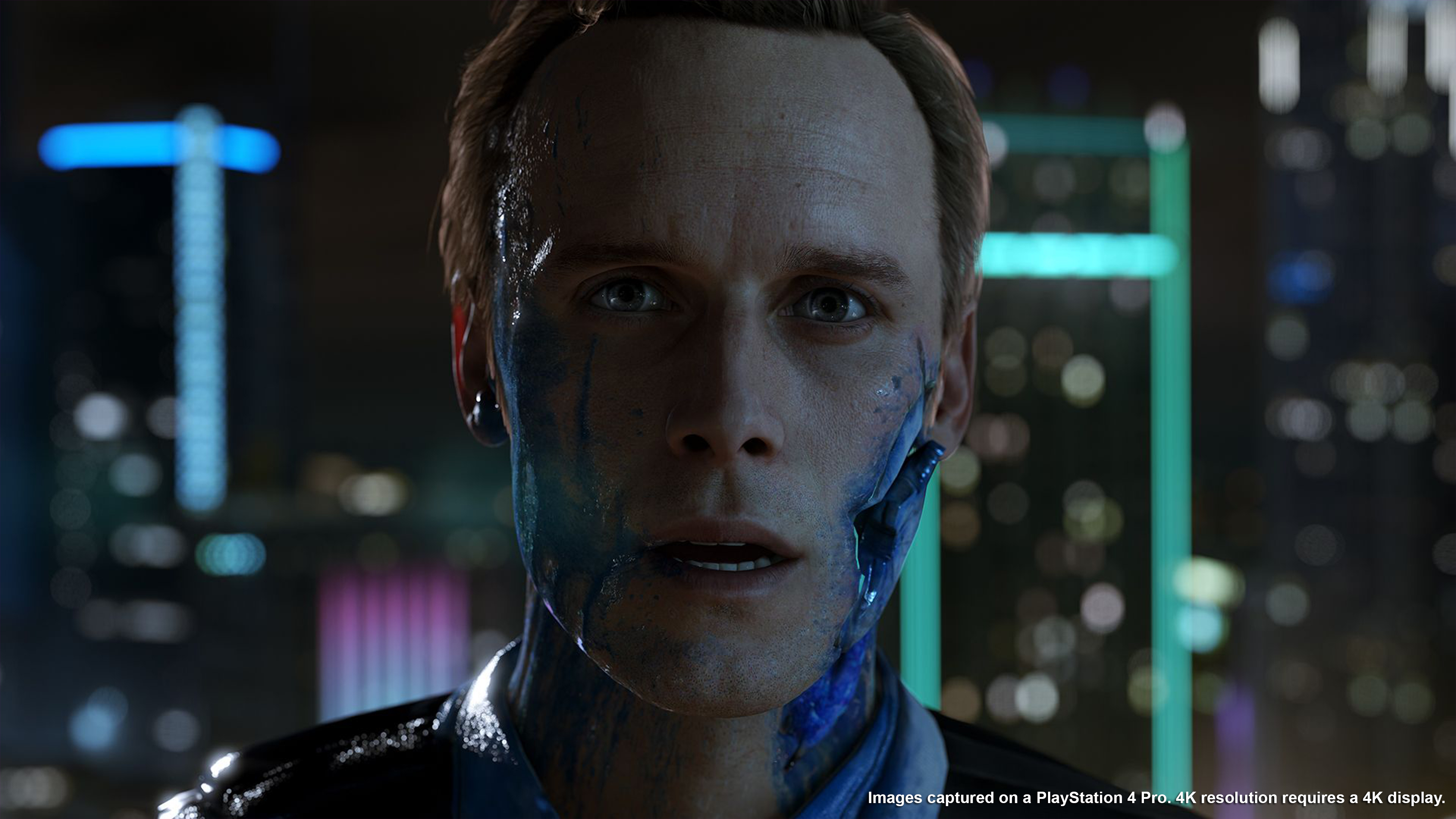
HDR is a critical component of Detroit: Become Human’s cinematic aesthetic. The PS5’s system-level HDR calibration tool ensures that the neon-soaked streets of futuristic Detroit and the subtle skin textures of the android characters have greater contrast and color depth. If you have an OLED or high-end LED display, the HDR implementation in this game remains a benchmark for the industry even in 2026.
Frame Rate Stability
On the original base PS4, the game occasionally dipped below its 30 FPS target during intensive scenes, such as the large-scale protests or heavy weather effects. On the PS5, the game maintains a rock-solid 30 frames per second. While some players may hope for a 60 FPS patch, the game’s cinematic animations were specifically motion-captured and timed for a 30 FPS delivery to mimic the look of a feature film. The PS5 ensures that this target is never missed, eliminating the stuttering found on older hardware.
Loading Times and SSD Impact
Perhaps the most noticeable improvement is the reduction in loading times. The PS4 utilized a mechanical Hard Disk Drive (HDD), resulting in long waits during initial boots and scene transitions. The PS5’s NVMe SSD utilizes a custom I/O integrated circuit that significantly speeds up data throughput. While the game's code is not optimized for the PS5’s proprietary "Kraken" compression, the raw speed of the SSD still cuts loading times by approximately 50-60% compared to a stock PS4.
DualSense Controller Integration
Playing Detroit: Become Human on PS5 uses the DualSense wireless controller. Because the game is a PS4 application, it does not support the advanced "Haptic Feedback" or "Adaptive Triggers" in the same way a native PS5 game like Ratchet & Clank: Rift Apart would. However, there are still key interactions to note:
- Standard Vibration: The DualSense translates the original "Rumble" data into its voice-coil actuators. The sensation is more precise but follows the original programming of the PS4 version.
- Touchpad Functionality: Detroit: Become Human makes extensive use of the touchpad for interactions like reading digital magazines or opening doors. The DualSense touchpad is fully compatible with these gestures.
- Motion Controls: Specific sequences require you to tilt or shake the controller. The DualSense's internal gyroscopes and accelerometers are more accurate than those in the DualShock 4, making these segments feel more responsive.
- Integrated Speaker: The DualSense speaker is used for certain environmental sound effects and android interface pings, enhancing the immersion.
How to Transfer Save Data from PS4 to PS5
If you started your journey as Connor, Markus, or Kara on a PS4 and wish to finish it on your PS5, you can migrate your save data. There are two primary methods for doing this.
Method 1: PlayStation Plus Cloud Storage
- On your PS4, go to Settings > Application Saved Data Management > Saved Data in System Storage.
- Select Upload to Online Storage and choose Detroit: Become Human.
- On your PS5, go to Settings > Saved Data and Game/App Settings > Saved Data (PS4).
- Select Cloud Storage and download the save files to your PS5 console storage.
Method 2: USB Transfer
- Connect a FAT32 or exFAT formatted USB drive to your PS4.
- Go to Settings > Application Saved Data Management > Saved Data in System Storage > Copy to USB Storage Device.
- Connect the USB drive to your PS5.
- Navigate to Settings > Saved Data and Game/App Settings > Saved Data (PS4) > USB Drive and select Copy to Console Storage.
| Feature | PlayStation 4 (Base) | PlayStation 4 Pro | PlayStation 5 (via BC) |
|---|---|---|---|
| Target Resolution | 1080p | 2160p (Checkerboard) | 2160p (Checkerboard) |
| Frame Rate | 30 FPS (with drops) | 30 FPS (Stable) | 30 FPS (Locked) |
| HDR Support | Yes | Yes | Yes (Enhanced Calibration) |
| Loading Speed | Slow (HDD) | Moderate (HDD/SATA SSD) | Fast (NVMe SSD) |
| Controller | DualShock 4 | DualShock 4 | DualSense |
Troubleshooting Common Issues
While the PS5's backwards compatibility is highly reliable, you may encounter minor issues. Most of these are easily resolved.
Visual Glitches or Flickering
In rare instances, the PS5's "Boost Mode" can cause minor flickering in legacy titles. Ensure your PS5 system software is fully updated to the 2026 firmware standards. If flickering persists, try disabling the "Deep Color Output" or "120Hz Output" in the PS5's Screen and Video settings, as these can sometimes conflict with older HDR implementations.
Game Won't Launch
If the game refuses to start, it is likely due to a corrupted installation or an incomplete update. Delete the game from your dashboard and reinstall it. If you are using a disc, ensure the surface is clean and free of scratches. Even though the PS5 laser is highly sensitive, significant physical damage to a PS4 disc can prevent the initial license check.
Missing PS Plus License
If you previously played Detroit: Become Human through the PS Plus Collection (a feature for early PS5 adopters), note that your access is tied to an active PlayStation Plus subscription. If your subscription lapses, a "lock" icon will appear on the game. Renewing your subscription or purchasing the game outright will restore access to your saves and progress.
Frequently Asked Questions
Is there a native PS5 version of Detroit: Become Human?
No, as of 2026, Quantic Dream has not released a native PS5-specific SKU. The game is played entirely through the PS5's backwards compatibility with the PS4 Pro version of the game.
Can I play Detroit: Become Human at 60 FPS on PS5?
Currently, Detroit: Become Human is locked at 30 FPS on all console versions. While the PC version supports 60 FPS and higher, the console version's animations and cinematic logic are hard-coded for a 30 FPS output.
Do I need to keep my PS4 to finish the game?
No. By transferring your save data via the cloud or a USB drive, you can pick up exactly where you left off on your PS5. The PS5 is fully capable of reading and writing PS4 save data formats.
Does the game look better on PS5 than PS4 Pro?
The resolution and textures are identical to the PS4 Pro version. However, the PS5 offers better color accuracy through system-level HDR calibration and much faster loading times, which makes the overall experience feel more modern and fluid.
Can I use my PS4 DualShock 4 controller on the PS5 to play it?
Yes. Since Detroit: Become Human is a PS4 game, the PS5 allows you to use a DualShock 4 controller if you prefer the feel of the older hardware. However, this only works for PS4 games; you cannot use a DualShock 4 for native PS5 games.
Final Recommendation
If you are looking to experience Detroit: Become Human in 2026, the PlayStation 5 is the definitive console platform for doing so. The combination of the PS4 Pro’s 4K visual assets and the PS5’s superior SSD and frame rate stability ensures that the branching narrative and high-fidelity character models remain as impactful as they were at launch. For the best experience, ensure your console's HDR is calibrated via the system settings and enjoy the significantly reduced downtime between the game's intense, choice-driven chapters.
Image Gallery