Comprehensive 2026 Antenna TV Channel Guide: How to Find and Map Your Local Stations
Accessing free over-the-air (OTA) television in 2026 requires a precise combination of antenna positioning and accurate signal mapping to capture ATSC 3.0 or standard ATSC 1.0 broadcasts. By utilizing official FCC tools and performing...
Accessing free over-the-air (OTA) television in 2026 requires a precise combination of antenna positioning and accurate signal mapping to capture ATSC 3.0 or standard ATSC 1.0 broadcasts. By utilizing official FCC tools and performing a channel rescan on your television tuner, you can identify and lock in the specific network affiliates available in your immediate geographic coordinates.
Contents
Understanding the Technical Landscape of OTA Broadcasting
Modern over-the-air television relies on the Advanced Television Systems Committee (ATSC) standards. While ATSC 1.0 remains the bedrock for most legacy broadcasts, the rollout of NextGen TV (ATSC 3.0) has fundamentally changed how viewers interact with their local channel guide.
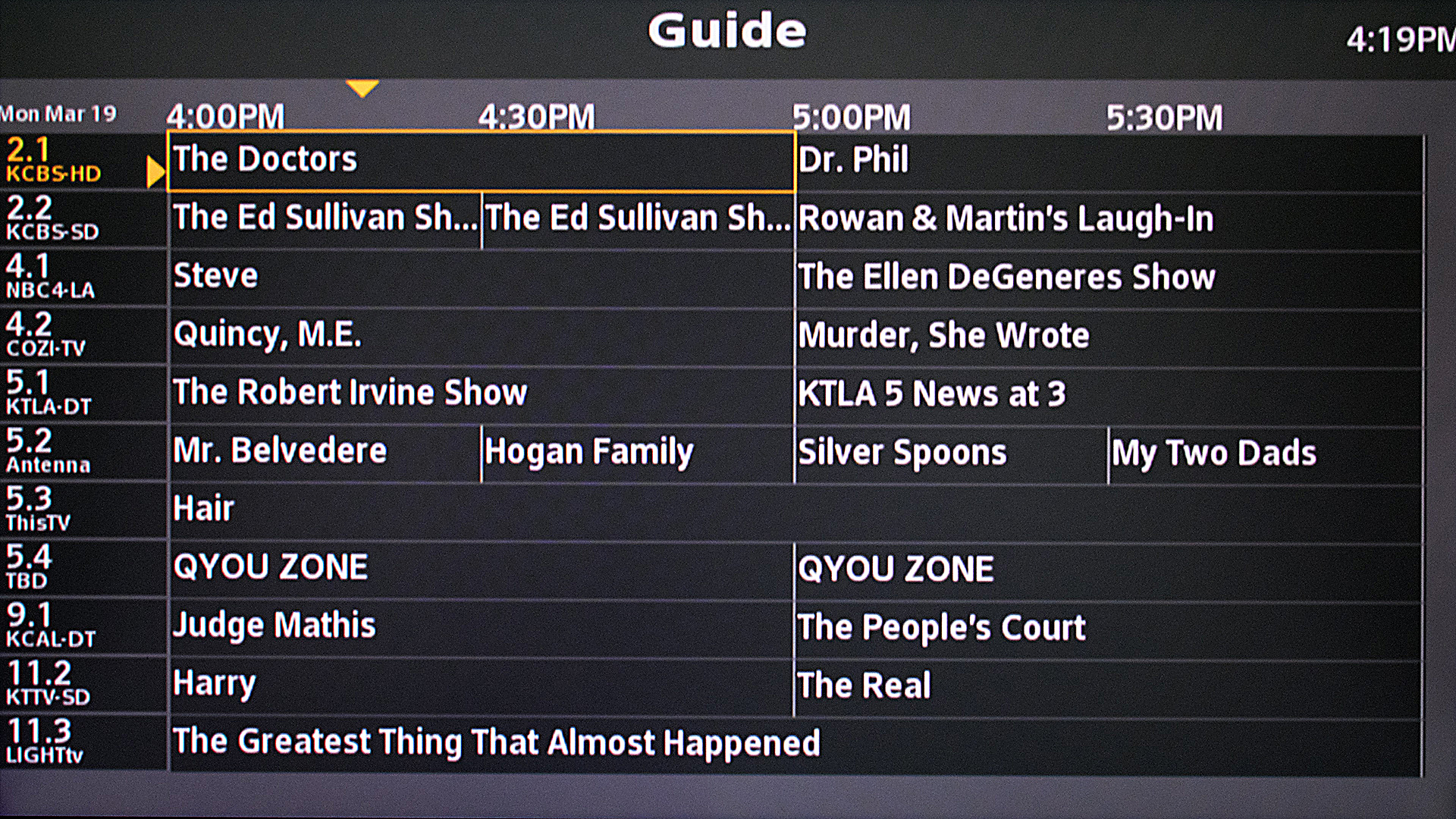
The primary challenge for most users is signal propagation. Television signals operate in the VHF (Very High Frequency) and UHF (Ultra High Frequency) bands. In 2026, most major network affiliates—such as ABC, CBS, NBC, Fox, and PBS—have transitioned to digital subchannels that allow for multiplexing. This means a single physical channel frequency may host multiple logical channel programs (e.g., 4.1, 4.2, 4.3).
To ensure you have the most accurate guide, you must understand that your physical location relative to the broadcast tower (the "transmitter site") dictates which stations you can realistically receive. Buildings, topography, and foliage can significantly attenuate high-frequency signals, making the placement of your antenna the most critical technical variable in your setup.
Step-by-Step Guide to Identifying Your Available Channels
Before attempting to tune your television, you must determine which stations are broadcasting in your area. Avoid relying on third-party mobile apps that may contain outdated transmitter data.
- Verify Your Coordinates: Access the Federal Communications Commission (FCC) Reception Maps tool. Input your exact street address or zip code to generate a predictive signal coverage map.
- Filter by Signal Strength: The FCC tool will categorize stations by "Strong," "Moderate," or "Weak." Focus your antenna toward the direction of the "Strong" signal clusters.
- Check Frequency Requirements: Identify if your desired stations are in the VHF or UHF band. This determines if you need a specialized "long-range" antenna or a compact indoor model.
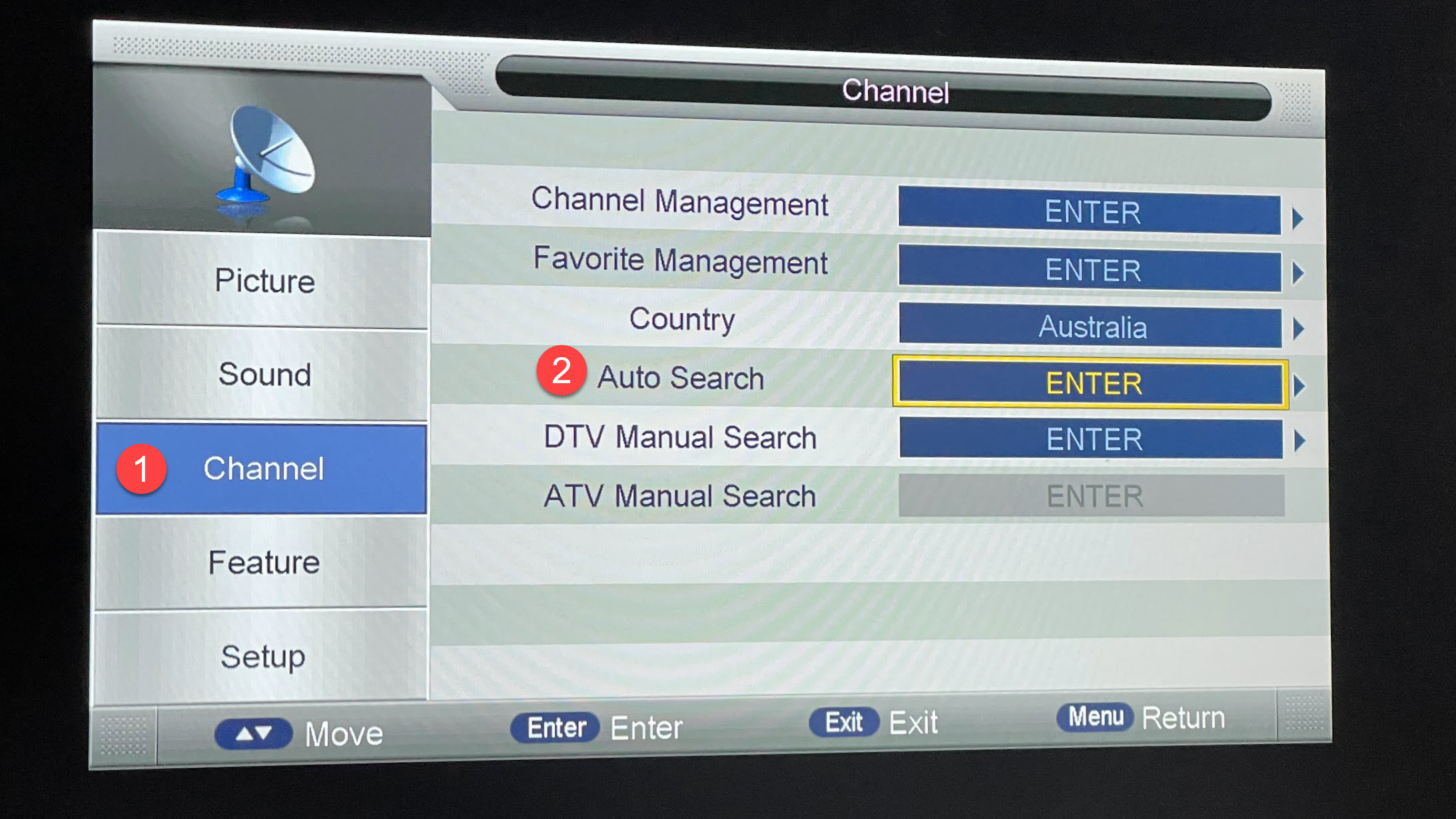
- Perform a Full Rescan: Once the antenna is connected and pointed, navigate to your TV’s "Setup," "Channel," or "Antenna" menu. Select "Air" or "Antenna" mode—never "Cable"—and run the "Auto-Program" or "Channel Scan" feature.
- Manually Map Missing Channels: If a known local station is missing, check your TV’s manual tuning feature. You may need to enter the specific RF physical channel number rather than the virtual channel number shown in standard guides.
Comparison of Antenna Types for 2026 Reception
Choosing the right hardware depends on your proximity to the broadcast tower and local interference factors.
| Antenna Type | Optimal Range | Best Use Case | Signal Reception Profile |
|---|---|---|---|
| Indoor Flat/Leaf | 0–25 miles | Urban areas with direct line-of-sight | Best for UHF; struggles with VHF |
| Indoor/Outdoor Yagi | 25–60 miles | Suburban areas with minor obstructions | Strong directional gain for distant stations |
| Multi-Directional Log Periodic | 30–70 miles | Areas with towers in different directions | Balanced reception across VHF/UHF bands |
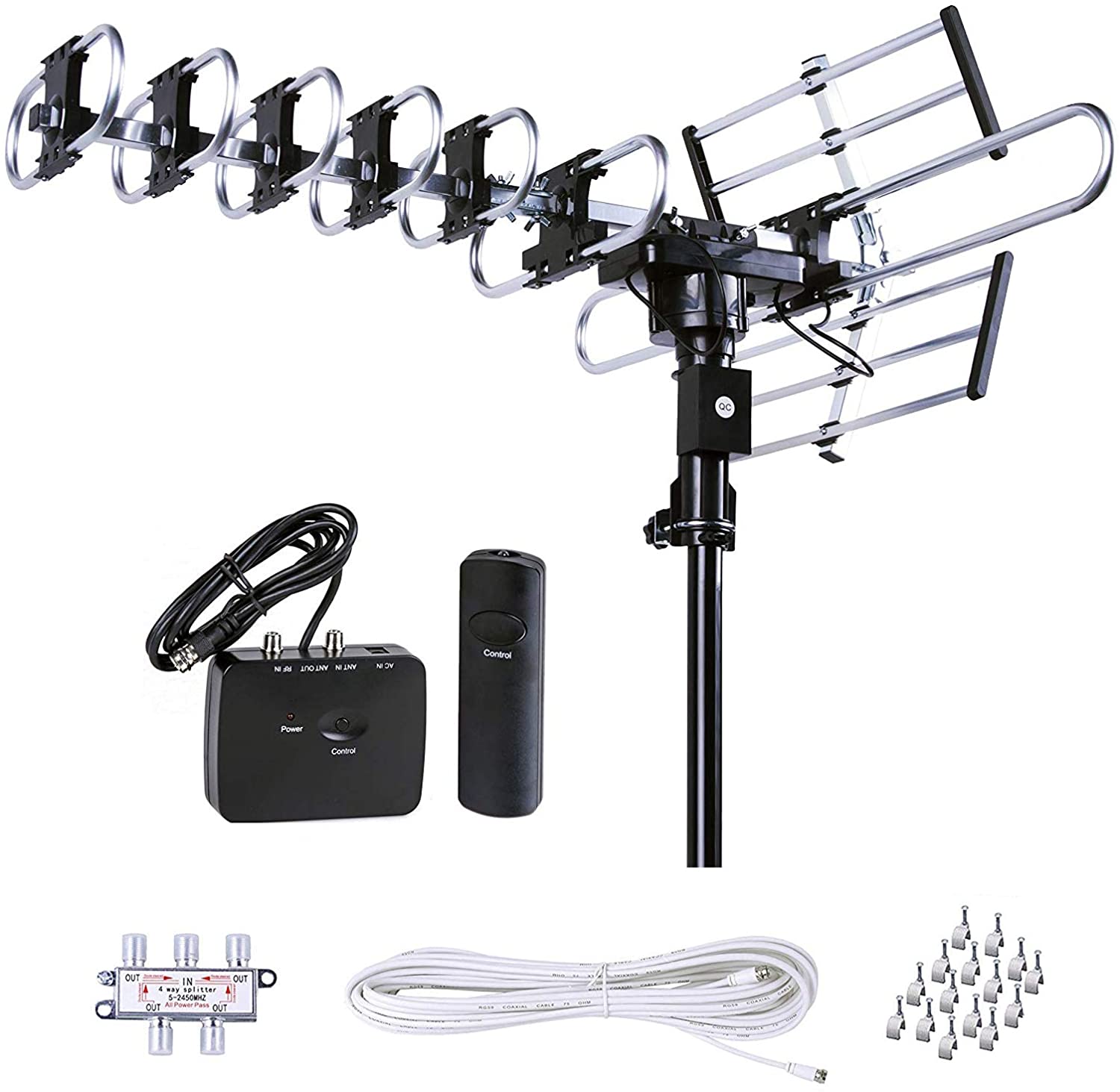
| Large Attic/Roof Mount | 60+ miles | Rural areas or deep fringe zones | Maximum signal amplification |
Optimizing Signal Reception and Channel Integrity
Signal degradation is the primary cause of "No Signal" errors or pixelation in channel guides. In 2026, the density of smart home devices and high-speed internet routers can also cause electromagnetic interference (EMI) near your antenna cables.
- Cable Management: Use high-shielded RG6 coaxial cables. Ensure all connections are finger-tight; loose connectors introduce noise that can drop digital signals entirely.
- Avoid Signal Splitters: Each split in a coaxial line reduces signal strength. If you must split the signal for multiple TVs, use an active distribution amplifier rather than a passive splitter.
- Height Advantage: Even a five-foot increase in antenna height can dramatically improve signal reception by clearing local ground-level obstacles. If possible, relocate the antenna to a window facing the direction of the transmitters.
- NextGen TV (ATSC 3.0) Considerations: If you are using an ATSC 3.0 compatible tuner, ensure your firmware is updated to the latest 2026 version. These tuners are more sensitive to signal timing and require a more stable base signal than legacy ATSC 1.0 tuners.
Frequently Asked Questions
Why does my channel guide show missing stations? Channels often go dark due to local maintenance, transmitter power adjustments, or seasonal interference. Always perform a full channel rescan after verifying that your antenna hasn't been bumped or shifted by weather.
Do I need a special antenna for ATSC 3.0 (NextGen TV)? No, existing UHF/VHF antennas are compatible with ATSC 3.0 broadcasts. The transition happens at the tuner/receiver level rather than the antenna hardware level, provided your antenna is capable of receiving the broadcast frequency.
Can I get cable-only channels like ESPN through an antenna? No, antennas only receive free, over-the-air broadcast television (networks like CBS, NBC, ABC, Fox, and PBS). Cable-exclusive networks require a paid subscription service via satellite, cable, or streaming providers.
Why is my reception worse during bad weather? Heavy rain, snow, or high humidity can attenuate high-frequency radio waves. While digital television is less susceptible to "snowy" static than old analog TV, extreme weather can still cause "blocking" or signal dropouts.
How do I find a permanent electronic TV guide? Many modern smart TVs include an integrated "Live" guide that connects via your home Wi-Fi to fetch metadata for your OTA channels. If your TV lacks this, websites like TitanTV offer free, real-time local scheduling based on your antenna reception.
Troubleshooting Common Channel Mapping Failures
If you find that your TV consistently fails to map channels, the issue is typically a mismatch between the broadcast frequency and the tuner's search logic. Ensure your TV is set to "Air" and not "Cable," as cable providers use different frequency schemes that will not capture OTA signals. Additionally, inspect the antenna balun—the small transformer that connects the antenna wires to the coaxial cable. A corroded or damaged balun is a frequent point of failure in outdoor installations.
For users in multi-story buildings, signal "multipath" interference occurs when the signal bounces off surrounding buildings before hitting your antenna. If you experience this, aim your antenna slightly away from the towers; sometimes, receiving a "reflected" signal is clearer than the direct, bouncing path.
Strategic Recommendation
For the best experience in 2026, invest in a reliable, powered outdoor antenna if you live more than 15 miles from the primary broadcast towers. Couple this with a dedicated OTA tuner or a modern smart television that supports native IP-based guide integration. Regularly maintain your cabling, and prioritize a "clean" signal path to avoid the need for unnecessary signal amplification, which can introduce as much noise as it removes.
Image Gallery