Maximizing Business Efficiency with a CRM iOS App in 2026
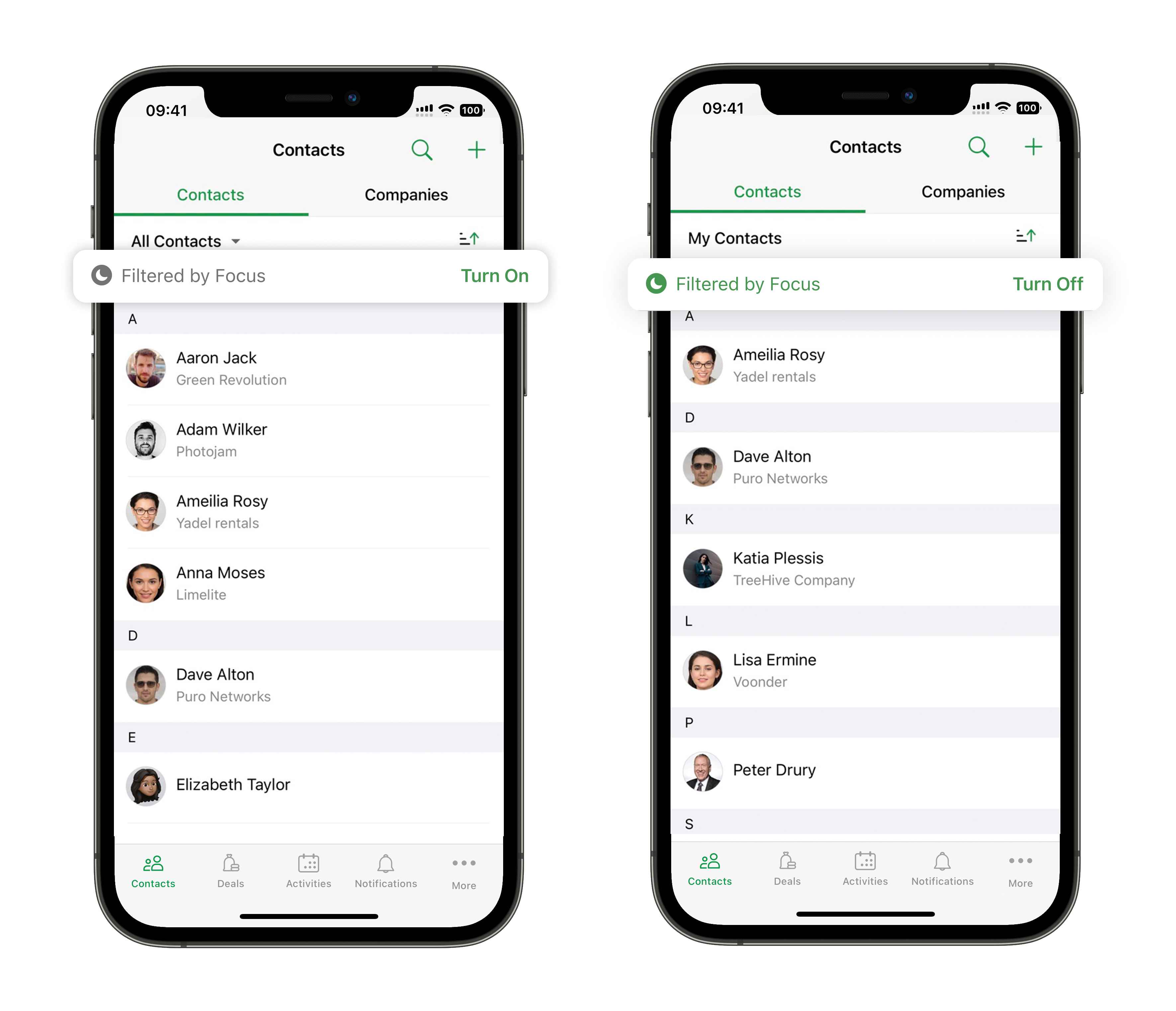
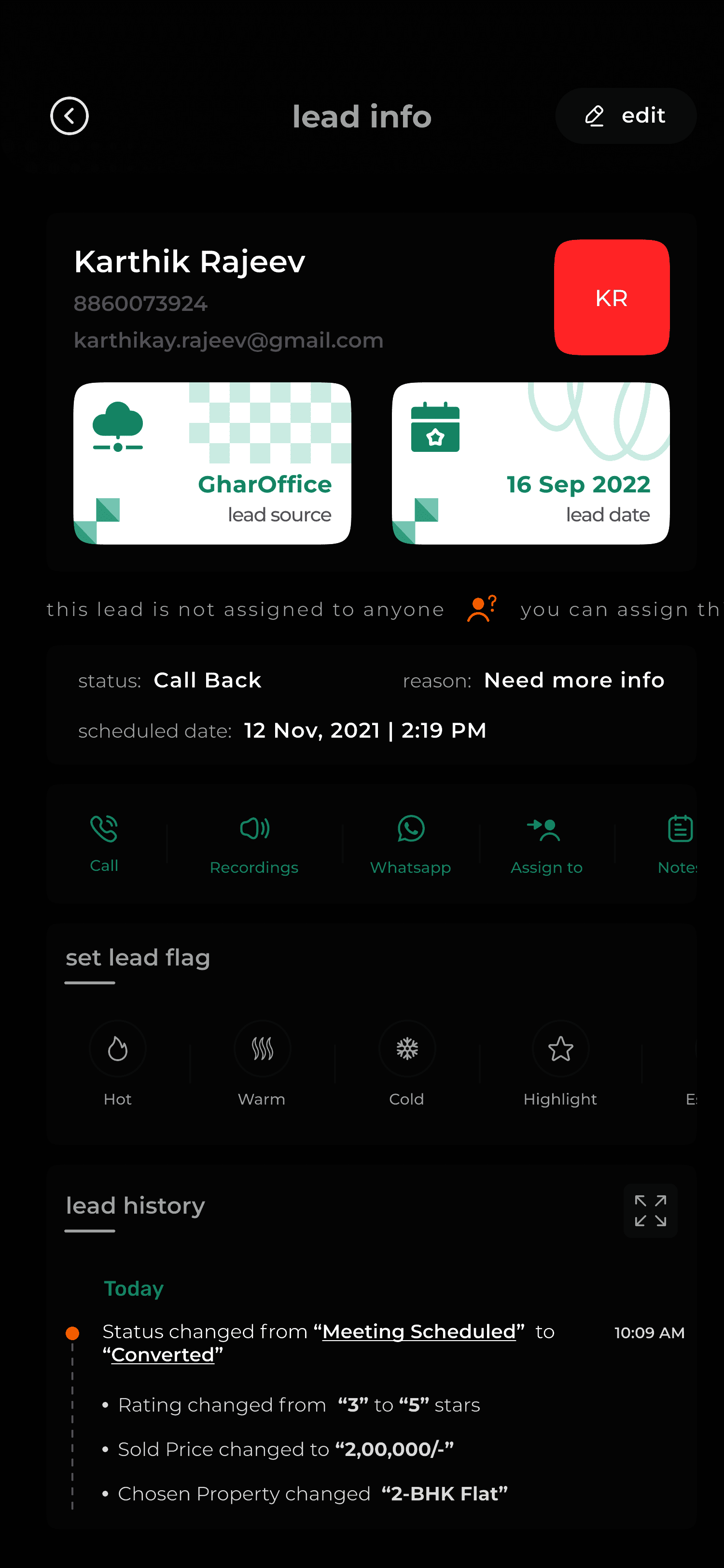
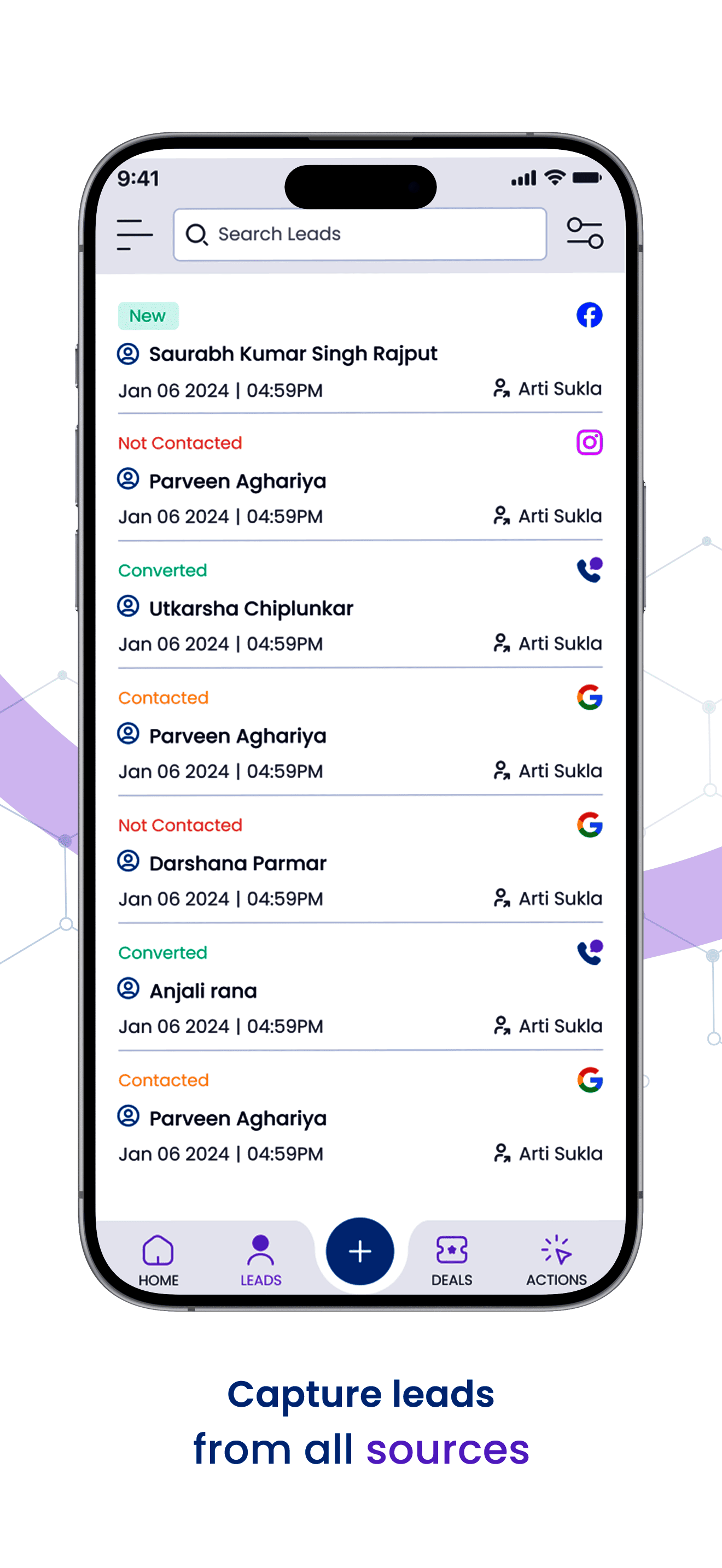
A CRM iOS app serves as a mobile-optimized gateway to your customer relationship management platform, enabling real-time data access, lead management, and team collaboration directly from an iPhone or iPad. By leveraging native iOS fea...
A CRM iOS app serves as a mobile-optimized gateway to your customer relationship management platform, enabling real-time data access, lead management, and team collaboration directly from an iPhone or iPad. By leveraging native iOS features like FaceID, push notifications, and Siri integration, these applications ensure that field sales teams and remote executives maintain operational continuity regardless of their physical location.
Contents
Core Architecture and Functional Requirements for Mobile CRM
Modern CRM applications on iOS are no longer simplified wrappers of their desktop counterparts. In 2026, enterprise-grade mobile CRM solutions function as full-featured clients that synchronize local cache with cloud databases, ensuring performance even in low-connectivity environments.
To effectively deploy a CRM iOS app, organizations must account for the following technical prerequisites:
- iOS Version Compatibility: Most enterprise CRM vendors now require iOS 17 or higher to support advanced security protocols and biometric authentication frameworks.
- API Latency Management: Applications must utilize efficient GraphQL or RESTful endpoints to minimize data packet sizes, preventing battery drain and high cellular data consumption.
- Offline Data Integrity: A robust app must employ a local SQLite or Core Data database to store records temporarily, pushing updates to the central server immediately upon re-establishing a secure handshake.
- Security and Compliance: Integration with Mobile Device Management (MDM) solutions is standard for 2026, allowing IT departments to enforce conditional access, remote wipe capabilities, and encrypted data containers.
Strategic Advantages of Mobile-First CRM Deployment
Transitioning from desktop-heavy workflows to mobile-first CRM engagement shifts the organizational focus toward agility. When a sales professional can update a lead's status or log a client meeting immediately after an interaction, data decay is significantly reduced.
Operational Impact of Mobile CRM
Data Accuracy Real-time entry prevents the common practice of retrospective data logging, which frequently leads to inaccurate pipeline forecasting and missed communication touchpoints.
Communication Velocity Immediate access to contact history and purchase records empowers staff to resolve client inquiries during spontaneous calls, increasing customer satisfaction scores.
Field Efficiency Geolocation features integrated within iOS apps allow teams to map nearby prospects, optimizing travel routes and ensuring no leads remain ignored in specific territories.
Evaluating Key Features for Professional Implementation
When selecting or optimizing a CRM iOS app, you must audit the feature set against your team's daily requirements. Not all applications offer the same level of depth regarding native iOS integration.
| Feature Category | Basic CRM App | Advanced Enterprise CRM App |
|---|---|---|
| Biometric Security | Password Only | FaceID / TouchID / SSO |
| Offline Functionality | Read-Only | Full Read/Write Sync |
| Siri Shortcuts | Not Supported | Native Command Automation |
| Widget Support | Minimal | Dynamic Dashboard Widgets |
| Document Scanning | Third-Party Required | Native OCR Integration |
Implementing Secure Access Controls
In 2026, the primary risk associated with a CRM iOS app is unauthorized access to sensitive PII (Personally Identifiable Information). Organizations must enforce strict adherence to the Principle of Least Privilege (PoLP).
Ensure that your mobile implementation includes the following security layers:
- Multi-Factor Authentication (MFA): Require a secondary token via Authenticator apps, not just SMS.
- Time-Locked Sessions: Automatically terminate mobile sessions after a period of inactivity to protect data if the device is misplaced.
- Encrypted At-Rest Storage: Confirm that the CRM provider uses hardware-backed encryption (Secure Enclave) for local cached data.
Troubleshooting Common Mobile CRM Sync Issues
Synchronization failures are the most common technical hurdle reported by users. If data is not updating across devices, follow this systematic diagnostic approach:
- Check Network Stability: Ensure the device is not behind a restrictive corporate firewall that blocks specific non-standard ports used by the CRM backend.
- Clear Application Cache: Navigate to the app settings and perform a manual cache clear to resolve corrupted state files that block synchronization.
- Verify App Permissions: Confirm that the CRM app has persistent access to Background App Refresh in iOS Settings.
- Update to Latest Build: Always run the latest version provided in the App Store, as 2026 releases frequently contain patches for OS-level changes.
Frequently Asked Questions
Can I use a CRM iOS app without an active internet connection? Yes, most enterprise-grade CRM applications are designed with an offline-first architecture. You can modify records, add notes, and create new leads while offline, which will then synchronize automatically when your device reconnects to Wi-Fi or cellular data.
How does an iOS CRM app handle security compared to a desktop version? Mobile CRM apps leverage iOS-specific hardware security, such as the Secure Enclave for biometric authentication. While the data remains consistent with the server, the mobile client acts as a secured container that can be remotely wiped by an IT administrator if the device is lost or compromised.
Are there limitations to using a CRM app on an iPad versus an iPhone? While the underlying logic is identical, iPad-optimized versions often provide a multi-column view that better utilizes screen real estate for complex task management and dashboard visualization. Some advanced reporting features might be limited to the tablet interface to ensure usability.
How do I integrate Siri with my CRM tasks? Most CRM apps for iOS in 2026 support Siri Shortcuts. You can configure custom voice triggers to perform actions like "Log meeting with [Client Name]" or "Show my tasks for today," which triggers the app's automation engine to execute the request in the background.
Does using a CRM mobile app increase cellular data costs? Generally, modern CRM apps are optimized to consume minimal bandwidth by fetching only delta-updates (changes) rather than refreshing the entire database. However, users who frequently upload or download heavy attachments (PDFs, video demos) should monitor their cellular data usage settings.
Strategic Recommendations for Implementation
To successfully adopt a mobile CRM strategy in 2026, focus on user adoption through simplification. Do not overwhelm field teams with every available feature during the initial rollout. Instead, define a "mobile-only" subset of tasks—such as updating meeting notes or managing lead stages—and gradually introduce more complex functionality once the team demonstrates proficiency with the core interface. By prioritizing mobile consistency, you ensure that your CRM remains the central truth of your business operations.
Image Gallery