A Comprehensive Guide to Using Free Impulse Responses for Audio Projects
Impulse responses (IRs) are essential digital captures of acoustic spaces or hardware characteristics that allow producers to apply the sonic fingerprint of real-world environments and equipment to dry audio signals. By using free impu...
Impulse responses (IRs) are essential digital captures of acoustic spaces or hardware characteristics that allow producers to apply the sonic fingerprint of real-world environments and equipment to dry audio signals. By using free impulse response files, audio engineers and musicians can achieve professional-grade convolution reverb, cabinet simulation, and studio-quality EQ shaping without the financial burden of high-end software licenses.
Contents
Understanding Impulse Responses: The Technical Foundation
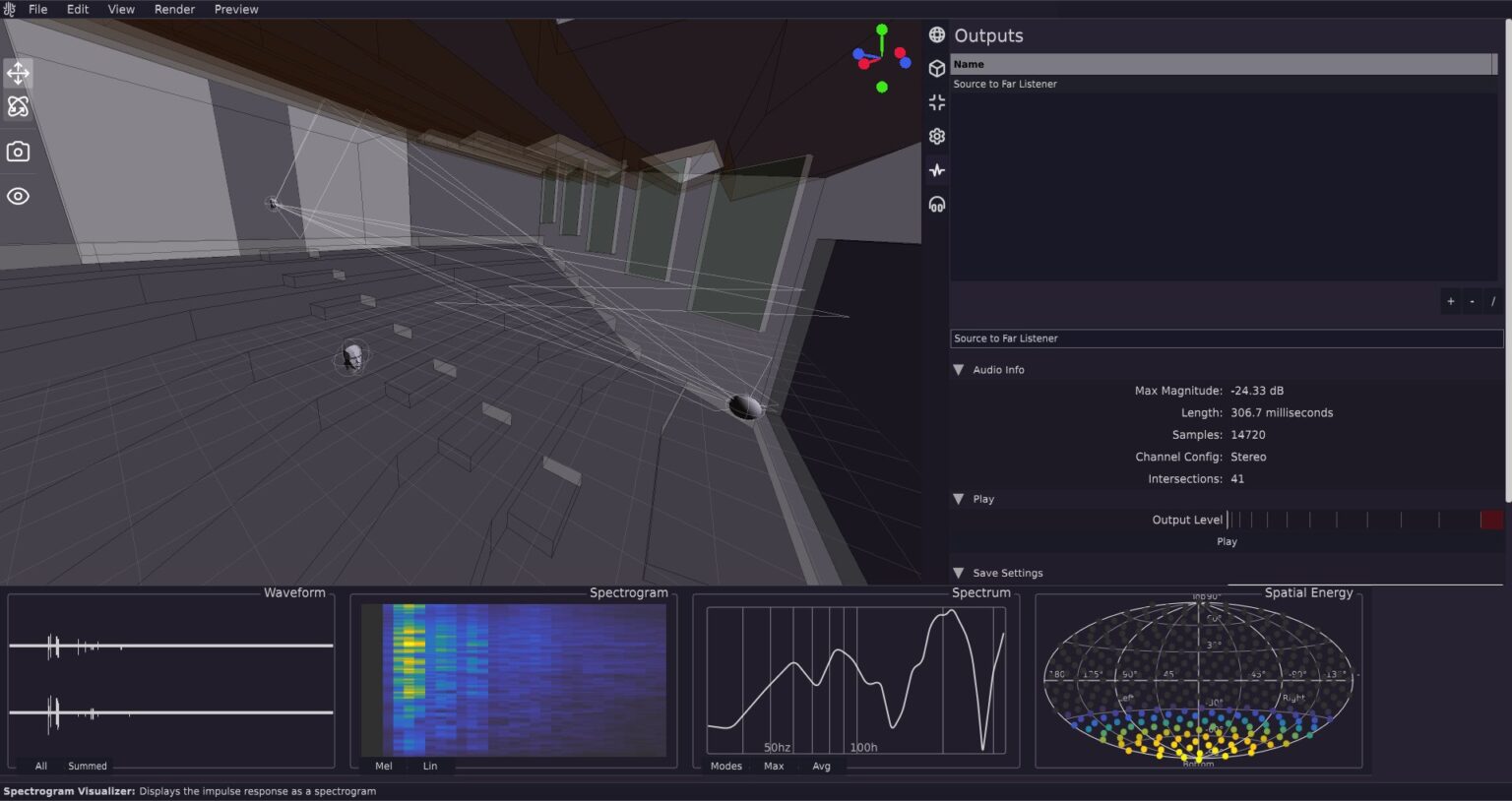
At its core, an impulse response is a mathematical representation of how a physical system—such as a concert hall, a vintage amplifier cabinet, or an analog processor—reacts to a sharp, broad-spectrum sound impulse. When you capture the "echo" or decay of an environment by sending a sine sweep or a starter pistol pop through it, you create an audio snapshot. In digital signal processing (DSP), a convolution engine takes this IR file and performs a complex mathematical operation on your dry audio, essentially "stamping" the characteristics of the recorded space onto your track.
For producers working in 2026, the proliferation of high-quality, free IR libraries is a game changer. Whether you are mixing orchestral arrangements that require the lush tails of a cathedral or recording direct-input (DI) guitars that need the grit of a 4x12 cabinet, IRs provide an efficient and hyper-realistic solution. Unlike algorithmic reverbs, which generate artificial reflections based on mathematical approximations, convolution-based IRs utilize actual recordings, resulting in a level of realism that is often indistinguishable from the original source.
Navigating the Ecosystem of Free Impulse Responses
The availability of free IRs spans a wide spectrum of sources, ranging from community-driven forums to professional manufacturers offering "lite" versions of their flagship libraries. To effectively incorporate these into your workflow, you must understand the two primary categories:
- Acoustic Space IRs: These capture the reflections and frequency responses of physical rooms, churches, tunnels, and historic venues. They are primarily used in convolution reverb plugins to place a sound source within a virtual space.
- Hardware/Cabinet IRs: These capture the frequency response of signal chains, including guitar/bass cabinets, analog compressors, and vintage EQs. These are vital for DI recording, where you need to emulate the frequency curve of a speaker moving air or the saturation profile of an analog circuit.
When searching for these assets, prioritize reputable repositories. Many professional developers maintain "freemium" models where a foundational set of IRs is provided at no cost, allowing users to test the quality before committing to full-featured commercial packs.
Essential Workflow for Implementing Impulse Responses
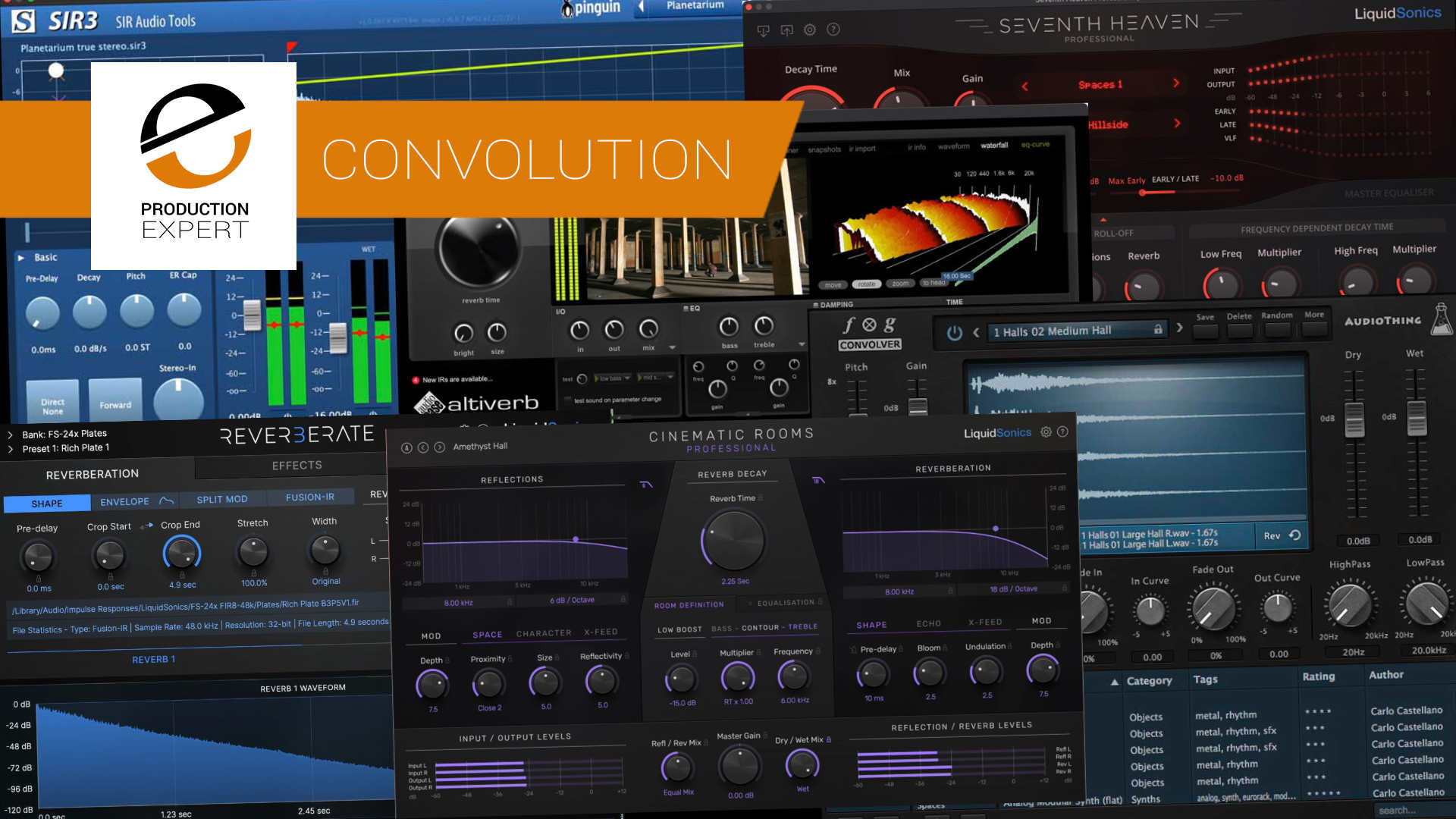
To utilize an IR, you require a host plugin capable of convolution. While many Digital Audio Workstations (DAWs) now include native convolution reverbs, third-party loaders often provide more flexibility regarding phase alignment and frequency manipulation.
Step-by-Step Implementation:
- Load the Plugin: Insert a convolution loader onto your track or send/return bus.
- Import the File: Most IRs are distributed as standard .WAV or .AIFF files. When you import a .WAV file into a loader, the software treats the waveform data as the impulse profile.
- Adjust the Wet/Dry Mix: In reverb applications, the "Wet" signal represents the acoustic environment, while "Dry" is your unprocessed sound. Balance these to ensure the space does not overwhelm the clarity of your performance.
- Manage Latency: Some convolution plugins introduce processing delay. Ensure your DAW is configured for automatic delay compensation to prevent phase issues during monitoring.
- EQ Pre-Processing: It is often beneficial to apply a low-pass and high-pass filter before the convolution engine to clean up the mud often present in captured room IRs.
Comparing Common Types of Impulse Responses
| IR Category | Primary Use Case | Typical Characteristics | Technical Requirement |
|---|---|---|---|
| Room/Hall | Reverb/Space | Lush, long decay, stereo imaging | High-fidelity convolution loader |
| Guitar Cabinet | Amp Simulation | Aggressive midrange, frequency roll-off | Low-latency IR loader |
| Vintage EQ | Tone Shaping | Subtle saturation, fixed phase curves | Linear-phase processing |
| Plate/Spring | Classic Effects | Metallic character, vintage texture | High-resolution sampling |
Best Practices for Selecting and Organizing Assets
With the vast amount of free content available online, organization is paramount. A disorganized folder of thousands of IRs will stifle creativity. Organize your library by metadata tags or descriptive folder structures—such as "Reverb_Churches," "Guitar_4x12_Closed," or "Vintage_Console_Preamp."
When evaluating a free IR, check the sample rate and bit depth. While many older IRs are 44.1kHz, modern audio projects often run at 48kHz, 88.2kHz, or 96kHz. While convolution loaders generally perform sample rate conversion, using an IR that matches your project's sample rate reduces potential artifacts and ensures the highest phase accuracy.
Common Pitfalls and Troubleshooting
Even with high-quality files, users may encounter sonic issues. A frequent problem is the "phasing" effect, which occurs when a cabinet IR is loaded without proper phase alignment relative to the dry signal. This often results in a thin, hollow sound. If an IR sounds "weak," try inverting the polarity within the plugin or adjusting the alignment settings.
Another consideration is the "length" of the impulse. Long IRs (several seconds) are ideal for large spaces but consume significantly more CPU power. For rhythmic or short-decay sounds, opt for shorter IR files to keep your project performance stable. If you experience CPU spikes, consider "freezing" or "bouncing" the track containing the convolution effect to audio to conserve system resources for other mixing tasks.
Frequently Asked Questions
1. Can I use any .WAV file as an impulse response? Technically, yes, a convolution engine can process any audio file as an impulse. However, for a useful result, the file must be a recording of an actual impulse. If you use a music file as an IR, the output will be a distorted, reverberant mess.
2. Are free IRs legally safe for commercial projects? Most reputable free IR providers distribute files under Creative Commons licenses or specific EULAs. Always verify the license file accompanying the download to ensure you have commercial usage rights.
3. Why does my guitar tone sound thin when using cabinet IRs? This is often caused by the "proximity effect" or phase cancellation. Check if your IR loader has a "Minimum Phase" setting, which can help align the IR with your DI signal and restore low-frequency punch.
4. How many IRs do I really need? You do not need thousands. Curating a small "go-to" folder containing one or two high-quality halls, plates, and cabinets is more effective than hoarding large, unorganized libraries. Focus on the quality of the capture rather than the quantity of options.
5. Do I need a special plugin to load IRs? Yes, you need a convolution plugin. While some DAWs have these built-in, there are many free, dedicated IR loader plugins available that offer features like dual-IR blending, which allows you to mix two cabinet IRs for a customized sound.
Strategic Next Steps
To begin building your library, start by identifying the specific needs of your current audio project. If you are mixing, search for "convolution reverb IR libraries" from established studio recordists. If you are tracking, seek out "cabinet IRs" from reputable amp-sim developers who offer free samples. Download a small, curated set, test them within your specific DAW environment, and note which files yield the best results for your preferred genre. Consistency in your choice of IRs can ultimately lead to a more cohesive, professional sonic signature across your entire body of work.
Image Gallery