iPhone Application Development: A Technical Roadmap for 2026
iPhone application development in 2026 centers on mastering the Swift 6 programming language and the latest iterations of the iOS SDK within Xcode. Success requires a deep integration of SwiftUI for declarative interface design, adhere...
iPhone application development in 2026 centers on mastering the Swift 6 programming language and the latest iterations of the iOS SDK within Xcode. Success requires a deep integration of SwiftUI for declarative interface design, adherence to Apple’s stringent Human Interface Guidelines (HIG), and optimized performance tuning to leverage the neural processing capabilities of current Apple Silicon chipsets.
Contents
The Architectural Foundation of Modern iOS Development
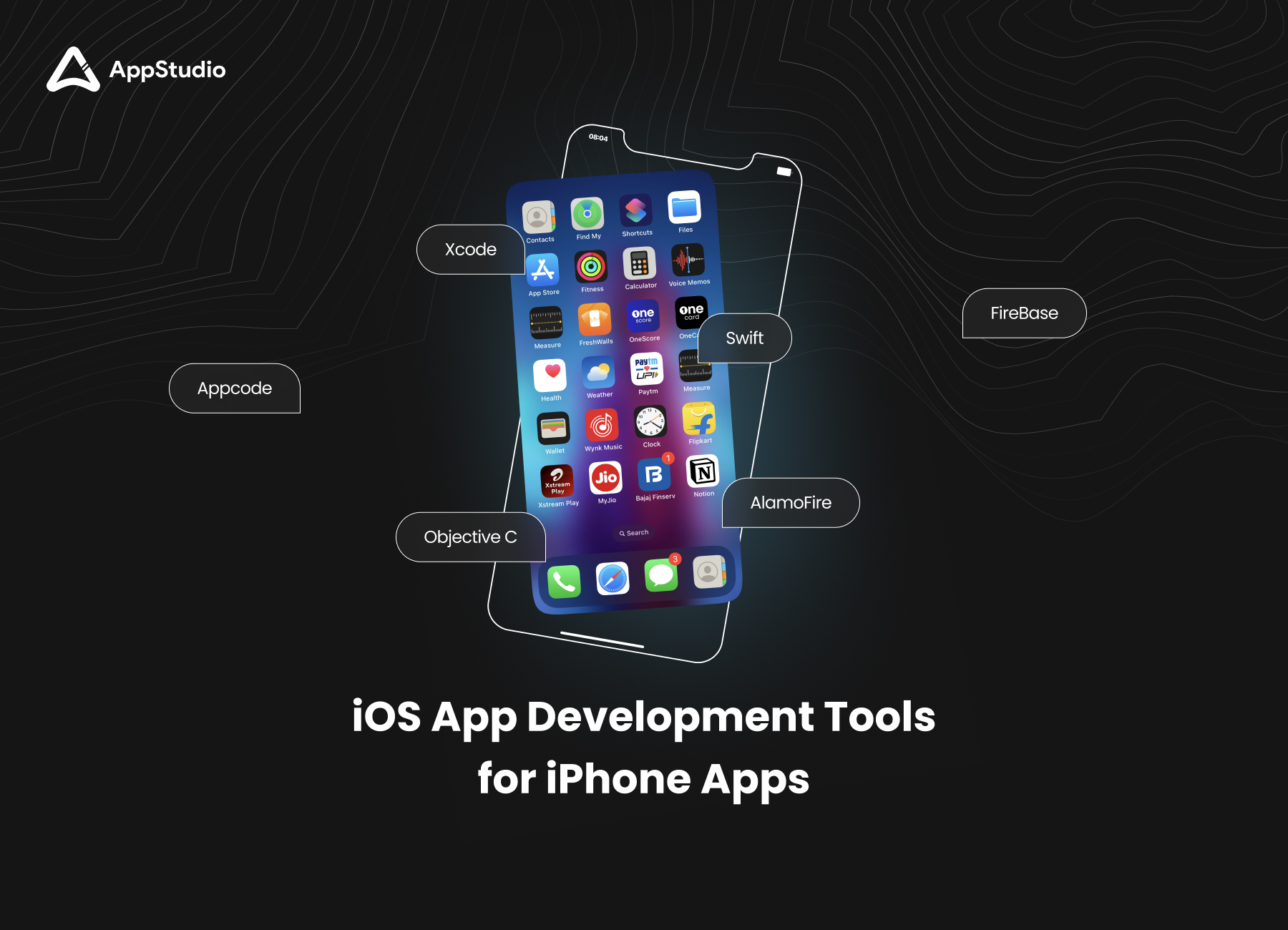
Building high-performance iPhone applications today requires moving beyond basic UI implementation toward a robust architectural framework. Professional-grade development relies on the Model-View-ViewModel (MVVM) or the Composable Architecture (TCA) to ensure testability, maintainability, and scalability. As of 2026, the reliance on UIKit is relegated to legacy support, with SwiftUI serving as the primary declarative framework for all new application logic.
Developers must prioritize the following foundational pillars:
- Concurrency and Data Safety: Utilizing the Swift Concurrency model (async/await) is mandatory to prevent data races and ensure smooth main-thread execution. This is critical for maintaining the 60 to 120 FPS frame rates required for modern, fluid user experiences.
- Memory Management: While Automatic Reference Counting (ARC) handles most tasks, engineers must actively manage memory footprints to prevent retain cycles, particularly when using closures within view hierarchies.
- Persistent Data Strategies: Choosing between SwiftData—Apple’s current evolution of Core Data—and property lists or local caching strategies depends on the complexity of the data model. SwiftData provides a more integrated, macro-driven approach that aligns with the declarative nature of SwiftUI.
Essential Toolchain and Environment Requirements
The development environment is strictly tethered to the Apple ecosystem. To build and distribute professional iPhone applications in 2026, the following requirements are non-negotiable:
- Hardware: A Mac running macOS Sequoia or later is necessary to support the latest version of Xcode. Development on older hardware limits the ability to utilize advanced simulators and real-time debugging tools.
- Xcode 17+: The integrated development environment provides the compiler, debugger, and asset management systems. Proficiency in Xcode’s profiling tools, specifically Instruments, is required to track CPU usage, memory leaks, and energy efficiency.
- Apple Developer Program: Enrollment is mandatory to access App Store Connect, TestFlight for beta distribution, and the ability to sign applications for distribution on the App Store or via enterprise provisioning.
Comparing Development Approaches
Choosing the right technological path influences the long-term viability and performance of your application. The table below outlines the primary considerations for development methodologies available in 2026.
| Methodology | Performance | UI/UX Flexibility | Maintenance Overhead | Typical Use Case |
|---|---|---|---|---|
| Native (Swift/SwiftUI) | Maximum | Excellent | Low | High-performance, complex apps |
| Cross-Platform (Flutter) | High | Good | Moderate | MVP, budget-sensitive projects |
| Cross-Platform (React Native) | High | Good | Moderate | Apps with heavy web-tech synergy |
| PWA/Web-Based | Low | Limited | Low | Simple informational tools |
Navigating Apple App Store Guidelines and Security
Securing approval from the App Store Review team requires more than just functional code; it necessitates compliance with Apple's strict privacy and safety standards. In 2026, the focus on user privacy is more pronounced than ever.
- Privacy Manifests: Every application must include a privacy manifest to declare the types of data collected and the APIs used. Failure to accurately report these will result in immediate rejection.
- App Transport Security (ATS): All network connections must use HTTPS to ensure data encryption in transit. Exceptions require granular justification within the Info.plist file.
- Authentication Standards: Implementation of Sign in with Apple is required for any application that provides third-party account authentication. This ensures users have a private, secure, and unified way to access their data.
Optimizing for the 2026 Hardware Landscape
The target audience in 2026 utilizes a wide range of devices, from the latest iPhone flagship to older models that remain in circulation. Optimization is not an afterthought; it is a core development principle.
Performance Optimization Strategies
Energy Efficiency Developers must minimize background processing and utilize efficient networking protocols like URLSession to prevent unnecessary battery drain. Applications that exceed thermal thresholds will be throttled by the OS.
Accessibility Integration Following the Accessibility Inspector standards is mandatory. This includes support for Dynamic Type, VoiceOver, and high-contrast modes, ensuring that the application remains usable for all demographics regardless of physical constraints.
Local Machine Learning Leveraging Core ML allows for on-device intelligence without the need for server-side processing. This approach improves user privacy, reduces latency, and allows functionality to persist in offline states.
Common Pitfalls and Troubleshooting
Even experienced developers face challenges that can delay release cycles or degrade user experience. The most frequent issues in 2026 relate to lifecycle management and asynchronous state updates.
- Main Thread Blocking: Performing heavy computational tasks on the main thread remains the leading cause of application hangs. Use Task groups or detached tasks to offload work.
- View Lifecycle Mismanagement: SwiftUI views are intended to be lightweight. Performing data fetching inside the view body rather than using StateObject or EnvironmentObject will lead to redundant view re-renders and UI stutter.
- Ignoring Asset Catalog Optimization: High-resolution display assets must be correctly tagged and optimized (e.g., using HEIF/HEVC formats) to reduce the final binary size, which influences App Store download conversion rates.
Frequently Asked Questions
What is the minimum requirement for starting iPhone application development? You need an Apple ID, a Mac, and the latest version of Xcode installed. While you can test on simulators, having a physical device for performance testing is highly recommended.
Is it possible to develop an iPhone app on a Windows PC? Technically, you can use cross-platform frameworks like Flutter or React Native on Windows, but you will still require a Mac for the final compilation, code signing, and submission to the App Store.
How does SwiftUI change the development process compared to UIKit? SwiftUI uses a declarative syntax where you describe what the UI should look like based on the current state. UIKit is imperative, requiring you to manually manage the lifecycle and transitions of every view element.
What is the role of the Apple Developer Program in 2026? It acts as the gatekeeper for the ecosystem, providing the certificates, provisioning profiles, and the distribution infrastructure needed to get your application into the hands of users via the App Store.
How should I handle user data privacy compliance? You must clearly define your privacy policy, implement the mandatory privacy manifest in Xcode, and ensure that any data collection follows the "Privacy by Design" principle, requesting user permission via the Transparency Framework.
How often should I update my app to maintain App Store compliance? You should aim for quarterly updates at minimum to ensure compatibility with the latest iOS APIs, performance optimizations, and security patches, or as required by Apple's changing App Store Review Guidelines.
Strategic Execution
The path to a successful iPhone application in 2026 is defined by technical precision and adherence to the Apple standard. By utilizing Swift 6 and SwiftUI within the established Apple development ecosystem, you ensure that your product is not only performant and secure but also positioned for longevity in a competitive market. Begin your development cycle by auditing your target requirements and setting up a robust CI/CD pipeline early in the project lifecycle to ensure continuous deployment and testing.
Image Gallery