How Do I Deposit Cash Into My USAA Account
Depositing cash into a USAA account requires specific methods because USAA operates primarily as a digital bank without traditional brick-and-mortar storefronts or proprietary cash-accepting ATMs. To add physical currency to your balan...
Depositing cash into a USAA account requires specific methods because USAA operates primarily as a digital bank without traditional brick-and-mortar storefronts or proprietary cash-accepting ATMs. To add physical currency to your balance, you must utilize participating retail networks, purchase cashier's checks or money orders to mobile deposit, or deposit cash into a secondary physical bank account and transfer the funds electronically.
Contents
Understanding the mechanics of digital-first banking operations is essential for managing physical currency. Because USAA does not maintain a physical branch network for walk-in deposits, account holders must navigate alternative deposit channels. Knowing these pathways ensures you can fund your accounts securely, avoid unnecessary fees, and prevent transaction delays.
Understanding USAA Deposit Limitations and Digital Banking Architecture
USAA (United States Services Automobile Association) provides banking and insurance services tailored to military members, veterans, and their families. Unlike traditional regional banks with physical teller windows in every neighborhood, USAA's infrastructure relies on digital channels, telephone banking, and strategic partnerships.
When you possess physical currency, you cannot simply walk up to a USAA teller to hand over dollar bills. The institution's lack of physical branches means cash must be converted into an electronic format or a negotiable instrument before it can enter your USAA ledger. This operational framework protects account security and minimizes overhead, but it introduces friction for members who deal heavily in physical cash.
Why Direct Cash Deposits Are Not Supported
- Absence of Teller Windows: USAA has no physical retail branches where cash can be handed to a representative.
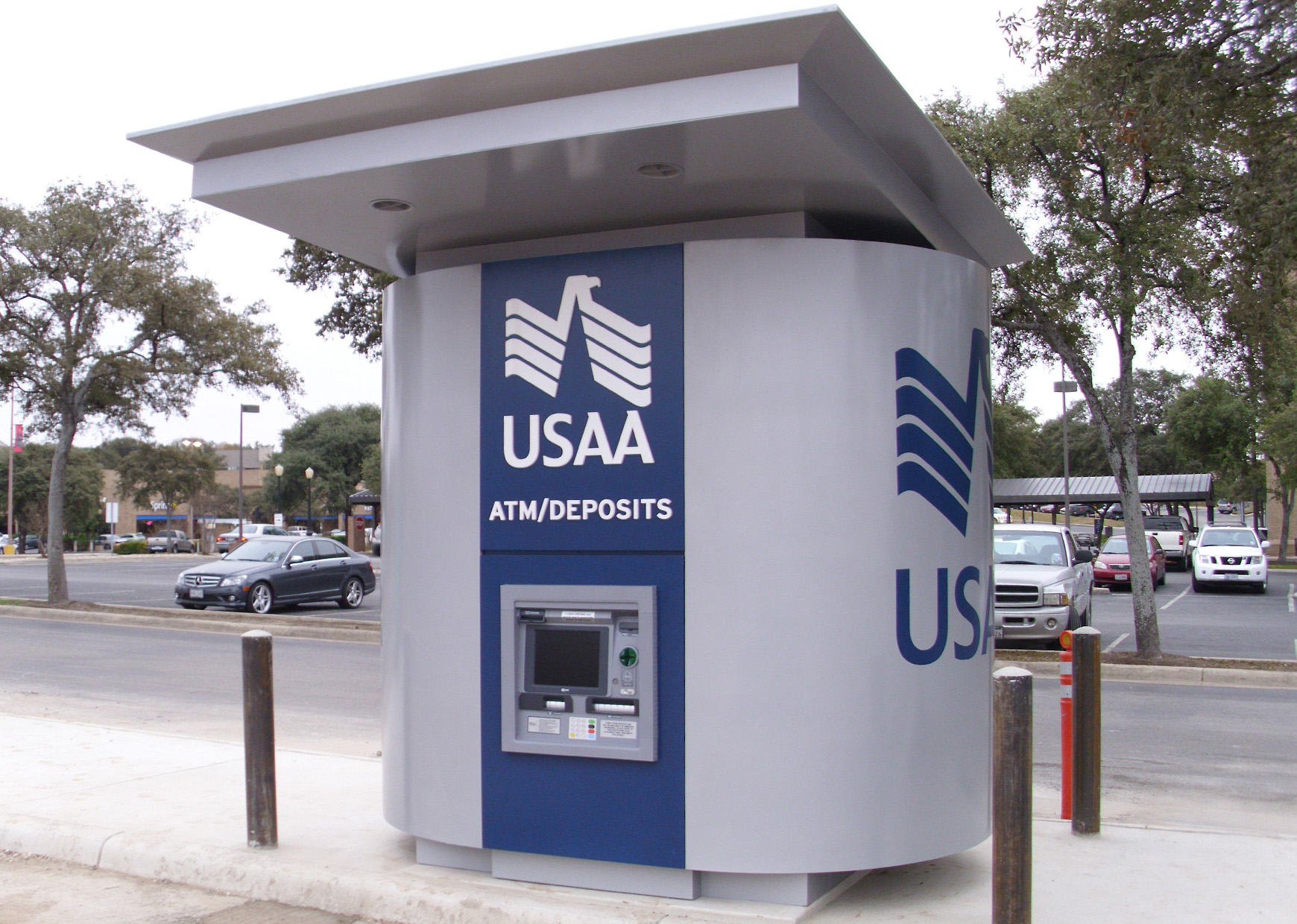
- Non-Participating ATMs: USAA-branded or partner ATMs (such as those in the Allpoint network) are generally configured for cash withdrawals and check deposits, not cash intake.
- Regulatory Compliance: Anti-Money Laundering (AML) and Bank Secrecy Act (BSA) protocols require strict tracking of physical cash ingestion, which digital-only institutions manage through verified partner networks rather than direct intake.
Approved Methods for Funding Your USAA Account with Cash
To successfully place physical currency into your USAA checking or savings account, you must utilize one of several approved workarounds. Each method involves converting your cash into a digital or paper asset that USAA's systems recognize.
| Deposit Method | Speed of Availability | Typical Fees | Convenience Level |
|---|---|---|---|
| Retail Partner Networks (Walmart, CVS, etc.) | Usually within minutes to 1 business day | Varies by retailer ($3.95 - $5.95) | High (widespread locations) |
| Money Order / Cashier's Check via Mobile Deposit | 1 to 5 business days | Cost of money order ($1 - $2) | Medium (requires a participating store) |
| Third-Party External Bank Transfer | 2 to 4 business days | Free or low-cost transfer fees | Low (requires a secondary traditional bank account) |
| Cash Deposit via Family/Friends | Varies by transfer method | Dependent on platform used | Variable |
Method 1: Using Retail Partner Networks and Green Dot Services
The most direct way to convert cash into a USAA-accessible balance is by using retail financial services networks partnered with prepaid or debit card systems, such as Green Dot's "MoneyPak" or retail cash-load services available at major chains like Walmart or CVS.
- Verify Card Eligibility: Ensure your USAA debit card is active and linked to your primary checking account.
- Visit a Participating Retailer: Go to the customer service desk or register at an approved merchant location that offers cash reload services (e.g., Walmart, CVS, Walgreens).
- Present Cash and Card: Hand the physical cash and your USAA debit card to the cashier, requesting a cash load onto the card.
- Pay the Service Fee: Retailers typically charge a flat convenience fee ranging from $3.95 to $5.95 for processing physical cash loads.
- Retain the Receipt: Keep the transaction receipt until the funds successfully reflect in your USAA mobile app.
Method 2: Purchasing a Money Order and Using Mobile Deposit
Another reliable method involves converting your physical cash into a guaranteed paper instrument, which can then be processed digitally through the USAA Mobile App.
- Calculate Total Funds: Determine the exact amount of cash you wish to deposit, accounting for the small fee required to purchase a money order.
- Purchase a Money Order: Visit a post office, grocery store, or bank to buy a money order using your cash. Make the money order payable directly to yourself.
- Endorse the Instrument: Sign the back of the money order and write "For Mobile Deposit Only to USAA" along with your account number beneath your signature.
- Use the USAA App: Open the USAA mobile banking application, select "Deposit," choose the target account, enter the exact amount, and take clear photos of the front and back of the money order.
- Securely Store the Paper: Keep the physical money order in a secure location for at least 14 days after the deposit clears, then destroy it securely.
Method 3: Utilizing a Secondary Traditional Bank Account
Many USAA members maintain a secondary checking account with a traditional brick-and-mortar bank (such as Chase, Bank of America, or a local credit union) specifically to handle cash transactions.
- Deposit Cash Locally: Walk into your secondary physical bank branch and deposit your cash directly over the counter or through an advanced deposit-taking ATM.
- Initiate an Electronic Transfer: Once the funds have settled in the secondary account (usually the same day), log into your USAA online dashboard.
- Link the External Account: Use the external account linking feature to connect your secondary bank to your USAA profile.
- Transfer Funds: Initiate an ACH transfer from the external bank to your USAA account. Standard ACH transfers typically take 2 to 4 business days to settle completely.
Step-by-Step Guide: Executing a Mobile Deposit for Converted Cash
When you have converted your cash into a money order or cashier's check, depositing it correctly prevents processing delays, holds, or check rejections by USAA's automated clearing systems.
Preparation and Verification Before opening the USAA mobile application, inspect your money order or check to ensure all fields are filled out correctly. Verify that the numerical amount matches the written amount and that your name is accurately reflected as the payee.
Detailed Mobile Deposit Workflow
- Prepare Your Workspace: Find a well-lit area with a dark, flat background to place the physical instrument, ensuring high contrast for your smartphone camera.
- Endorse Correctly: Write your signature on the designated signature line. Directly below your signature, clearly print your USAA account number and the restrictive endorsement phrase required by USAA policies.
- Launch the USAA App: Authenticate your identity using biometric login (Face ID/Fingerprint) or your secure PIN and password.
- Navigate to Deposit: Tap the "Deposit" tab located on the primary dashboard navigation menu.
- Select Target Account: Choose whether the funds should route into your primary checking account or a designated savings account.
- Capture Images: Align your phone camera over the front of the instrument until the app automatically captures the image. Repeat the process for the back of the instrument, ensuring the signature and restrictive endorsement are fully legible within the frame.
- Confirm and Submit: Review the automatically detected deposit amount. If correct, tap submit. You will receive an immediate confirmation screen displaying a tracking reference number.
Common Pitfalls and Troubleshooting Cash Deposit Issues
Attempting to deposit cash into a digital-only banking ecosystem can occasionally result in transaction blocks or unexpected delays. Understanding common failure points helps you resolve issues quickly.
- Incorrect Endorsement Rejections: If you fail to write the required restrictive endorsement on the back of a money order, USAA's automated optical character recognition (OCR) system may reject the image, leading to a processing hold or reversal.
- Exceeding Deposit Limits: Mobile deposit limits vary based on your account history, standing, and tenure with USAA. Attempting to deposit a money order that exceeds your daily or monthly mobile deposit threshold will cause an error.
- Retail Load Limits: Major retailers often impose maximum dollar limits per transaction or per day for cash-load services (frequently capped between $500 and $1,000 per swipe). Splitting transactions across multiple days or stores may be necessary for larger sums.
- Hold Times on Converted Funds: Even though physical cash is immediate, money orders and third-party transfers are subject to standard banking clearance windows. Plan your cash flow accordingly to avoid overdraft fees or insufficient fund triggers.
Frequently Asked Questions
Can I deposit cash directly at an ATM into my USAA account?
No. USAA does not own or operate cash-accepting deposit ATMs. While you can use Allpoint or MoneyPass network ATMs to withdraw cash or deposit checks, they do not accept physical cash deposits for USAA accounts.
What is the cheapest way to deposit cash into USAA?
Opening a secondary account with a local bank that has physical branches is often the most cost-effective method, as traditional banks typically accept cash deposits into their own checking accounts for free, after which you can transfer the funds via ACH to USAA at no cost.
How long does it take for a money order deposit to clear?
Money orders deposited via the USAA mobile app typically take 1 to 5 business days to fully clear and become available for withdrawal, though a portion of the funds may be made available sooner depending on your account standing.
Are there limits on how much cash I can load at a retail partner?
Yes. Retail partners like Walmart or CVS enforce strict anti-money laundering limits, typically capping cash reload transactions at $500 to $1,000 per transaction depending on state regulations and store policies.
Can someone else deposit cash into my USAA account for me?
Not directly. Because there are no physical branches, another person cannot hand cash to a USAA teller. They would need to deposit cash into their own bank account and send you an electronic transfer via peer-to-peer payment apps (like Zelle or Venmo) or a traditional bank wire.
Practical Recommendations for Managing Cash with USAA
Maintaining an account with a digital-first institution requires adapting your financial routines. If your income or daily transactions frequently involve physical cash, establish a streamlined hybrid banking strategy. Keep a basic, fee-free checking account open at a local credit union or national bank with physical branches specifically for handling physical currency ingestion. Once the physical cash is safely deposited locally, transfer funds electronically to your primary USAA account to enjoy USAA's robust insurance offerings, competitive loan rates, and comprehensive digital financial management tools.
Image Gallery