What Is a UPS Access Point and How Does It Work?
A UPS Access Point is a secure, convenient alternative delivery location—such as a local grocery store, pharmacy, or specialized retail shop—where you can have your packages shipped, pick up missed deliveries, or drop off pre-labeled s...
A UPS Access Point is a secure, convenient alternative delivery location—such as a local grocery store, pharmacy, or specialized retail shop—where you can have your packages shipped, pick up missed deliveries, or drop off pre-labeled shipments instead of receiving them at your home address.
Contents
Navigating modern parcel delivery can be frustrating, especially when managing package theft, missed delivery attempts, or strict daytime work schedules. The United Parcel Service (UPS) developed the Access Point network to solve these logistical hurdles by partnering with trusted neighborhood businesses. Understanding how these locations operate, how to use them, and what benefits or limitations they carry ensures your shipments arrive safely and efficiently.
Core Definition and Network Infrastructure
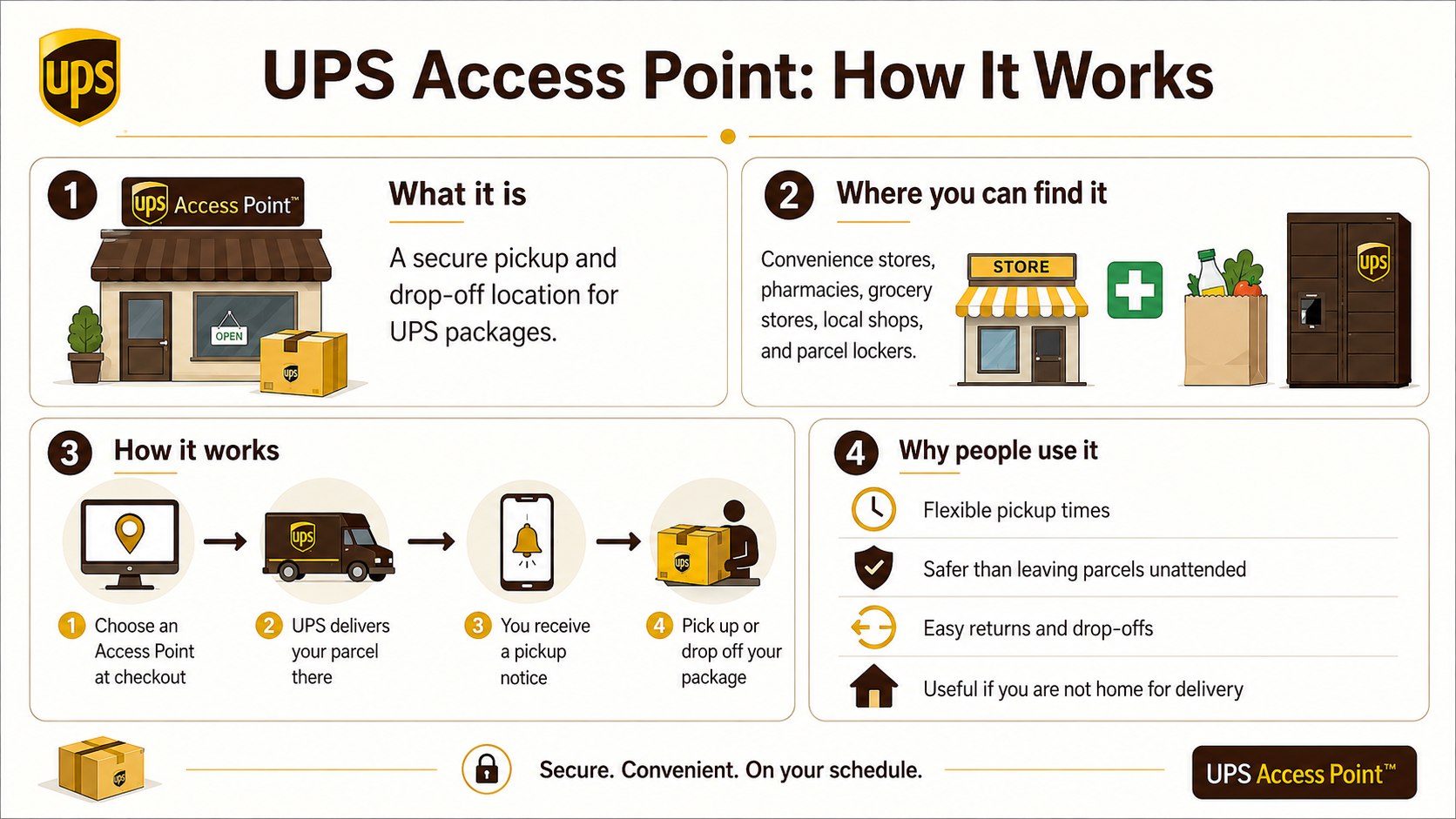
The UPS Access Point network consists of independently owned retail businesses—predominantly convenience stores, dry cleaners, grocery stores, pharmacies, and dedicated UPS Store locations—that contract with UPS to handle package handling services. These physical storefronts serve as secure holding nodes within the last-mile delivery ecosystem.
When a driver cannot complete a residential or commercial delivery due to an absent recipient, or when a shopper proactively designates an alternate shipping address during checkout, the package is rerouted to a nearby Access Point. Each location utilizes specialized mobile scanning technology operated by store staff to ensure strict chain-of-custody tracking. Packages are logged into the UPS database upon arrival, triggering an automated notification to the recipient.
The primary goal of this infrastructure is to eliminate redelivery attempts and provide secure, extended-hour access for package retrieval. Unlike standard postal boxes or unattended porches, a UPS Access Point provides a monitored environment where items remain locked away until claimed by the verified owner.
How to Ship to or Redirect Packages to a UPS Access Point
Utilizing a UPS Access Point requires understanding the mechanisms for proactive routing and reactive redirection. Senders and recipients can leverage these locations at different stages of the shipping lifecycle.
Proactive Shipping at Checkout
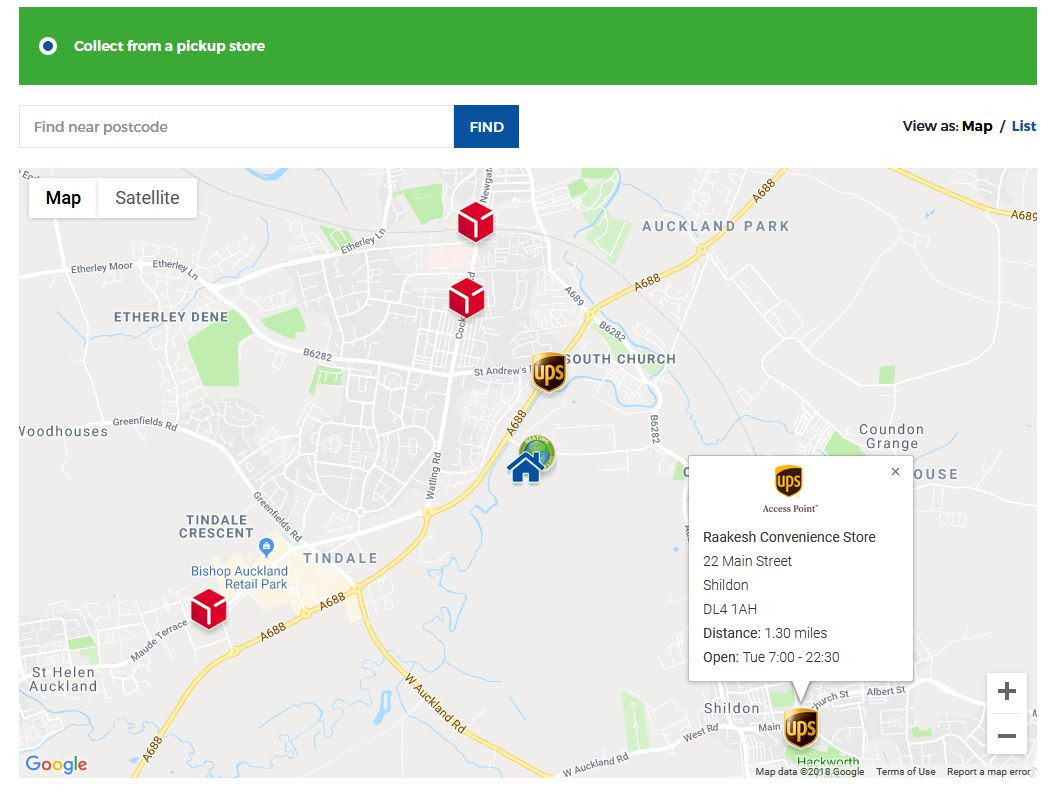
When purchasing items from an online retailer that utilizes UPS, look for an interactive map or store-locator option during the shipping address phase. Instead of entering your home street address, you can search by ZIP code or landmark to select a specific neighborhood Access Point. The shipping label will automatically generate with the commercial business address, followed by your name and account reference numbers.
Reactive Package Redirection
If you have already ordered an item and received a tracking number, you can use the free UPS My Choice service to redirect a shipment that is already in transit.
- Log into your UPS My Choice account via the official website or mobile application.
- Locate the specific tracking number or active delivery notification.
- Select the change delivery options menu and choose "Deliver to another address" or "Pick up at a UPS location."
- Choose your preferred Access Point from the map view and confirm the request.
Important Redirection Note: Certain high-value packages, hazardous materials, or shipments requiring an adult signature (21+) may have strict security restrictions preventing immediate online redirection, requiring direct contact with UPS customer support or processing at a staffed UPS Customer Center.
Step-by-Step Guide to Picking Up Your Package
Retrieving a package from a UPS Access Point is a straightforward process, but strict security protocols require specific documentation to prevent unauthorized collection.
- Wait for Confirmation: Do not visit the location until you receive an official notification from UPS stating that the package has been delivered and is ready for pickup. Tracking statuses on transit vehicles do not guarantee the shipment has been processed into the store's inventory.
- Bring Required Identification: Bring a government-issued photo ID (such as a driver's license or passport) that matches the exact name and shipping address on the package label.
- Access Alternative Pickup Verification: If someone else is retrieving the package on your behalf, they must present a signed note from the original recipient, along with their own valid photo ID and a copy of the tracking notification.
- Provide Tracking Details: Present the tracking number or the digital barcode provided in the UPS email/SMS notification to the store clerk for rapid scanning.
- Inspect the Package: Before leaving the premises, visually inspect the exterior of the parcel for any signs of tampering, crushing, or water damage, and notify the staff immediately if discrepancies are found.
Drop-Off Services and Return Shipping Capabilities
Beyond receiving incoming deliveries, UPS Access Points function as drop-off hubs for outbound shipments, making them ideal for e-commerce returns or peer-to-peer shipping.
To drop off a package at an Access Point, your shipment must meet specific criteria:
- Pre-Labeled Shipments: The package must have a valid, paid UPS shipping label already securely attached. Access Point staff generally do not sell packing supplies, print labels on-demand, or accept payment for unlabelled shipments unless operating inside an official corporate UPS Store.
- Size and Weight Limits: Standard Access Points enforce strict dimensional limits due to limited storage backrooms. Packages typically cannot exceed 44 pounds in weight, 38 inches in length, and must not have a combined length and girth exceeding 130 inches.
- Receipt Generation: Always request and retain a physical or digital drop-off receipt from the store clerk. This receipt serves as your proof of handover and triggers tracking activation.
Comparing UPS Access Points, UPS Stores, and Locker Units
UPS provides several distinct access channels, each tailored to different consumer needs. The table below outlines the core functional differences between an authorized UPS Access Point, a corporate UPS Store, and automated UPS Locker units.
| Feature / Metric | UPS Access Point (Retail Partner) | Corporate UPS Store | Automated UPS Locker |
|---|---|---|---|
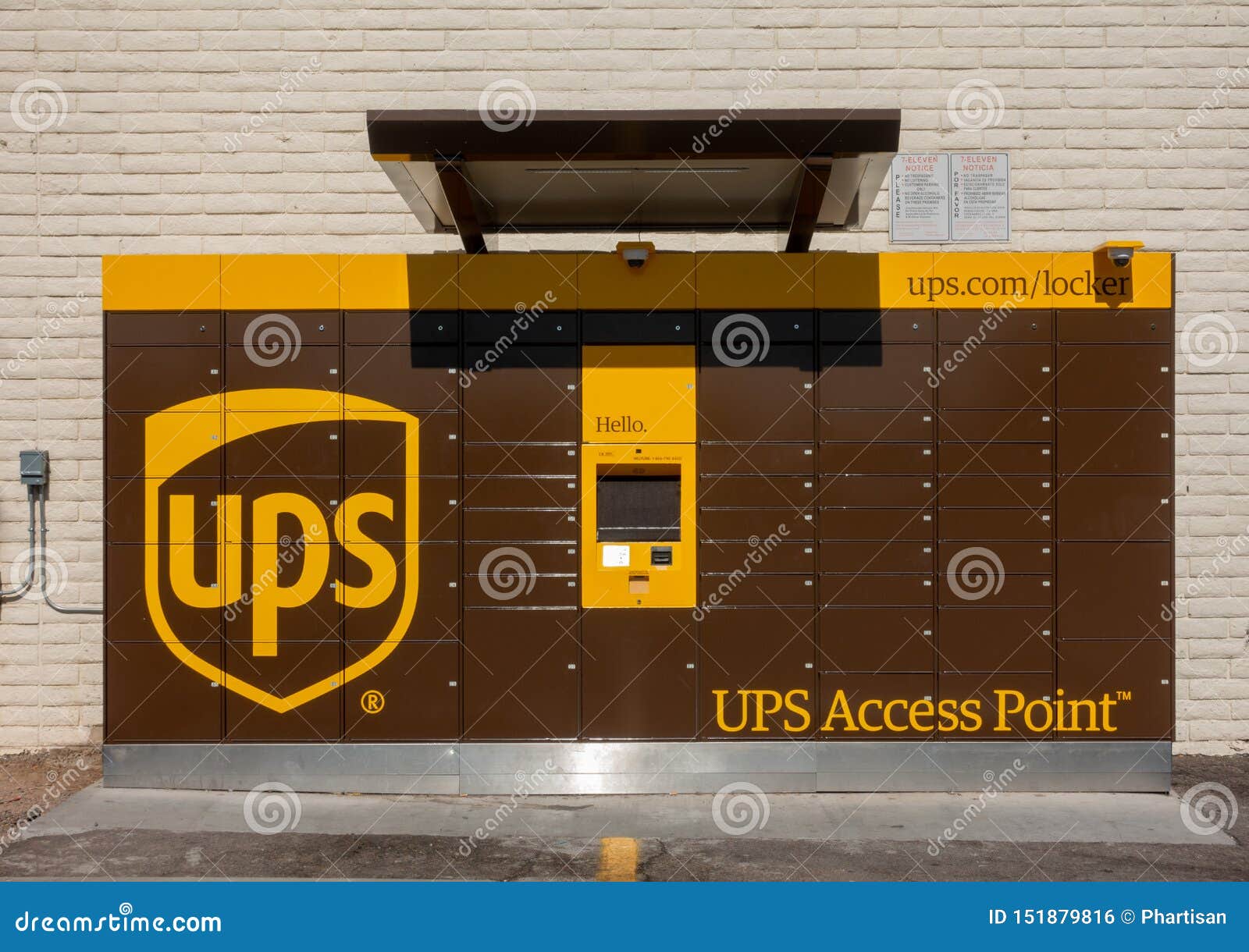
| Primary Location Type | Grocery stores, pharmacies, local dry cleaners | Dedicated corporate franchise storefronts | Outdoor kiosks, gas stations, retail vestibules |
| Staff Presence | Managed by retail partner employees | Certified UPS Store professionals | Unmanned electronic self-service kiosks |
| Holding Duration | Typically 7 calendar days | Typically 7 calendar days (extendable) | Typically 3 to 7 calendar days |
| Packing & Shipping Services | Drop-off only (pre-labeled packages) | Full packing, box sales, and label printing | Drop-off (select locations) and pickup |
| Operating Hours | Dependent on host business (often extended) | Standard retail hours (Monday–Saturday) | 24/7 or matching host building hours |
| Maximum Package Size | Restricted by backroom storage space | Accommodates large and freight-class items | Restricted by individual locker compartment dimensions |
Pros and Cons of Using UPS Access Points
Evaluating the advantages and drawbacks of alternative delivery locations helps determine whether this service fits your routine.
Advantages
- Security Enhancement: Eliminates package theft risks associated with unattended doorstep deliveries.
- Extended Accessibility: Many partner businesses maintain early morning, late evening, or weekend operating hours far exceeding traditional post office windows.
- Cost Efficiency: Using UPS My Choice to redirect a package to a local Access Point is typically free of charge.
- Convenient Errands: Allows you to bundle package retrieval with routine weekly shopping or errands.
Limitations
- Storage Constraints: Due to limited square footage in small retail shops, packages are generally returned to the sender if not claimed within seven calendar days.
- Variable Service Quality: Because locations are independently operated franchise partners, customer service experiences can vary significantly compared to corporate-run hubs.
- Strict ID Requirements: Forgetting proper identification can result in wasted trips, as staff are legally and operationally bound to protect recipient privacy.
Frequently Asked Questions
How long does a UPS Access Point hold my package?
UPS Access Points typically hold incoming packages for up to 7 calendar days before initiating a return-to-sender process. You can check the exact expiration date by viewing your tracking details through the UPS mobile app or website, and UPS My Choice members can occasionally request a short holding extension.
Is there an extra fee to use a UPS Access Point?
Using a UPS Access Point as your primary delivery address or redirecting an in-transit package via UPS My Choice is generally free. However, specialized shipping fees, customs duties, or specific retail drop-off fees may apply depending on the origin of the shipment and the service level selected by the merchant.
What should I do if my package is marked delivered at an Access Point, but the store claims they do not have it?
First, verify that you received the formal ready-for-pickup notification, as drivers occasionally mark items delivered before physical scanning is completed by store staff. If 24 hours have passed, request a manager search the backroom inventory using your tracking number, and immediately open a formal investigation claim with UPS customer service if the parcel remains missing.
Can I drop off any box at a UPS Access Point?
No, you can only drop off packages that already feature a prepaid, validated UPS shipping label. If you need packaging materials, tape, weighing services, or custom label generation, you must visit a corporate UPS Store location or a full-service shipping center.
Are UPS Access Points secure for expensive or sensitive items?
While partner locations are vetted by UPS and packages are kept in non-public storage areas, high-value shipments still carry inherent risks. For extremely valuable, fragile, or sensitive merchandise, consider shipping directly to a staffed corporate UPS Store or opting for signature-required home delivery.
Streamline your logistics strategy today by utilizing the UPS locator tool on their official platform to find the nearest secure Access Point along your daily commute, protecting your shipments from porch piracy while maintaining absolute control over your delivery schedule.
Image Gallery