Implementing Enterprise-Grade MDM for iOS Devices in 2026
Mobile Device Management (MDM) for iOS devices provides the framework for organizations to securely deploy, monitor, and manage corporate-owned or BYOD (Bring Your Own Device) hardware. By leveraging Apple’s native MDM protocol, admini...
Mobile Device Management (MDM) for iOS devices provides the framework for organizations to securely deploy, monitor, and manage corporate-owned or BYOD (Bring Your Own Device) hardware. By leveraging Apple’s native MDM protocol, administrators can enforce security policies, distribute applications, and remotely wipe data, ensuring that iOS hardware remains compliant with corporate security standards and data protection regulations throughout its lifecycle.
Contents
Understanding the Apple MDM Protocol Architecture
The foundation of iOS management lies in the Apple-native MDM protocol. Unlike legacy management software that relied on custom agents, Apple’s architecture is built directly into the iOS and iPadOS operating systems. When a device is enrolled, it establishes a persistent connection with an MDM server via the Apple Push Notification service (APNs).
The server sends commands or configuration profiles to the device, which the device acknowledges and executes. Because this functionality is integrated at the kernel level, it offers granular control that third-party applications cannot replicate. In 2026, the reliance on Apple Business Manager (ABM) has become mandatory for organizations seeking to achieve "Supervised" mode, which provides the highest level of administrative authority over hardware.
Essential Prerequisites for iOS Management
Before deploying an MDM solution, technical teams must verify their infrastructure to ensure seamless communication between the mobile fleet and the management server. Failure to meet these prerequisites often results in enrollment errors or lost device oversight.
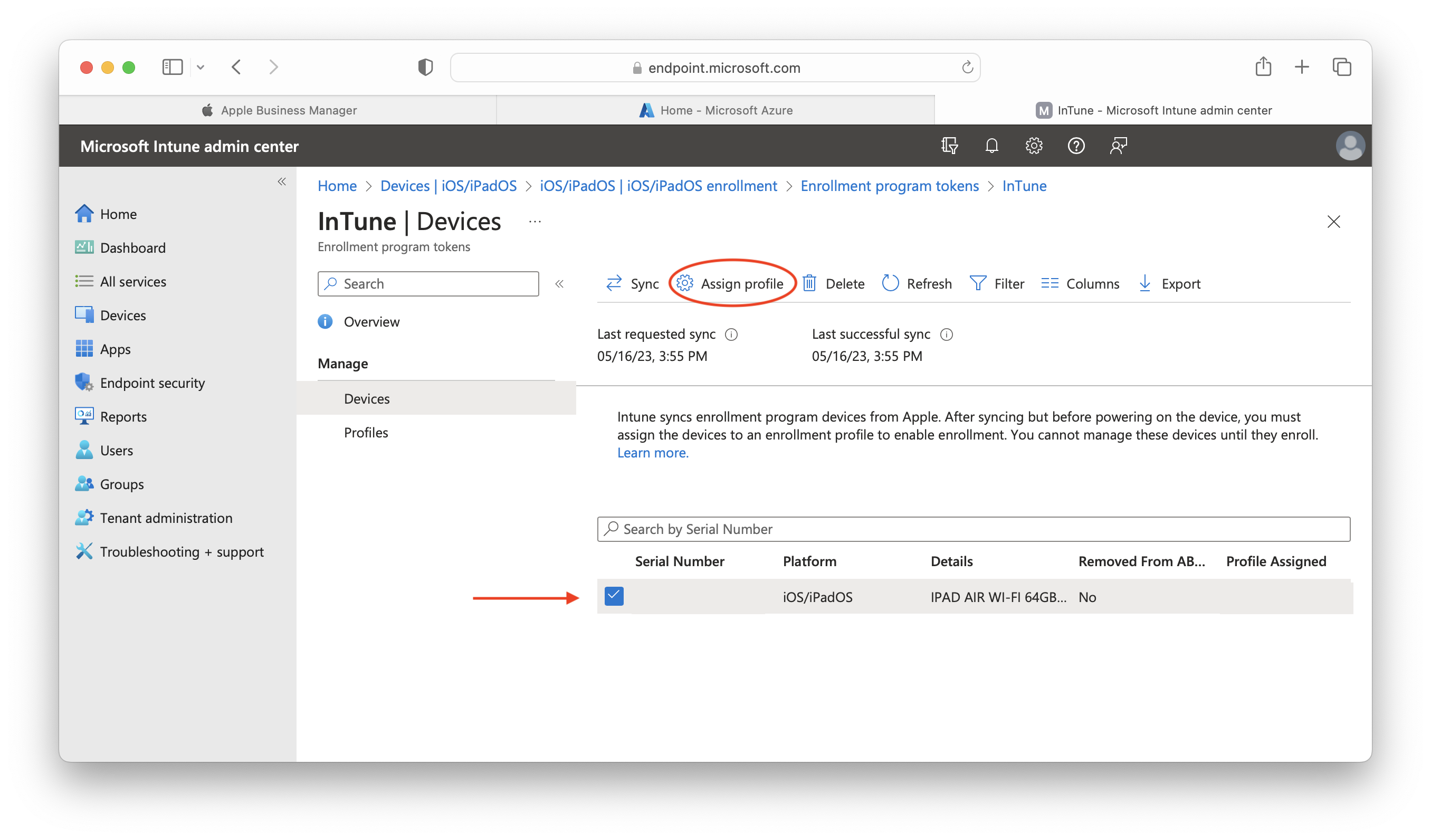
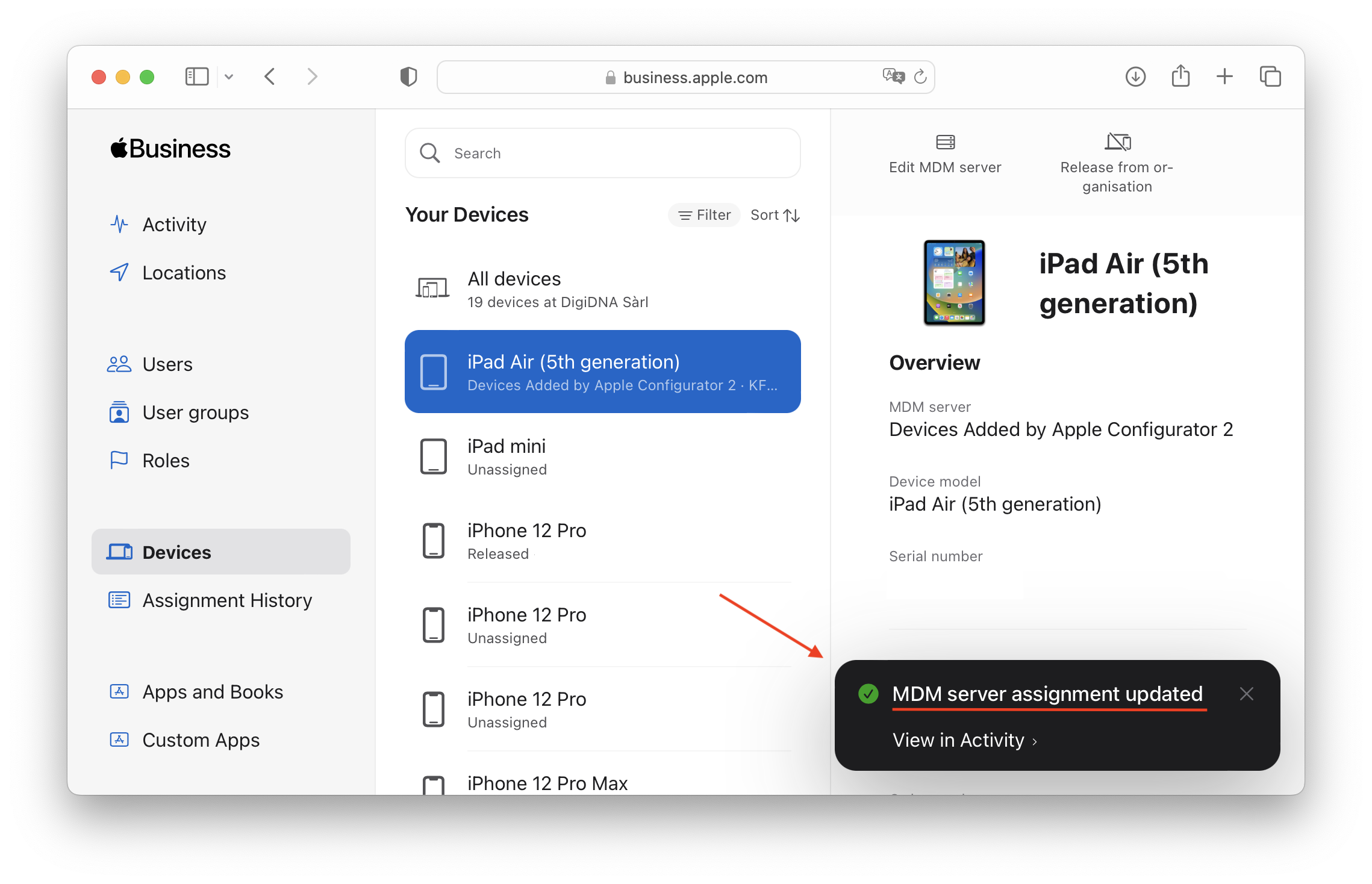
- Apple Business Manager (ABM) Account: This is the primary portal for linking your organization to Apple. It acts as the central hub for automated device enrollment and volume purchase program (VPP) licensing.
- APNs Certificate: An Apple Push Notification service certificate is required for every MDM server. This certificate must be renewed annually to maintain the connection; expiration results in a complete loss of management control over all enrolled devices.
- Network Configuration: Devices must have reliable access to Apple’s activation and notification servers. Firewalls should be configured to allow traffic to apple.com, albert.apple.com, and related push notification endpoints.
- Managed Apple IDs: For shared device environments or corporate-owned setups, Managed Apple IDs provided through ABM help isolate work data from personal user data, simplifying the separation of concerns.
Automated Device Enrollment vs. User-Initiated Enrollment
The method by which a device enters the MDM ecosystem dictates the level of control an administrator maintains.
- Automated Device Enrollment (ADE): Formerly known as DEP, this is the gold standard for corporate-owned hardware. Devices purchased through authorized resellers are automatically synced to your ABM account. They arrive at the user in a supervised state, meaning the MDM profile cannot be removed by the user, and the device can be tracked even if factory reset.
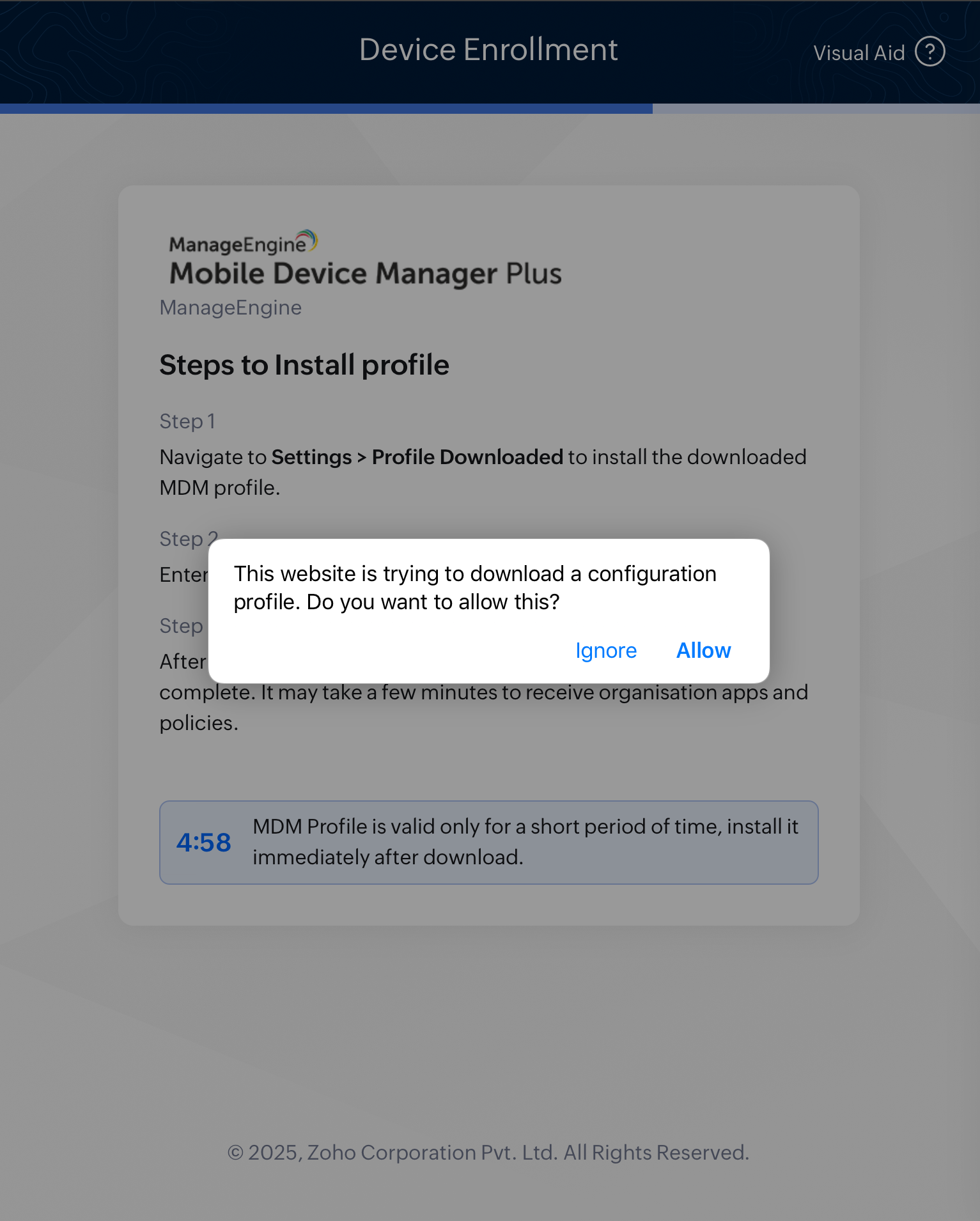
- User-Initiated Enrollment: Suitable for BYOD or temporary deployments, this involves the user manually downloading a management profile via a web portal or application. While effective for policy enforcement, it lacks the permanence of ADE and is subject to user removal.
Comparison of Management Control Levels
The following table summarizes the administrative capabilities based on the enrollment method selected for your iOS fleet.
| Feature | Automated Enrollment (Supervised) | User-Initiated Enrollment |
|---|---|---|
| Mandatory Enrollment | Yes (Locked) | No (Removable) |
| Erase All Content & Settings | Preventable | Not Preventable |
| Managed Lost Mode | Supported | Not Supported |
| Advanced Security Restrictions | Full Access | Limited Access |
| Firmware/OS Updates | Forceable | User-Controllable |
Core Configuration Profiles and Security Restrictions
Once a device is enrolled, the primary tool for enforcement is the Configuration Profile. These XML-based files dictate the behavior of the device. As of 2026, IT departments should prioritize these specific security configurations to minimize the attack surface of mobile hardware.
- Passcode Complexity: Enforce alphanumeric passcodes with specific minimum lengths and rotation requirements to prevent brute-force attacks.
- Restrictions Payload: Disable unauthorized features such as iCloud backups, screen capture, or the use of AirDrop to prevent corporate data leakage.
- Wi-Fi and VPN Payloads: Automatically push corporate network credentials, ensuring that employees connect only to authorized, encrypted wireless networks.
- Per-App VPN: Configure specific enterprise applications to tunnel traffic through a VPN automatically, while keeping personal traffic direct and unencrypted.
Troubleshooting Common MDM Deployment Failures
Despite the robust nature of the Apple MDM framework, technical teams frequently encounter specific hurdles. Addressing these proactively saves significant help-desk resources.
- APNs Expiration: If your push certificate expires, you cannot send commands to devices. You must re-upload the certificate using the exact same Apple ID used for the initial creation to restore communication.
- Activation Lock Issues: If a device is enrolled in ABM but remains linked to a personal Apple ID, users may find themselves locked out if they forget their credentials. Always ensure your MDM server is configured to bypass or clear activation locks for corporate assets.
- Profile Installation Failures: If a device refuses to install a profile, check for pre-existing profiles from other MDM providers. iOS does not allow multiple MDM profiles to coexist on a single device.
- Network Latency: In environments with strict content filtering, the MDM server may be blocked. Ensure your proxy or content filter is not intercepting traffic meant for Apple’s backend servers.
Frequently Asked Questions
What is the difference between supervised and unsupervised iOS devices? Supervised mode is a special state for corporate-owned devices that provides deeper administrative control, such as the ability to disable iMessage, force specific apps to stay on the device, and prevent users from removing the management profile. Unsupervised devices are generally used for personal or BYOD scenarios where the organization has limited privacy-centric control.
Can I manage personal iOS devices without accessing personal data? Yes, by using User Enrollment or by ensuring your MDM platform utilizes Apple’s "User Enrollment" flow, which creates a separate APFS volume for managed apps and data. This allows the organization to wipe corporate data without affecting the user's personal photos, messages, or apps.
How often should I update the MDM server software? In 2026, security threats evolve rapidly; you should maintain the latest stable version of your MDM solution to ensure compatibility with the most recent iOS releases. Many SaaS-based MDM providers handle these updates automatically, but on-premises solutions require manual patching cycles.
Does MDM allow IT to view my personal photos or texts? No, the Apple MDM protocol does not provide administrators with the capability to view personal content like photos, messages, or private browsing history. It is limited to device configuration, app management, and security policy enforcement.
What happens if an employee leaves the company? For supervised devices, the organization can remotely issue an "Erase All Content and Settings" command, which clears the device to factory state and removes corporate accounts. For BYOD devices, the administrator simply removes the MDM management profile, which automatically uninstalls corporate apps and removes enterprise credentials.
Are there specific regulatory requirements for MDM in 2026? Industries such as healthcare (HIPAA) and finance (GLBA/SEC) require stringent data encryption and logging. MDM is a critical component for meeting these standards, as it ensures that all devices accessing sensitive data are encrypted, password-protected, and capable of being remotely wiped if lost or stolen.
Strategic Recommendation for Implementation
For organizations scaling their mobile infrastructure, prioritize a cloud-native MDM solution that integrates directly with Apple Business Manager. Ensure that all hardware procurement flows through official channels to maintain ADE status. By automating the enrollment process, you reduce manual overhead, ensure consistent security posture across the fleet, and provide a seamless "out-of-the-box" experience for your end users while maintaining strict administrative oversight.
Image Gallery