Best Free To Do List App for iPhone in 2026
Finding the best free to do list app for iPhone requires balancing minimalist user interfaces, cross-device synchronization limits, and advanced project management features that do not demand an immediate subscription. Apple's ecosyste...
Finding the best free to do list app for iPhone requires balancing minimalist user interfaces, cross-device synchronization limits, and advanced project management features that do not demand an immediate subscription. Apple's ecosystem provides powerful native utilities alongside robust third-party options that offer high-tier functionality at zero cost.
Contents
Managing daily tasks, professional deadlines, and long-term personal projects efficiently on iOS relies heavily on choosing an application that matches your cognitive workflow. Modern task management tools have evolved past simple checklists, incorporating natural language processing, customizable widgets, and intelligent reminders. Evaluating these utilities requires looking closely at what features remain locked behind paywalls versus what is genuinely available for free users.
Essential Criteria for Evaluating Free iOS Task Managers
Selecting an iPhone task manager requires examining core technical parameters that define a reliable productivity application. Free tiers often restrict critical features such as file attachments, collaborative sharing limits, or historical data tracking. Understanding these boundaries prevents workflow disruption down the line.
The performance of an iOS task manager depends on several architectural and user-experience benchmarks:
- Offline Functionality: The app must allow local task creation, editing, and completion without an active internet connection, syncing changes seamlessly once reconnected.
- iOS Integration: Native support for interactive Home Screen widgets, Lock Screen widgets, and Siri shortcuts ensures rapid task capture without opening the primary application.
- Sync Reliability: Fast and error-free background synchronization across iCloud, dedicated servers, or local accounts guarantees data integrity between your iPhone, iPad, and Mac.
- Data Export and Ownership: The ability to export your tasks in standard formats (such as CSV or JSON) ensures you are not locked into a closed proprietary ecosystem.
Top Contenders for Free iPhone Task Management
The iOS App Store hosts numerous productivity applications, but only a select few deliver an exceptional user experience without mandatory subscriptions. The top-performing free apps balance clean design with powerful task-sorting architecture.
Apple Reminders
Apple Reminders has evolved from a basic notification tool into a sophisticated task manager deeply integrated into iOS. For users operating entirely within the Apple ecosystem, it frequently eliminates the need for third-party downloads.
The application features automatic smart lists that categorize tasks by date, flag status, and priority. iOS updates have introduced grocery list categorization, which automatically sorts items by aisle, and collaborative project sharing that allows real-time delegation. Because it utilizes iCloud, synchronization across iPhone, Mac, and Apple Watch is instantaneous and battery-efficient.
Todoist
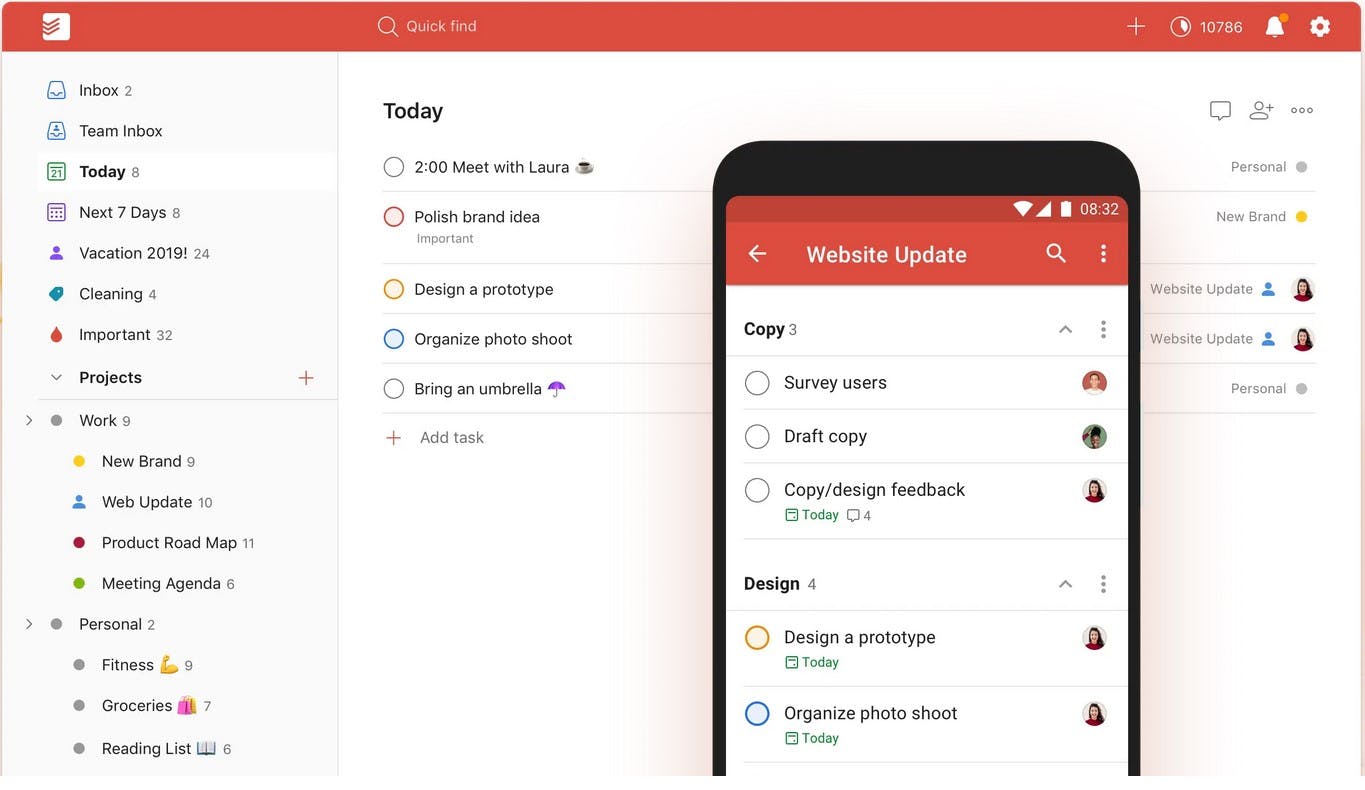
Todoist is widely recognized for its natural language processing engine, which allows users to type complex schedules like "Review quarterly budget every Friday at 4 PM" and have the app automatically parse the date and recurrence rule.
While Todoist offers a robust paid tier for heavy teams, the free version supports up to five active projects and active collaborations, making it ideal for individual personal use. The app provides clean, minimalist aesthetics, customizable filters, and productivity tracking metrics that visualize your daily task completion streaks.
Microsoft To Do
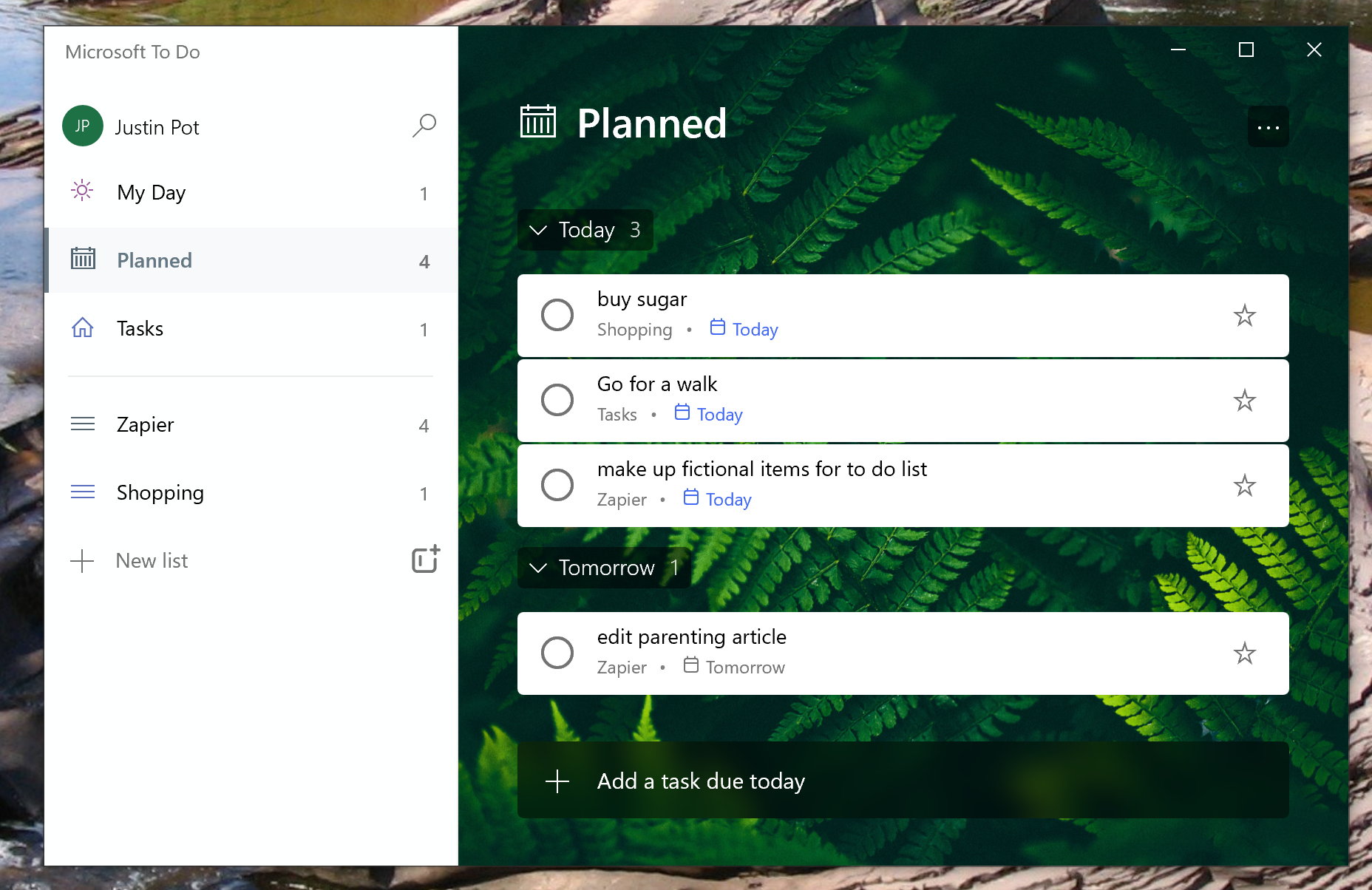
Microsoft To Do, built on the foundation of the acquired Wunderlist app, offers a completely free task management experience with zero advertising or hidden subscription walls. Its signature feature is "My Day," a smart, personalized daily planner that resets every morning, encouraging users to curate a fresh, realistic list of daily priorities.
Integration with the broader Microsoft ecosystem allows tasks flagged in Outlook or assigned via Microsoft Planner to flow automatically into the mobile application. It supports file attachments up to 25MB per task, subtasks, and rich-text notes, making it remarkably feature-rich for a completely free platform.
TickTick
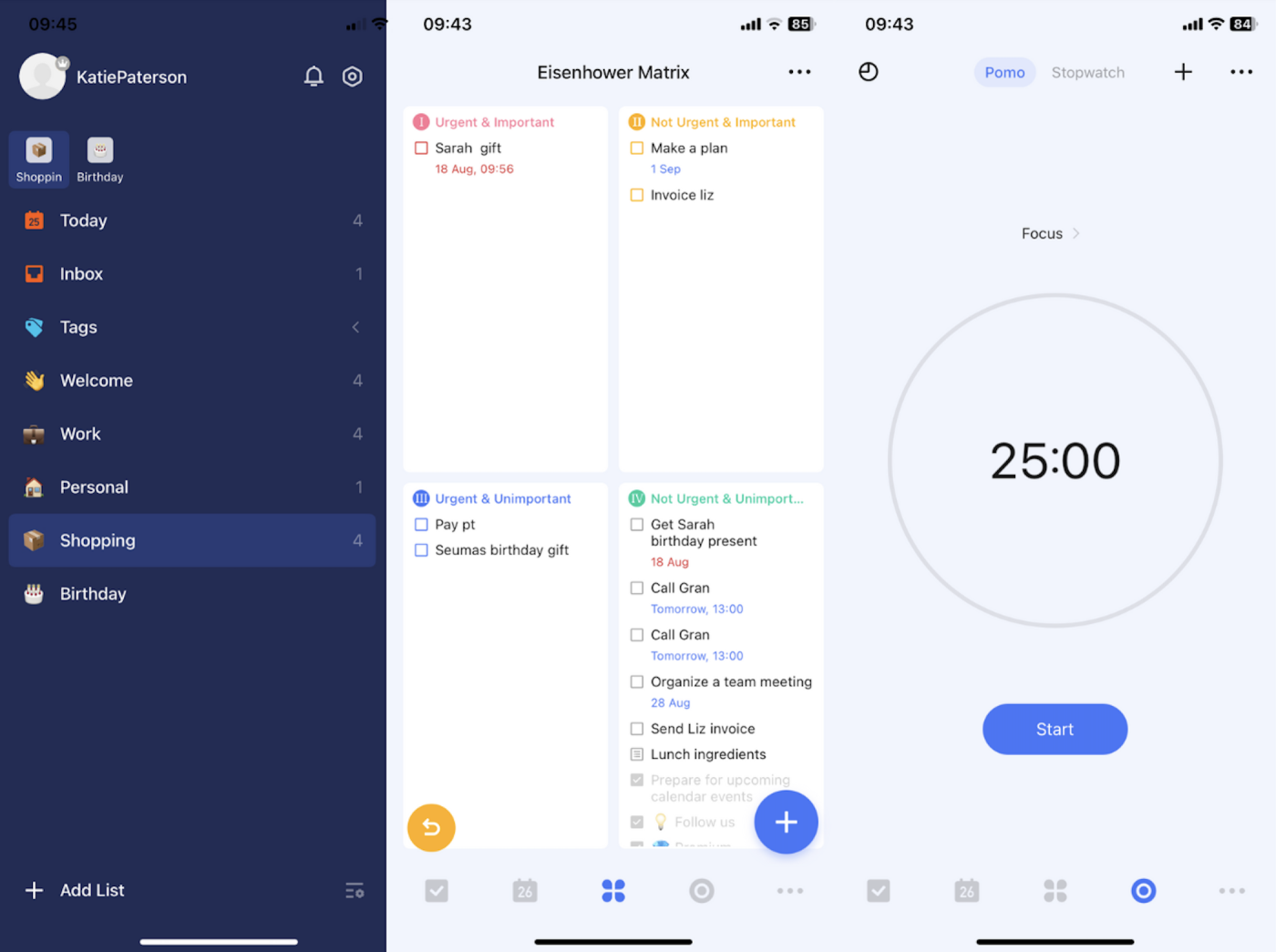
TickTick combines advanced task management with built-in habit tracking and a Pomodoro focus timer. The free tier offers robust list-making capabilities, calendar views, and flexible reminder options.
The inclusion of a native white-noise generator and time-blocking mechanisms makes TickTick a strong option for students and knowledge workers who want to manage both their schedules and their daily habits within a single application. However, advanced calendar features and extensive historical analytics remain locked behind its annual subscription.
Comparison of Free iPhone Task Apps
| Application | Free Project Limit | Natural Language Input | Collaboration Support | Built-in Calendar / Time Blocking |
|---|---|---|---|---|
| Apple Reminders | Unlimited | Basic (via Siri/iOS) | Yes (via iCloud) | Basic (Date-based) |
| Todoist | 5 Active Projects | Advanced | Yes (up to 5 collaborators) | Limited (Syncs with iOS Calendar) |
| Microsoft To Do | Unlimited | Basic | Yes | Yes (My Day focus) |
| TickTick | Unlimited (9 lists max) | Advanced | Yes | Limited free calendar view |
Optimizing Your Workflow with iOS Widgets
Leveraging iOS home screen and lock screen widgets transforms a to-do list app from a passive archive into an active productivity dashboard. Placing an interactive widget on your primary iPhone screen allows you to check off completed items without launching the app, drastically reducing friction and digital distraction.
To configure your iOS task widgets effectively, follow these operational guidelines:
- Select the Right Size: Use medium or large widgets for Todoist or Apple Reminders if you need to view multiple upcoming deadlines at a glance. Use small circular lock screen widgets for immediate access to today's priority count.
- Group by Context: Create dedicated home screen pages for work and personal life, pairing your task widget with corresponding focus filters to hide irrelevant notifications during off-hours.
- Leverage Quick Actions: Long-press the app icon on your home screen to instantly access shortcuts for creating a new task, searching past entries, or viewing today's schedule.
Common Pitfalls When Choosing a Free Task App
Navigating the App Store for productivity tools often leads to common traps that waste time and disrupt personal organization systems. Avoiding these mistakes ensures sustainable long-term task management.
Feature Bloat and Over-Engineering Choosing an enterprise-grade project management tool with complex kanban boards and time-tracking matrices for simple daily grocery lists will cause friction. Select an application whose complexity matches your actual workload.
Ignoring Data Lock-In Risks Ensure the free app you choose allows you to back up or export your data locally. Relying entirely on proprietary cloud servers without an export pathway puts your personal archive at risk if the service alters its pricing model or shuts down.
Overlooking Push Notification Limits Some free task managers restrict location-based reminders or push notifications unless you upgrade. Verify that time-sensitive alerts function reliably in the free tier before committing your schedule to a new platform.
Frequently Asked Questions
Which free to do list app for iPhone has the best widget support?
Apple Reminders and Microsoft To Do offer the most reliable and deeply integrated widget support on iOS, allowing fully interactive task completion directly from the home and lock screens without opening the app. Both options update instantly via background app refresh.
Is Apple Reminders truly free and unlimited?
Yes, Apple Reminders is entirely free with no caps on tasks, lists, or collaborations, provided you have sufficient free storage space in your personal iCloud account to sync the database across your devices.
Can I use Todoist on my iPhone without paying for a subscription?
Todoist offers a robust free tier that allows up to five active projects and basic collaboration features, which satisfies the needs of most individual users managing personal daily errands and light work tasks.
Do these free task apps work offline on iPhone?
Most reputable task managers—including Apple Reminders, Todoist, and Microsoft To Do—maintain robust offline caches, allowing you to create, edit, and check off items while offline and syncing changes automatically upon reestablishing network connectivity.
Which app is best for combining tasks and daily habits?
TickTick stands out as the premier free option for combining traditional task management with daily habit tracking and time-management timers like the Pomodoro technique, though it restricts some advanced analytics to its paid tier.
Conclusion
Choosing the ideal task manager for your iPhone depends entirely on your existing digital ecosystem and structural needs. If you live primarily within Apple's ecosystem, Apple Reminders provides unmatched native integration and zero restrictions. For advanced natural language input and cross-platform flexibility, Todoist's free tier excels, while Microsoft To Do remains the definitive choice for an entirely unpaywalled, feature-rich daily planner. Assess your daily friction points, install one or two options to test their widget responsiveness, and build a sustainable system that keeps your schedule organized.
MetaDescription: Discover the best free to do list app for iPhone in 2026. Compare top iOS task managers like Apple Reminders, Todoist, and Microsoft To Do.
Image Gallery