Comprehensive Guide to South Carolina Case Number Search
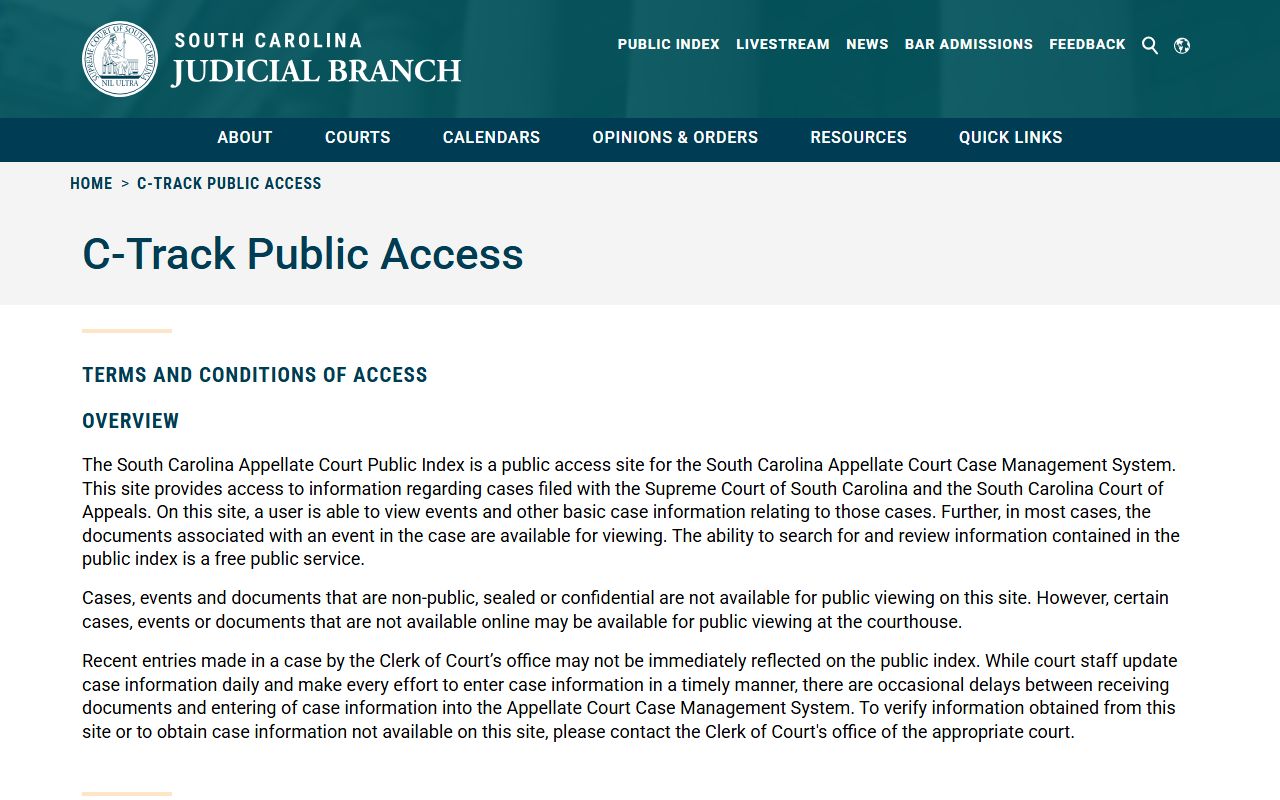
Conducting a South Carolina case number search allows legal professionals, researchers, and citizens to access public court records across the state's judicial system. By utilizing the South Carolina Judicial Branch online portal or vi...
Conducting a South Carolina case number search allows legal professionals, researchers, and citizens to access public court records across the state's judicial system. By utilizing the South Carolina Judicial Branch online portal or visiting county clerk of court offices, users can track civil, criminal, and family court proceedings, verify case statuses, and review official court dockets efficiently.
Contents
Understanding the South Carolina Court System Architecture
The South Carolina Unified Judicial System is structured to handle various types of legal matters across distinct jurisdictional levels. To perform an effective case number search, you must first understand which court handles the specific type of litigation you are researching.
The state court system comprises several primary tiers:
- Supreme Court: The highest appellate court in South Carolina, reviewing decisions from the Court of Appeals and certain trial courts directly.
- Court of Appeals: An intermediate appellate court that reviews appeals from the Circuit Courts and Family Courts.
- Circuit Court: The state court of general jurisdiction, divided into the Common Pleas (civil cases involving damages exceeding a specific monetary threshold) and General Sessions (criminal felony and major misdemeanor cases).
- Family Court: Handles domestic and juvenile matters, including divorce, child custody, support, adoption, and abuse and neglect cases.
- Magistrates and Municipal Courts: Local courts managing minor civil disputes, traffic violations, and low-level criminal offenses.
Each court type generates unique case numbers structured with specific alphanumeric codes denoting the county, year, court type, and sequence. Recognizing these identifiers is essential for bypassing broad search hurdles and targeting the exact docket you need.
Essential Prerequisites Before Beginning Your Search
Before initiating a formal search through official state channels, gathering specific baseline data ensures a streamlined experience and prevents common lookup failures.
Required Information Checklist
- Full Legal Name: The complete first, middle, and last name of the plaintiff, defendant, petitioner, or respondent.
- Approximate Filing Date: Knowing the year or general timeframe drastically narrows down multi-county or statewide databases.
- County of Jurisdiction: Most trial-level searches in South Carolina are administered at the county level via the local Clerk of Court, though consolidated online portals provide broader access.
- Case Type: Knowing whether the matter falls under civil, criminal, probate, or family law determines the correct portal or office to query.
Technical and Administrative Considerations
South Carolina public access portals often require specific browser environments, pop-up blocker adjustments, and standard security verifications. Furthermore, while many basic docket details are freely accessible online, certain sensitive files—such as sealed juvenile records, adoptions, and active protective orders—are restricted under state law and require in-person verification with proper legal standing.
Step-by-Step Guide to Performing a Case Number Search
Navigating the official state mechanisms requires a structured approach. Follow this workflow to locate active or archived case files within South Carolina.
- Identify the Appropriate Portal: Determine whether the case falls under the South Carolina Judicial Department's statewide Public Index or requires a direct query to a specific county's Clerk of Court website.
- Navigate to the Case Search Tool: Access the official South Carolina Judicial Branch website and select the court record search utility corresponding to the desired jurisdiction (e.g., Circuit Court or Magistrates Court).
- Input Search Parameters: Enter the known identifiers. If you do not have the exact case number, search by party name using wildcards or filtering by filing date ranges to isolate the correct record.
- Review Search Results: Examine the list of matching entities. Look at the style of the case (Plaintiff v. Defendant), filing date, presiding judge, and the associated case number format.
- Access the Docket Sheet: Click on the specific case number to open the comprehensive docket. Review minute entries, motions filed, scheduled hearings, and final dispositions.
- Download or Print Documents: Save pertinent minute sheets or request certified copies of specific court orders through the clerk's office if required for official or legal use.
Comparison of South Carolina Court Record Access Methods
Different search avenues offer varying levels of depth, cost, and convenience. The table below outlines the primary methods for accessing South Carolina court records.
| Access Method | Primary Use Case | Cost & Fees | Availability | Pros & Cons |
|---|---|---|---|---|
| SC Judicial Branch Online Public Index | General public, attorneys, and researchers checking civil and criminal dockets. | Typically free for basic index searches; document printing may incur fees. | 24/7 Web-based access | Pros: Convenient, statewide reach.Cons: Limited historical depth in certain counties; excludes sealed records. |
| County Clerk of Court In-Person Terminals | Deep historical research, certified document requests, and physical file inspection. | Free to search on-site; standard statutory per-page fees for copies. | Standard business hours (Monday–Friday) | Pros: Access to complete physical files and staff assistance.Cons: Requires physical travel to the specific county seat. |
| Third-Party Background Check Services | Quick preliminary screening for employment or tenancy purposes. | Varies by provider (subscription or per-search fees). | 24/7 Web-based access | Pros: Aggregates multi-state data quickly.Cons: Potential data lag; risk of inaccurate or unverified matching. |
| Mail-In Formal Records Request | Certified copies for legal proceedings or official government filings. | Exact statutory search and copying fees (check or money order required). | Standard postal processing times | Pros: Yields official certified documentation.Cons: Slowest turnaround time. |
Common Limitations, Restrictions, and Expungements
When searching for court records in South Carolina, users frequently encounter specific legal barriers and data limitations that prevent full visibility into certain files.
- Expungements and Pardons: Under South Carolina law, certain criminal charges that resulted in dismissals, not-guilty verdicts, or qualifying first-offense convictions can be expunged. Once an expungement order is processed and executed by the South Carolina Law Enforcement Division (SLED) and local agencies, those records are removed from public search indices.
- Family Court Confidentiality: Family court files inherently carry higher privacy protections. Paternity tests, psychological evaluations, and financial disclosures are routinely sealed or restricted to parties of record and their legal counsel.
- Pending and Unserved Warrants: Online general sessions searches reflect filed indictments and warrants, but certain investigative documents remain unlisted until an official return of service is executed.
Troubleshooting Search Errors and Missing Records
If your initial search yields zero results or conflicting data, systematically apply these troubleshooting steps to resolve the discrepancy:
- Check Spelling Variations: Suffixes (Jr., III), hyphenated surnames, and common spelling errors frequently disrupt exact-match database queries. Try searching by last name only with a broad date filter.
- Verify County Jurisdictions: Ensure you are searching the correct county. A crime committed across municipal boundaries may be filed in municipal court rather than the county Circuit Court.
- Account for Database Lag: Newly filed documents may take 24 to 72 hours to propagate from the local clerk's physical database to the statewide online index.
- Contact the Clerk Directly: If a record is time-sensitive or missing entirely from digital systems, calling the specific county Clerk of Court office directly is the most reliable way to verify filing status.
Frequently Asked Questions
How can I find a South Carolina case number if I only know a person's name?
You can use the South Carolina Judicial Department's online public index by entering the individual's full legal name into the party search fields. Narrowing the search by county and date of birth or filing year will help isolate the correct record and reveal the assigned case number.
Are all South Carolina court records available online for free?
No. While basic docket histories and case summaries are generally accessible online through state and county portals, certified copies of documents, juvenile records, and certain family court files require in-person requests or formal mail-in applications accompanied by statutory fees.
What is the difference between General Sessions and Common Pleas case numbers?
General Sessions case numbers designate criminal matters prosecuted by the state, whereas Common Pleas case numbers designate civil litigation involving private disputes, torts, and financial claims exceeding magistrate limits.
Can I search for historical court cases that occurred decades ago?
Historical records predating modern electronic database management are typically maintained physically or on microfilm within the specific county Clerk of Court archives rather than the statewide web portal.
How do I obtain a certified copy of a court order in South Carolina?
You must submit a formal request directly to the Clerk of Court in the county where the case was adjudicated, paying the required per-page copy and certification fees either in person or via mail.
Practical Recommendation for Ongoing Case Tracking
For individuals and legal professionals actively monitoring litigation, relying solely on automated public indices can introduce blind spots due to routine system maintenance or update delays. Always maintain a direct record of the full case number, presiding judge, and assigned clerk contact information. When critical filing deadlines or court dates approach, verify the docket status directly with the local county clerk's office to ensure absolute accuracy.
Image Gallery