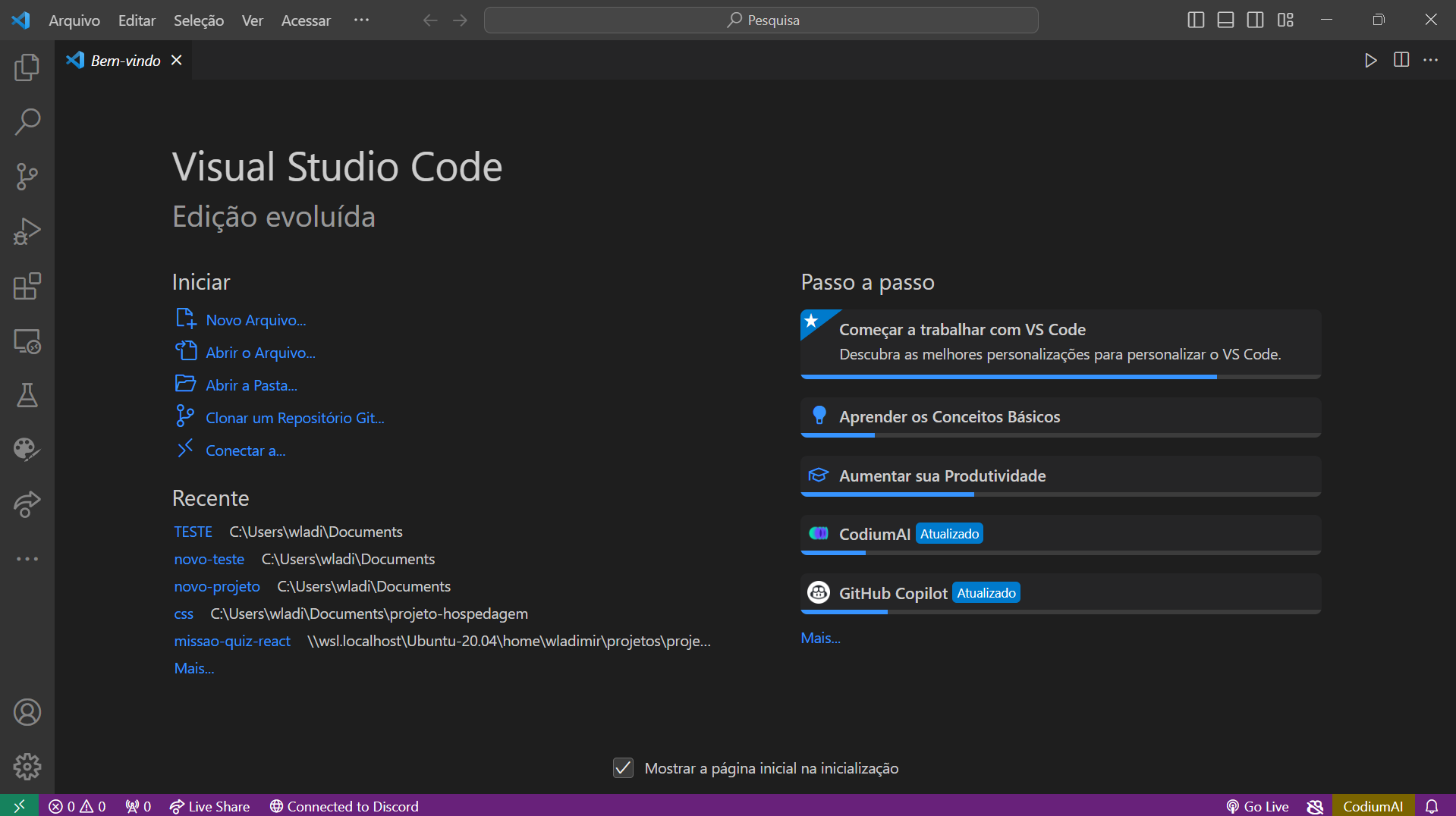
Visual Studio Code PHP: An Overview for Modern Web Development
Visual Studio Code (VS Code) is a highly extensible, free, and open-source code editor that provides a robust environment for PHP development through specific extensions like PHP Intelephense and PHP Debug. It balances lightweight perf...
Visual Studio Code (VS Code) is a highly extensible, free, and open-source code editor that provides a robust environment for PHP development through specific extensions like PHP Intelephense and PHP Debug. It balances lightweight performance with deep functionality, making it the leading choice for developers in 2026 who require a customizable workflow without the heavy resource overhead of a traditional Integrated Development Environment (IDE).
Contents
The Evolution of PHP Development in Visual Studio Code
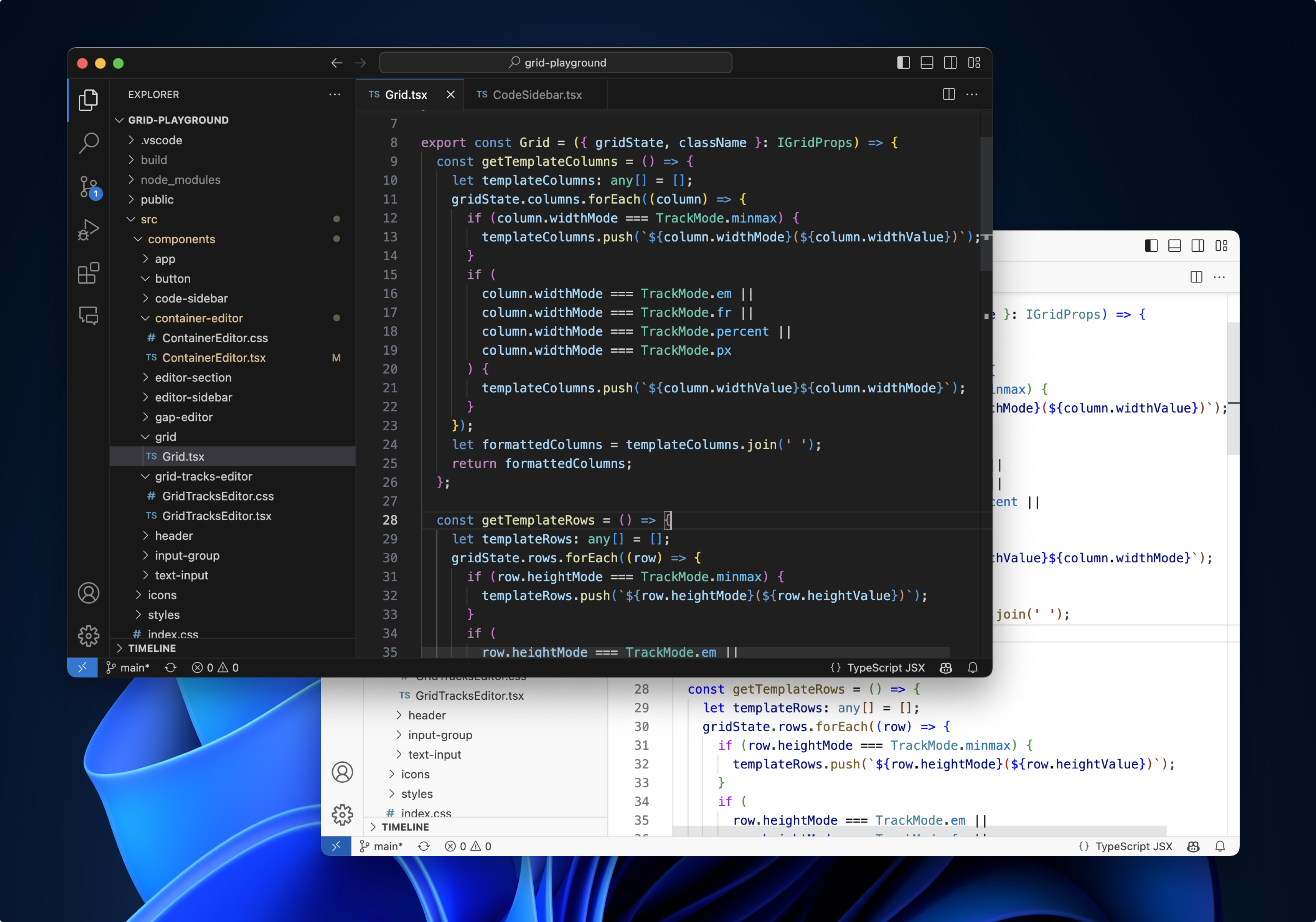
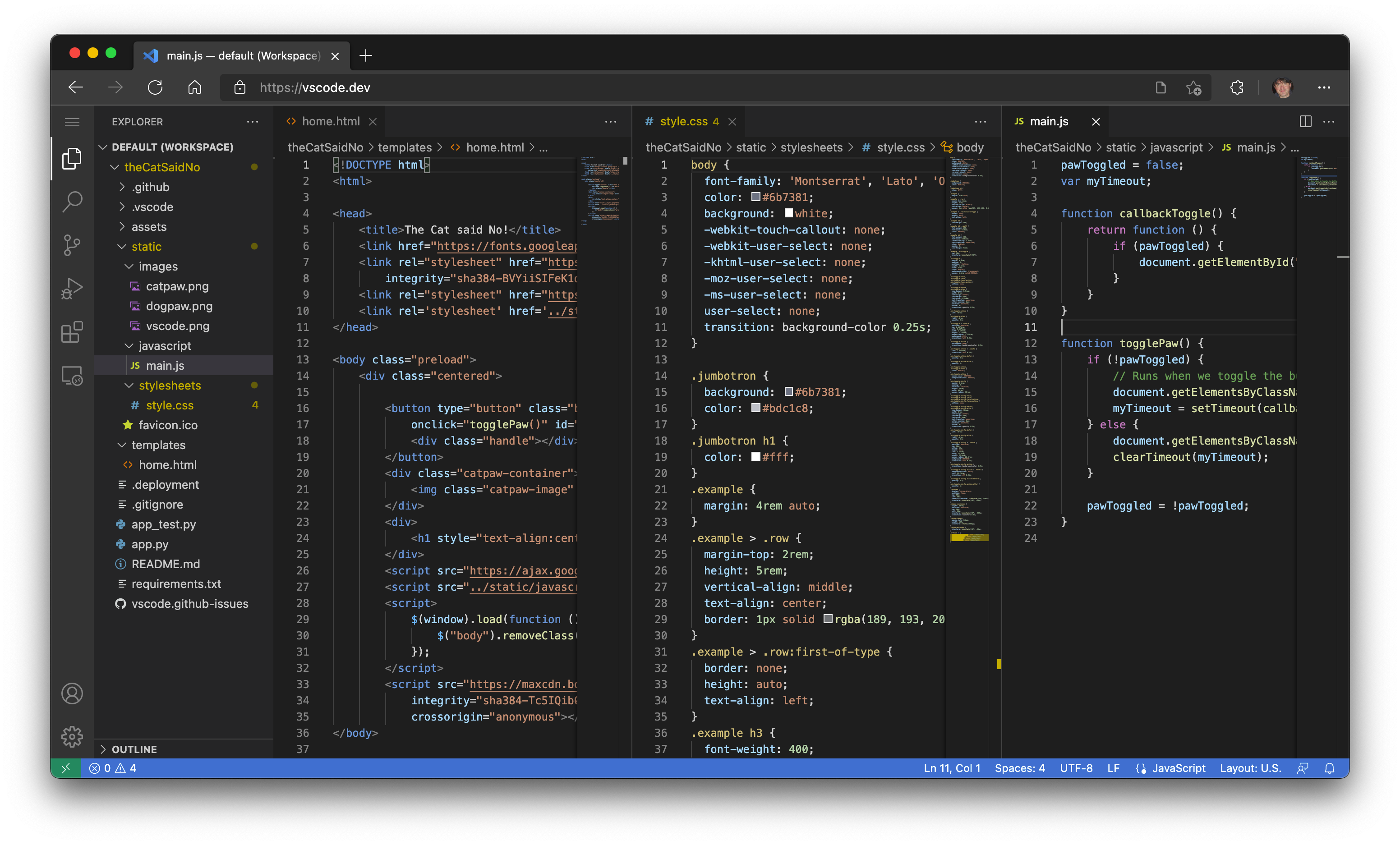
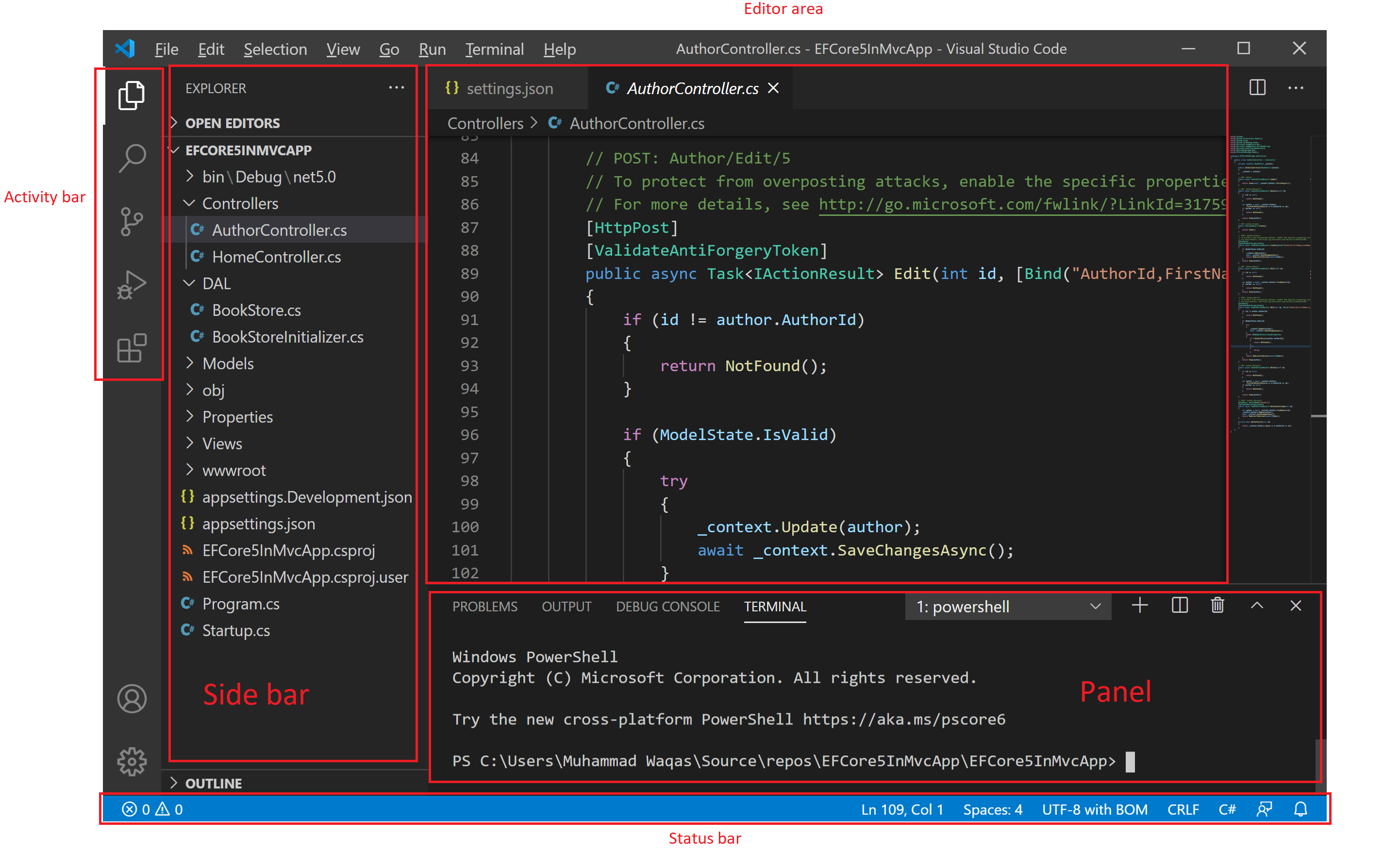
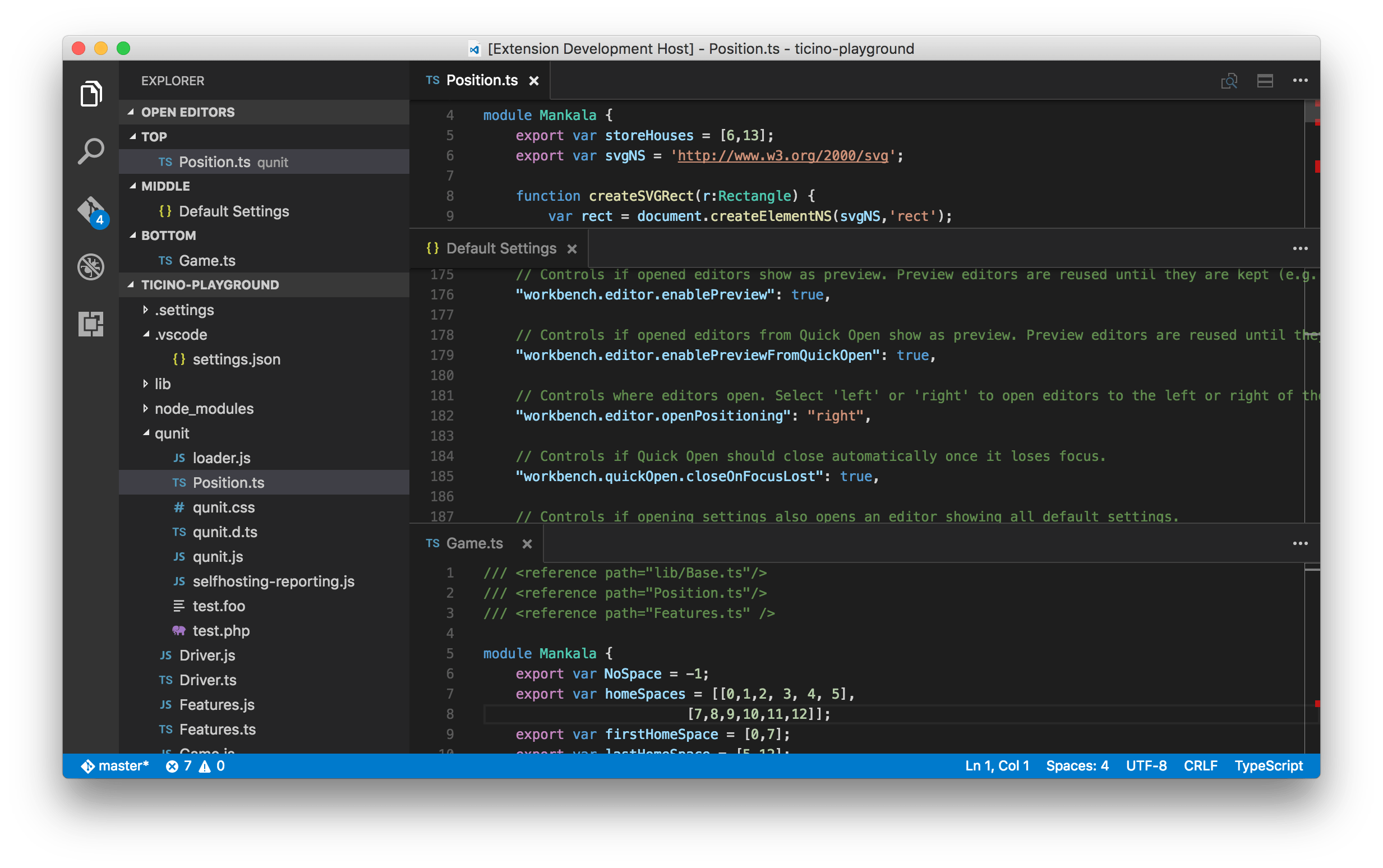
For many years, PHP developers were often forced to choose between lightweight text editors that lacked intelligent features and heavy-duty IDEs that consumed significant system resources. Visual Studio Code changed this landscape by offering a middle ground. As of 2026, VS Code has matured into a sophisticated platform where the distinction between a "code editor" and an "IDE" has largely blurred for the PHP community.
The core philosophy of VS Code is modularity. While it does not ship with every PHP tool pre-installed, its architecture allows developers to layer on exactly what they need. This "just-in-time" functionality prevents the software from becoming bloated while ensuring that advanced features like static analysis, refactoring, and sophisticated debugging are available at a click. This flexibility is particularly vital in 2026, as PHP projects often span across various architectures, from traditional monoliths to modern microservices and serverless functions.
System Requirements and Initial Setup
Before leveraging VS Code for PHP development, several foundational components must be in place. Unlike some proprietary IDEs, VS Code does not bundle a PHP runtime. You must provide the PHP engine yourself.
The PHP Runtime
To enable basic linting and code execution, you must have PHP installed on your local machine or within a reachable environment like a Docker container or the Windows Subsystem for Linux (WSL2). As of 2026, most professional environments are running PHP 8.x or early versions of PHP 9, benefiting from significant performance improvements and type-safety features.
Configuring the Path
Once PHP is installed, VS Code needs to know where to find the executable. This is handled via the settings.json file or the graphical settings UI. You must ensure the php.validate.executablePath setting points correctly to your php.exe (Windows) or php (Linux/macOS) binary. Without this configuration, VS Code cannot perform real-time syntax checking, which is one of the most basic requirements for modern coding.
Installation of VS Code
The editor itself is available for Windows, macOS, and Linux. It is recommended to use the System Installer rather than the User Installer if multiple people use the machine, though the User Installer is sufficient for most individual developers. Frequent updates ensure that the editor remains compatible with the latest OS security patches and performance optimizations.
Essential Core Features for PHP
Even without external extensions, VS Code provides several built-in features that facilitate PHP development.
- Syntax Highlighting: VS Code recognizes the PHP syntax out of the box, providing color-coded keywords, variables, and strings to improve readability.
- Basic Snippets: Common PHP structures, such as if-else blocks, loops, and function definitions, can be triggered via shorthand triggers.
- Integrated Terminal: This allows developers to run Composer commands, execute PHP scripts, or manage version control via Git without leaving the editor.
- Emmet Support: For PHP developers working on frontend templates or Blade/Twig files, Emmet allows for the rapid generation of HTML structures through CSS-like abbreviations.
While these features are helpful, they represent only the surface level of what is possible. To truly compete with professional IDEs, the installation of specific extensions is mandatory.
The Extension Ecosystem: Transforming the Editor
The true power of VS Code for PHP lies in its Marketplace. In 2026, a few specific extensions have become industry standards, effectively mandatory for any professional workflow.
PHP Intelephense
Created by Ben Mewburn, PHP Intelephense remains the gold standard for PHP intelligence in VS Code. While there is a built-in "PHP Language Features" extension, most developers disable it in favor of Intelephense. It provides fast, cross-platform code completion, "Go to Definition," "Find All References," and sophisticated symbol searching. It also performs deep static analysis to find potential errors before the code is even executed.
PHP Debug (Xdebug Integration)
Debugging PHP used to involve "var_dump" and "die" statements, but in 2026, professional developers rely on PHP Debug. This extension acts as the bridge between VS Code and Xdebug. It allows you to set breakpoints, inspect variables in real-time, and step through code line-by-line. Configuring Xdebug requires an understanding of client-server communication, as the PHP engine (the server) must initiate a connection back to VS Code (the client) on a specific port, typically 9003.
PHP CS Fixer and Linting
Maintaining code quality and adhering to standards like PSR-12 or the newer PER Coding Style is crucial for collaborative projects. Extensions like phpcs (PHP Code Sniffer) or PHP CS Fixer automatically format your code upon saving. This ensures that every file in a repository follows the same spacing, indentation, and naming conventions, which significantly reduces friction during code reviews.
Comparing VS Code to Full-Scale PHP IDEs
Choosing between VS Code and a dedicated IDE like PHPStorm is a common decision point for developers. The choice often comes down to the balance between system performance and "out-of-the-box" convenience.
| Feature | Visual Studio Code (Enhanced) | PHPStorm (Dedicated IDE) |
|---|---|---|
| Price | Free / Open Source | Paid Subscription |
| Resource Usage | Low to Moderate | High (Java-based) |
| Initial Setup | Manual (Requires Extensions) | Automatic / Pre-configured |
| Refactoring | Good (via Intelephense) | Excellent (Native) |
| Database Tools | Extension-based | Native (DataGrip Integration) |
| Docker/WSL2 | Excellent (Remote Containers) | Robust Integration |
| Speed | Fast Startup and UI | Slower Startup, Deep Indexing |
For developers working on multiple languages (e.g., PHP, TypeScript, and Python), VS Code is often the winner because it provides a consistent interface across all stacks. However, for developers who spend 100% of their time in complex PHP monoliths, the deep architectural refactoring tools of a dedicated IDE may justify the subscription cost and resource usage.
Advanced Debugging with Xdebug
To implement professional debugging, you must configure the launch.json file within your project's .vscode folder. This file tells VS Code how to listen for Xdebug sessions. In 2026, the configuration is more streamlined than in previous years, but the fundamental concepts remain the same.
You must ensure that your php.ini file is correctly configured with xdebug.mode=debug and xdebug.start_with_request=yes. When you start the debugger in VS Code, it opens a listener. When you refresh your web application in the browser or run a script in the terminal, the PHP engine pauses execution at your specified breakpoints, handing control over to VS Code. This allows for the inspection of the call stack and the modification of variables on the fly, which is essential for solving complex logic errors that simple logging cannot catch.
Optimizing VS Code for Large PHP Projects
As projects grow, VS Code can occasionally slow down due to the sheer volume of files being indexed. To maintain peak performance in 2026, consider the following optimizations:
- Exclude Folders: Use the files.exclude and search.exclude settings to ignore directories like "vendor," "node_modules," and "storage." This prevents the editor from wasting CPU cycles indexing third-party libraries that you rarely need to edit.
- Memory Limit for Intelephense: For massive codebases, you may need to increase the memory allocated to the Intelephense language server in the extension settings to prevent it from crashing during full-project indexing.
- Remote Development: If you are developing on Windows but your code runs on Linux, use the Remote - WSL or Remote - Containers extensions. This allows VS Code to run its "server" component directly inside the Linux environment, providing faster file access and more accurate linting.
Common Troubleshooting Steps
Even with a mature toolset, developers often encounter specific hurdles when setting up PHP in VS Code.
- "PHP not found": This usually means the PHP binary is not in your system's PATH variable or the php.validate.executablePath is incorrect. Verify the path by running "php -v" in the integrated terminal.
- IntelliSense Not Working: This is often caused by a conflict between the built-in PHP features and the Intelephense extension. Ensure the built-in "PHP Language Features" extension is disabled.
- Xdebug Fails to Connect: The most common cause is a firewall blocking the port or a mismatch between the port configured in php.ini (e.g., 9003) and the port specified in the launch.json file.
FAQs
Is VS Code good enough for professional PHP development in 2026?
Yes, VS Code is more than sufficient for professional PHP development. With the right combination of extensions like Intelephense and PHP Debug, it provides almost all the features found in premium IDEs while remaining faster and more customizable. Many enterprise-level teams have transitioned to VS Code to standardize their tooling across different development departments.
Do I need to pay for extensions to get a good PHP experience?
Most essential PHP extensions, including the core PHP Intelephense features and PHP Debug, are free. Some extensions, such as the premium version of Intelephense, offer advanced features like renaming symbols across the whole project or implement-interface helpers for a small one-time fee, but the free versions are highly capable for daily work.
How do I manage PHP dependencies within VS Code?
Dependency management is handled through Composer, the standard package manager for PHP. While there are extensions that provide a GUI for Composer, most developers prefer using the integrated terminal in VS Code. Running commands like "composer install" or "composer require" directly in the editor terminal keeps the workflow seamless.
Can I use VS Code for PHP framework-specific development like Laravel or Symfony?
Absolutely. There are dedicated extensions for major frameworks, such as Laravel Extra Intellisense or Symfony Snippets. These provide autocompletion for framework-specific features like routes, views, and configuration keys, making VS Code a powerful environment for modern PHP framework development.
Does VS Code support PHP 8.x and PHP 9 features?
Yes. As of 2026, the major PHP extensions have been updated to support the latest syntax, including attributes, constructor property promotion, enums, and any new features introduced in the PHP 9 release cycle. Ensuring your extensions are kept up to date through the VS Code auto-update feature is the best way to maintain this support.
Practical Recommendation
For any developer looking to maximize their productivity with PHP in Visual Studio Code, the first step should be to install the PHP Extension Pack and then immediately configure the PHP Intelephense extension as the primary language server. Once your local PHP path is verified in the settings, take the time to set up Xdebug. While it requires more effort than simple "echo" debugging, the long-term time savings in troubleshooting complex applications is immeasurable. Finally, leverage Docker or WSL2 for your runtime environment to ensure your development environment perfectly mirrors your production server.
Image Gallery