Accessing the IHSS Timesheet Login Page: Your 2026 Guide to the Electronic Services Portal (ESP)
To access your IHSS timesheets, visit the official California Department of Social Services (CDSS) Electronic Services Portal (ESP). This secure online platform is the primary gateway for providers to submit hours and for recipients to...
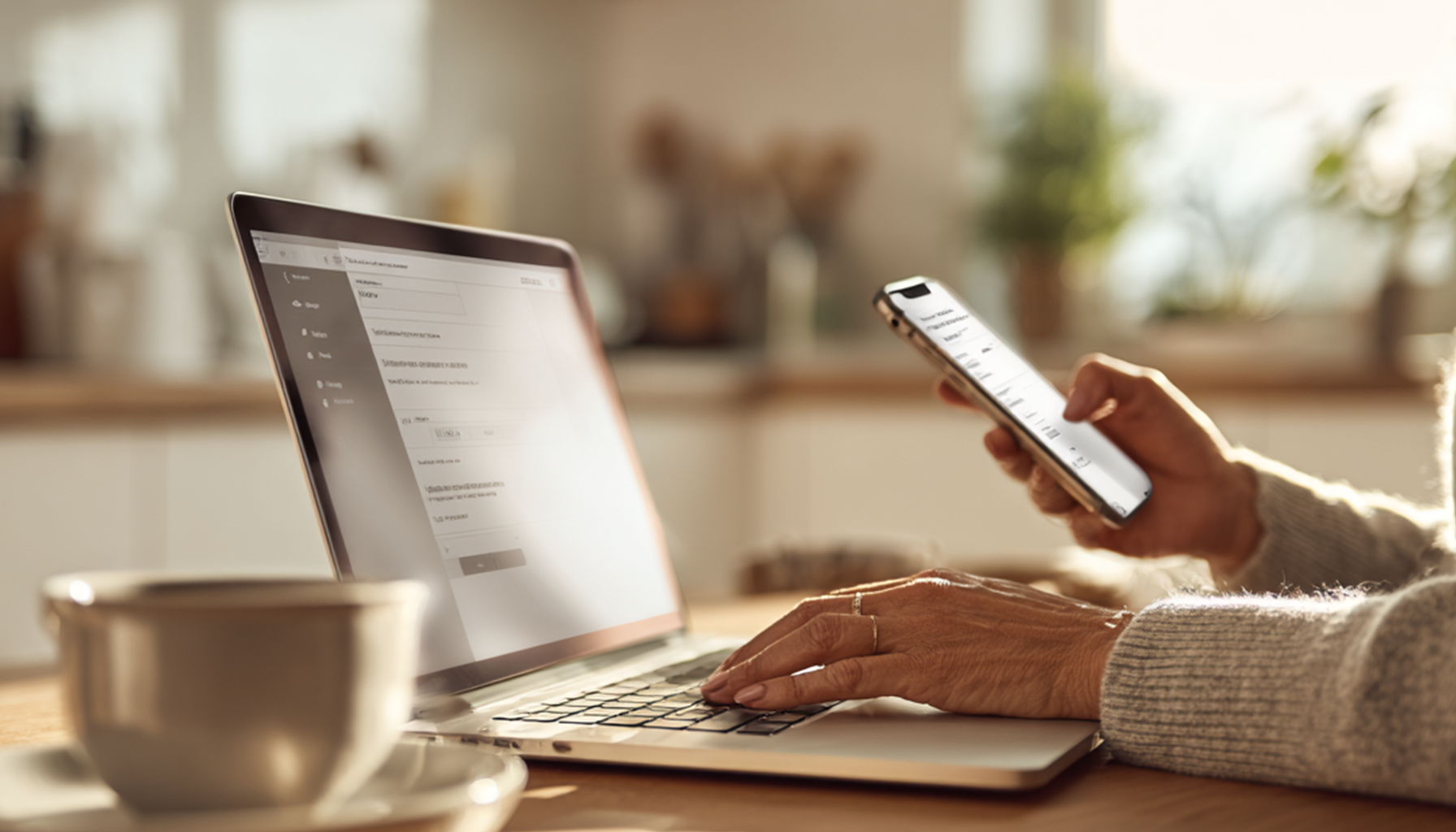
To access your IHSS timesheets, visit the official California Department of Social Services (CDSS) Electronic Services Portal (ESP). This secure online platform is the primary gateway for providers to submit hours and for recipients to approve them, ensuring accurate processing and timely payments through the statewide automated system.
Contents
The In-Home Supportive Services (IHSS) program remains a cornerstone of California’s social safety net in 2026, enabling elderly, blind, or disabled individuals to remain safely in their own homes. Central to the operation of this program is the Electronic Services Portal (ESP), a digital infrastructure designed to streamline the payroll process and satisfy federal mandates for Electronic Visit Verification (EVV). Navigating the IHSS timesheet login page efficiently is essential for both providers and recipients to maintain the flow of care and financial stability.
The Evolution of the IHSS Electronic Services Portal in 2026
By 2026, the transition from paper-based timesheets to a digital-first environment is complete across all 58 California counties. The ESP has matured into a robust, high-traffic ecosystem that handles millions of transactions monthly. This shift was accelerated by the 21st Century Cures Act, which required states to implement EVV for personal care services.
The login page serves as the entry point for two distinct user roles:
- Care Providers: Individuals who perform the authorized tasks. They use the portal to enter daily hours, track payment status, and manage tax withholdings.
- Recipients (Employers): Individuals receiving care. They use the portal to review the hours submitted by their providers, approve or reject timesheets, and manage their authorized service hours.
This dual-access system ensures transparency and reduces the likelihood of fraud, while significantly cutting down the time between work completion and payment receipt.
Prerequisites for Using the IHSS Login Page
Before attempting to access the IHSS timesheet login page, users must meet specific administrative and technical requirements. Failure to have these details ready can lead to account lockouts or delays in payment.
Mandatory Information for Initial Registration
To create an account on the ESP, you must have your full legal name as it appears on official IHSS records. Providers will need their 9-digit provider number, while recipients will need their 7-digit case number. Both parties must provide a valid Social Security Number (SSN) and a unique email address that is not shared with another user on the portal.
Technical Requirements for 2026
While the portal is designed for high accessibility, the following technical standards are recommended for the best user experience:
- Browsers: The latest versions of Google Chrome, Apple Safari, or Microsoft Edge.
- Connectivity: A stable internet connection; the portal is optimized for both 5G mobile data and high-speed broadband.
- Mobile Access: While a dedicated "IHSS EVV" mobile app exists for location-based check-ins, the web-based ESP login page remains the primary tool for detailed timesheet management.
Step-by-Step Guide to Logging Into the IHSS Portal
Navigating the login process requires precision, especially regarding credentials. In 2026, multi-factor authentication (MFA) is a standard security feature to protect sensitive personal and financial data.
1. Accessing the Official Site
Ensure you are on the legitimate .gov domain hosted by the California Department of Social Services. Avoid clicking on links from unsolicited emails or third-party websites that claim to offer "IHSS login help," as these are often phishing attempts.
2. Entering Credentials
On the login screen, enter your registered email address and your password. Note that passwords are case-sensitive and must be updated periodically according to CDSS security protocols.
3. Multi-Factor Authentication (MFA)
Upon entering your password, the system will prompt you for a verification code. This code is typically sent via:
- SMS to your registered mobile device.
- Email to your registered account.
- The IHSS mobile authentication app.
4. Selecting Your Role
If you are both a provider and a recipient (a common occurrence in family caregiving scenarios), the portal may ask you to select which dashboard you wish to access for that session.
Managing Timesheets and Electronic Visit Verification (EVV)
Once logged in, the primary task is the submission of timesheets. The 2026 workflow incorporates real-time data entry to comply with federal EVV requirements.
For Providers: Submitting Hours
Providers should log their hours daily rather than waiting until the end of the pay period. This practice ensures that the data is fresh and reduces errors. The portal allows you to enter "Start Time," "End Time," and the "Location" of the service (typically the recipient's home).
For Recipients: The Approval Process
Recipients receive a notification (email or text) as soon as a provider submits a timesheet. To approve, the recipient must log in, review the daily entries for accuracy, and digitally sign the document. If there is a discrepancy, the recipient should select "Reject" and provide a reason, which sends the timesheet back to the provider for correction.
| Feature | Electronic Services Portal (ESP) | Telephone Allowance System (TAS) |
|---|---|---|
| Submission Speed | Instantaneous | Slower (Voice Prompts) |
| Payment Tracking | Real-time status updates | Limited status info |
| Correction Method | Immediate online edits | Requires help desk intervention |
| Accessibility | Visual Dashboard (ADA Compliant) | Audio-only |
| Historical Data | Access to years of payment history | No historical access |
| EVV Compliance | Full integration | Manual entry required |
Troubleshooting Common Login and Portal Issues
Technical hurdles can be frustrating when dealing with essential care services. Most issues on the IHSS timesheet login page stem from credential errors or browser cache conflicts.
Forgotten Password or Locked Account
If you enter the wrong password three times, the system will lock your account for 30 minutes. To reset your password:
- Click the "Forgot Password" link on the login page.
- Enter your registered email address.
- Answer the security questions established during registration.
- Follow the link sent to your email to create a new password.
Session Timeouts
For security reasons, the ESP will automatically log users out after 15 minutes of inactivity. If you are mid-way through entering a long timesheet, ensure you click "Save" frequently to avoid data loss.
Browser Compatibility Errors
If the page fails to load or buttons appear unresponsive:
- Clear your browser's cache and cookies.
- Disable "Private" or "Incognito" mode, as it can sometimes interfere with security tokens.
- Ensure JavaScript is enabled in your browser settings.
Regional Contact Information and Support Centers
While the ESP is a statewide system, local support is often managed at the county level. If you encounter issues that cannot be resolved through the online portal, contacting your local IHSS office is the next logical step.
Key Support Channels for 2026
IHSS Service Desk: The primary technical support line for the ESP is available Monday through Friday, 8:00 AM to 5:00 PM. They can assist with account resets and technical glitches.
County IHSS Offices: For matters regarding eligibility, authorized hours, or changes in provider status, you must contact your specific county office (e.g., Los Angeles County DPSS, San Diego County AIS, or San Francisco HSA).
Direct Deposit Enrollment: While managed through the portal, any banking issues should be verified with the State Controller’s Office if the portal indicates a payment has been "Issued."
Security Best Practices for IHSS Users
Protecting your login credentials is paramount in 2026, as the portal contains your Social Security Number, bank account details for direct deposit, and sensitive health-related service information.
- Avoid Public Wi-Fi: Never log into the IHSS portal using public Wi-Fi networks (like those in coffee shops or libraries) without a secure VPN.
- Unique Passwords: Do not reuse passwords from other sites. Use a combination of uppercase letters, lowercase letters, numbers, and symbols.
- Official Communication: The CDSS will never ask for your password over the phone or via email. If you receive such a request, report it to the IHSS fraud hotline immediately.
Frequently Asked Questions
How long does it take to get paid after submitting a timesheet through the ESP? Most providers receive their payment via direct deposit within 3 to 5 business days after the recipient approves the timesheet. This is significantly faster than the 10-day window often associated with paper timesheets and mailed checks.
Can I use the IHSS login page on my smartphone? Yes, the ESP is fully responsive and works on mobile browsers. Additionally, there is a dedicated IHSS EVV mobile application available for both iOS and Android that simplifies the daily check-in and check-out process required for EVV compliance.
What should I do if my recipient cannot log in to approve my hours? If the recipient is unable to use the digital portal due to technical or physical limitations, they may use the Telephone Allowance System (TAS) to approve hours. Alternatively, they can designate an "Authorized Representative" to manage the portal on their behalf, provided the proper legal paperwork is filed with the county.
Why does my timesheet status say "Waiting for Payment"? This status indicates that the timesheet has been approved by the recipient and processed by the state system. It is currently in the queue at the State Controller's Office for the issuance of funds. Depending on your bank's processing times, funds should appear in your account shortly.
How do I update my direct deposit information on the portal? Once logged in, navigate to the "Financial" or "Payment" tab. From there, you can enter new routing and account numbers. Note that it may take one full pay cycle for the new banking information to be verified and activated.
Optimizing Your IHSS Experience
The transition to a fully digital IHSS timesheet login page in 2026 represents a significant leap in efficiency for California's home care infrastructure. By maintaining updated credentials, logging hours daily, and utilizing the robust security features of the Electronic Services Portal, both providers and recipients can ensure that the focus remains on high-quality care rather than administrative hurdles. For those new to the system, the CDSS website provides a variety of training videos and webinars to help master the portal's features.
Image Gallery