How to Play Game Pigeon by Yourself: Strategies for Solo Practice and Skill Development
Playing Game Pigeon solo is technically unconventional because the platform is designed as an iMessage-integrated multiplayer gaming suite. However, users can simulate solo play or engage in "self-competition" by utilizing two differen...
Playing Game Pigeon solo is technically unconventional because the platform is designed as an iMessage-integrated multiplayer gaming suite. However, users can simulate solo play or engage in "self-competition" by utilizing two different devices logged into the same Apple ID, or by leveraging specific game mechanics that allow for alternating turns between two players managed by one person. This guide explores the most effective workarounds and practice strategies to refine your skills in Game Pigeon’s catalog as of 2026.
Contents
Understanding the Architecture of Game Pigeon
Game Pigeon operates as a third-party extension within the iMessage framework on iOS. Because the system relies on the iMessage data relay protocol to send move coordinates and game states between two unique identifiers, it inherently expects two distinct participants. There is no native "Single Player" or "Practice Mode" toggle within the application's current 2026 interface.
To effectively play by yourself, you must circumvent the requirement for a remote opponent. The most reliable method involves operating two separate iOS devices (such as an iPhone and an iPad) connected to the same iCloud account, or alternatively, managing two separate Apple IDs to initiate a game between yourself. This allows you to control both sides of the board, enabling you to test specific shots in 8-Ball, refine your opening patterns in Gomoku, or practice complex geometry in Sea Battle.
Practical Methods for Simulating Solo Play
To master your technique, you need an environment where you can observe the mechanics of each game without the time pressure of a live opponent. Follow these steps to set up your own practice environment.
- Initiate a thread: Open the Messages app on your primary device and start a conversation with your secondary device (or a secondary Apple ID you control).
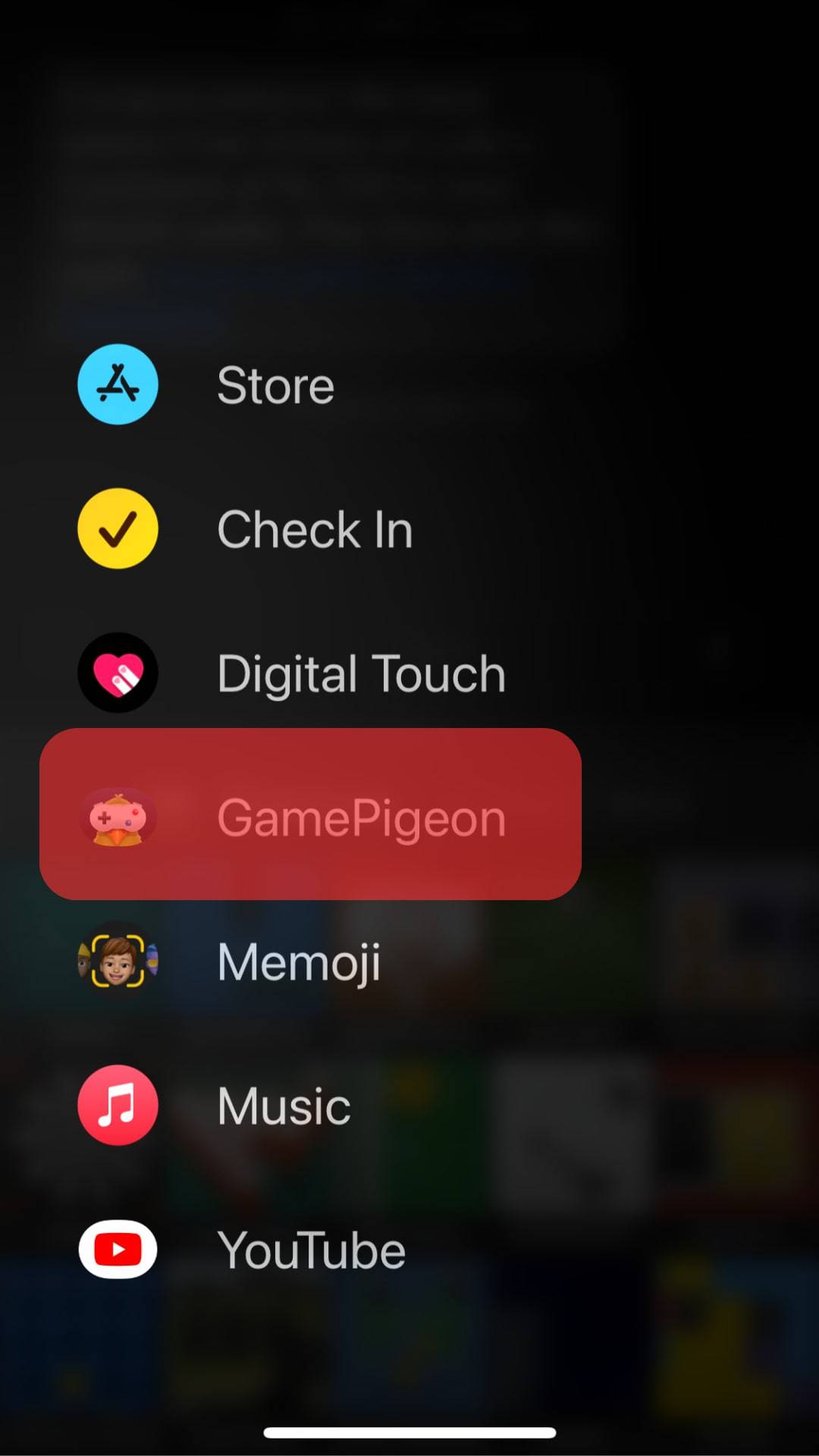
- Launch the extension: Tap the App Store icon within the iMessage bar, select Game Pigeon, and choose the game you wish to practice.
- Establish the session: Make your first move on the primary device.
- Switch interfaces: Pick up your secondary device, observe the move, and formulate your counter-play.
- Cycle through: Continue this back-and-forth process. By alternating between the two devices, you create a controlled laboratory to analyze how specific physics-based games, like 8-Ball or Basketball, respond to different touch pressures and trajectories.
Comparative Breakdown of Solo-Friendly Game Pigeon Titles
Not all games in the suite translate equally well to solo practice. Some games rely on hidden information (like Sea Battle), while others are pure skill-based physics engines. The following table identifies which games offer the most value for solo repetition.
| Game Title | Solo Practice Utility | Primary Skill Developed |
|---|---|---|
| 8-Ball | High | Shot angle, power control, bank shots |
| Gomoku | Moderate | Pattern recognition, defensive trapping |
| Sea Battle | Low | Memory, logical deduction |
| Basketball | High | Timing, trajectory consistency |
| 2048 | Very High | Mental math, spatial planning |
| Archery | High | Wind compensation, release timing |
Tactical Advantages of Self-Directed Training
Training against yourself removes the psychological pressure of a match, allowing for a deep dive into the physics of the game engine. In 8-Ball, for instance, you can repeat the same break shot dozens of times to identify the optimal cue-ball positioning.
Focusing on Consistency When practicing in a solo environment, treat your second device as a "dummy" opponent. Do not try to win against yourself; instead, focus on setting up specific, difficult scenarios for your primary device to solve. By intentionally placing the cue ball in a disadvantageous spot, you can practice recovery shots that are rarely explored in standard competitive play.
Troubleshooting Common Connectivity and Synchronization Issues
When playing on two devices, you may occasionally encounter synchronization errors where a turn does not register or the game board hangs. This is usually a result of latency in the iMessage delivery system.
- Refresh the thread: If a game fails to load, force-close the iMessage app on both devices and re-open it.
- Check network stability: Since Game Pigeon relies on Apple’s servers to transmit game data, ensure both devices have a stable Wi-Fi or cellular connection.
- Version verification: Ensure both devices are running the latest version of Game Pigeon available in the App Store as of 2026. Mismatched versions can lead to game-state corruption.
- Clear cache: If a specific game mode persists in failing, delete the conversation thread and initiate a fresh game.
Strategic Tips for Specific Game Modes
To maximize your efficiency during solo sessions, utilize these tactical approaches for the most popular titles:
Mastering 8-Ball Physics
Use your solo session to map out the "pocket speed." By hitting the ball at different power levels, you can determine exactly how much the rails affect the trajectory. Practice stop shots and draw shots repeatedly until the muscle memory becomes subconscious.
2048 Optimization
Since 2048 is a single-player game by design within the suite, it is the only title that requires no workarounds. Use this to practice your "corner stacking" strategy, where you keep your highest-valued tile in a bottom corner to prevent the board from becoming disorganized.
Sea Battle Pattern Analysis
While Sea Battle is a guessing game, playing against yourself allows you to study the probability of ship placement. Place your ships in different configurations on your secondary device and see how many "turns" it takes to clear the board on your primary device, which helps in identifying common defensive layouts used by opponents.
Frequently Asked Questions
Can I play Game Pigeon offline?
Game Pigeon requires a network connection to sync move data between devices. While you can open the interface offline, the game will not register moves or update the board until connectivity is restored, effectively making solo play impossible without an active internet connection.
Is there a true single-player mode in Game Pigeon?
Aside from 2048 and other puzzle-based titles included in the suite, there is no official single-player mode. All competitive games like 8-Ball or Sea Battle are architected for two-player interaction, necessitating the dual-device workaround to simulate a solo experience.
Will playing against myself improve my competitive ranking?
Yes, consistent practice in a controlled solo environment allows you to develop mechanical consistency. By removing the distraction of a real-time opponent, you can isolate specific skills—such as timing in Basketball or angle geometry in 8-Ball—and reach a higher level of proficiency much faster than you would through casual play.
Are there any risks to playing Game Pigeon this way?
There are no risks of account suspension or technical penalties for using two devices to play against yourself. Apple’s iMessage framework functions independently of the game logic, and you are simply utilizing two endpoints that are both under your ownership.
Does the 2026 version of Game Pigeon include new solo games?
The current version maintains the classic suite of games. Updates in 2026 have focused primarily on stability, interface scaling for newer device models, and optimizing the integration with the latest iOS builds to ensure seamless cross-device performance during your solo practice sessions.
Commitment to Improvement
Mastering Game Pigeon requires a blend of pattern recognition and precise input control. By adopting the practice of "shadow-playing" via two devices, you turn the platform into a personal training tool. Consistency is the primary factor in game mastery; allocate 15 to 20 minutes of daily solo practice to simulate complex board states, and you will see a measurable improvement in your competitive performance. Whether you are aiming to dominate your friend group or simply achieve a new high score in 2048, the technical approach of rigorous, self-imposed challenges remains the most effective path to success.
Image Gallery