Dollar General Digital Coupon Sign In: A 2026 Guide to Maximizing Savings
To sign in to your Dollar General digital coupons, visit the official Dollar General website or launch the mobile app and enter your registered email and password. Once authenticated, you can clip coupons that are automatically linked...
To sign in to your Dollar General digital coupons, visit the official Dollar General website or launch the mobile app and enter your registered email and password. Once authenticated, you can clip coupons that are automatically linked to your account. At checkout, simply enter your verified phone number on the PIN pad to apply all active discounts to your purchase.
Contents
As we move through 2026, Dollar General has streamlined its digital ecosystem, integrating its "DG Rewards" program more deeply with the digital coupon interface. Managing your sign-in credentials is the first step toward accessing exclusive "Store Discounts" and "Manufacturer Coupons" that can reduce your weekly grocery and household bill by up to 40%. This guide provides the technical steps for secure access, troubleshooting common login issues, and strategic advice for stacking coupons in the current retail landscape.
Essential Requirements for DG Digital Coupon Access
Before attempting to sign in, ensure you meet the updated 2026 eligibility and technical requirements. Dollar General has updated its security protocols to protect user data, which may require a one-time verification if you are logging in from a new device.
- Verified Account: You must have a registered account linked to a valid U.S. mobile phone number. This phone number serves as your "Digital ID" at the physical cash register.
- Compatible Hardware: The DG app currently requires iOS 15.0 or later, or Android 10.0 or later. For web users, the site is optimized for the latest versions of Chrome, Safari, and Edge.
- Location Services: While not strictly required for login, enabling location services helps the app identify "Store-Specific" coupons that may vary by region or specific 2026 local promotions.
- Data Connection: A stable 4G/5G or Wi-Fi connection is necessary, especially for the "DG GO" in-store scanning features which require real-time database syncing.
Step-by-Step Sign In Process for Web and Mobile
Dollar General offers two primary gateways for accessing your digital coupons. While the interface has been refreshed for 2026 to be more intuitive, the core credentials remain your email address and a secure password.
Accessing Coupons via the Dollar General Website
For users who prefer a larger screen to plan their shopping trips, the desktop portal remains a robust option.
- Navigate to the official Dollar General website and locate the Sign In link at the top right corner of the homepage.
- Enter the email address associated with your account. Ensure there are no trailing spaces, as the system may flag these as invalid characters.
- Input your password. If you have forgotten it, use the "Forgot Password" link to initiate a secure reset via your registered email.
- Once logged in, click on the Coupons tab to view the digital circular and available clips.
Logging Into the DG Mobile App
The mobile app is the preferred method for most shoppers because it allows for real-time coupon clipping while walking through the aisles.
- Open the DG app on your smartphone. If you are not automatically logged in, the app will present the sign-in screen.
- In 2026, many users utilize biometric authentication (FaceID or Fingerprint) which can be enabled in the app settings after your initial manual sign-in.
- If using manual entry, provide your email and password.
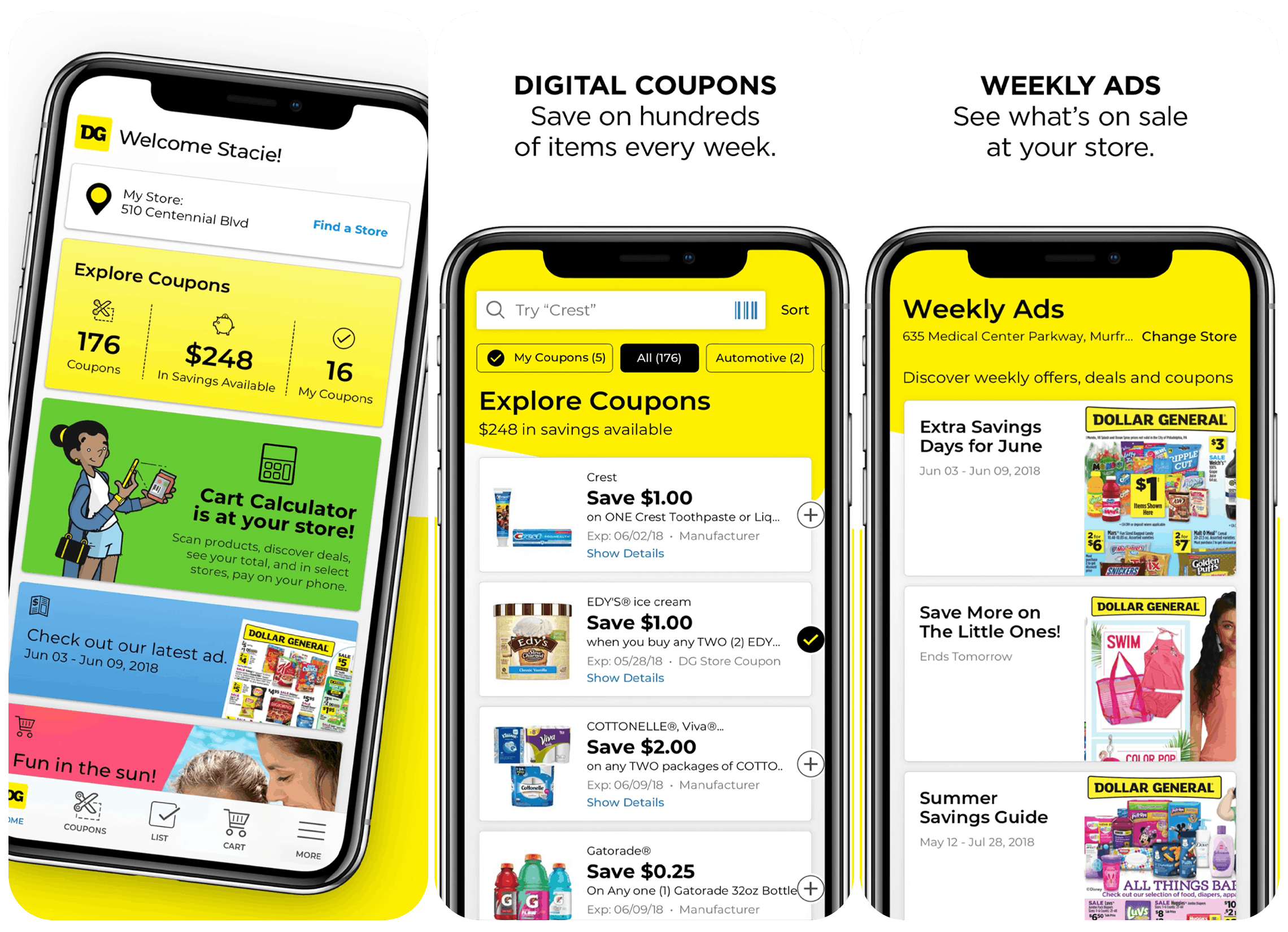
- Navigate to the "Deals" or "Coupons" section to begin adding offers to your account.
Security Protocol Update for 2026
Dollar General now utilizes Multi-Factor Authentication (MFA) for accounts that have not been accessed for more than 90 days or when a login attempt occurs from an unrecognized IP address. If prompted, you will receive a six-digit code via SMS to your registered phone number. This code must be entered within five minutes to successfully complete the sign-in process.
Troubleshooting Common Sign-In and Syncing Issues
Even with a streamlined system, technical hurdles can occur. Most sign-in failures are related to credential mismatches or app cache errors.
| Common Issue | Likely Cause | Recommended 2026 Solution |
|---|---|---|
| Invalid Credentials | Typo in email or expired password. | Reset password via the "Forgot Password" link and check your spam folder for the reset link. |
| Account Locked | Too many failed login attempts. | Wait 30 minutes for the automatic unlock, or contact DG Customer Support via the in-app chat. |
| App Freezing on Login | Cached data corruption or outdated app version. | Clear the app cache in your phone settings or update the app via the App Store/Google Play. |
| Coupons Not Showing | Sync error between web and app. | Sign out and sign back in to force a refresh of the digital wallet. |
| Phone Number Not Recognized | Account migration or database delay. | Ensure your phone number is verified in the "Profile" section of your account. |
Maximizing Your Savings Once Signed In
Signing in is only the beginning. To truly capitalize on the Dollar General digital system in 2026, you must understand the hierarchy of discounts.
The Power of the $5 Off $25 Coupon
The most famous Dollar General promotion is the "Save $5 when you spend $25" coupon, typically valid on Saturdays. Once you sign in, this coupon is usually found at the top of the list. In 2026, this coupon is often "Auto-Clipped" for frequent shoppers, but it is best practice to manually verify it is in your "Clipped" folder before heading to the store.
Understanding Stackability
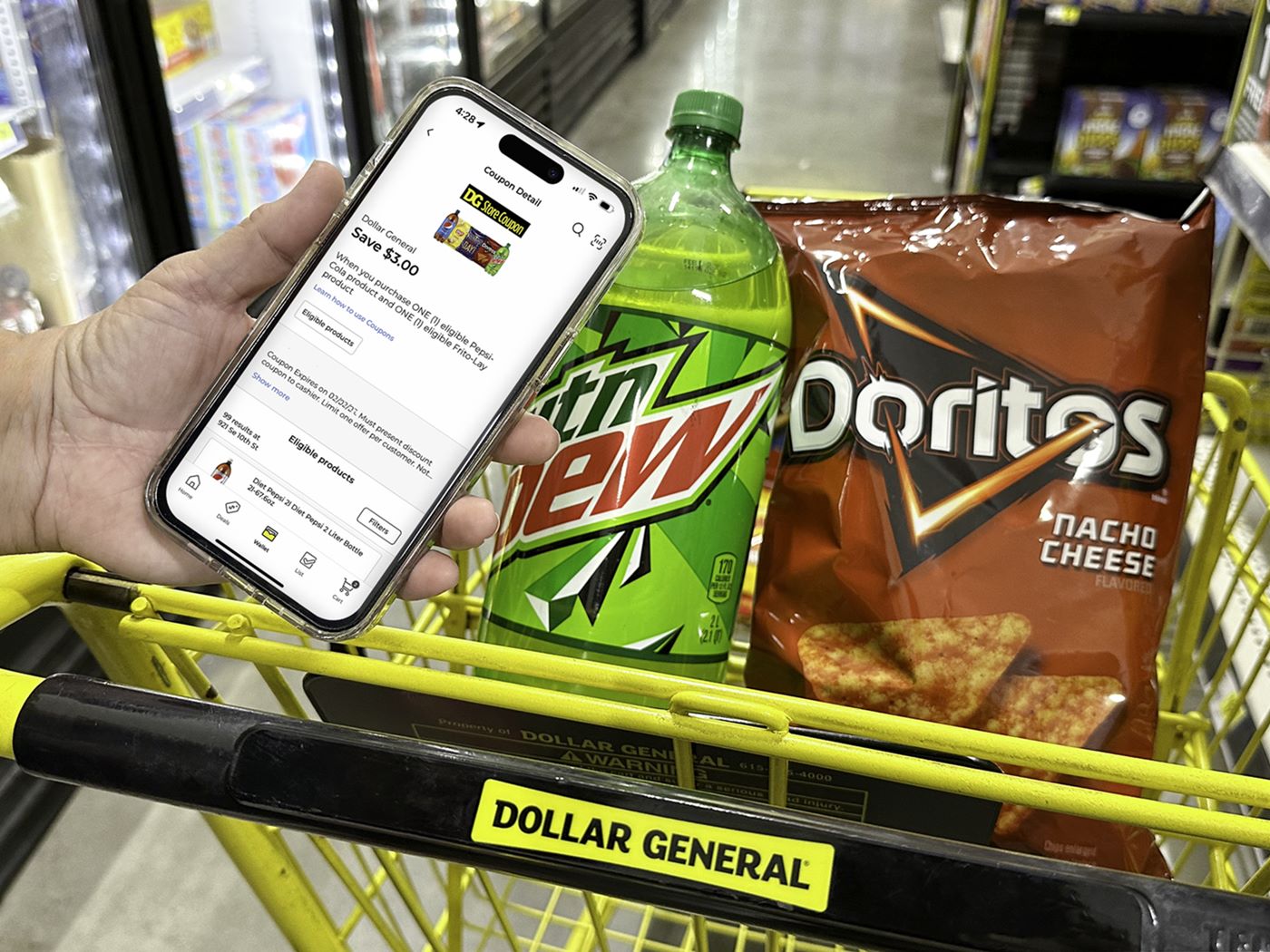
Dollar General allows users to stack one Store Coupon with one Manufacturer Coupon on a single item, provided the terms and conditions do not explicitly forbid it. When you sign in, the digital interface will clearly label each coupon type.
- Manufacturer Coupons: These are provided by brands like P&G, Unilever, and Kellogg's.
- DG Store Coupons: These are exclusive discounts provided by Dollar General, often found on store-brand items (Clover Valley) or specific holiday promotions.
Penny Shopping and Digital Coupons
While "Penny Shopping" (items marked down to $0.01) is a matter of inventory timing, being signed into the app allows you to use the barcode scanner. In 2026, the scanner remains the most accurate tool for identifying the current price of an item before you reach the register, ensuring that your clipped coupons will apply correctly to the total.
Comparing Digital Coupons vs. Other Savings Methods
While digital coupons are the most convenient, they are part of a broader landscape of retail savings. Here is how the Dollar General digital system compares to other major retailers in 2026.
| Feature | DG Digital Coupons | Family Dollar Smart Coupons | Walmart Rewards |
|---|---|---|---|
| Sign-In Method | Email/Password + SMS MFA | Email/Phone Number | Walmart+ Account/Email |
| Redemption Style | Phone Number at PIN Pad | Phone Number at PIN Pad | QR Code / App Pay |
| Stacking Ability | High (Store + Manufacturer) | Moderate | Low (Direct Price Matching) |
| User Interface | Simplified / Categorized | Traditional List View | Integrated with General App |
| Security Level | Multi-Factor (MFA) | Standard Password | High (Biometric Integration) |
Managing Your Account and Privacy Settings
In 2026, data privacy is a significant concern for digital shoppers. When you sign in to your Dollar General account, you are also accessing your "Data and Privacy" dashboard.
Dollar General tracks purchase history to provide "Recommended For You" coupons. If you prefer a more private shopping experience, you can navigate to the "Account Settings" after signing in to manage your communication preferences. You have the option to opt-out of personalized advertising, though this may result in fewer high-value, targeted coupons.
Privacy Alert regarding Phone Numbers
Your phone number is your primary key for redemption. In 2026, Dollar General has implemented a "Secure PIN" feature for high-value accounts. You can set a 4-digit PIN in your account settings that must be entered at the register after your phone number to prevent unauthorized use of your digital coupons or rewards points.
Expert Strategies for 2026 Couponing
To excel at Dollar General couponing, you must look beyond simply clipping every available offer. Strategic sign-in management involves:
- Early Clipping: New coupons typically load on Sundays. Sign in early in the week to clip high-value manufacturer coupons, as some have a limited number of "total clips" allowed across the entire user base.
- Digital Receipt Analysis: After signing in, you can view your digital receipts. Check these after every trip to ensure all clipped coupons were applied correctly. If a coupon failed to trigger, you can use the digital receipt to contact customer service for a credit.
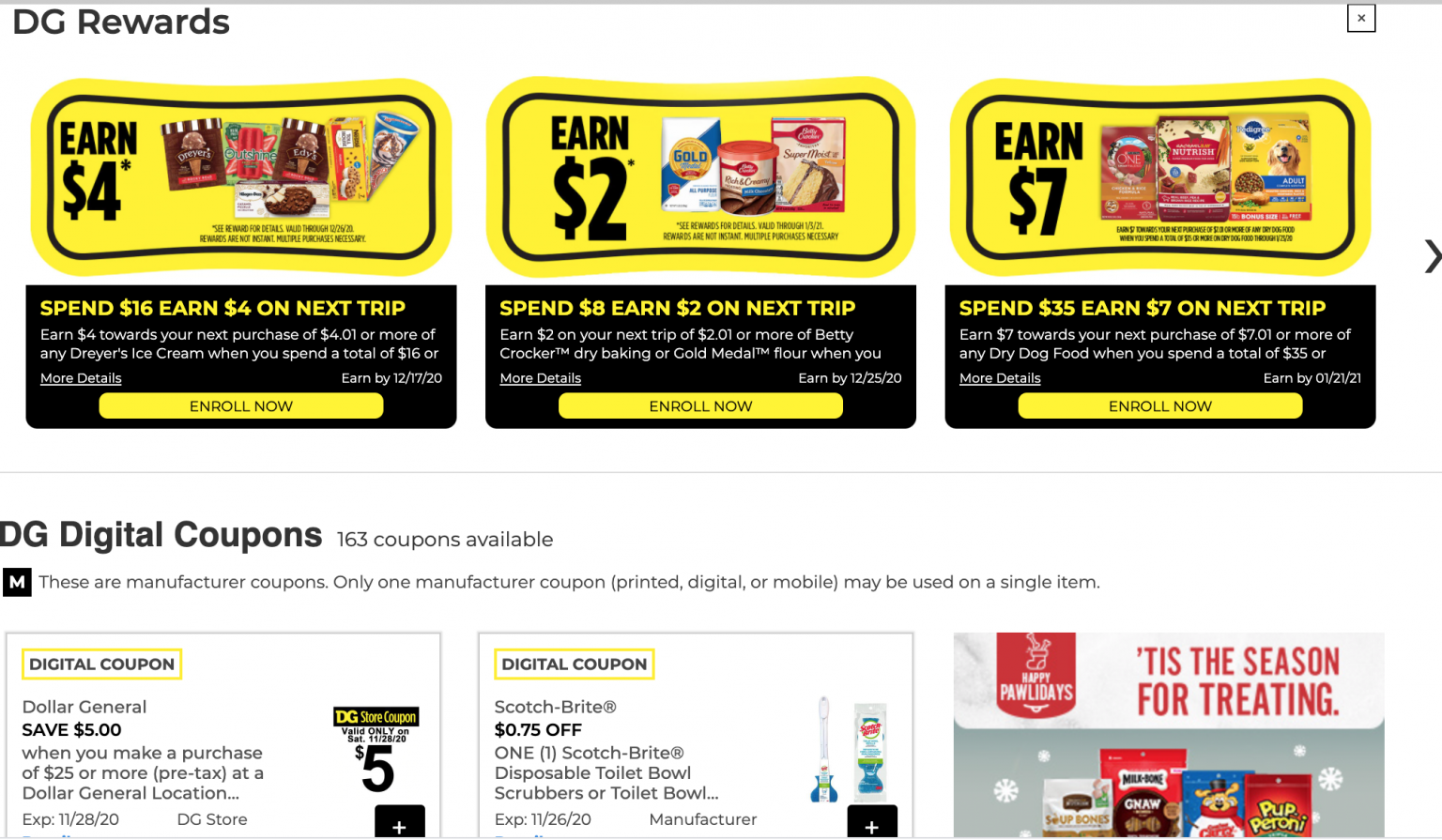
- The "DG Rewards" Integration: In 2026, certain brands offer "spend $X, get $Y" rewards. These are tracked automatically once you are signed in. You can monitor your progress toward these bonuses within the "Rewards" tab of the app.
Frequently Asked Questions
Why can't I sign in to my Dollar General account?
Most login issues in 2026 are due to incorrect password entry or a lack of app updates. Ensure you are using the latest version of the DG app. If you have moved or changed your phone number recently, you may need to verify your identity via the email on file. If the system says "Account Not Found," double-check that you aren't accidentally trying to sign in to the "DG Career" or "DG Investor" portals, which are separate from the consumer coupon site.
Do I need to sign in every time I go to the store?
No, you do not need to sign in at the store if you have already clipped your coupons. Once a coupon is "clipped" in your account, it is stored on the Dollar General servers. At the register, you only need to enter the phone number associated with that account. However, it is helpful to remain signed in on the app to scan items for price checks and to ensure your "Digital Wallet" is up to date.
Can I share my sign-in with family members?
While technically possible, sharing a login is not recommended if you are trying to maximize "Personalized Rewards." Dollar General’s 2026 algorithms provide coupons based on individual shopping habits. If multiple people use the same account, the targeted offers may become less relevant to your specific needs. Additionally, only one person can use the digital "Saturday $5 off $25" coupon per account per week.
What should I do if my clipped coupons didn't apply?
First, ensure you reached the minimum spend requirement (e.g., $25 for the Saturday coupon) after all other discounts were applied. Second, check that the specific items you purchased matched the coupon's requirements (size, brand, variety). If everything was correct, you can use the "Help" section after signing in to the app to submit a claim with your digital receipt.
Is the DG Digital Coupon sign-in secure?
Yes, as of 2026, Dollar General utilizes industry-standard encryption and Multi-Factor Authentication. To further enhance your security, avoid using the same password for your DG account that you use for financial institutions, and never share your SMS verification codes with anyone claiming to be "Dollar General Support."
Whether you are a seasoned "penny hoarder" or a casual shopper looking to save on essentials, mastering the Dollar General digital coupon sign-in process is essential. By maintaining a secure account and staying updated on the latest app features, you can ensure that you never miss a discount at the register.
Image Gallery