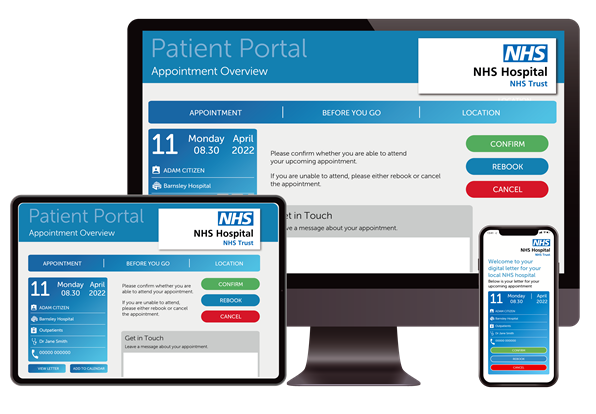
Accessing and Managing Your Health Patient Portal: A Comprehensive 2026 Guide
A health patient portal is a secure, encrypted online website that gives you 24/7 access to your personal health information. By logging in with a private username and password, you can view health records, communicate with your care t...
A health patient portal is a secure, encrypted online website that gives you 24/7 access to your personal health information. By logging in with a private username and password, you can view health records, communicate with your care team, schedule appointments, and manage medications directly from your computer or mobile device.
Contents
Understanding the Role of Patient Portals in Modern Healthcare
Patient portals are integrated electronic interfaces connected to a provider's Electronic Health Record (EHR) system. As of 2026, these platforms have evolved beyond simple record storage into comprehensive patient engagement tools. They serve as the primary bridge between clinical documentation and patient-centered care.
When you access your portal, you are interacting with a system compliant with the Health Insurance Portability and Accountability Act (HIPAA). This ensures that your Protected Health Information (PHI) is transmitted through secure, end-to-end encrypted tunnels. Because these portals reflect real-time data from your provider’s backend systems, they minimize the risks associated with manual data entry or paper-based record transfers.
Core Features and Administrative Capabilities
Most modern patient portals provide a standardized suite of tools designed to reduce administrative friction. Recognizing these features helps patients leverage the system to its full potential for health management.
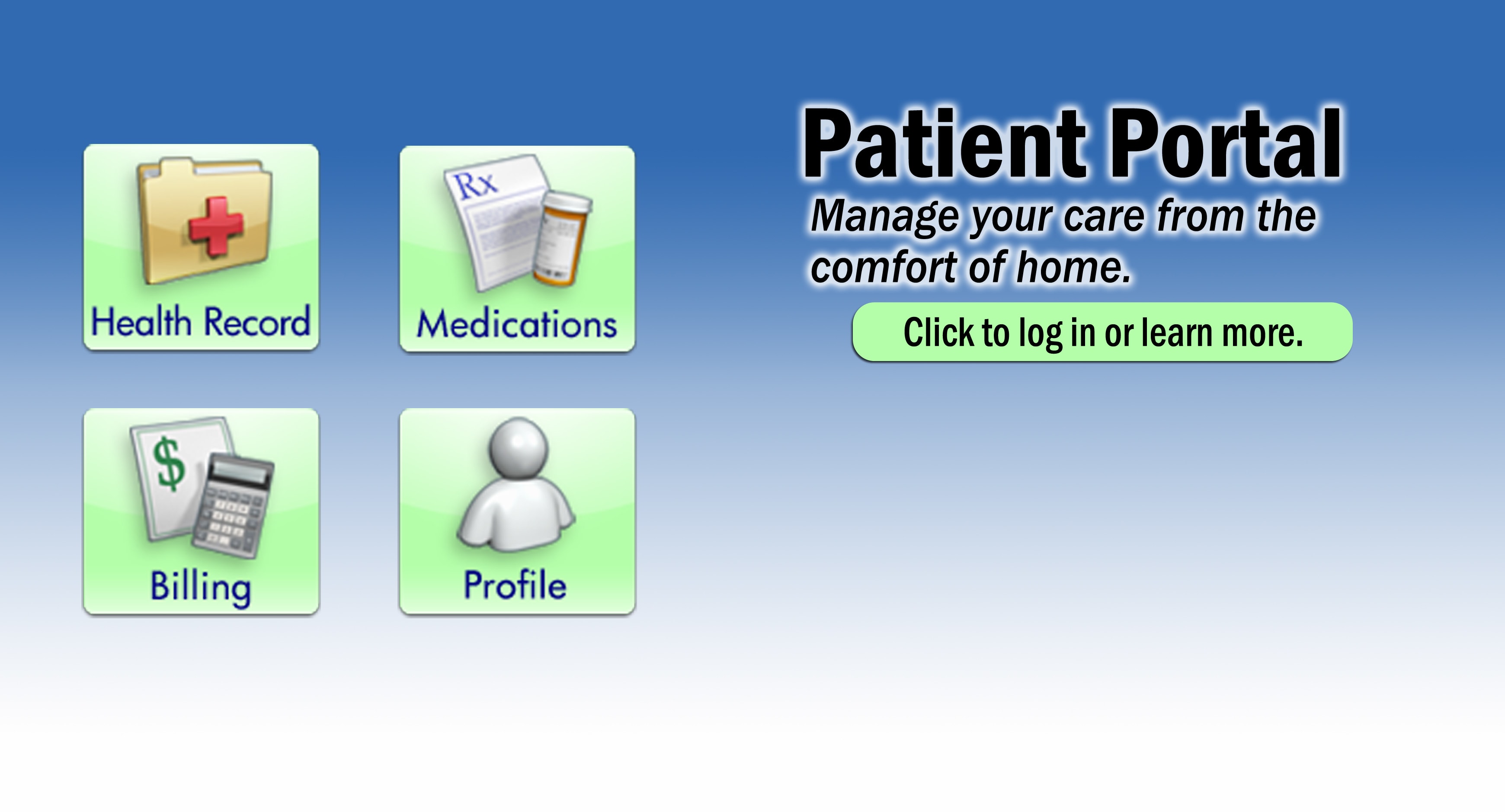
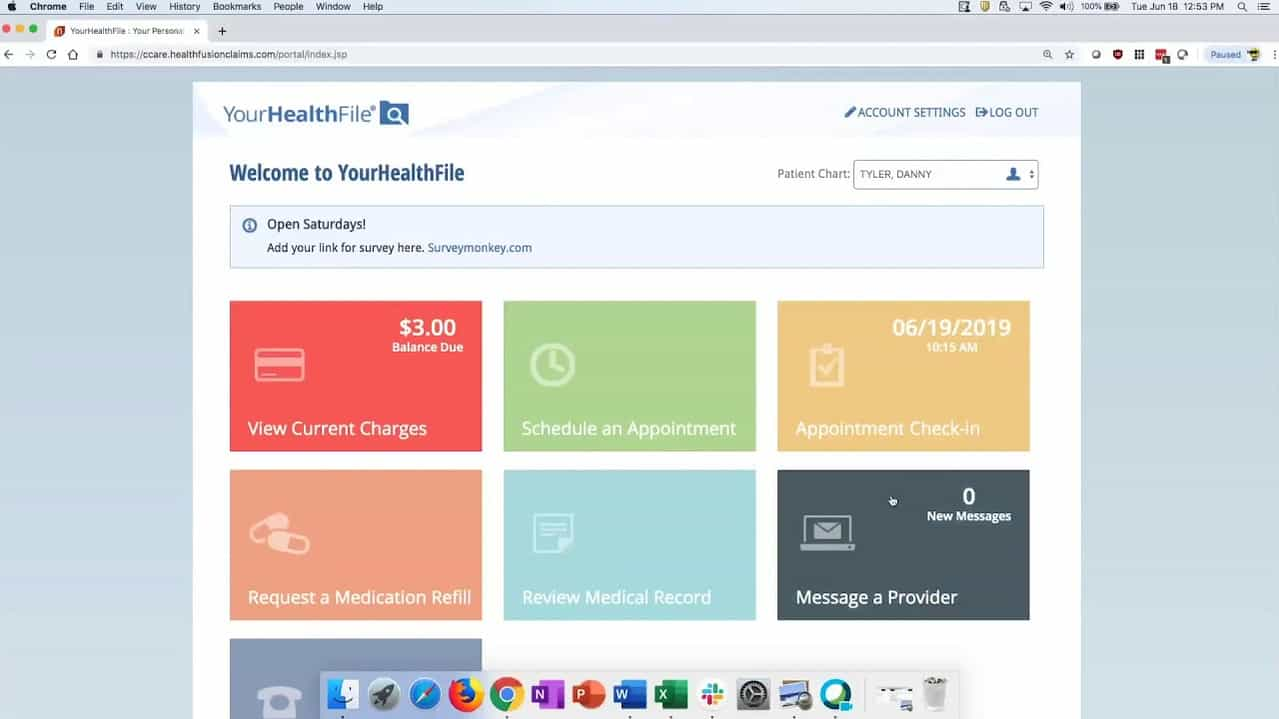
- Clinical Summary Access: Download or view laboratory results, diagnostic imaging reports, and physician progress notes from previous visits.
- Appointment Management: Real-time scheduling, rescheduling, or cancellation of clinical visits. Many systems now include waitlist integration for high-demand specialists.
- Secure Messaging: Direct asynchronous communication with your care team. This is intended for non-urgent inquiries, medication refill requests, and follow-up clarifications.
- Billing and Payments: View outstanding balances, itemized statements, and setup payment plans or insurance claims tracking.
- Medication Reconciliation: View your current active medication list, request refills, and see history of renewals.
Strategic Implementation for Patient Success
To effectively utilize your portal in 2026, it is necessary to navigate the registration process correctly and maintain account security. Most large hospital systems utilize major EHR platforms such as Epic (MyChart) or Oracle Health (formerly Cerner). The login credentialing process is generally uniform across these platforms.
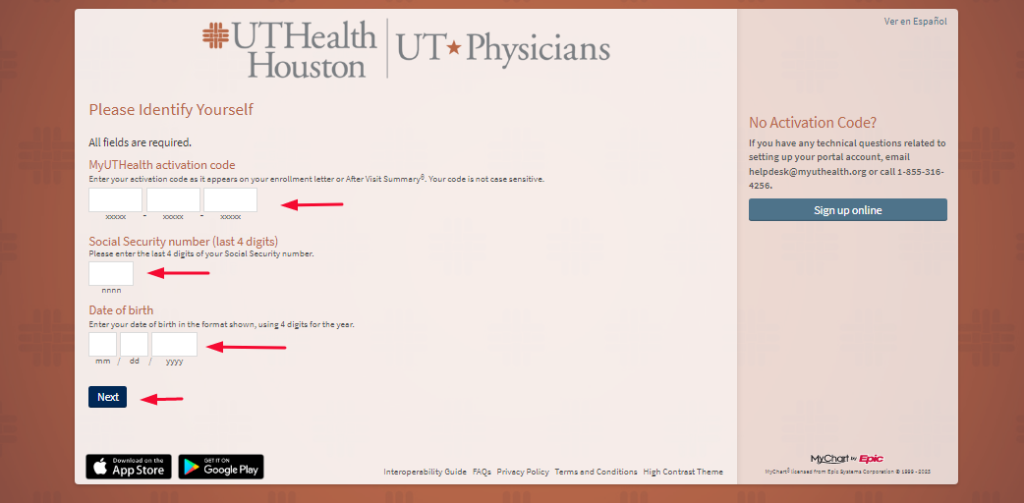
Account Activation Protocols Initial Enrollment: Most providers require an activation code provided at the point of service, via a secure email link, or through a verification process utilizing your Social Security Number and date of birth. Identity Verification: Ensure the email address on file matches your current primary contact, as most multi-factor authentication (MFA) processes will send a time-sensitive code to this address. Family Access (Proxy Access): If you are managing care for a dependent or an aging parent, you must request "Proxy Access" through the portal’s administrative settings. This requires specific legal authorization to comply with privacy regulations.
Comparison of Portal Functionality by Healthcare System Type
Different clinical environments may prioritize specific portal features based on the nature of care provided.
| Facility Type | Primary Focus | Best For | Typical Limitations |
|---|---|---|---|
| Large Health Systems | Centralized EHR | Comprehensive Record Keeping | High-latency in test result releases |
| Specialized Clinics | Patient-Provider Comms | Direct messaging & Rx refills | Limited longitudinal history |
| Urgent Care / Retail | Episodic Data | Immediate visit summaries | Lacks full medical history |
| Mental Health Practices | Secure Messaging | Appointment & Billing focus | Limited clinical note disclosure |
Troubleshooting Common Access Barriers
Users frequently encounter hurdles when attempting to retrieve records. Understanding the technical side of these issues can expedite resolution.
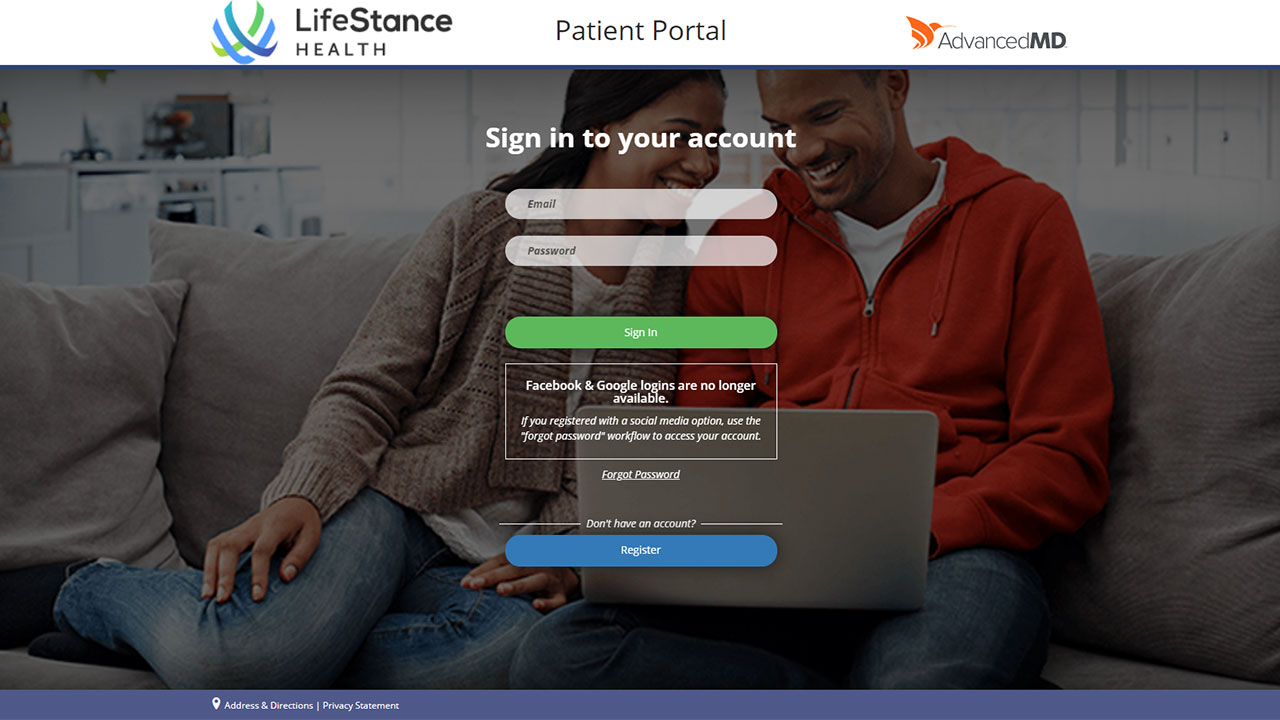
- Password Fatigue: If you are locked out, utilize the "Forgot Password" link on the login page. Do not attempt more than three times, as this triggers a security lockout that requires administrative reset by the IT help desk.
- Missing Information: If labs or reports are missing, note that there is often a "legal hold" or "review period" (typically 24 to 72 hours) between the lab release and the portal update to ensure a physician has reviewed the results.
- Cross-Network Incompatibility: If you see multiple specialists across different hospital systems, their portals may not be linked. You may need to use a third-party Health Information Exchange (HIE) app to aggregate your data into a single view.
Maximizing Benefits Through Proactive Management
To gain the most value from your portal, adopt a habit of regular audit and preparation. Before your next appointment, log in to ensure your "Allergy" and "Current Medication" lists are accurate. Reporting discrepancies through the portal before your visit allows the clinical team to update your file, saving time during the physical examination.
Furthermore, use the portal to download your "Continuity of Care Document" (CCD). This is a standardized file format that you can carry on a USB drive or secure mobile device. If you ever have to visit an emergency department or a new specialist, handing them this document provides them with an immediate, accurate summary of your medical history, current problems, and medication regimen.
Frequently Asked Questions
What should I do if I cannot see my latest lab results in the portal? Check if the "result release" window has passed; if your test was performed within the last 24 hours, the system may still be processing the data. If more time has passed, contact the ordering physician’s office directly, as they may need to manually release the results to your account.
Is it safe to discuss symptoms via the patient portal? Yes, portal messaging is encrypted and HIPAA-compliant, making it a safe channel for non-urgent communication. However, never use the portal for medical emergencies; if you are experiencing a life-threatening symptom, call emergency services (911) immediately.
Can I use the same portal for all my doctors? Only if all your doctors use the same underlying EHR software and belong to the same hospital system or connected network. If your providers are in separate, unaffiliated systems, you will likely need to maintain separate logins for each portal.
How do I download my medical records for my personal files? Most portals have a "Health Summary" or "Download My Record" section. You can export this data in a standard format, usually PDF or XML, which you can save locally or print for your records.
Does my insurance company have access to my portal? No, your insurance company does not have direct access to your personal portal. They only receive the billing and procedural codes necessary to process your claims through separate, private channels.
What is the difference between a portal and a health app? A patient portal is specific to your provider's software, whereas a health app (like Apple Health or Google Health Connect) is a data aggregator that pulls information from various sources to provide you with a unified view of your health metrics.
Final Recommendation for Users
In 2026, digital health literacy is a core component of effective patient advocacy. By familiarizing yourself with your specific provider’s portal, you take an active role in the accuracy and continuity of your medical care. Start by logging in today to verify your contact information and review your active medication list. Should you encounter persistent access issues, the most efficient path to resolution is calling your physician’s office directly and requesting to speak with their "Portal Administrator" or "EHR Specialist."
Image Gallery