Anon Image Vault: A Comprehensive Guide to Private Image Management in 2026
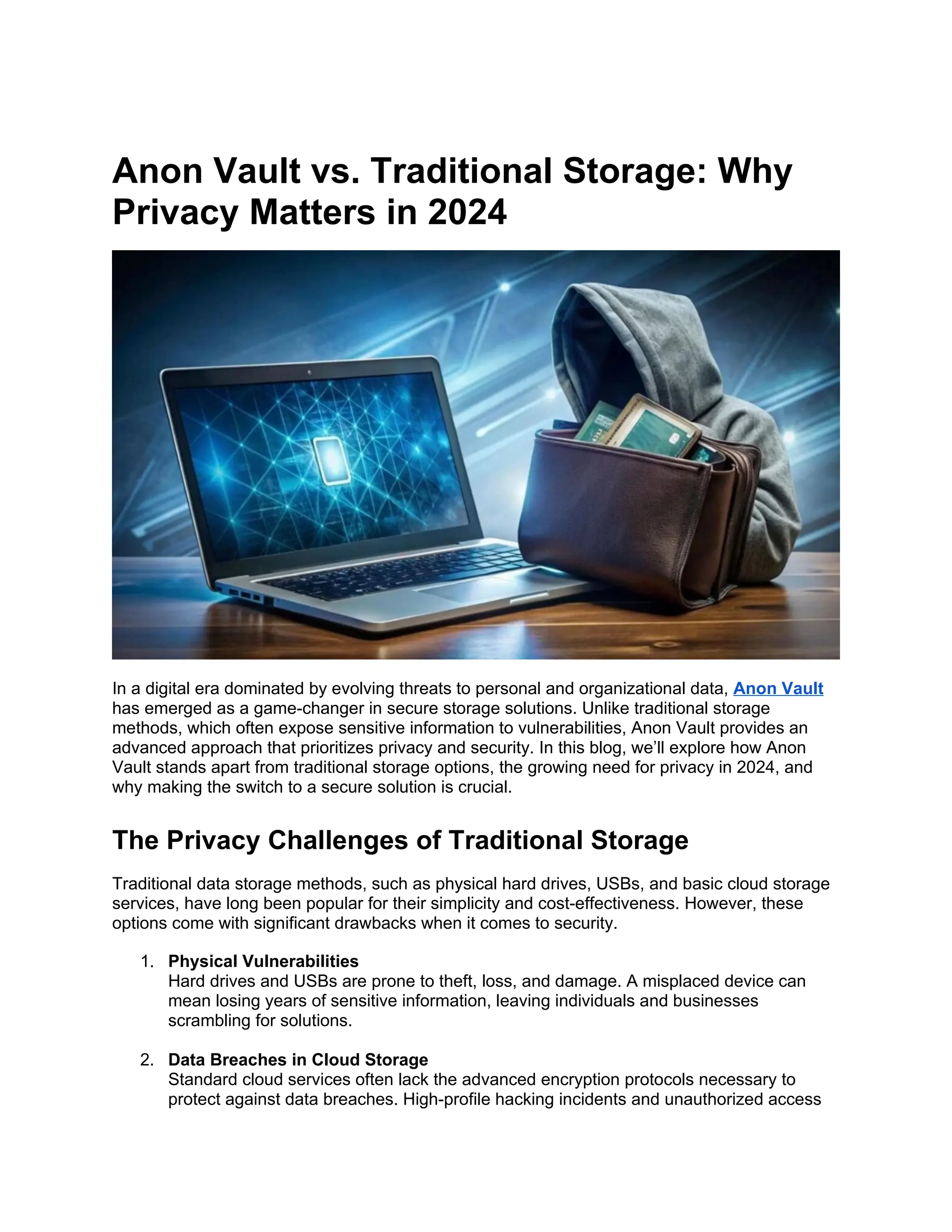
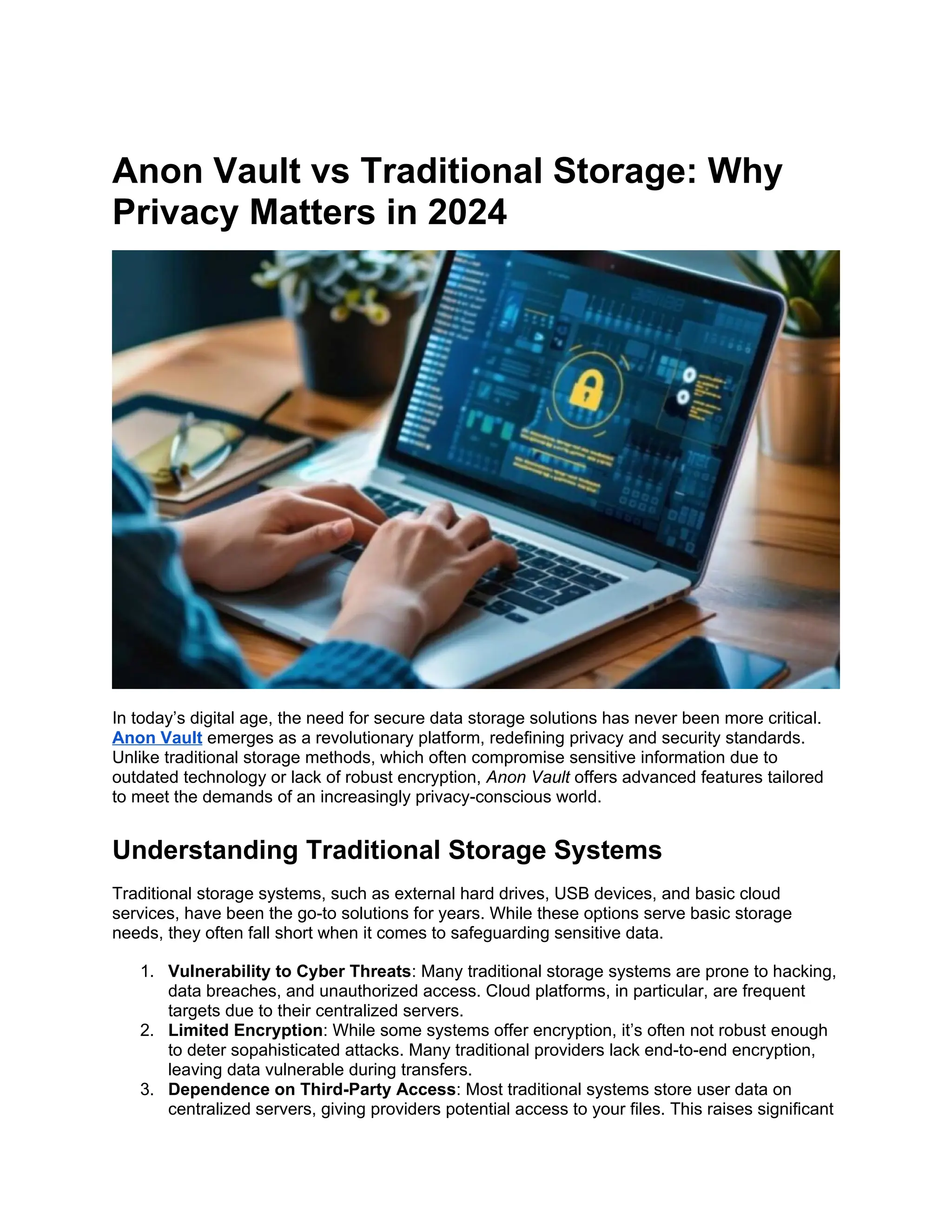
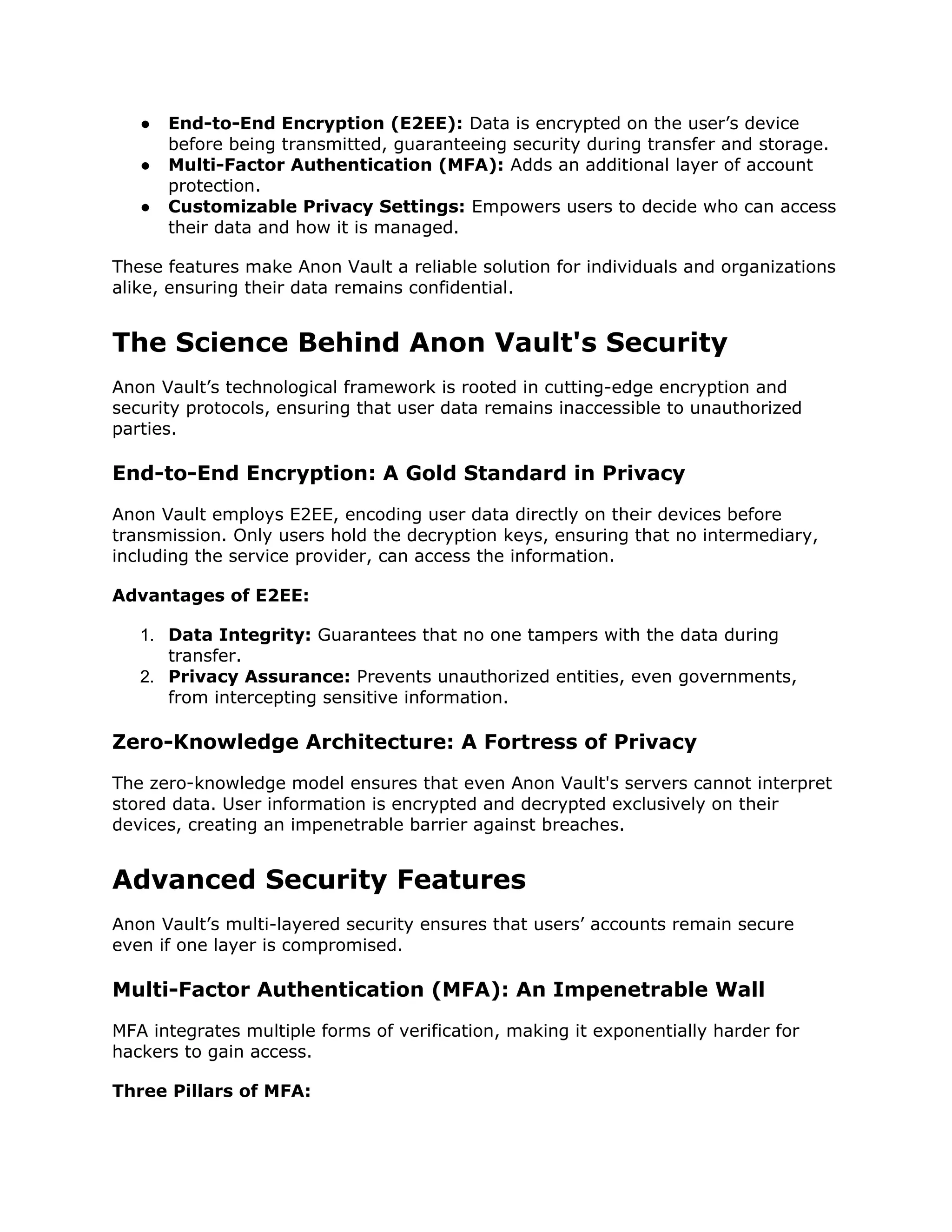
An Anon Image Vault acts as a secure, decentralized, or localized digital repository designed to sequester sensitive media files away from public cloud indexing and unauthorized third-party access. By utilizing advanced encryption stan...
An Anon Image Vault acts as a secure, decentralized, or localized digital repository designed to sequester sensitive media files away from public cloud indexing and unauthorized third-party access. By utilizing advanced encryption standards and local-first storage protocols, these vaults prioritize user anonymity and file integrity, ensuring that image metadata remains stripped and the content inaccessible to non-authenticated parties in the 2026 digital landscape.
Contents
Core Architecture and Privacy Standards of Image Vaults
Modern image vaulting technology relies on a layered security framework that balances accessibility with high-level encryption. In 2026, the primary objective of these systems is to remove the "data breadcrumbs" associated with image files—specifically EXIF (Exchangeable Image File Format) data. This metadata often contains GPS coordinates, device identifiers, and timestamps that can compromise the anonymity of the creator.
To maintain professional-grade security, an effective vault must incorporate the following standards:
- AES-256 Encryption: Industry-standard symmetric encryption that ensures even if the physical storage medium is compromised, the files remain undecipherable.
- Zero-Knowledge Protocols: A design philosophy where the service provider has no access to the decryption keys, meaning they cannot view or surrender user data under any circumstances.
- Metadata Sanitization: Automated stripping of all non-essential binary tags from JPEGs, PNGs, and HEIC files upon upload.
- Decentralized Storage Options: Utilizing peer-to-peer networks or private local servers to avoid the vulnerabilities inherent in centralized data centers.
Deployment Strategies for Personal and Professional Security
Implementing an Anon Image Vault requires a clear understanding of your specific threat model. Whether you are a professional photographer needing to protect unreleased assets or an individual prioritizing personal privacy, the deployment strategy must be tailored to your technical depth and operational needs.
Localized Hardware Storage
This is the most secure method for individuals who want total control over their assets. By using air-gapped storage—devices that are never connected to the internet—you physically eliminate the risk of remote intrusion.
Private Encrypted Cloud
For users who require remote access, selecting a provider that adheres to 2026 global privacy standards is mandatory. This involves ensuring the service supports multi-factor authentication (MFA) and maintains a transparent, auditable codebase.
Comparison of Image Privacy Solutions
When evaluating tools for image vaulting, it is crucial to understand the trade-offs between accessibility, cost, and security. The following table compares common storage methodologies current to the 2026 landscape.
| Feature | Local Encrypted Drive | Private Decentralized Vault | Public Cloud (Standard) |
|---|---|---|---|
| Encryption | AES-256 (User Key) | Zero-Knowledge | Server-Side Only |
| Metadata Control | Total | Automated Stripping | Limited / Inactive |
| Accessibility | Physical Access Only | Global via Auth | Ubiquitous |
| Cost | Hardware Upfront | Subscription/Token | Tiered/Freemium |
| Privacy Risk | Minimal | Low | High |
Step-by-Step Implementation Guide
To establish a secure environment for your media, follow these structured steps to ensure maximum privacy:
- Perform a System Audit: Determine which devices currently hold sensitive images and ensure all OS-level updates for 2026 are installed to patch known vulnerabilities.
- Select Your Encryption Suite: Choose a tool that offers both on-device encryption and secure file transfer protocols.
- Metadata Scrubbing: Before moving images to the vault, use an automated scrubber tool to strip EXIF data. This is a critical step often overlooked by casual users.
- Establish Backup Redundancy: A secure vault is useless if the data is lost. Maintain an encrypted, off-site backup in a secondary vault to protect against hardware failure.
- Periodic Access Review: Audit your access logs and rotate your encryption keys annually to maintain a robust security posture.
Security Note on Cryptographic Hygiene Always generate your own encryption keys rather than relying on automated recovery services. If you lose your master key or pass-phrase in a zero-knowledge system, the data is permanently unrecoverable. Ensure your key management strategy includes physical backups of recovery codes stored in a fire-proof or geographically separate location.
Common Operational Pitfalls and Mitigation
Many users fall into the trap of assuming that "hidden folders" or simple password protection constitutes an "Anon Image Vault." In 2026, security researchers emphasize that obscurity is not a substitute for encryption. If a file is stored on a standard file system without encryption, it can often be recovered via forensic imaging even after deletion.
To mitigate risks, always ensure that your vault utilizes "wiping" technology. When you delete a file from a secure vault, the software should overwrite the data sectors multiple times to prevent forensic recovery. Avoid utilizing free, proprietary platforms that lack open-source verification, as these frequently contain hidden telemetry or backdoors.
Frequently Asked Questions
What is the difference between an encrypted folder and an Anon Image Vault? An encrypted folder is a passive storage container, whereas an Anon Image Vault typically includes active features such as automatic metadata scrubbing, secure deletion, and zero-knowledge transmission protocols specifically optimized for image integrity.
Does an Anon Image Vault hide my identity online? While a vault hides the content of your images, it does not mask your network identity. To achieve true anonymity, the vault must be accessed through a secure, encrypted tunnel, such as a reputable VPN or a privacy-focused network relay.
Is it legal to use encrypted vaults for all personal media? Yes, in the vast majority of jurisdictions, using standard encryption for personal data storage is legal. However, users should always ensure they are not violating local data retention laws or organizational compliance requirements if using the vault for professional or corporate assets.
How often should I update my vault software in 2026? You should enable automated updates and review security advisories for your chosen software at least monthly. With the rapid advancement of quantum-resistant algorithms emerging in 2026, keeping your encryption software updated is essential to stay ahead of modern decryption capabilities.
Can I recover my images if I forget my password? In a true zero-knowledge Anon Image Vault, the answer is no. This is the hallmark of secure privacy architecture; if the provider cannot see your key, they cannot reset it for you. Always store your recovery phrases in a secure, physical location.
Final Recommendations for Security Enthusiasts
To maintain the highest level of privacy in 2026, integrate your image vaulting workflow into your broader digital hygiene routine. Regularly audit the permissions of all applications connected to your image storage, and avoid using cross-platform syncing features that store keys on centralized servers. By prioritizing local control and stringent encryption, you ensure that your visual data remains strictly under your authority, shielded from the evolving risks of the digital environment.
Image Gallery