Best Free Portfolio Templates for Professionals to Use in 2026
Free portfolio templates are pre-designed digital frameworks that allow professionals to showcase their skills, projects, and experience without the cost of custom development. In 2026, these templates utilize advanced web technologies...
Free portfolio templates are pre-designed digital frameworks that allow professionals to showcase their skills, projects, and experience without the cost of custom development. In 2026, these templates utilize advanced web technologies like AI-assisted layouts and high-performance frameworks to provide responsive, high-speed, and visually engaging resumes for designers, developers, and creative experts.
Contents
Choosing the right portfolio template requires more than just looking for an attractive layout. It involves understanding the technical infrastructure of the platform, the SEO capabilities of the template, and how well it communicates your personal brand to potential clients or employers. Whether you are a UI/UX designer, a software engineer, or a digital marketer, your portfolio serves as your primary conversion tool in a competitive global market.
Strategic Selection of Free Portfolio Platforms in 2026
The landscape of web design has shifted significantly toward no-code and low-code solutions that offer high degrees of customization. When searching for a free portfolio template, the platform you choose dictates your site's performance, scalability, and ease of maintenance.
High-Performance Static Site Generators
For developers and technical professionals, static site generators (SSGs) remain the gold standard. Using templates built on frameworks like Astro, Next.js, or Hugo allows for sub-second load times and excellent Core Web Vitals scores. Many of these templates are available for free on GitHub and can be hosted at no cost using services like Vercel or Netlify.
Visual No-Code Builders
For designers and non-technical creatives, platforms like Framer and Webflow have expanded their free offerings. These templates provide "what-you-see-is-what-you-get" (WYSIWYG) editing, allowing for complex animations and micro-interactions that were once only possible through custom coding. In 2026, many free Framer templates include integrated AI tools that suggest color palettes and typography based on your industry.
Documentation-Style Portfolios
Notion and Obsidian have become popular choices for "minimalist" portfolios. A free Notion portfolio template is ideal for project managers and writers who want to emphasize process and hierarchy over flashy visual effects. These templates are easy to update and can be turned into a public-facing website using various free wrapper services.
Critical Comparison of Leading Portfolio Platforms
Selecting a platform involves weighing the ease of use against the flexibility of the design. The following table provides a breakdown of the current landscape for free portfolio solutions.
| Platform | Best For | Technical Difficulty | Customization Depth | SEO Performance |
|---|---|---|---|---|
| GitHub (HTML/CSS) | Developers | High | Infinite | Excellent |
| Framer | UI/UX Designers | Medium | High | High |
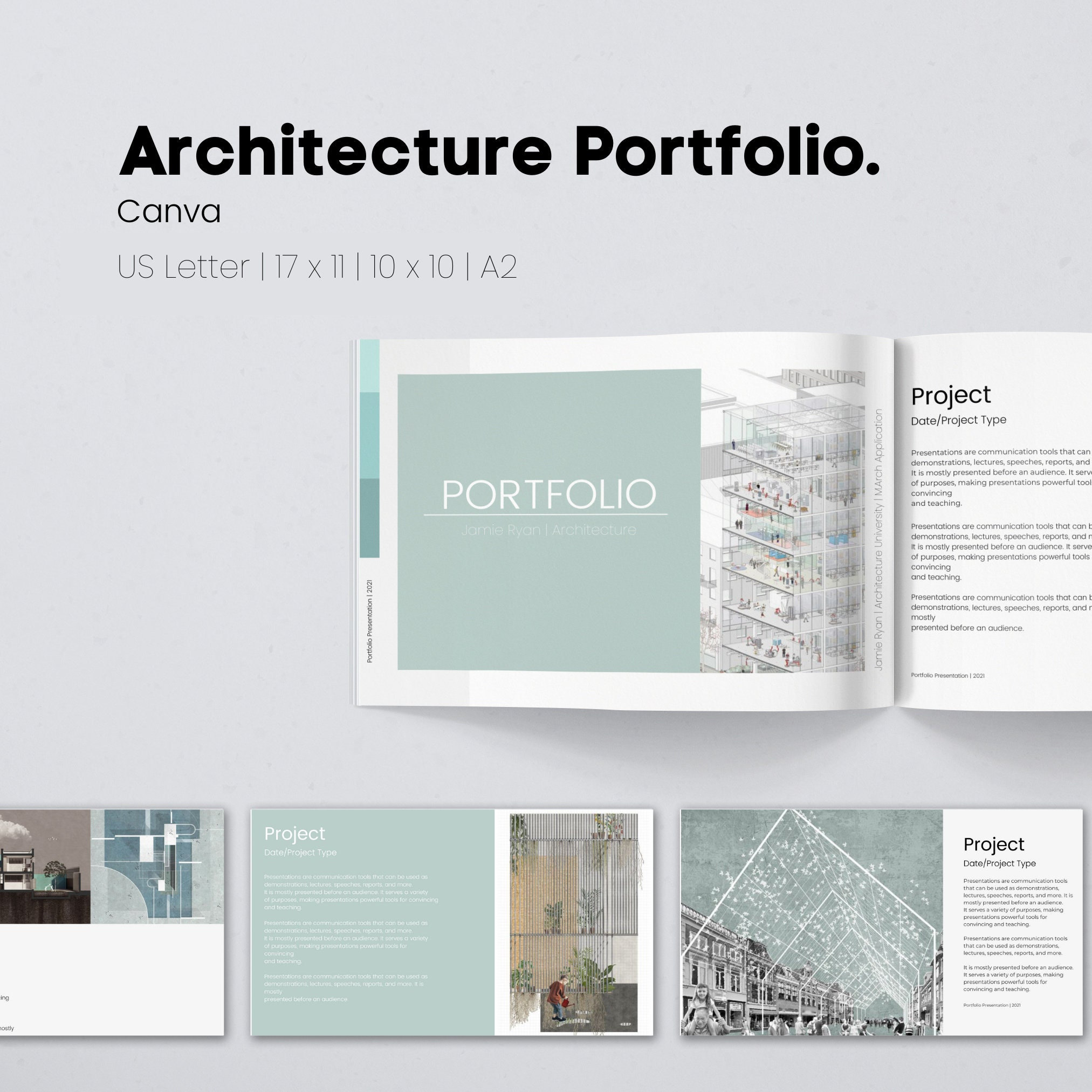
| Canva | Entry-level Creatives | Low | Moderate | Low |
| Adobe Express | Visual Artists | Low | Moderate | Moderate |
| Notion | Writers / Managers | Low | Low | Moderate |
| WordPress.org | General Use | Medium | High | High |
Core Components of an Impactful 2026 Portfolio
A successful portfolio in 2026 must do more than just display images. It must tell a story and provide proof of competence through data and narrative. Regardless of the template you choose, ensure it includes these essential modules.
The Dynamic Hero Section
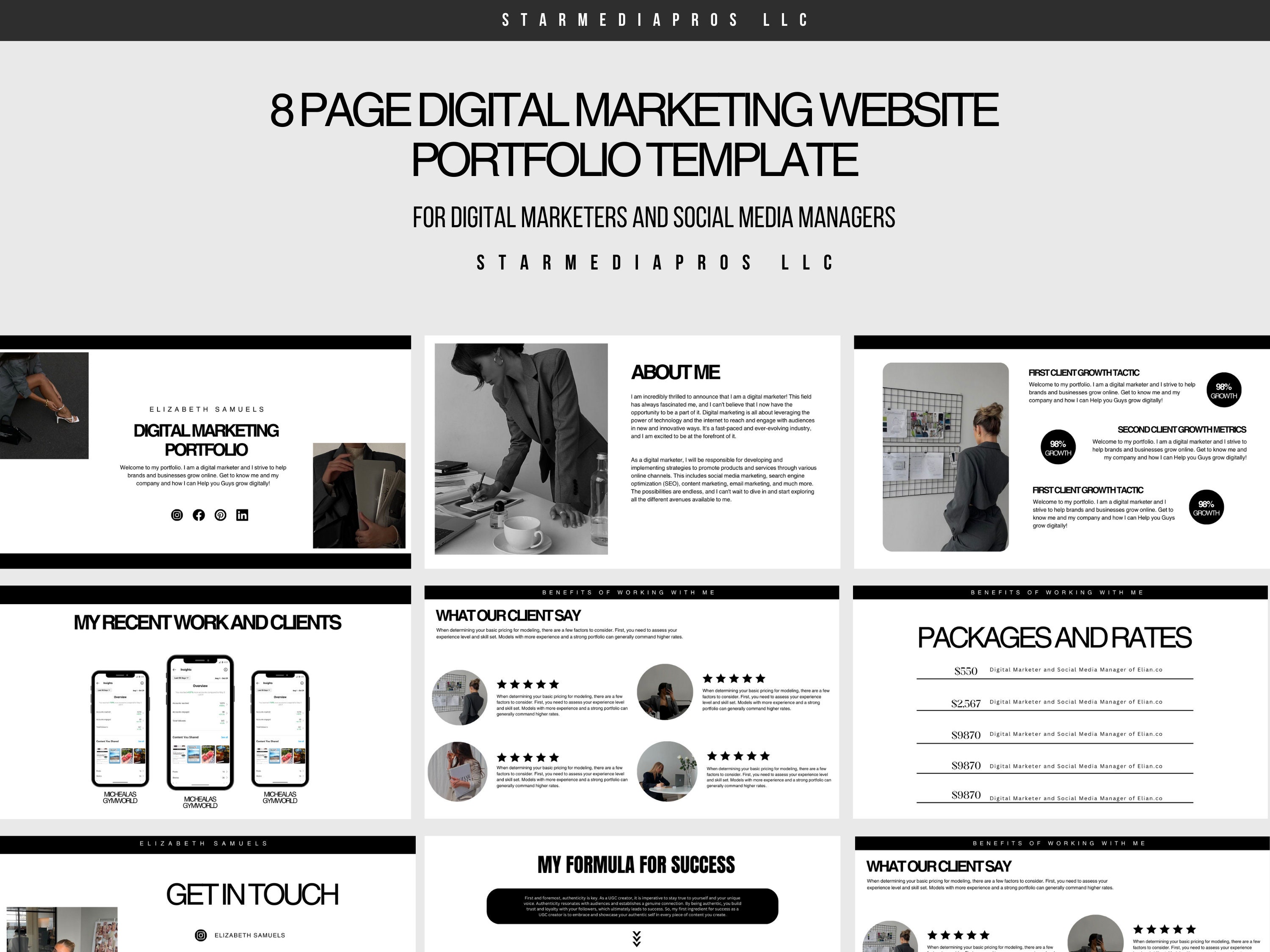
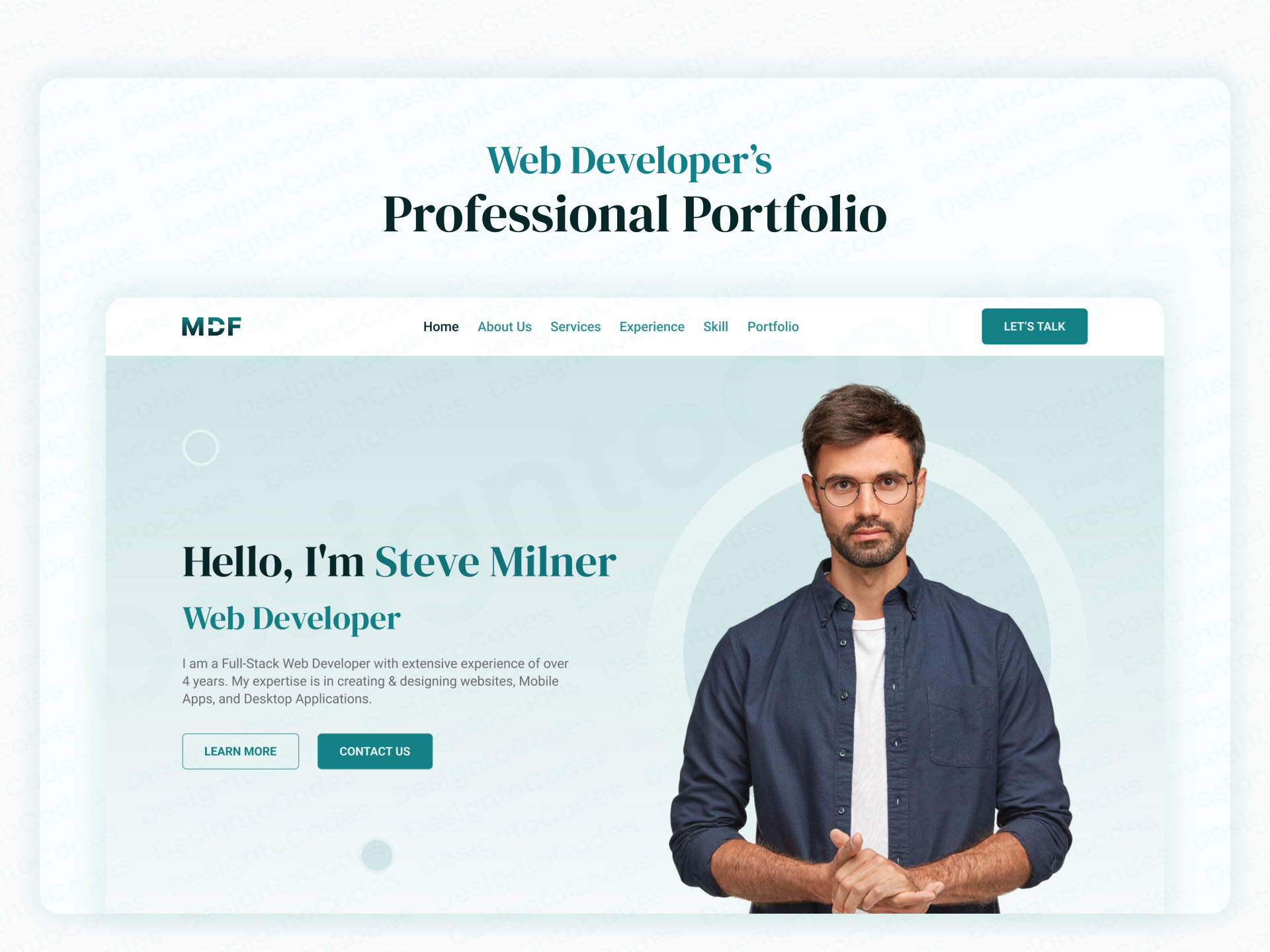
The hero section is your "elevator pitch." It should clearly state who you are, what you do, and the value you bring. Templates that allow for a high-quality headshot or a personalized 15-second video introduction are performing exceptionally well in current recruitment cycles.
Case Studies Over Screenshots
Gone are the days when a simple gallery of images sufficed. Modern templates prioritize case study layouts. These should follow a structured format:
- The Challenge: What problem were you solving?
- The Process: How did you research and iterate?
- The Solution: What was the final output?
- The Result: What were the measurable outcomes (e.g., 20% increase in user retention)?
Verified Testimonials and Social Proof
Trust is the currency of the 2026 job market. Look for templates that include dedicated sections for testimonials. Integrating LinkedIn endorsements or verified project reviews directly into the layout adds a layer of authenticity that text-only resumes lack.
Responsive and Adaptive Design
With over 70% of initial portfolio views occurring on mobile devices or tablets, a free template must be fully responsive. This means more than just shrinking images; it means adaptive navigation, touch-friendly buttons, and readable typography across all screen sizes.
How to Optimize a Free Template for Search Engines
A portfolio is only useful if it can be found. Even the most beautiful free template requires SEO optimization to rank for your name or your specific niche (e.g., "Senior React Developer in Austin").
Metadata and Semantic HTML
Ensure your template uses semantic HTML5 tags like header, main, section, and footer. This helps search engine crawlers understand the hierarchy of your content. You must manually update the Title Tags and
Image Optimization and Next-Gen Formats
Large, unoptimized images are the primary cause of slow portfolio sites. When using a free template, ensure you:
- Convert all images to WebP or AVIF formats.
- Use "srcset" attributes for responsive image delivery.
- Include descriptive Alt Text for every visual element to improve accessibility and image search rankings.
Accessibility Standards (WCAG 2.2)
In 2026, accessibility is not optional. Competitive portfolios must meet Web Content Accessibility Guidelines (WCAG). This includes maintaining high color contrast, providing keyboard navigation, and ensuring the template is compatible with screen readers. Search engines now prioritize accessible sites in their ranking algorithms.
Step-by-Step Guide to Customizing Your Free Portfolio Template
Once you have selected a template, follow these steps to transform it from a generic layout into a personalized professional asset.
Audit the Template Structure Before adding content, remove any sections that do not serve your primary goal. If you don't have enough testimonials, hide that section rather than leaving it empty or using placeholder text.
Implement a Consistent Visual Identity Update the global styles of the template. Choose two primary fonts (one for headings, one for body text) and a cohesive color palette of 3-4 colors. Consistency in design signals professional attention to detail.
Populate with High-Quality Content Replace all "Lorem Ipsum" text with your own copy. Focus on using active verbs and quantifiable achievements. Instead of saying "I am a hard worker," say "I managed a team of five to deliver a cross-platform app three weeks ahead of schedule."
Test Across Multiple Environments Before publishing, test the site on Chrome, Safari, and Firefox. Use developer tools to simulate various mobile devices. Check that all external links to your LinkedIn, GitHub, or email are functional.
Integrate Analytics Use a lightweight analytics tool to track how visitors interact with your site. Knowing which projects get the most clicks allows you to refine your portfolio over time, placing your most successful work in the most prominent positions.
Common Mistakes When Using Free Templates
Using a free template carries the risk of looking "cookie-cutter" if not handled correctly. Avoid these frequent errors to ensure your site stands out.
Over-Customization vs. Functionality While it is tempting to add every available animation or effect provided by a platform like Framer or Webflow, over-customization can lead to slow load times and a confusing user experience. Prioritize legibility and navigation speed over visual gimmicks.
Relying on Default Imagery Never leave stock photos or placeholder icons from the original template. These are easily recognizable to recruiters and suggest a lack of effort. Every visual element should be specific to your work or your brand.
Neglecting the "Contact" Friction If a potential client has to click through three pages to find your email or booking link, you will lose leads. A free template should have a clear, functional contact form or a prominent "Get in Touch" button in the navigation bar.
Future-Proofing Your Portfolio for the 2026 Market
The definition of a "modern" portfolio continues to evolve. To ensure your free template remains relevant through 2026 and beyond, consider the following trends.
AI-Enhanced Personalization
Some advanced free templates now offer conditional logic. This allows the portfolio to display different content based on the referral source. For example, if a visitor arrives from a UX design job board, the site could prioritize design case studies over front-end development projects.
Dark Mode and System Preferences
Dark mode is no longer a feature; it is an expectation. Ensure your chosen template supports CSS variables that adapt to the user's system-level theme preferences. This improves the viewing experience for users in low-light environments and reduces eye strain.
Interactive "Proof of Work"
In technical fields, simply showing a link to a GitHub repository is often insufficient. High-end free templates now include "live preview" frames or interactive playgrounds where visitors can interact with a snippet of your code or a prototype of your design without leaving your site.
Frequently Asked Questions
Are free portfolio templates actually professional enough for high-paying roles?
Yes, provided they are customized correctly. Many industry-leading designers use free base templates from platforms like Webflow or Framer because the underlying code is robust. The professionalism comes from the quality of your case studies, the consistency of your branding, and the speed of the website, rather than the price of the template itself.
Which platform is best for a free portfolio if I don't know how to code?
Framer is currently the best option for non-coders in 2026. It offers a "Figma-like" experience where you can drag and drop elements, and its free tier includes high-quality templates that are significantly more modern than those found on older builders like Wix or Squarespace.
How many projects should I include in my portfolio?
Quality always outweighs quantity. Most recruiters prefer to see 3 to 5 deeply explained case studies rather than 20 small, contextless projects. Choose work that demonstrates a range of skills and shows your ability to solve complex problems from start to finish.
Do I need a custom domain for my free portfolio template?
While many platforms provide a free subdomain (e.g., yourname.framer.ai), investing in a custom domain (e.g., yourname.com) is highly recommended. It significantly improves your professional image and makes your URL easier to remember. Most free templates allow you to connect a custom domain, though some platforms may require a small monthly fee for this specific feature.
How often should I update my portfolio template?
You should perform a minor update every six months to refresh your project list and ensure all links are active. A major design overhaul or template switch is typically recommended every 2 years to stay aligned with current web design trends and technological advancements.
Building a professional presence does not require a massive financial investment. By leveraging high-quality free portfolio templates and focusing on the technical and narrative elements of your work, you can create a site that rivals custom-built solutions. Start by selecting a platform that matches your technical comfort level, and prioritize clear, results-oriented storytelling to capture the attention of your target audience.
Image Gallery