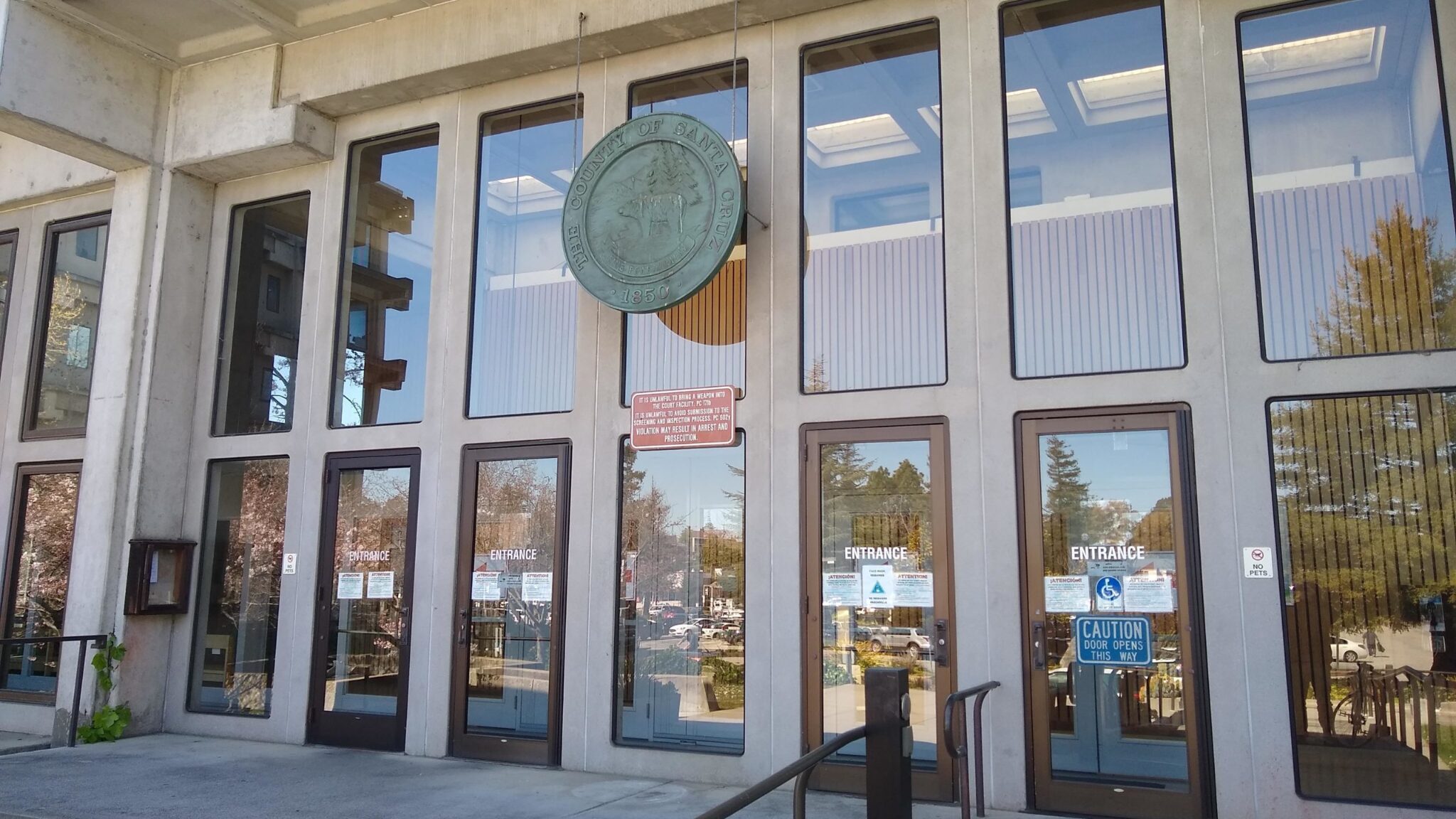
Complete Guide to Santa Cruz County Superior Court Case Lookup
Conducting a Santa Cruz County superior court case lookup involves navigating specific public records portals, understanding county courthouse jurisdictions, and utilizing proper case numbering conventions to find civil, criminal, fami...
Conducting a Santa Cruz County superior court case lookup involves navigating specific public records portals, understanding county courthouse jurisdictions, and utilizing proper case numbering conventions to find civil, criminal, family, or probate records efficiently.
Contents
Understanding the structural framework of the California court system is essential before beginning any records search. The Santa Cruz County Superior Court operates under the California Rules of Court and maintains judicial oversight across multiple local facilities. Knowing which division holds your records—whether criminal, civil, family law, juvenile, or probate—prevents wasted time and ensures accurate retrieval of docket sheets, register of actions, and filed documents.
Jurisdictional Overview of Santa Cruz County Superior Courts
The Superior Court of California, County of Santa Cruz, operates primarily out of two main courthouse locations. Knowing the correct facility ensures that if you need to view physical records, request certified copies, or attend hearings, you report to the appropriate venue.
- Santa Cruz Courthouse (Main Branch): Located at 701 Ocean Street, Santa Cruz, CA 95060. This facility handles general civil matters, felony criminal cases, family law, probate, and appeals.
- Watsonville Branch (Bradshaw-Gonzalez Court): Located at 1nd Street (Freedom Boulevard area / 1 Civic Center-Drive, Watsonville, CA 95076). This branch primarily manages traffic infractions, minor misdemeanors, small claims, and select local civil or family matters depending on current court scheduling policies.
Case Type Classifications
Every judicial filing in Santa Cruz County is categorized by a specific prefix or case type. Understanding these codes helps filter search results correctly on public terminals or online databases:
- CIV: General Civil (Unlimited and Limited jurisdiction lawsuits)
- CR: Criminal Felony and Misdemeanor matters
- FL: Family Law (Dissolution of marriage, child custody, support)
- PR: Probate (Wastes, estates, guardianships, conservatorships)
- SC: Small Claims disputes
- TR: Traffic and local ordinance violations
Step-by-Step Instructions for Online Case Lookups
While physical access is always available during standard business hours, the court provides remote digital tools for public record searches. Follow this systematic process to execute an online query.
- Access the Official Portal: Navigate to the official website of the Superior Court of California, County of Santa Cruz. Avoid third-party data brokers that charge excessive fees for public court records.
- Locate the Case Search Tool: Look for the online services or "Case Lookup" / "Records Search" tab on the homepage navigation bar. Most California superior courts utilize customized case management systems (such as Odyssey or older legacy platforms) that allow searches by name or case number.
- Choose Search Parameters: Select whether you are searching by Case Number or Party Name.
- Searching by case number yields exact, immediate results if formatted correctly (e.g., matching the two-digit year, case type code, and sequential filing number).
- Searching by party name requires entering the last name followed by the first name. To narrow broad results, use middle initials or filter by filing date ranges and case categories.
- Review the Register of Actions: Once you locate the correct matching record, open the Register of Actions (ROA). This acts as the chronological timeline of the lawsuit or charge, detailing every motion filed, hearing scheduled, judge assigned, and minute order entered.
- Identify Document Access Limitations: Note that while public dockets and basic filings are open to public inspection, certain records—such as juvenile cases, sealed adoptions, confidential mental health evaluations, and domestic violence protective orders containing sensitive data—are restricted under California law and require in-person verification or court authorization to view.
Methods for Accessing Restricted or Historical Court Records
Not all documents are accessible via the standard public web portal. Older archives, microfilmed records, and confidential files require alternative search methodologies.
| Record Type | Access Method | Restrictions & Requirements | Cost / Fees |
|---|---|---|---|
| Active Civil & Criminal | Online Portal & Courthouse Terminals | Publicly accessible unless sealed by judicial order. | Free online view; per-page printing fees apply on-site. |
| Historical / Archived Cases | On-site Archives / Written Request | May require retrieval from off-site storage facilities; processing takes 3-5 business days. | Standard archival retrieval and copying fees. |
| Family & Probate Files | Clerk's Office Counter or Portal | Financial disclosures and medical documents may be redacted or restricted to parties of record. | Standard copy fees; certified copies incur extra costs. |
| Juvenile & Mental Health | In-Person with ID and Petition | Strictly confidential; requires a court order or verified legal standing (attorney, parent, guardian). | Varies by petition type and court order requirements. |
Comparing Public Online Portals Versus In-Person Courthouse Searches
When conducting a Santa Cruz County superior court case lookup, researchers often weigh the convenience of remote digital searches against the thoroughness of visiting the courthouse.
Online Portals
- Pros: Available 24/7 from any internet-connected device; eliminates travel costs; allows rapid cross-referencing of names and case numbers.
- Cons: Often limited in historical depth; bulk document downloads may require a paid subscription or account creation; does not provide certified physical copies with court seals.
In-Person Courthouse Research
- Pros: Access to public computer terminals (often free of search fees); ability to view physical case files not digitized online; direct assistance from court clerks; capacity to obtain certified copies instantly.
- Cons: Restricted to business hours (typically Monday through Friday, excluding court holidays); requires travel to Santa Cruz or Watsonville; potential wait times at the clerk's window.
Frequently Asked Questions About Santa Cruz County Court Records
How can I find a Santa Cruz County court case if I don't know the case number?
You can search by the individual's or business entity's full legal name using the court's online public case lookup tool or by visiting the public terminals at the Santa Cruz or Watsonville courthouse. Providing additional details such as a date of birth, approximate filing year, or case category helps narrow down common names.
Are all Santa Cruz County court records available online?
No. While recent and active civil, criminal, family, and probate dockets are typically digitized, older historical records predating modern electronic case management systems, as well as legally restricted matters like juvenile delinquency and dependency files, are not available on the public web portal.
What is the cost of obtaining certified copies of court documents in Santa Cruz County?
The court charges statutory fees for document certification and copying. Typically, there is a flat fee per document certification in addition to a per-page printing charge. Exact, up-to-date fee schedules are published annually on the official Santa Cruz County Superior Court website.
Can I look up traffic ticket information online in Santa Cruz?
Yes. Traffic infractions and fine payments can be looked up through the traffic division portal on the court's official website using your citation number or driver's license details.
What should I do if my online name search yields too many results?
To refine a broad name search, apply filters for specific case categories (such as Civil or Family Law), input middle initials, or enter a specific date range corresponding to when the lawsuit or charge was filed.
Practical Recommendations for Efficient Record Retrieval
To ensure success during your search, always verify spelling variations of names, particularly hyphenated surnames or corporate abbreviations. If you intend to request physical copies or archives, call the court clerk's office ahead of time to confirm current operating hours and any specialized document retrieval timelines. Utilizing the official court domain ensures data security, accuracy, and compliance with California judicial administration standards.
Image Gallery