Understanding the Investment and Costs of Thunderbolt Connectivity Solutions in 2026
The cost of implementing Thunderbolt technology in 2026 varies significantly based on the generation of the interface, the bandwidth requirements of your hardware, and the specific peripheral ecosystem required. While entry-level Thund...
The cost of implementing Thunderbolt technology in 2026 varies significantly based on the generation of the interface, the bandwidth requirements of your hardware, and the specific peripheral ecosystem required. While entry-level Thunderbolt 4 cables and basic hubs are now commodity-priced, high-performance Thunderbolt 5 setups remain a premium investment for professional workflows.
Contents
Thunderbolt technology, currently standardized by Intel and integrated into the USB4 specification, serves as the high-speed backbone for modern computing. Whether you are managing professional-grade external storage arrays, high-resolution multi-monitor setups, or external GPU (eGPU) enclosures, understanding the hardware cost structure is vital for budgeting your technical infrastructure.
Hardware Tiers and Pricing Structures for 2026
When evaluating the cost of Thunderbolt components, it is essential to distinguish between the cable itself, the docking station or hub, and the active host-side controllers. Prices for 2026 reflect a mature market where Thunderbolt 4 (TB4) is the baseline standard, while Thunderbolt 5 (TB5) represents the bleeding edge of bandwidth-intensive connectivity.
Thunderbolt Cable Cost Analysis
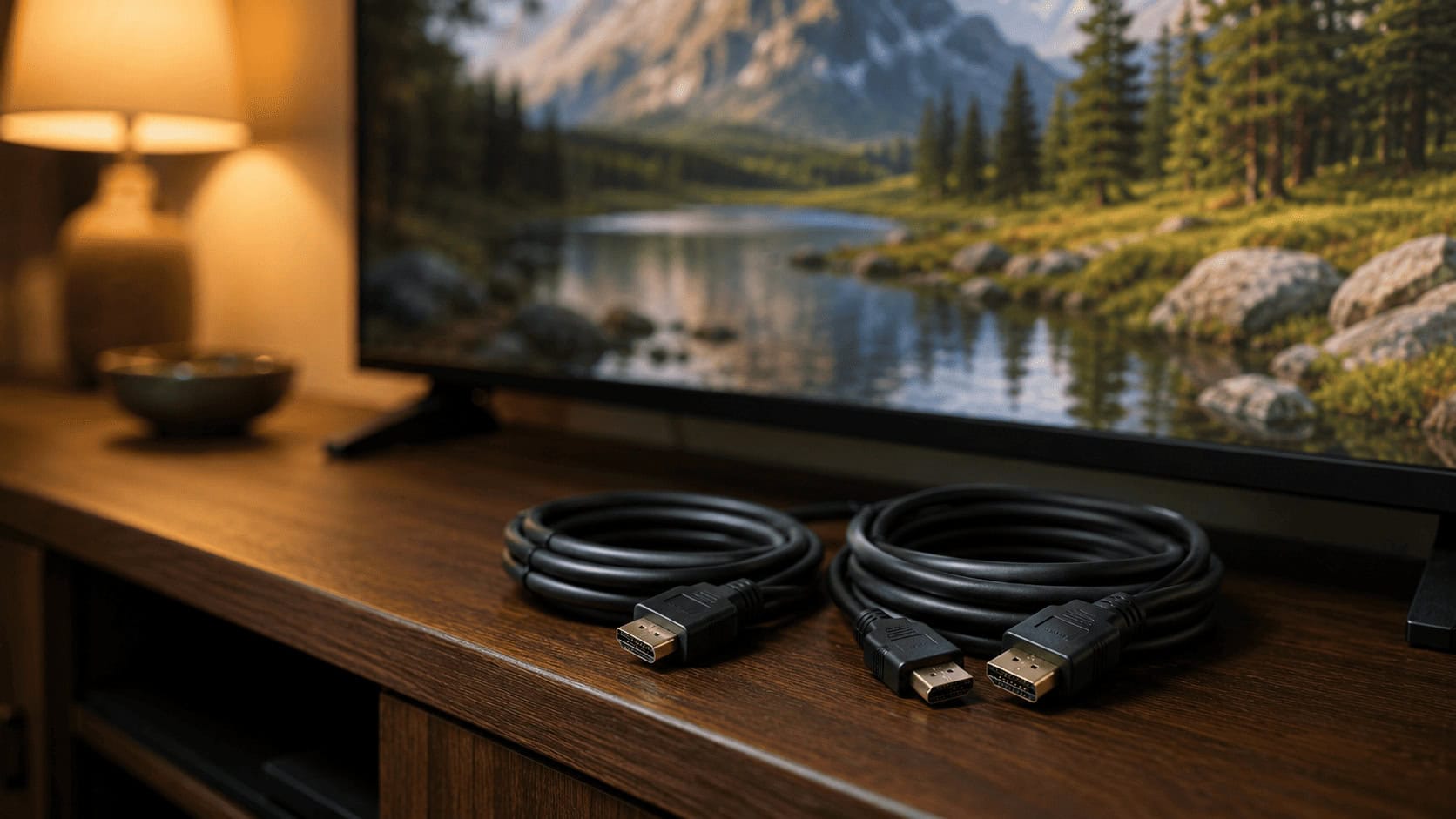
Cables are often the most overlooked expense. A critical distinction exists between passive and active cables. Passive cables are limited to shorter lengths (typically 0.8 meters or less for high-speed functionality) but are more cost-effective. Active cables contain internal chips to signal-boost data, allowing for longer lengths without signal degradation, but carry a significantly higher price tag.
- Standard TB4/USB4 Passive Cables (0.8m): Expect to pay between $25 and $45. These are sufficient for most laptop docking station connections.
- Active TB4 Cables (2m): These professional-grade cables retail between $70 and $120. They are required for maintaining full 40Gbps speeds over extended distances.
- Thunderbolt 5 Cables: Currently priced at a premium, these high-bandwidth cables typically start at $90 for 1-meter lengths due to the advanced shielding and signal-integrity requirements needed to support 80Gbps (and up to 120Gbps in boost mode).
Docking Station and Hub Pricing
Docking stations serve as the interface bridge between your workstation and peripherals. The price difference between a basic hub and a professional-grade dock is determined by the number of downstream ports, the power delivery (PD) wattage, and the internal controller’s capability to handle multiple high-refresh-rate displays.
| Device Category | Typical Price Range (2026) | Key Features |
|---|---|---|
| Basic TB4 Hub | $150 – $220 | 3-4 downstream ports, no dedicated display outputs. |
| Mid-Range Dock | $250 – $350 | DisplayPort/HDMI support, 60W-85W Power Delivery. |
| Pro-Grade Dock | $380 – $600+ | Dual 6K support, 100W+ PD, integrated 10Gb Ethernet. |
| TB5 Expansion Hub | $500 – $800 | Massive bandwidth, supports triple 4K/144Hz displays. |
Factors Influencing Total Ownership Costs
Beyond the sticker price of the cables and hubs, several technical factors influence the long-term cost of a Thunderbolt-based environment.
Power Delivery and Charging Requirements
One of the primary benefits of Thunderbolt 4 and 5 is Power Delivery (PD). A high-performance workstation may require a docking station that provides 100W or 140W of power. If your dock does not meet the power requirement of your host device, you will be forced to use your original wall charger, negating the "single-cable" convenience and increasing cable clutter. Always verify the maximum wattage output of a dock before purchase to avoid "slow charging" warnings.
Compatibility with Older Generations
Thunderbolt is natively backward compatible, but mixing generations can result in performance bottlenecks. Using a Thunderbolt 5 dock with a Thunderbolt 3 laptop will restrict the device to the slowest common denominator—in this case, Thunderbolt 3 speeds. If your current fleet of computers is aging, investing in top-tier Thunderbolt 5 hardware may not yield immediate performance benefits until the host computers are upgraded.
The Hidden Cost of Certification
Intel’s Thunderbolt certification program ensures that devices meet strict interoperability standards. Non-certified hubs, often marketed as "USB4" or "Type-C Docks," may be cheaper ($50-$100) but often suffer from connection drops, display flickering, or inability to wake from sleep. Professional settings should prioritize Intel-certified hardware to minimize downtime and technical support overhead.
Deployment Strategies for Small to Mid-Sized Businesses
For organizations, the cost of moving to a Thunderbolt-centric desk environment involves more than just the peripheral price. Standardizing on a single brand of docking station reduces the need for multiple cable types and minimizes help-desk tickets related to display connectivity.
- Audit Current Hardware: Assess the Thunderbolt version (TB3, TB4, or TB5) supported by your existing laptops.
- Standardize Connectivity: Purchase consistent, high-quality 0.8m passive cables for all standard desk setups to prevent cable-related failure.
- Calculate Per-Seat Cost: Budget roughly $400 per workstation for a reliable, professional-grade docking station and necessary cabling.
- Prioritize Certified Hardware: Only purchase products with the official Thunderbolt logo to ensure compatibility across your enterprise's varying machine types.
Frequently Asked Questions Regarding Thunderbolt Investment
Is it necessary to buy expensive cables for all my Thunderbolt devices?
No. If your device supports Thunderbolt 4, a standard 0.8-meter passive cable is perfectly adequate and significantly cheaper. Only invest in expensive active or Thunderbolt 5 cables if your specific use case involves distances over one meter or if you require the extreme bandwidth (80Gbps+) provided by the Thunderbolt 5 standard.
Can I use a Thunderbolt dock with a standard USB-C laptop?
Yes, but with limitations. Most Thunderbolt 4 docks are backward compatible with USB4 and USB-C hosts. However, you may lose specific functionality such as high-resolution display support or high-speed data transfer rates, as the dock will revert to the capabilities of the host port.
Why do some Thunderbolt docks cost more than others?
Price differences usually come down to the number of downstream ports, the presence of integrated 10Gb Ethernet, the total Power Delivery wattage, and the capability to drive multiple high-resolution displays. Premium docks also include more robust cooling solutions and higher-grade internal components that prevent overheating during sustained data transfers.
Do I need to replace my cables if I upgrade to Thunderbolt 5?
If you are upgrading to a full Thunderbolt 5 workflow, you should upgrade your cables. While your old cables might still physically connect, they will not support the higher bandwidth of the TB5 protocol, potentially causing your hardware to throttle or fail to operate at peak performance.
Is Thunderbolt technology worth the premium compared to USB-C?
If your work involves massive file transfers, professional video editing, or multi-monitor configurations, the stability and speed of Thunderbolt are well worth the investment. For general administrative tasks or document editing, standard USB-C hubs are sufficient and more cost-effective.
Recommendation for 2026 Procurement
For the current year, the most cost-effective and reliable strategy is to standardize on Thunderbolt 4 docking solutions for general staff, while reserving Thunderbolt 5 hardware for specialized high-performance workstations. By focusing on Intel-certified hardware, you ensure maximum compatibility and long-term reliability for your infrastructure, ultimately reducing the total cost of ownership through fewer replacements and decreased IT troubleshooting time.
Image Gallery