How to Access the Alamance County Court Docket by Name in 2026
To access the Alamance County court docket by name, you must utilize the North Carolina Judicial Branch’s official online portal or visit the Clerk of Superior Court’s office located at the Alamance County Courthouse in Graham. As of 2...
To access the Alamance County court docket by name, you must utilize the North Carolina Judicial Branch’s official online portal or visit the Clerk of Superior Court’s office located at the Alamance County Courthouse in Graham. As of 2026, the state-wide system provides public access to criminal and civil case information, allowing users to search by party name, case number, or citation for active and disposed matters within the district.
Contents
Understanding the North Carolina Judicial Branch Infrastructure
The administration of court records in Alamance County operates under the unified North Carolina Court System. Unlike systems that rely on county-specific proprietary software, Alamance County utilizes the centralized statewide database managed by the North Carolina Administrative Office of the Courts (NCAOC). This centralization ensures that record-keeping standards, privacy protocols, and search functionalities are consistent across all 100 counties.
When searching for court records, it is important to distinguish between "public" records and "confidential" files. While most criminal and civil dockets are accessible to the public, certain cases—such as those involving juvenile delinquency, adoptions, and involuntary commitments—are strictly protected by North Carolina General Statutes and will not appear in a standard name-based online search.
Step-by-Step Procedure for Name-Based Searches
Navigating the official online search tool requires specific data points to ensure you are viewing the correct individual. Because many citizens share common names, the system employs various filters to help narrow your results.
- Navigate to the official North Carolina Judicial Branch website and locate the "Find Court Dates" or "Search Court Records" portal.
- Select "Alamance" from the county dropdown menu.
- Choose the search category, typically "Defendant Name" for criminal matters or "Plaintiff/Defendant" for civil actions.
- Input the full legal name. Use the exact spelling as it appears on official identification to avoid "No Results" errors.
- Apply filters if necessary. If the name is common, narrowing by the type of case (e.g., Infraction vs. Misdemeanor) or the specific court date range will improve result accuracy.
- Review the resulting list of cases, which will display the case number, file date, charge or cause of action, and current disposition status.
Data Points Available in the Alamance County Docket
The docket serves as a chronological summary of judicial proceedings. In 2026, users reviewing these dockets can expect to find specific technical details regarding case progression. The following table outlines the common data fields available through the official portal.
| Data Field | Description | Utility in Search |
|---|---|---|
| Case Number | The unique identifier assigned by the Clerk of Court. | Essential for requesting physical files. |
| Defendant Name | The full legal name of the party involved. | Primary search parameter. |
| Charge/Offense | The specific statute violated or claim filed. | Identifies the nature of the legal issue. |
| Court Date | The scheduled appearance time and location. | Confirms when the matter will be heard. |
| Disposition | The status or outcome of the case (e.g., Pending, Dismissed, Guilty). | Indicates if the matter is active or concluded. |
| Courtroom | The specific courtroom assignment at the Graham courthouse. | Critical for physical attendance. |
Limitations and Troubleshooting Search Results
If you are unable to locate a record using a name-based search, do not immediately assume the record does not exist. Several technical and procedural factors may impact search visibility.
- Name Variations: If the individual uses a middle name, a suffix (Jr., Sr., III), or has had a legal name change, the system might not return a result for the name you entered. Always attempt searches with and without middle initials or suffixes.
- Data Entry Delays: While the system is highly efficient, there is occasionally a processing interval between the filing of a document by the Clerk and its appearance in the digital database.
- Sealed Records: If a case has been expunged by order of a judge, the record is legally removed from public view and will not appear, even if it previously existed in the docket.
- Technical Maintenance: The NCAOC periodically updates the server infrastructure. If the portal returns a 503 service error or fails to load search results, wait one hour and attempt the search again.
Accessing Physical Records at the Alamance County Courthouse
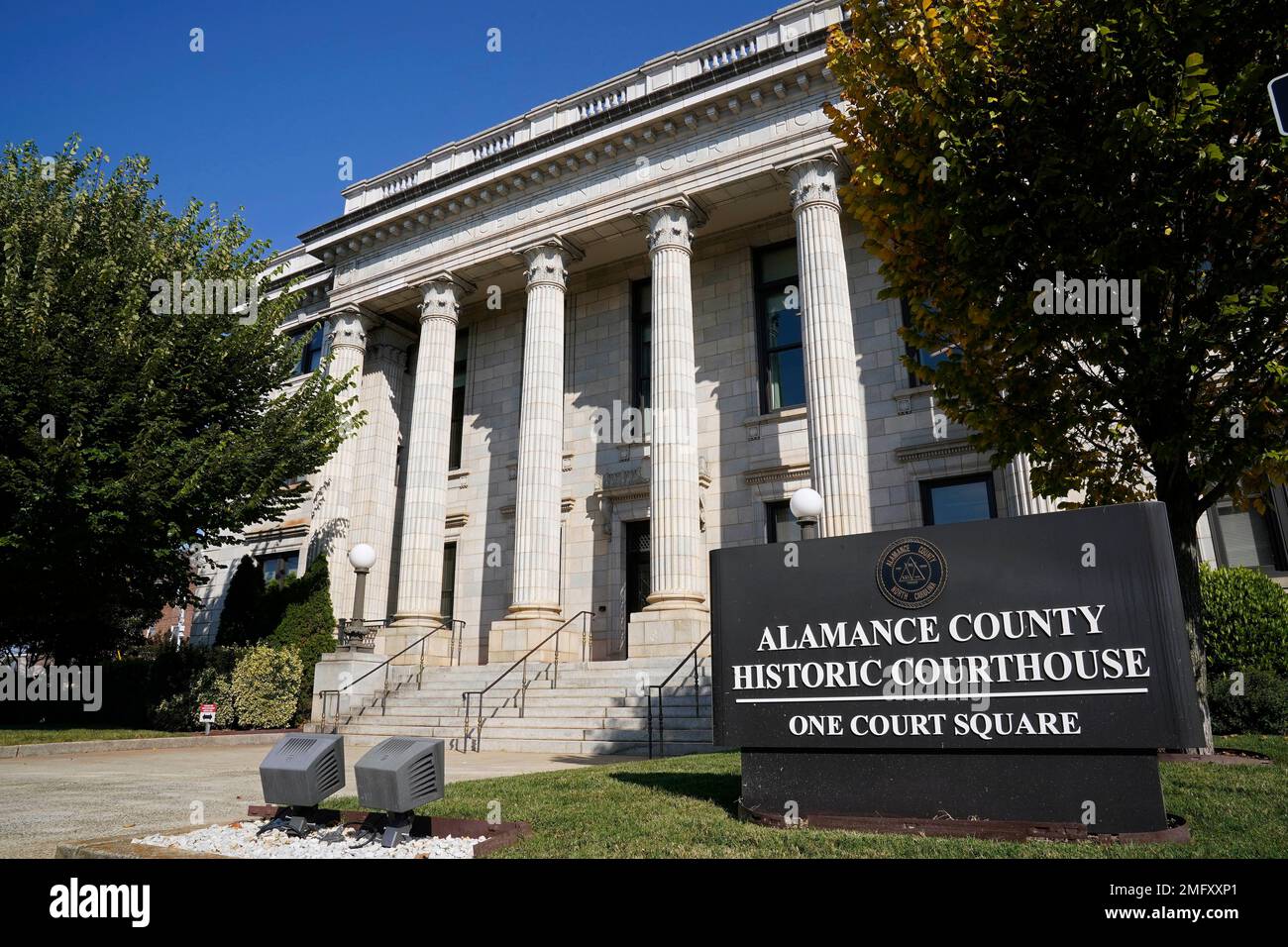
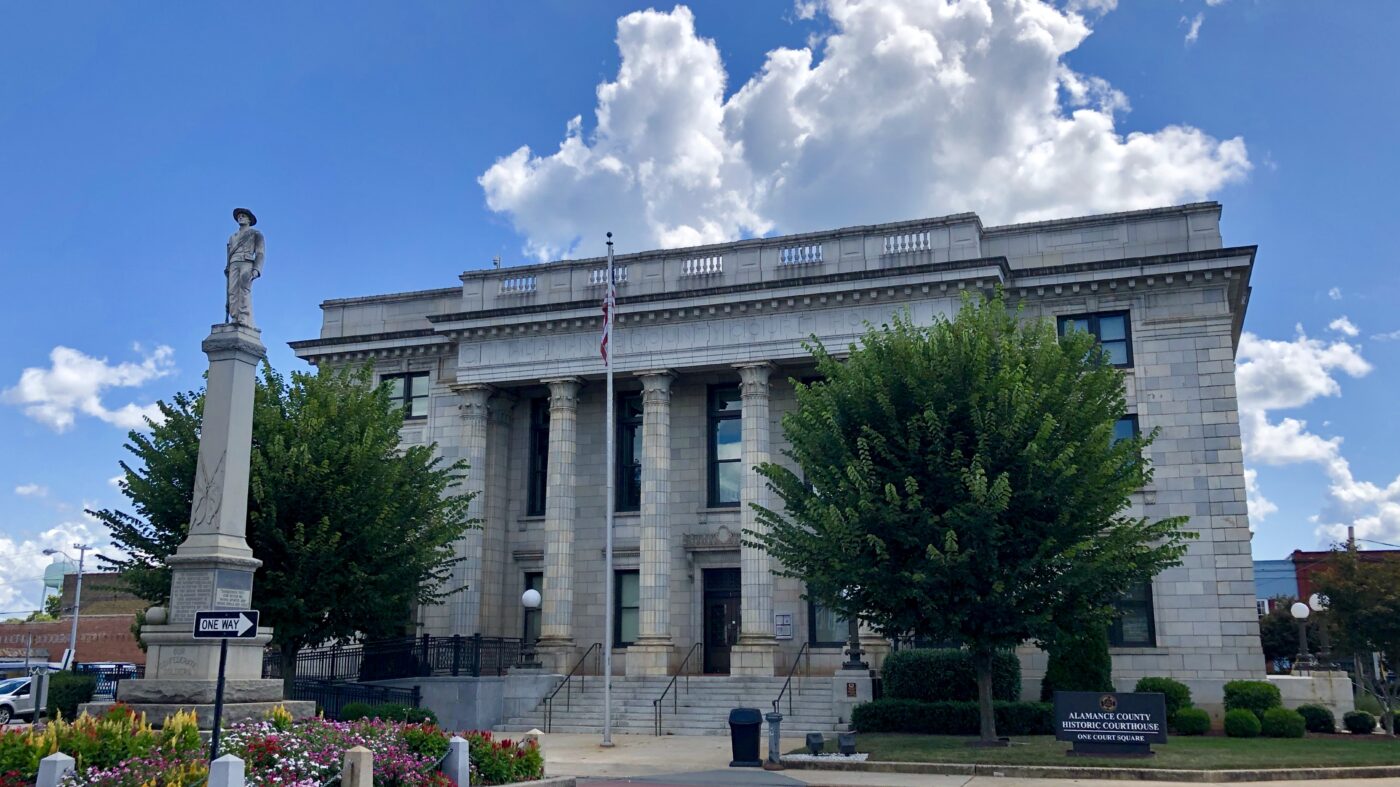
In situations where online records are insufficient or you require certified copies for legal, employment, or immigration purposes, you must visit the Clerk of Superior Court at the Alamance County Courthouse.
Location and Operational Standards
The Clerk of Superior Court office is located at 570 S. Cedar Street, Graham, NC 27253. When visiting, bring a government-issued photo ID and the specific case number if known. Public terminals are available within the courthouse for searching records. If you require certified copies of documents, the office charges a statutory fee mandated by the state. Payments are generally accepted via cash, money order, or certified check; verify current credit card acceptance policies directly with the clerk’s office as these can change periodically.
Frequently Asked Questions
Can I find out the outcome of a case through the online docket? Yes, the docket displays the disposition of a case. Once a judge has rendered a verdict or a dismissal has been entered, that status is updated in the system for public viewing.
Is there a fee for searching the court docket by name online? No, the standard search function provided by the North Carolina Judicial Branch is free to the public. You only incur costs when requesting physical, certified copies of court documents or transcripts.
Why does the system show multiple people with the same name? The database is not filtered by birth date or social security number to protect privacy. If multiple individuals share a name, you must use additional context, such as the specific charge or the date of the alleged incident, to identify the correct record.
How far back do these digital records go? The digital archives primarily house current and relatively recent cases. Very old or archived records may not be digitized and may require a formal, written request to the Clerk of Superior Court for retrieval from physical storage.
Are traffic citations available through the same search? Yes, traffic infractions are tracked within the criminal docket system. You can search for these by name or by the citation number provided by the issuing officer.
Professional Recommendations for Legal Record Retrieval
For those conducting professional background checks or academic research, rely exclusively on the official state portal. Avoid "third-party" data aggregators that promise instant access to court records for a fee; these sites often contain outdated, incomplete, or inaccurate information. Always cross-reference any findings with the official Alamance County Clerk of Superior Court records to ensure the data is legally current and admissible.
If you require legal representation to address a matter appearing on the docket, contact the North Carolina State Bar or the Alamance County Bar Association for referrals to qualified counsel. Engaging with a licensed attorney is the most effective way to understand the implications of a case record and the steps necessary to manage your legal standing within the county.
Image Gallery