Accessing Your Bon Secours MyChart Patient Portal: The Complete 2026 Digital Health Guide
The mybonsecours login refers to the MyChart patient portal, a secure online management tool for individuals receiving care within the Bon Secours Health System. In 2026, this platform serves as the central hub for accessing electronic...
The mybonsecours login refers to the MyChart patient portal, a secure online management tool for individuals receiving care within the Bon Secours Health System. In 2026, this platform serves as the central hub for accessing electronic health records (EHR), viewing real-time lab results, scheduling AI-assisted appointments, and managing medical billing across Virginia, South Carolina, and Kentucky. This guide focuses exclusively on the patient-facing MyChart portal, distinct from internal employee HR systems.
Contents
The Evolution of Patient Access at Bon Secours Mercy Health
As we navigate 2026, the Bon Secours MyChart portal has transitioned from a simple repository for medical records into a proactive health management ecosystem. Managed by the Bon Secours Mercy Health (BSMH) group, the portal utilizes the latest Epic Systems infrastructure to provide a seamless "one patient, one record" experience. Whether you are seeing a primary care physician in Richmond, a specialist in Greenville, or utilizing urgent care in Hampton Roads, your data remains synchronized and accessible through a single set of credentials.
The integration of health data across the BSMH network ensures that your care team has immediate access to your history, reducing redundant testing and improving diagnostic accuracy. For patients, this means that the "mybonsecours login" is no longer just a way to check a box but a critical tool for navigating the complexities of modern value-based care.
Mandatory Prerequisites for Account Enrollment and Verification
Before you can utilize the full suite of digital tools available in 2026, you must establish a verified identity within the BSMH system. Security protocols have been heightened to comply with the latest HIPAA updates and the 21st Century Cures Act, ensuring your protected health information (PHI) remains secure yet accessible to you.
- Activation Code Verification: Most patients receive an activation code via email or on their "After Visit Summary" (AVS) following an appointment. This code is valid for 60 days and simplifies the registration process.
- Third-Party Identity Validation: If you do not have an activation code, the system uses a secure third-party verification service (often through LexisNexis) to confirm your identity by asking questions based on your public record and credit history.
- Social Security Number (SSN): While not always mandatory for portal use, providing the last four digits of your SSN during initial registration ensures your digital identity matches your clinical medical record perfectly.
- Hardware Requirements: Accessing the portal requires a modern web browser (Chrome 120+, Safari 17+, or Edge) or the latest version of the MyChart mobile application available on iOS and Android.
Step-by-Step Guide to the MyBonSecours Login Process
Navigating the login interface is designed to be intuitive, yet it incorporates multi-factor authentication (MFA) to safeguard sensitive medical data.
Desktop and Browser Access
To access your records via a computer, navigate to the official Bon Secours MyChart domain. Ensure the URL begins with "mychart.bonsecours.com" to avoid phishing attempts.
- Enter your unique username and password.
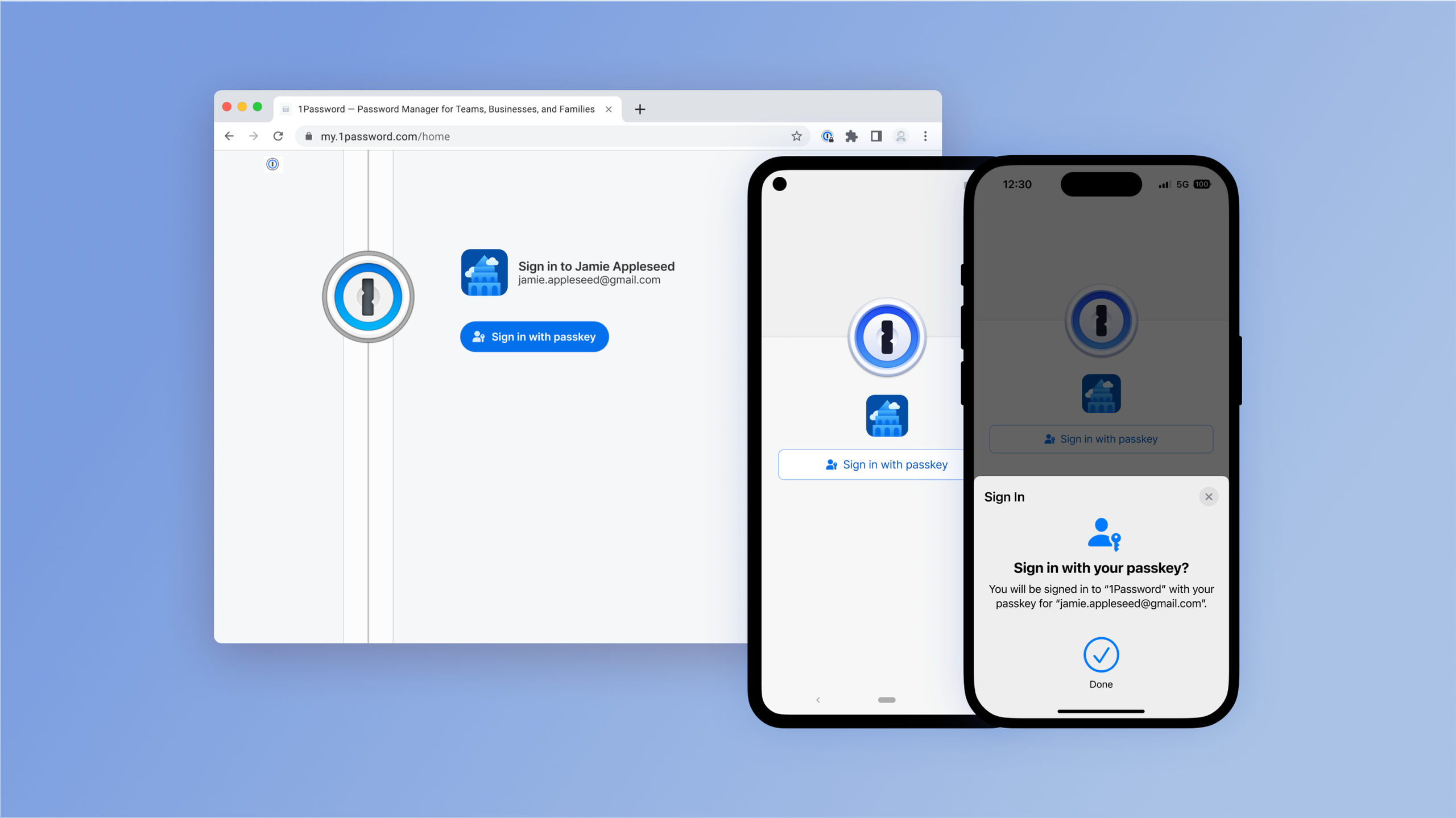
- Complete the MFA challenge. In 2026, this typically involves a biometric push notification to your registered mobile device or a time-sensitive code sent via SMS or encrypted email.
- Upon successful authentication, you are directed to the "Health Summary" dashboard.
Mobile Application Access
The mobile experience is the preferred method for most patients in 2026 due to the integration of health tracking and telehealth features.
- Download the "MyChart" app by Epic from the Apple App Store or Google Play Store.
- Select "Bon Secours" as your primary healthcare provider from the list of organizations.
- Enable FaceID, TouchID, or Android Biometrics for faster, secure subsequent logins.
- Sync your wearable device data (Apple Health or Google Fit) if you wish to share fitness and vitals data with your provider.
Primary Features and Functional Capabilities in 2026
The portal functionality has expanded significantly, moving beyond basic messaging into comprehensive healthcare logistics.
Real-Time Results and AI Summaries
Following the mandates of the 21st Century Cures Act, lab results and imaging reports are released to your portal immediately upon completion. In 2026, the portal includes "AI Summaries" that translate complex clinical terminology into plain language, helping you understand your "normal" ranges and potential areas of concern before your follow-up call.
Virtual Care and On-Demand Scheduling
The scheduling module now includes an "Open Scheduling" feature. You can view the live calendars of primary care providers and specialists, booking appointments without needing to call the office. This includes:
- Video Visits: Conducted directly within the MyChart app.
- E-Visits: Asynchronous messaging-based consultations for non-emergency issues like sinus infections or skin rashes.
- Fast Pass: A waitlist feature that automatically notifies you via the portal if an earlier appointment time becomes available.
Medication Management and Pharmacy Integration
Patients can request prescription renewals with a single tap. The system is integrated with major pharmacy chains (CVS, Walgreens, Rite Aid) and the Bon Secours in-house pharmacy mail-order service. You can see real-time drug pricing based on your 2026 insurance formulary, allowing you to choose the most cost-effective local or mail-order option.
Insurance Participation and Financial Transparency
Bon Secours Health System maintains extensive contracts with major national and regional insurance carriers. Understanding your coverage is vital for accurate billing within the portal.
| Insurance Category | Accepted Providers (2026 Status) | Portal Integration Level |
|---|---|---|
| Medicare | Original Medicare (Part A & B) | Full (Claims/Benefits sync) |
| Medicare Advantage | Anthem BCBS, UnitedHealthcare, Aetna, Humana | Full (Real-time Co-pay estimation) |
| Commercial / PPO | Cigna, BlueCross BlueShield, UnitedHealthcare, Aetna | Full (Deductible tracking) |
| Medicaid | VA Premier, South Carolina Healthy Connections | Partial (Eligibility verification) |
| HMO Plans | Kaiser Permanente (Limited), Cigna HMO | Requires PCP Designation |
Critical Note on Medicare Advantage and HMOs For patients utilizing Medicare Advantage or private HMO plans, Bon Secours requires that a BSMH-affiliated physician be designated as your Primary Care Physician (PCP) to ensure "In-Network" billing rates. Failure to designate an official PCP may result in "Out-of-Network" charges, even if the facility itself is contracted.
Managing Proxy Access and Caregiver Permissions
In 2026, "Proxy Access" is a vital feature for those managing the health of children or elderly parents. This allows a designated individual to log in to their own account and switch to the profile of the person they are caring for.
- Pediatric Access: Parents have full access to children's records until age 12. From ages 13-17, access is typically limited to protect the adolescent's privacy, in accordance with state laws in Virginia and South Carolina.
- Adult Proxy: Requires legal authorization or the digital consent of the patient. This is essential for Power of Attorney (POA) holders managing chronic conditions for seniors.
- Sharing Your Record: The "Share Everywhere" feature allows you to grant temporary, one-time access to your medical record to any provider in the world (e.g., while traveling) via a secure web code generated within the portal.
Troubleshooting Common Login and Access Issues
Technical hurdles can occasionally impede your access to care. Here are the authoritative solutions for the most common 2026 portal errors.
- Account Lockout: After five unsuccessful login attempts, the account is locked for 30 minutes. If the issue persists, use the "Forgot Username/Password" workflow to reset via your verified email.
- Two-Factor Authentication (2FA) Failures: If you are not receiving SMS codes, ensure your mobile carrier is not filtering short-code messages. You may need to call the BSMH MyChart Help Desk at 1-866-385-7060 to verify your phone number.
- Missing Results: If a specific test result is missing, it may be due to "Sensitive Result" laws or the provider has not yet finalized the interpretation. Note that some pathology and genetic results may still require a manual release by the physician.
- Browser Compatibility: If the portal dashboard appears distorted, clear your browser cache and cookies. Ensure "Private" or "Incognito" mode is disabled, as it may block the cookies required for session persistence.
Data Security and Privacy Standards
Bon Secours adheres to the highest tiers of cybersecurity. Your "mybonsecours login" is protected by AES-256 encryption. Furthermore, the portal logs every instance of access—by you and by your clinical team—providing an audit trail that you can review. Under the HIPAA Privacy Rule, you have the right to see who has accessed your record and for what purpose. BSMH does not sell patient portal data to third-party advertisers; your information is used strictly for clinical care, billing, and system-wide quality improvement metrics.
Frequently Asked Questions
What should I do if I forgot my MyChart username or password? Immediately use the "Forgot Username" or "Forgot Password" links on the login page. You will be prompted to enter your name, date of birth, and zip code to receive a reset link via your registered email or a code via SMS.
Can I pay my medical bill without logging in? Yes, the Bon Secours portal offers a "Pay as Guest" feature. You will need the account number and the guarantor's last name from your printed or electronic statement to complete a payment without a full account login.
How do I view my child’s immunization records for school? Once you have established Proxy Access for your child, navigate to the "Health" menu and select "Immunizations." You can view, download, and print a PDF version of the official immunization record suitable for school or daycare enrollment.
Can I use mybonsecours login for Mercy Health facilities in Ohio? Yes. Because Bon Secours and Mercy Health are part of the same merged entity (BSMH), your login credentials work across the entire integrated Epic network. You do not need a separate account if you receive care at a Mercy Health location.
Is there a cost to use the MyChart portal? No, the portal is a free service provided to all patients of Bon Secours. However, certain "E-Visits" or video consultations conducted through the portal may be billed to your insurance as a standard medical visit, depending on the nature of the consultation.
How do I download my entire medical record? In the portal, go to "Document Center" and select "Export My Health Summary." You can download a Lucy (C-CDA) file or a PDF summary of your entire history, including allergies, medications, and clinical notes, which can be shared with non-BSMH providers.
Optimizing Your Healthcare Strategy
Utilizing the "mybonsecours login" is the most effective way to ensure you are receiving coordinated, high-quality care. By maintaining an active portal account, you reduce the risk of medical errors, ensure your prescriptions are managed efficiently, and stay informed about your health status in real-time. We recommend auditing your portal information at least once every six months to ensure your insurance, pharmacy preferences, and emergency contacts are up to date.
Image Gallery