Mastering Your Mastercard Credit Card Login: Secure Access Guide 2026
To access your Mastercard credit card account, you must navigate directly to the specific banking institution’s official website or mobile application that issued your card. Mastercard is a payment network, not a card issuer; therefore...
To access your Mastercard credit card account, you must navigate directly to the specific banking institution’s official website or mobile application that issued your card. Mastercard is a payment network, not a card issuer; therefore, you must use the login credentials provided by your specific bank, credit union, or financial services provider.
Contents
Understanding the Mastercard Network versus Card Issuers
A common point of confusion for consumers is the distinction between the payment network and the financial institution. Mastercard functions as a global technology company in the payments industry, facilitating the processing of transactions between merchants and card-issuers. It does not hold your deposits, maintain your balance, or manage your individual login credentials.
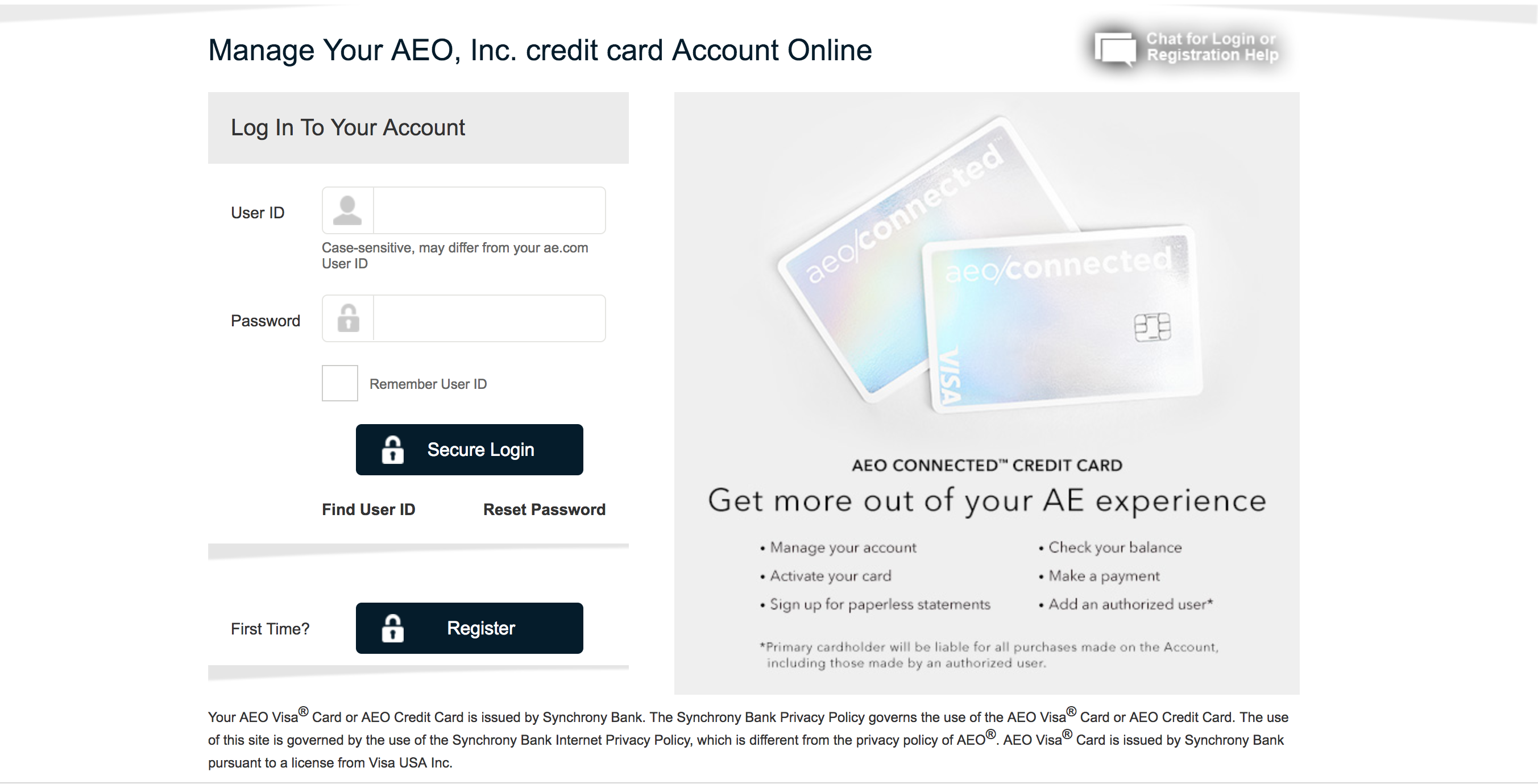
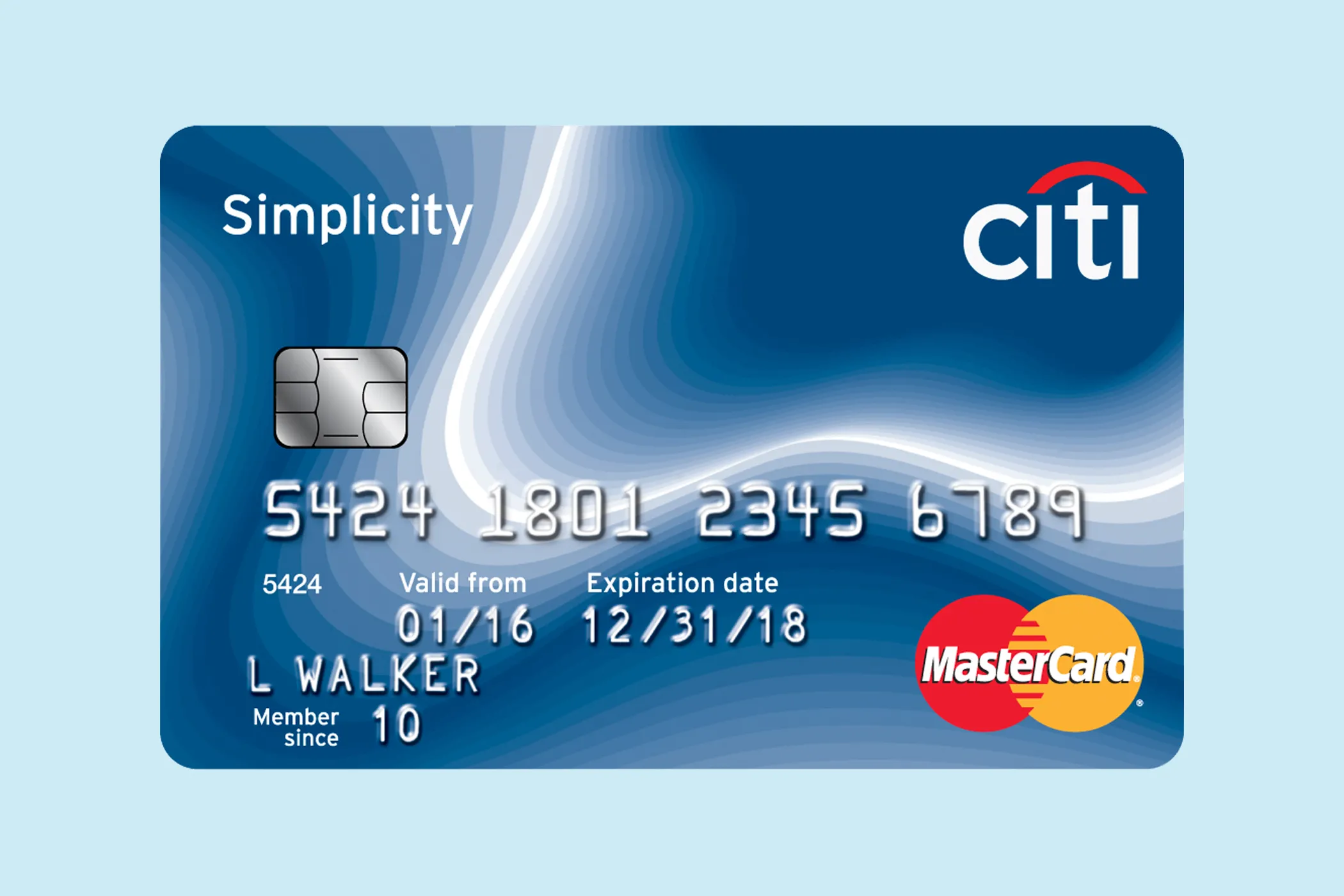
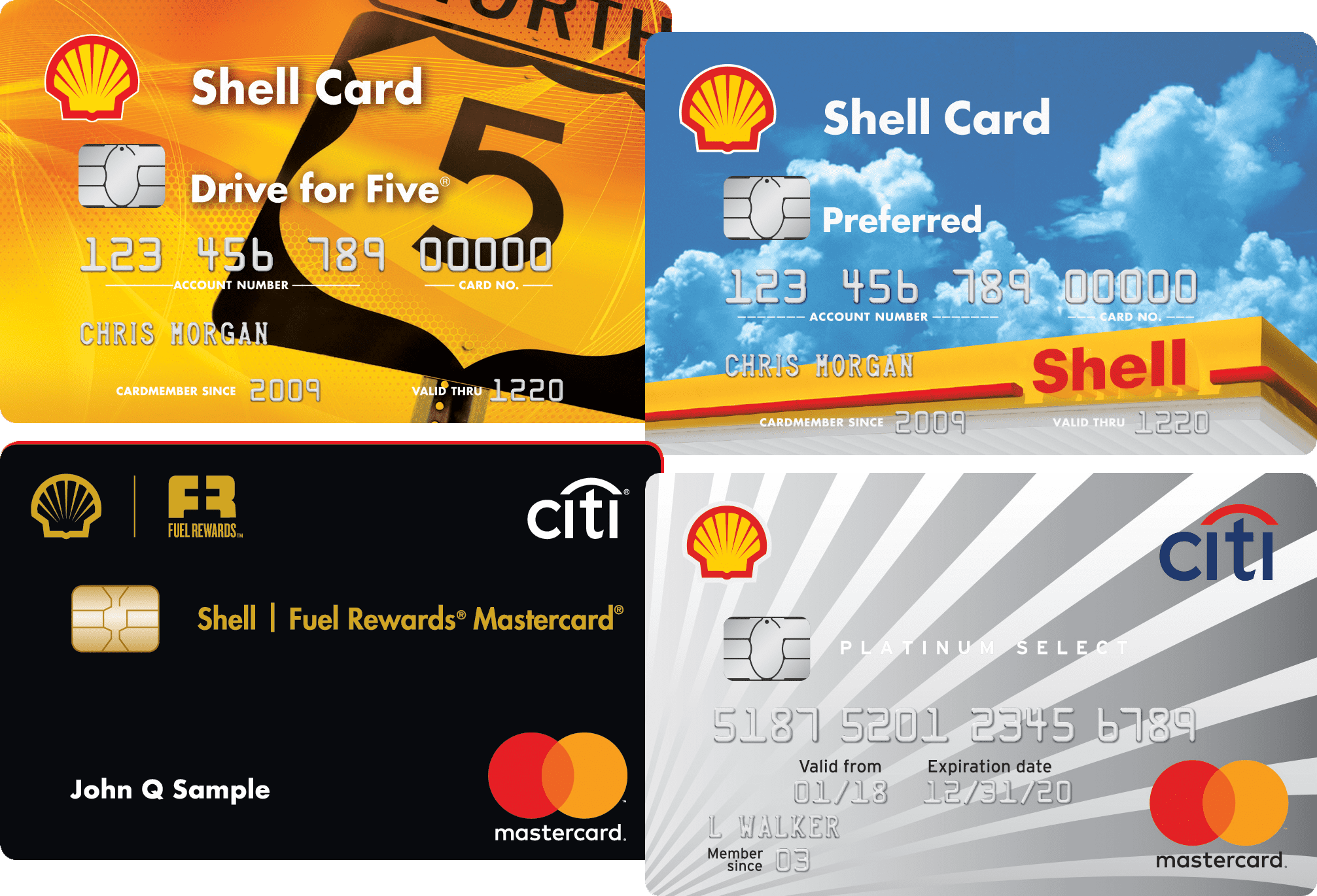
When you attempt to log in to manage your "Mastercard," you are technically logging into your account with the bank that issued the card. This is why a universal "Mastercard login" page does not exist. Your credentials are encrypted and stored within the servers of your issuing bank, such as JPMorgan Chase, Citi, Capital One, or a local credit union.
Prerequisites for Secure Account Access
Before attempting to log in, ensure you have the following information prepared. Security protocols in 2026 require strict adherence to authentication standards to protect against unauthorized access and phishing attempts.
- Official Issuer Portal: Use only the URL printed on the back of your physical card or found on your official monthly billing statement.
- Authentication Credentials: Your username and password should be unique to your financial account.
- Multi-Factor Authentication (MFA): Most financial institutions now mandate MFA. Ensure you have access to your registered mobile device for SMS codes, push notifications via an authenticator app, or email verification tokens.
- Browser/App Integrity: Ensure your browser is updated to the latest 2026 security standards and that your mobile app is downloaded from an official source like the Apple App Store or Google Play Store.
Step-by-Step Procedure for Account Authentication
To successfully access your credit card dashboard, follow these standardized steps:
- Navigate to the Issuer Portal: Input the official URL into your browser. Check the URL bar for a secure padlock icon, indicating an encrypted SSL/TLS connection.
- Enter User Identification: Input your registered username or card-linked email address.
- Submit Secure Password: Input your password. Avoid using "auto-fill" if you are on a public or shared computer.
- Complete Multi-Factor Challenge: Enter the dynamic code sent to your registered device. If the code does not arrive within two minutes, request a resend or check your blocked contacts list.
- Dashboard Verification: Once inside, verify that the last four digits of the credit card displayed match your physical card to confirm you are in the correct account portal.
Security Comparison: Authentication Methods
The following table outlines common security methods used by financial institutions in 2026 to protect user login sessions.
| Security Method | Primary Function | Technical Reliability |
|---|---|---|
| Password/PIN | Initial Gatekeeper | Low (Susceptible to Phishing) |
| SMS Verification | Out-of-Band Auth | Moderate (Susceptible to SIM Swapping) |
| Authenticator App | Time-based OTP | High (Industry Gold Standard) |
| Biometric (Face/Touch) | Hardware-bound Identity | Very High (Hardware Dependent) |
| Security Key (FIDO2) | Physical Token Auth | Maximum (Resistant to Phishing) |
Managing Access Issues and Common Troubleshooting
If you find yourself unable to log in, the issue is almost always local to your issuer’s portal rather than the Mastercard network itself. Use these troubleshooting strategies:
- Credential Recovery: Use the "Forgot Password" or "Forgot Username" links on the specific login page. This will trigger an identity verification process, often requiring you to provide your Social Security number (or tax ID), card number, and CVV code.
- Locked Accounts: If you enter the wrong password multiple times, the account will lock for security. Contact the customer service number located on the back of your card. Do not trust "customer support" numbers found in random web search snippets, as these are often targets for social engineering.
- Browser Compatibility: Clear your cache and cookies if the page hangs. Some institutional portals are optimized for specific browser versions; if you encounter errors, try switching to a different modern browser like Chrome, Edge, or Safari.
- Geographic Restrictions: If you are traveling internationally, some banks may flag your login attempt as suspicious. Use a trusted VPN or contact your bank before travel to update your travel notification settings.
Identifying Phishing and Social Engineering Risks
In 2026, the primary threat to credit card account security remains sophisticated phishing. Attackers often create "lookalike" websites that mimic the login portals of major banks.
Signs of a Fraudulent Login Portal
Inconsistent URL Structure: Always inspect the address bar. If the URL looks like "mastercard-login-secure.com" or another domain that does not perfectly match your bank's official domain, exit immediately.
Request for Excessive Information: Official bank portals will never ask for your full card number, CVV, and PIN simultaneously on a single login page. If a site asks for your PIN to "verify" your identity during a standard login, it is a fraud attempt.
Urgency Tactics: Phishing sites often use messages like "Your account will be suspended in 24 hours" to force you into making mistakes. Banks communicate account issues through secure internal messaging systems, not urgent, suspicious emails.
Frequently Asked Questions
Why does the login page not say "Mastercard"? Mastercard is the payment network, not the bank. You must log in to the portal of the bank that issued the card (e.g., Bank of America, Capital One, Wells Fargo).
What should I do if I suspect my login credentials were stolen? Immediately contact the issuer’s fraud department using the phone number on the back of your card. Change your password from a clean, secure device and enable hardware-based multi-factor authentication if available.
Can I use the Mastercard website to check my balance? The official Mastercard website provides information about card benefits and global offers, but it does not maintain individual account transaction records. You must visit your issuer's specific portal for balance inquiries.
How do I manage my card if I don't have internet access? Every credit card issuer provides a telephone-based automated system. You can call the customer service number on the back of your card to check your balance, make payments, and report lost or stolen cards without needing a web login.
Is it safe to log in on public Wi-Fi? Logging into sensitive financial accounts on public Wi-Fi is discouraged. If you must do so, use a reputable, encrypted VPN service to tunnel your connection and prevent potential packet sniffing by bad actors on the same network.
Strategic Financial Management
Maintaining regular access to your account is the most effective way to monitor for unauthorized transactions and manage your debt. By reviewing your statements monthly, you ensure that your credit utilization remains in a healthy range, which is critical for your credit score. If you identify an error, reporting it within the timeframe specified in your cardholder agreement—usually within 60 days of the statement date—ensures you are protected under the Fair Credit Billing Act.
For further assistance, always rely on the secure message center within your official banking dashboard. This is the most secure way to correspond with your financial institution regarding sensitive account matters, as it avoids the vulnerabilities associated with standard email or unsecured contact forms.
Image Gallery