Accessing H&R Block Customer Service Live Chat in 2026
To access H&R Block customer service live chat in 2026, you must log into your MyBlock account via the official website or mobile app. Live chat is primarily reserved for technical support and navigation assistance for clients using H&...
To access H&R Block customer service live chat in 2026, you must log into your MyBlock account via the official website or mobile app. Live chat is primarily reserved for technical support and navigation assistance for clients using H&R Block Online products. For specific tax advice or return reviews, users must be enrolled in a premium tier such as Tax Pro Review or the "Ask a Tax Pro" add-on service.
Contents
Navigating the H&R Block Live Chat Interface in 2026
As the 2026 tax season reaches its peak, the digital infrastructure of H&R Block has been optimized to handle high volumes of inquiries through its integrated live chat system. Accessing this support is a streamlined process designed to keep users within their active filing session to minimize data disruption.
Accessing Chat via the MyBlock Dashboard
The most reliable way to initiate a secure chat session is through the MyBlock dashboard. This authenticated environment ensures that the agent you connect with can see your account status without requiring you to repeat basic identification details.
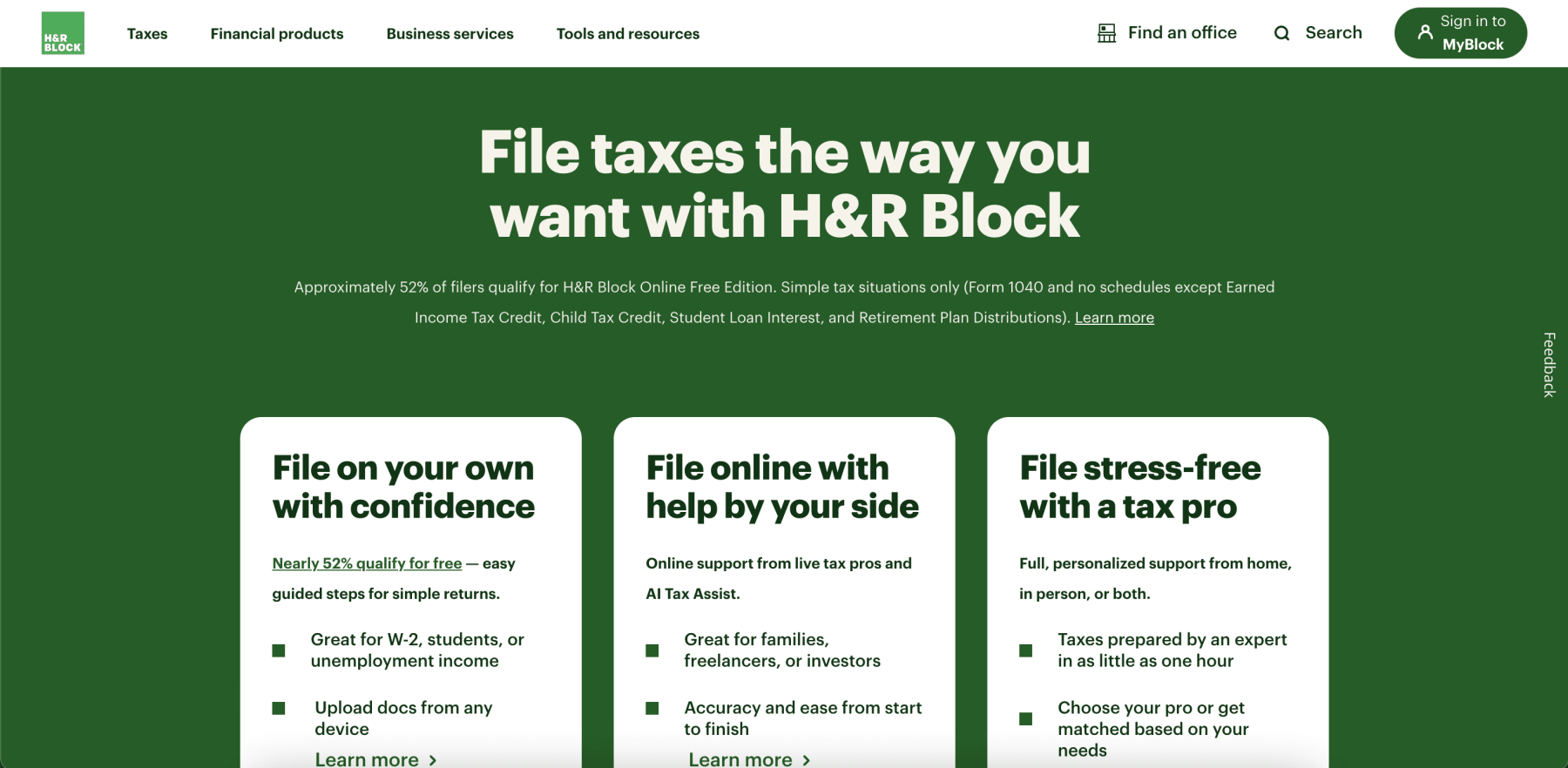
- Navigate to the official H&R Block website and select the Login button at the top right of the screen.
- Enter your credentials and complete the multi-factor authentication (MFA) step, which is mandatory for all 2026 tax filings.
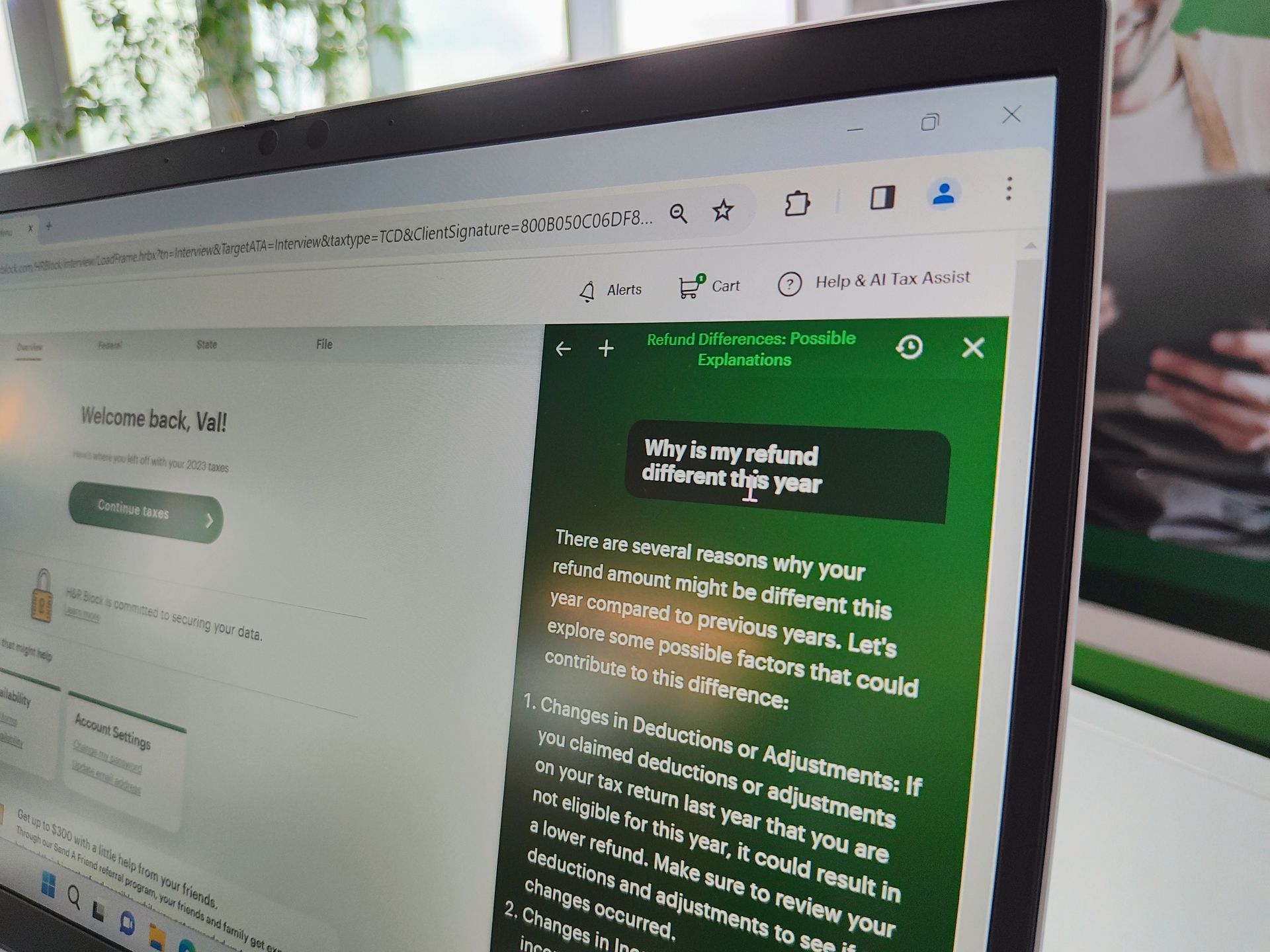
- Once on the dashboard, look for the Help icon, typically located in the upper navigation bar or as a floating widget in the bottom right corner.
- Select Contact Us and then choose the Chat option from the available support methods.
Utilizing the MyBlock Mobile App
For taxpayers filing on the go, the MyBlock mobile app provides a native chat experience. In 2026, the app has been updated to support asynchronous messaging, allowing you to start a conversation and receive a push notification when an agent responds, rather than staying glued to the screen. To find it, tap the Menu icon, select Support, and then initiate a New Chat session.
Defining the Scope of Live Chat Support
It is essential to distinguish between the two types of chat assistance H&R Block provides. Using the wrong channel can lead to longer wait times or the inability of the agent to answer your specific query.
Technical and Navigational Support
This is the standard live chat service included with most H&R Block Online versions, including the Deluxe, Premium, and Self-Employed tiers. Technical support agents are trained to help with software glitches, import errors (such as 1099 or W-2 digital transfers), billing inquiries, and account recovery. They cannot, however, provide interpretation of IRS tax laws or advice on specific deductions.
Professional Tax Advice (Ask a Tax Pro)
For users who require guidance on complex financial situations—such as crypto-asset volatility, rental property depreciation, or multi-state filing—H&R Block offers a specialized chat-based service. This is a paid add-on or included in the Tax Pro Review package. When you use this chat, you are connected with a tax professional who can review your actual data and provide legally sound advice tailored to your 2025 financial activity being filed in 2026.
2026 Support Channel Comparison
Choosing the right method of communication depends on the complexity of your issue and the urgency of your filing deadline.
| Support Method | Availability (Peak Season) | Primary Purpose | Cost |
|---|---|---|---|
| Live Chat (Technical) | 7:00 AM – Midnight EST | Software bugs, login issues, billing | Included with Online Products |
| Ask a Tax Pro (Chat) | 8:00 AM – 10:00 PM EST | Specific tax questions, deduction help | Paid Add-on / Premium Tier |
| Phone Support | 7:00 AM – 10:00 PM EST | General inquiries, complex technicals | Free for most paid users |
| In-Person Office | Local Office Hours | Full-service preparation, audit help | Varies by location and complexity |
| AI Virtual Assistant | 24/7 | FAQs, status checks, password reset | Free for all users |
Troubleshooting Common Live Chat Connection Issues
Even with the advanced infrastructure of 2026, technical barriers can sometimes prevent a live chat window from appearing or functioning correctly. If you find the chat button grayed out or the window failing to load, consider the following technical variables.
Browser Compatibility and Extensions
The H&R Block chat widget utilizes modern JavaScript frameworks that may be blocked by overly aggressive privacy extensions or ad-blockers.
Privacy Software Conflicts If you are using a VPN or high-security browser extensions, the chat handshake protocol might be interrupted. To resolve this, whitelist the H&R Block domain or temporarily disable "strict" tracking protection in your browser settings.
Cache and Cookie Integrity For users who have been using the same browser for multiple tax seasons, stale cookies can cause authentication loops. Clearing your browser cache for the last 24 hours often restores the chat functionality without losing your saved tax progress.
Mobile Device Constraints
When using the MyBlock app, ensure you are on the 2026 version. Older versions of the app may point to decommissioned support servers. Furthermore, if you are on a restricted corporate Wi-Fi network, the ports required for real-time chat (WebSockets) may be blocked, necessitating a switch to cellular data.
Security and Privacy Protocols for Chat Sessions
In an era where digital security is paramount, H&R Block has implemented several safeguards for their 2026 chat services. It is important for users to understand what is and isn't shared during a session.
- Encryption: All chat data is encrypted in transit using TLS 1.3 or higher, ensuring that third parties cannot intercept your conversation.
- Sensitive Data Masking: Agents typically cannot see your full Social Security Number or credit card details. They see masked versions to protect your identity.
- Transcript Storage: Users are encouraged to save their chat transcripts at the end of the session. H&R Block stores these internally for quality assurance and to provide context if you need to follow up on the same issue later in the season.
- Authentication: Agents will never ask for your password via chat. If an agent asks for your login credentials, terminate the session immediately and report it via the official security portal.
Best Practices for a Productive Chat Experience
To resolve your issue quickly and avoid being transferred between departments, follow these professional recommendations for your 2026 support session.
- Have Your Documents Ready: If you are chatting about a specific form, have the digital or physical copy in front of you. Mention the specific line number or box that is causing the issue.
- Be Specific with Error Codes: If the software displays an error code (e.g., "Error 104: E-file Transmission Failure"), provide this exact code immediately. This allows the agent to bypass basic troubleshooting and look up the specific fix in the 2026 technical manual.
- Use Screen Sharing with Caution: If an agent requests a screen share to see the technical error, H&R Block uses a secure, "view-only" mode where you must explicitly grant permission. You can revoke this permission at any time.
- Summary of the Problem: Start the chat with a concise summary. Example: "I am using the Deluxe Online version and I am unable to import my 1099-B from my brokerage; I have already cleared my cache."
Alternatives to Live Chat Support
If chat wait times are excessive during the final week before the April 15, 2026 deadline, H&R Block provides several alternative self-service and direct-contact options.
The H&R Block Help Center
The 2026 Help Center is an AI-enhanced knowledge base that contains thousands of articles updated for the latest tax law changes. Most navigational questions and common error codes are documented here with step-by-step resolution guides.
Social Media and Public Forums
While H&R Block maintains a presence on platforms like X (formerly Twitter) and Facebook, these channels are not secure for account-specific issues. Use them only for general status updates (e.g., checking if there is a nationwide system outage).
Appointment Scheduling
If a technical issue via chat becomes a complex tax problem, you can use the chat interface to schedule an appointment at a physical H&R Block office. In 2026, many offices offer "Drop-Off" services where you can upload your documents digitally and meet with a pro later to finalize the return.
FAQs about H&R Block Live Chat
Is the H&R Block live chat available 24/7 during the 2026 tax season? Technical live chat is available during extended business hours, typically from 7:00 AM to Midnight EST during peak season. However, the AI-driven virtual assistant is available 24/7 to answer basic questions and direct you to relevant help articles.
Can I use live chat if I am using the H&R Block Free Edition? Yes, technical support via chat is generally available to Free Edition users for issues related to account access and software functionality. However, access to "Tax Pro" advice via chat is a paid feature that is not included in the Free Edition.
How do I save a copy of my chat transcript for my records? At the end of your chat session, there is usually an icon or a button labeled "End Chat" or "Save Transcript." Clicking this will allow you to download a text file or have the transcript emailed to your registered MyBlock email address.
Does live chat support multi-language inquiries? In 2026, H&R Block has expanded its bilingual support. While English is the primary language, Spanish-speaking agents are available during core hours. You can request a Spanish-speaking agent at the start of your chat session.
Can the chat agent help me track my 2026 tax refund? Chat agents can confirm if your return has been accepted by the IRS, but they do not have access to the IRS's internal processing systems. To track your actual refund status, you should use the "Where's My Refund?" tool on the official IRS website.
What should I do if the live chat window keeps disconnecting? Frequent disconnections are often caused by unstable internet connections or session timeouts. If you are inactive for more than 10-15 minutes, the secure session will automatically close for your protection. Ensure your connection is stable and stay active in the window while waiting for an agent.
As the April 15, 2026 deadline approaches, utilizing the H&R Block live chat effectively can be the difference between a stressful filing experience and a seamless one. By understanding the distinction between technical support and professional tax advice, and by preparing your technical environment for a stable connection, you can leverage H&R Block's digital resources to ensure your tax obligations are met accurately and on time.
Image Gallery