Building a Professional iOS Development App in 2026
Creating a modern iOS development app requires navigating a sophisticated ecosystem of native frameworks, architectural design patterns, and rigorous distribution pipelines. This comprehensive guide outlines the complete technical road...
Creating a modern iOS development app requires navigating a sophisticated ecosystem of native frameworks, architectural design patterns, and rigorous distribution pipelines. This comprehensive guide outlines the complete technical roadmap for designing, coding, testing, and deploying high-performance applications for Apple platforms.
Contents
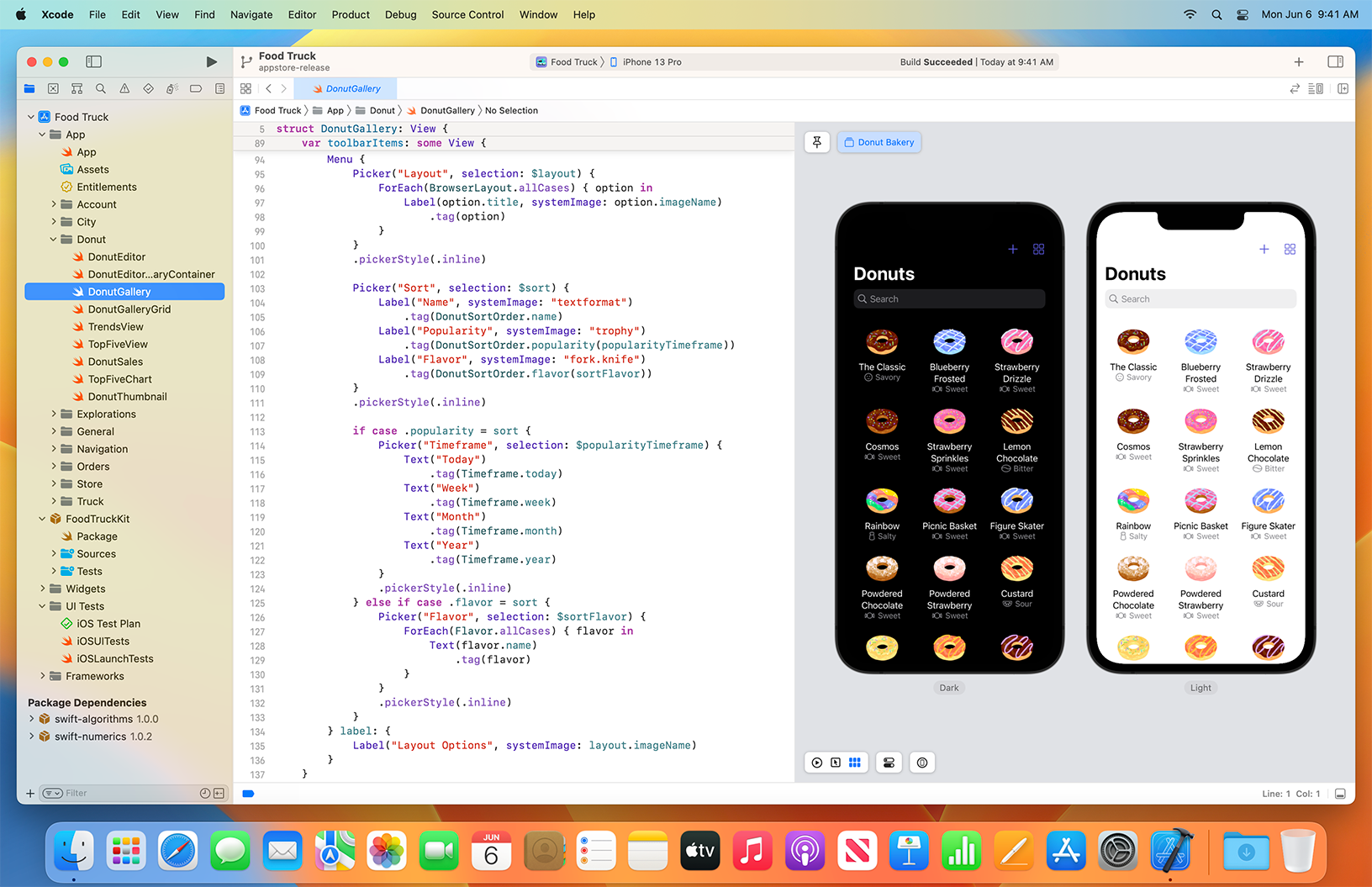
Building a robust iOS development app in 2026 involves utilizing Swift, adopting SwiftUI for declarative user interfaces, integrating structured concurrency, and leveraging Xcode to compile and test binaries for iOS, iPadOS, and visionOS. Success depends on mastering memory management, optimizing battery consumption, and adhering strictly to Apple Human Interface Guidelines.
Core Prerequisites and Development Environment Setup
Before writing the first line of code for your iOS development app, your workstation and software stack must be properly configured. Apple enforces a strict hardware and software dependency chain to ensure optimal compilation speeds and simulator accuracy.
- Hardware Requirements: A Mac computer running Apple Silicon (M1, M2, M3, or M4 series chips) with a minimum of 16GB of unified memory to handle heavy compiling workloads and concurrent simulators.
- Software Requirements: The latest stable release of macOS paired with Xcode, Apple's integrated development environment.
- Developer Account: An active Apple Developer Program membership is necessary for testing on physical devices, utilizing advanced capabilities like Push Notifications and CloudKit, and submitting applications to the App Store.
Your build pipeline relies heavily on command-line tools and dependency managers. While Swift Package Manager (SPM) is now deeply integrated into Xcode as the default dependency resolver, legacy projects may still require CocoaPods or Carthage. Ensure your environment path variables are correctly set for Git version control, as collaborative iOS engineering demands strict branch management and continuous integration workflows.
Choosing the Right Architectural Pattern
Scalability and maintainability are critical for any production-grade iOS development app. Selecting a proven architectural pattern prevents tight coupling, simplifies unit testing, and ensures that multiple developers can work on separate modules simultaneously without merge conflicts.
- Model-View-ViewModel (MVVM): The industry standard for SwiftUI applications. It decouples the user interface from business logic by introducing an observable ViewModel that manages state and network calls.
- The Composable Architecture (TCA): A library for building applications in a consistent and understandable way, with composition, testing, and ergonomics in mind. It uses explicit state management and immutable data flows.
- VIPER (View, Interactor, Presenter, Entity, Router): A clean architecture approach suited for massive enterprise applications, splitting responsibilities into distinct single-purpose components.
Architectural Framework Comparison
| Architecture | Testability | Learning Curve | Boilerplate Code | Best Suited For |
|---|---|---|---|---|
| MVVM | High | Low to Moderate | Low | Standard consumer apps, medium complexity |
| TCA | Extremely High | Steep | High | Large-scale apps requiring strict determinism |
| VIPER | High | Very Steep | Very High | Enterprise financial or medical applications |
Designing User Interfaces with SwiftUI and UIKit
Modern iOS user interface design centers around SwiftUI, Apple's declarative framework that allows developers to build views across all Apple platforms with minimal code. UIKit remains vital for legacy system support and complex collection view layouts, but SwiftUI represents the future of front-end engineering in 2026.
When constructing your iOS development app layout, prioritize dynamic type scaling, dark mode compatibility, and responsive design principles. SwiftUI uses state property wrappers like State, Binding, StateObject, and ObservedObject to automatically synchronize user interface elements with underlying data models.
- View Composition: Break large screens into smaller, reusable subviews to optimize diffing performance during state updates.
- Accessibility: Integrate VoiceOver labels, hints, and traits directly into your view hierarchy using modifiers to ensure compliance with global accessibility standards.
- Animations: Utilize native springs and animatable modifiers to create fluid transitions that match system-level animations.
Managing Data, Persistence, and Networking
An effective iOS development app requires reliable local data storage and secure, high-speed networking capabilities. Apple provides robust native frameworks that reduce external dependency reliance.
For local persistence, SwiftData serves as the modern successor to Core Data. It leverages Swift macros to define model schemas cleanly and safely, offering seamless integration with SwiftUI through the Query macro. For lightweight preferences and configuration states, UserDefaults or the secure Keychain wrapper should be utilized.
Network communication relies on URLSession combined with Swift's modern asynchronous programming model. Using async/await and structured concurrency eliminates callback hell and simplifies error handling.
Networking Best Practice: Always implement a dedicated service layer that abstracts API endpoints, serializes JSON responses via the
Codableprotocol, and handles network reachability changes gracefully before updating the UI state.
Comprehensive Testing and Quality Assurance
Ensuring stability requires a rigorous testing pyramid. Automated testing catches regressions early and verifies that your business logic behaves predictably under various conditions.
- Unit Testing: Write fast, isolated tests using the
XCTestframework to validate ViewModels, use cases, and data parsers. - UI Testing: Automate user interaction flows to ensure that navigation paths, button taps, and text entry fields function correctly across different screen resolutions.
- Performance Testing: Use Xcode Instruments to profile memory leaks, CPU spikes, and energy consumption. Addressing retain cycles caused by strong reference closures in closures is essential for preventing application crashes.
App Store Submission and Distribution Pipeline
Once your iOS development app is thoroughly tested and optimized, preparing for deployment requires completing several administrative and technical steps within App Store Connect.
- Provisioning Profiles and Certificates: Generate distribution certificates and App Store provisioning profiles via your developer account to cryptographically sign your binary.
- App Metadata Optimization: Craft compelling keywords, high-resolution screenshots, privacy nutrition labels, and a clear description to maximize discoverability on the App Store.
- TestFlight Beta Testing: Distribute build candidates to internal and external testers via TestFlight to gather crash logs and user feedback prior to public launch.
- App Review Compliance: Ensure your application complies strictly with Apple App Store Review Guidelines, paying close attention to data privacy disclosures, in-app purchase implementations, and user-generated content moderation policies.
Frequently Asked Questions
What programming language should I use for a new iOS development app?
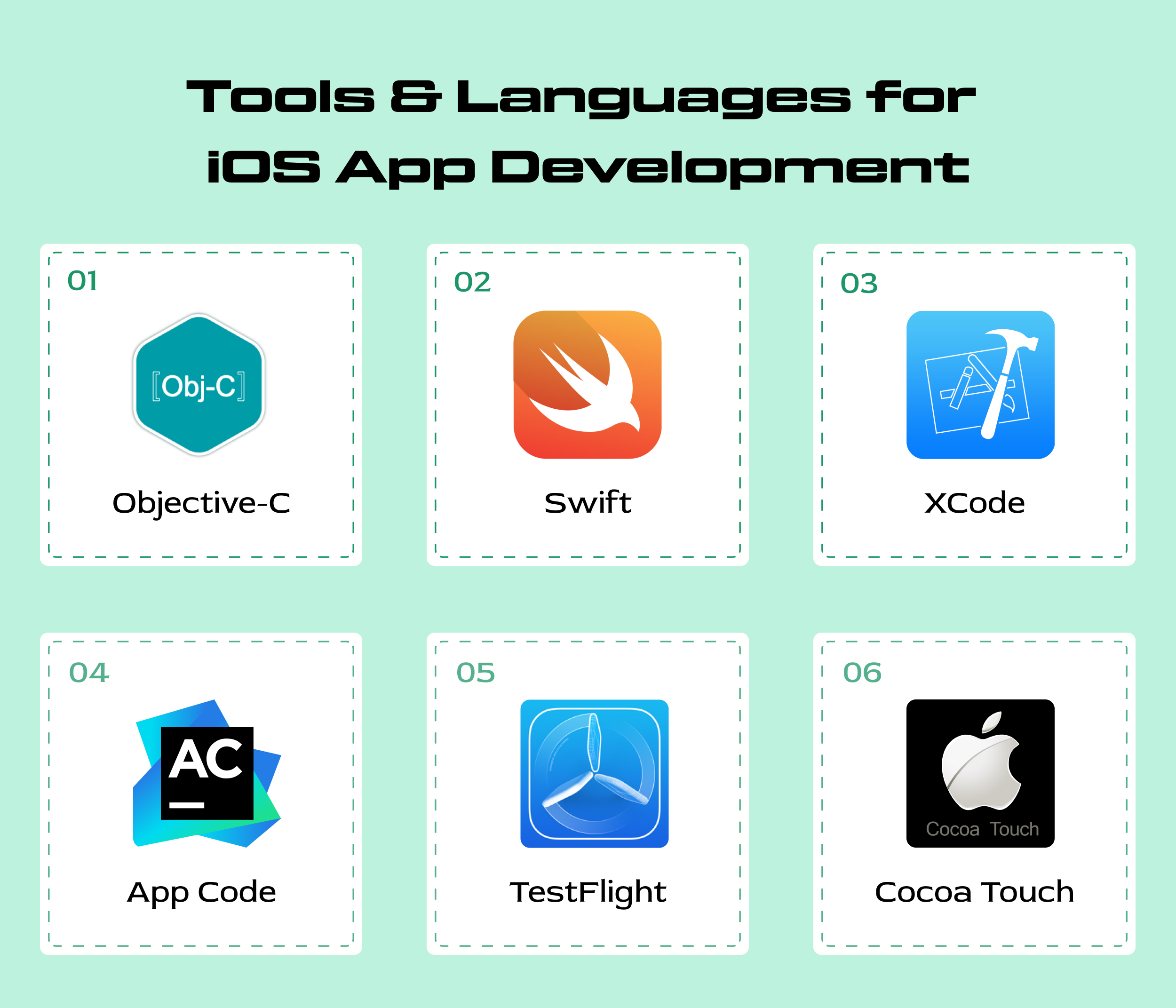
Swift is the definitive language for modern iOS development. Objective-C is only maintained for legacy system maintenance, while Swift offers superior safety, performance, and modern syntax features.
Do I need a physical Mac to build an iOS development app?
Yes, compiling iOS applications requires Xcode, which runs exclusively on macOS. While cloud-based Mac virtual machines exist, physical hardware is recommended for reliable local simulator testing.
How long does the App Store review process typically take?
Most applications are reviewed by Apple within 24 to 48 hours of submission, though complex apps or those requiring entitlement reviews may take longer.
Can I use cross-platform frameworks for iOS development?
Yes, frameworks like Flutter and React Native are widely used, but native development using Swift and SwiftUI remains the optimal choice for maximum performance, immediate access to new iOS APIs, and seamless hardware integration.
What is the cost of publishing an iOS development app?
Joining the Apple Developer Program costs $99 USD annually for individuals and organizations, which is required to distribute applications on the official App Store.
Conclusion
Building a successful iOS development app demands a meticulous balance of modern architectural planning, clean coding practices with Swift and SwiftUI, and rigorous adherence to Apple's deployment standards. By establishing a solid foundation from environment setup to automated testing, you can deliver a secure, responsive, and engaging product that stands out in the competitive App Store ecosystem.
Image Gallery