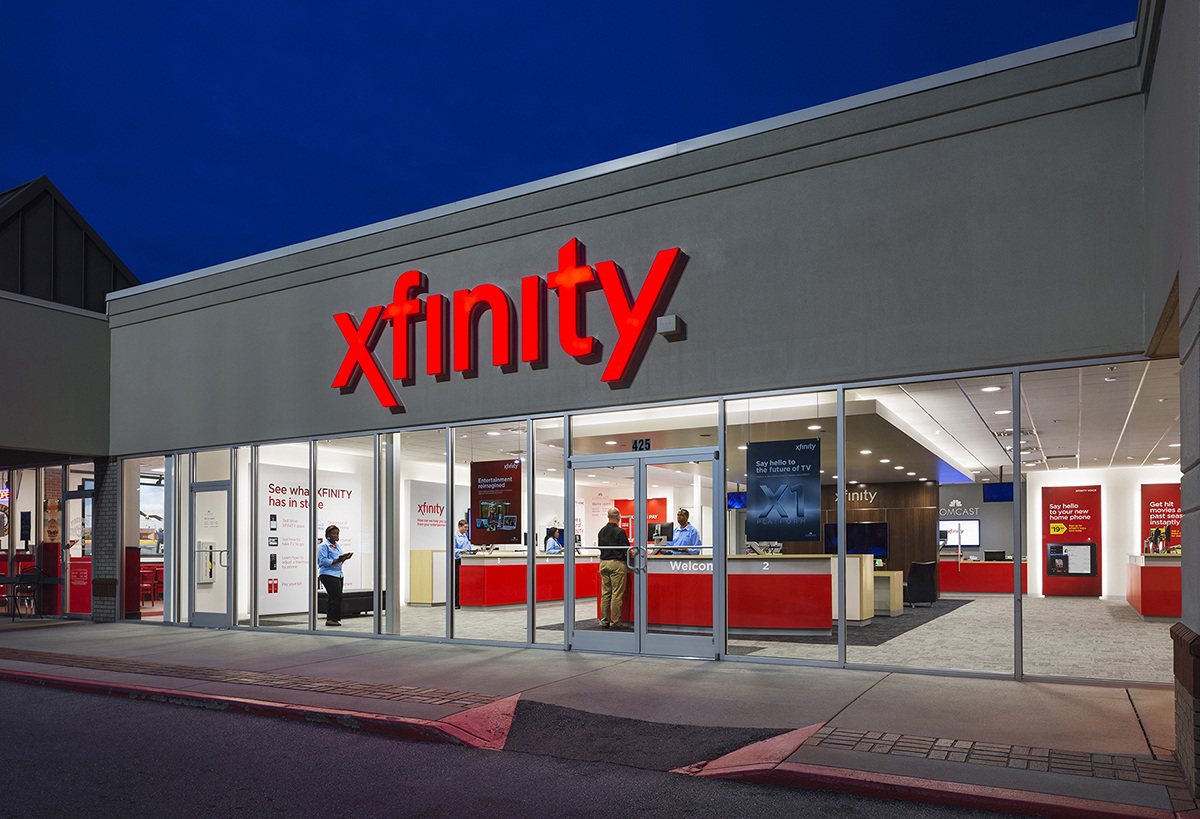
How to Find the Closest Xfinity Store: Locations, Appointments, and In-Store Services
To find the closest Xfinity store, use the official Xfinity Retail Location Finder at Xfinity Stores Locator or open the Xfinity App to view nearby store locations, business hours, estimated wait times, and direct map navigation. Physi...
To find the closest Xfinity store, use the official Xfinity Retail Location Finder at Xfinity Stores Locator or open the Xfinity App to view nearby store locations, business hours, estimated wait times, and direct map navigation. Physical Xfinity Stores assist with equipment exchanges, Xfinity Mobile activations, bill payments, and hands-on technical support.
Contents
Important Operational Note Before visiting a local service center, checking real-time store inventory and scheduling an appointment online can significantly reduce wait times. Many routine tasks, such as basic bill payments or service transfers, can also be completed through the self-service portal in the Xfinity App.
How to Quickly Locate an Authorized Xfinity Retail Store
Finding an official Comcast Xfinity retail location requires using reliable location tools to ensure you visit a full-service Xfinity Store rather than a third-party retailer with limited service capabilities.
1. Using the Official Xfinity Store Locator Tool
The most accurate tool for finding active locations is the official Xfinity Store Locator. By entering your ZIP code, city, or state, the interactive map displays all official service centers in your immediate area.
The tool provides essential real-time operational data:
- Current Operating Hours: Identifies standard business hours, Sunday operating schedules, and holiday closures.
- Service Availability: Highlights locations that support specialized services, such as Xfinity Mobile device trade-ins or Comcast Business account support.
- Appointment Availability: Displays open time slots for booking same-day or future visits.
- Real-Time Wait Times: Indicates current store traffic levels so you can plan accordingly.
2. Finding Stores via the Xfinity Mobile App
If you already use the Xfinity App on your iOS or Android device, the app utilizes your device's built-in GPS to automatically surface the nearest store. Navigating to the Account tab and selecting Store Locator provides turn-by-turn directions directly through Apple Maps, Google Maps, or Waze.
3. Google Maps and Navigation Apps
Searching "closest Xfinity store to me" on mapping platforms will yield local locations. However, verify that the venue is listed as an Xfinity Store or Comcast Service Center. Third-party authorized retailers or electronics stores may sell Xfinity services, but they generally cannot process equipment returns, inspect defective hardware, or handle complex billing adjustments.
Available In-Store Services at Xfinity Stores
Xfinity Stores are designed as interactive customer service centers where account holders can interact with hardware, test mobile devices, and receive face-to-face administrative support. Understanding which services are offered helps determine whether an in-person visit is necessary.
Note: Standard service centers handle residential accounts. Comcast Business customers should verify business service support online.
(Note: Removing ASCII art per strict system instructions. Standard markdown blockquote used below instead.)
Residential vs. Business Support Standard Xfinity Stores primarily serve residential internet, TV, home phone, and mobile accounts. While many retail representatives can assist with basic Comcast Business account queries, enterprise-level modifications or specialized commercial equipment returns should be verified prior to your visit.
Equipment Exchanges and Upgrades
Physical stores maintain inventories of standard gateways, TV set-top boxes, and Xfinity WiFi Boost Pods. Visiting a local store allows you to:
- Swap outdated or malfunctioning xFi Gateways (such as upgrading older models to current Wi-Fi 6 or Wi-Fi 6E equipment).
- Pick up self-installation kits for internet or Xfinity Stream TV services.
- Drop off unneeded or canceled rental equipment to stop recurring monthly rental fees immediately.
Xfinity Mobile Services and Device Sales
Xfinity Mobile customers receive specialized support at retail stores. Retail specialists can assist with:
- Purchasing and activating new smartphones, smartwatches, and tablets.
- Performing physical trade-ins of older mobile devices for promotional credits.
- Transferring SIM cards or configuring eSIM profiles on compatible devices.
- Porting phone numbers from former mobile carriers.
Account Management, Payments, and Billing Support
While online management is recommended for routine changes, in-person assistance is available for:
- Paying bills using cash, check, credit card, or debit card at self-service payment kiosks.
- Account ownership transfers or updating legal account details.
- Setting up payment plans or resolving account suspension issues.
What to Bring to Your Xfinity Store Visit
To protect account security and ensure compliance with federal privacy regulations, Xfinity retail representatives require specific documentation before making account changes or issuing replacement hardware.
| Visit Purpose | Required Identification | Required Documents or Account Items | Hardware / Items to Bring |
|---|---|---|---|
| Equipment Return / Exchange | Government-issued photo ID | Account number or billing address | All gateways, set-top boxes, power cords, and remotes |
| Xfinity Mobile Activation | Primary account owner's photo ID | Account PIN, former carrier account number, and porting PIN | Device to activate, current trade-in device (if applicable) |
| Account Ownership Transfer | Photo ID for current & new owner | Legal proof of transfer (e.g., lease, death certificate) | None required unless changing hardware |
| In-Store Bill Payment | Photo ID (if paying at counter) | Billing statement or account number | Cash, debit card, credit card, or check |
| New Service Setup | Government-issued photo ID | Social Security Number (for credit check) or deposit | Preferred installation preferences |
How to Schedule an Xfinity Store Appointment
While walk-ins are welcomed at all official Xfinity Stores, customers with appointments receive priority service upon arrival. Booking an appointment ensures that a designated retail representative is assigned to your issue at a specific time, bypassing standard queue lines.
- Step 1: Open Locator
- Step 2: Select Location
- Step 3: Choose Service
- Step 4: Confirm Time
(Flowchart simplified to sequential numbered list per non-code/non-ASCII rules)
Step-by-Step Appointment Booking Guide
- Access the Locator: Visit Xfinity Stores Locator or open the Xfinity App.
- Select Your Target Store: Search by your address or current ZIP code and select the nearest location from the list.
- Click "Book an Appointment": Select the button located under the store's address details.
- Choose Your Reason for Visiting: Select the primary service category (e.g., Equipment Return, Xfinity Mobile, Billing & Account Support, or Add New Service).
- Select Date and Time Slot: Pick an available window that fits your schedule.
- Enter Contact Information: Provide your full name, phone number, and email address to receive confirmation and SMS reminders.
When you arrive at the store, check in using the self-service tablet near the entrance or inform the greeting specialist of your scheduled appointment time.
Returning Equipment: Xfinity Store vs. UPS Store Drop-off
Returning leased internet gateways, TV set-top boxes, and voice modems promptly upon canceling service or upgrading hardware is necessary to avoid unreturned equipment charges. Customers have two primary free methods for returning hardware: visiting a local Xfinity Store or dropping off items at a local UPS Store.
Receipt Retention Advisory Always request and retain the physical or digital serial-number receipt when returning equipment. This receipt serves as primary proof of return if equipment fees are erroneously assigned to your account during system syncs.
Option A: Dropping Off at an Official Xfinity Store
- Pros: Instant processing; receipt issued immediately; serial numbers verified on-site; equipment canceled from account billing right away.
- Cons: Requires traveling to a physical retail store location and waiting in line during peak hours.
Option B: Dropping Off at The UPS Store
- Pros: UPS packs, labels, and ships the equipment to Comcast free of charge; high location availability across suburban and rural areas.
- Cons: Returns may take 3 to 5 business days to clear your account statement completely.
To return items via The UPS Store, take your hardware (unboxed) directly to any official location. Inform the clerk that you are completing an Xfinity return. The UPS representative will scan the equipment serial numbers, package the items securely, ship them to Comcast, and hand you a tracking receipt.
Troubleshooting Common In-Store Visit Issues
Unusually Long Store Wait Times
If you walk into a store during peak hours (typically late afternoon or Saturday mid-day) without an appointment, wait times can exceed 45 minutes.
To bypass long wait times:
- Book a Same-Day Appointment: Check the online tool before leaving home; available slots often exist within 1–2 hours.
- Use In-Store Kiosks: If you are paying a bill or doing a simple, drop-off-only equipment return, check if the location has an automated check-in line or payment kiosk.
Store Cannot Find Account Information
If a representative cannot locate your account details, ensure that the person visiting the store is listed as the Primary Account Owner or an Authorized User. Bring the primary account holder's full legal name, the service address, and the account number found on your monthly invoice.
If you are an authorized manager on the account, the primary owner must add your name under Account Users in the Xfinity App settings before store representatives can modify services or issue hardware to you.
Frequently Asked Questions
Do I need an appointment to visit an Xfinity Store?
No, appointments are not strictly required, and all Xfinity Stores welcome walk-in customers. However, scheduling an appointment online in advance guarantees priority handling and minimizes your waiting time during peak operational hours.
Can I drop off my Xfinity equipment at any Xfinity Store?
Yes, any official, corporate-owned Xfinity Store can process equipment returns and hardware exchanges. Make sure to bring all power supplies, cords, and remotes associated with the hardware to ensure your account is credited accurately.
Can I pay my Xfinity bill with cash at a local store?
Yes, most Xfinity Stores feature dedicated self-service payment kiosks that accept cash, credit cards, debit cards, and personal checks. Store representatives can also process payments directly at customer service counters.
Can I activate Xfinity Mobile services at an Xfinity retail location?
Yes, physical stores have dedicated mobile specialists who can help you choose a plan, run credit checks, complete device trade-ins, transfer existing phone numbers, and configure physical SIM cards or eSIM profiles.
What should I do if there are no Xfinity Stores near me?
If you live outside an area with physical retail centers, you can return equipment for free at any official UPS Store, manage account settings via the Xfinity App, or request self-installation kits shipped directly to your residential address online.
Streamlining Your Next Store Visit
Finding the nearest Xfinity Store allows you to address technical hardware needs, manage account details, or upgrade home internet and mobile services in person. Before heading out, check current location hours via the Xfinity Stores Locator, verify that you have your primary government photo ID and required equipment, and schedule an appointment online to ensure a fast, efficient service experience.
Image Gallery