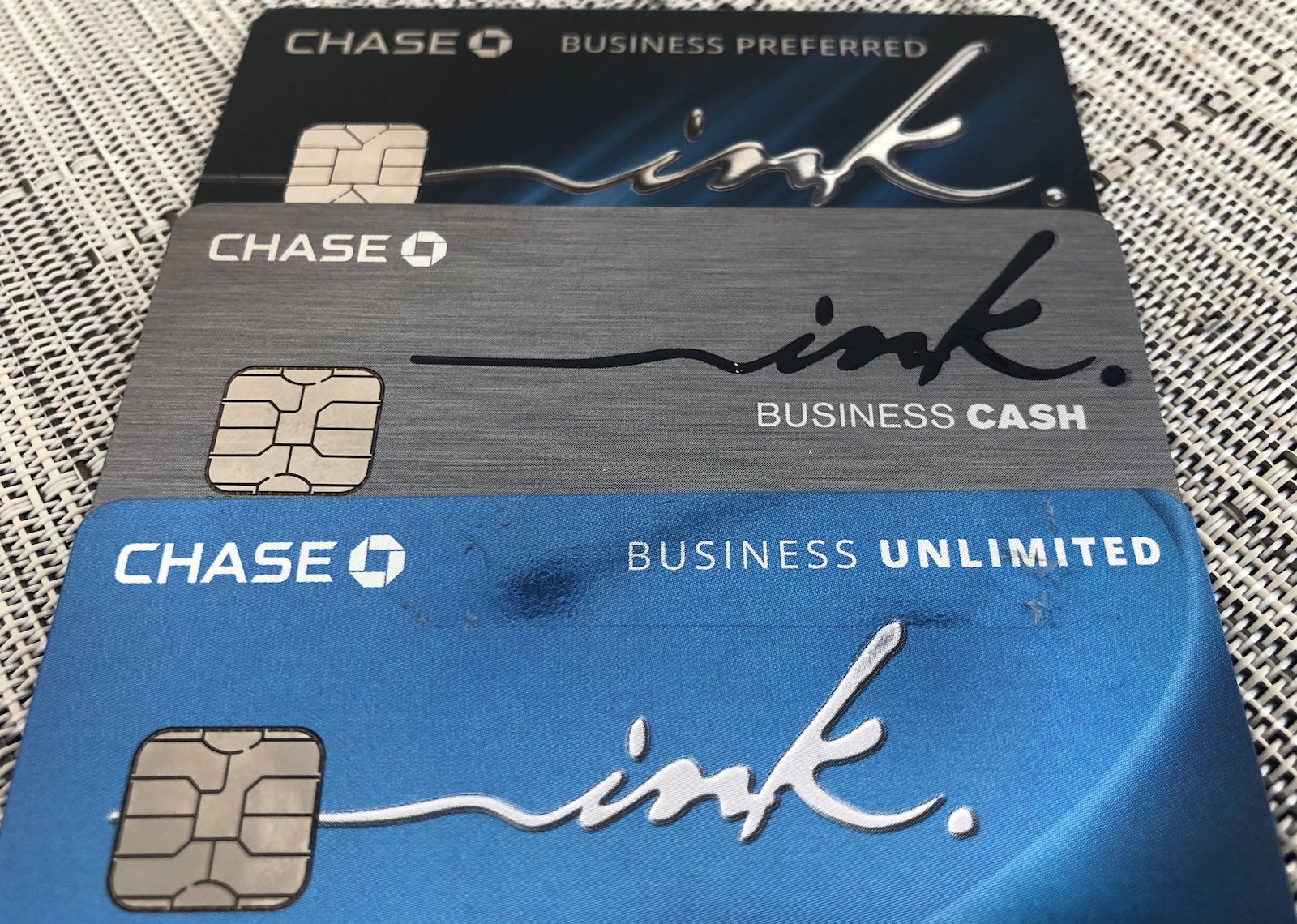
How to Add a Chase Business Card to Your Personal Account
Managing your financial life efficiently often requires consolidating your various accounts into a single, cohesive dashboard. If you hold a Chase personal bank account or credit card and have recently opened a Chase Ink Business card,...
Managing your financial life efficiently often requires consolidating your various accounts into a single, cohesive dashboard. If you hold a Chase personal bank account or credit card and have recently opened a Chase Ink Business card, you may want to view both under one online banking profile. Chase allows users to link business and personal profiles using a single set of login credentials, provided the Tax Identification Number (TIN) or Social Security Number (SSN) associated with the business accounts is recognized by the Chase system.
Contents
Understanding the Chase Digital Ecosystem
Chase maintains a sophisticated digital banking architecture designed to separate consumer and commercial entities while providing a unified user experience. When you open a business credit card, Chase creates a profile that is technically distinct from your personal accounts. This separation is rooted in legal and regulatory compliance, as business accounts often involve different liability protections and ownership structures than individual consumer accounts.
However, the bank provides a mechanism to "bridge" these accounts. By linking your business card to your personal login, you essentially create a "master" view. This allows you to toggle between personal checking, savings, and individual credit cards and your business credit cards without needing to log in and out of different portals. This consolidation is a feature, not a default state, meaning you must initiate the process to merge your viewing capabilities.
Prerequisites for Linking Accounts
Before attempting to add your Chase business card to your existing personal account, ensure you meet the following requirements:
- Identical Ownership: You must be the primary owner or an authorized user with the necessary profile permissions on both the personal and business accounts.
- Active Online Access: Your business credit card must be activated, and you should have already registered it for online access, even if that access is currently under a separate username.
- Browser/App Compatibility: Use an up-to-date web browser or the most current version of the Chase Mobile app. Outdated software may fail to trigger the account discovery handshake during the linking process.
Step-by-Step Procedure to Link Accounts
The most reliable method to combine your profiles is to use the Chase desktop website, as the interface is more expansive than the mobile app for managing account linking settings.
- Sign In: Log in to your Chase personal account using your primary username and password.
- Navigate to Profile & Settings: Once logged in, locate the "Profile & Settings" icon (often represented by a person silhouette) in the upper right-hand corner of the screen.
- Manage Accounts: Look for a section labeled "Manage Accounts" or "Accounts." In many versions of the portal, there is a specific sub-menu option titled "Link accounts" or "Add a business account."
- Enter Credentials: You will be prompted to enter the username and password associated with your business card profile. If you have not yet created a separate login for the business card, you may be able to simply add the card number if the prompt allows for "Add a new account."
- Verification: Chase may require a multi-factor authentication (MFA) step. Ensure you have your phone or email ready to receive a temporary verification code.
- Confirm: Once the system verifies the relationship between your personal SSN and the business TIN, the business card will appear in your main account dashboard.
Troubleshooting Common Connection Issues
If you encounter an error message during this process, it is typically due to a mismatch in personal information. Chase links accounts based on the social security number or tax ID associated with the user profile. If your personal account uses a different email address, phone number, or residential address than what was submitted on your business card application, the system may block the link for security reasons.
If you are stuck, perform the following troubleshooting steps:
- Verify Personal Data: Ensure your contact details (phone and email) match exactly across both profiles. A discrepancy here is the most common cause of failed account linking.
- Clear Browser Cache: If the page hangs, clear your browser’s cache and cookies. This removes stale sessions that might be causing a conflict between your two profiles.
- Contact Customer Support: If the error persists, contact the Chase business customer service line. Inform the representative that you are trying to "merge your online profiles" or "add a secondary business profile to a primary personal login." They can manually trigger a sync on the backend to align your credentials.
Comparison of Account Management Styles
| Feature | Single Login View | Separate Logins |
|---|---|---|
| Convenience | High; single sign-on for all assets. | Low; requires multiple sessions. |
| Security | Centralized risk; one password for all. | Granular; separate credentials per profile. |
| Organization | Simplified; one dashboard for payments. | Distinct; business and personal are isolated. |
| Primary Use | Sole proprietors/Small business owners. | Employees/Separate entities. |
Security Considerations
Consolidating your accounts offers significant convenience, but it also means that your entire financial portfolio becomes accessible via a single login credential. If your personal login is compromised, the attacker may gain visibility into your business credit lines.
To mitigate this risk:
- Enable Strong MFA: Always utilize multi-factor authentication (e.g., the Chase push notification or a hardware security key) for your primary login.
- Unique Passwords: Ensure the password you use for the consolidated account is unique and not reused on other financial or social media websites.
- Review Permissions: If you add a business card, regularly audit your account access to ensure that only you or authorized individuals have the ability to view or manage these cards.
Frequently Asked Questions
Can I see my personal and business checking accounts in the same view? Yes. Once your profiles are linked, both business and personal checking, savings, and credit card accounts will populate in the "Accounts" tab on your main dashboard.
Will my business partners see my personal accounts? No. Linking accounts is a profile-level action. Adding a business card to your personal login does not provide your business partners or employees with access to your personal information. Only the user with the specific login credentials can see the linked accounts.
What if I have multiple businesses under one Chase login? Chase allows you to link multiple business entities to a single primary login. You can manage them all from one dashboard, and the system will categorize them under their respective business names.
Is there a cost to link these accounts? No. Chase does not charge a fee for managing or viewing your personal and business accounts through a single online banking portal.
Can I unlink the accounts later? Yes. You can manage your linked accounts in the "Profile & Settings" menu. If you wish to separate them again for bookkeeping or organizational purposes, you can remove the access at any time.
Next Steps for Your Business Banking
Once you have successfully linked your Chase business card, take a moment to organize your dashboard. You can rename your cards (e.g., "Main Business Expenses" vs. "Marketing Spend") to make transaction monitoring easier. We recommend that you verify your notification settings for each account individually to ensure you are receiving real-time transaction alerts, which are vital for maintaining the security of your business finances. If you continue to face technical obstacles, consider visiting a local Chase branch, where a banker can verify your identity and assist you in completing the link via their internal systems.
Image Gallery