How to Use the Home Depot My Card: Activation, In-Store, Online, and Account Management
To use your Home Depot My Card, first activate it online through the Home Depot account portal (serviced by Citibank, N.A.) or by calling the customer service number on the back of the card. Once activated, present the card or mobile a...
To use your Home Depot My Card, first activate it online through the Home Depot account portal (serviced by Citibank, N.A.) or by calling the customer service number on the back of the card. Once activated, present the card or mobile app barcode at checkout in-store, or select it as your primary payment method during online checkout.
Contents
Understanding the Home Depot Credit Card Ecosystem
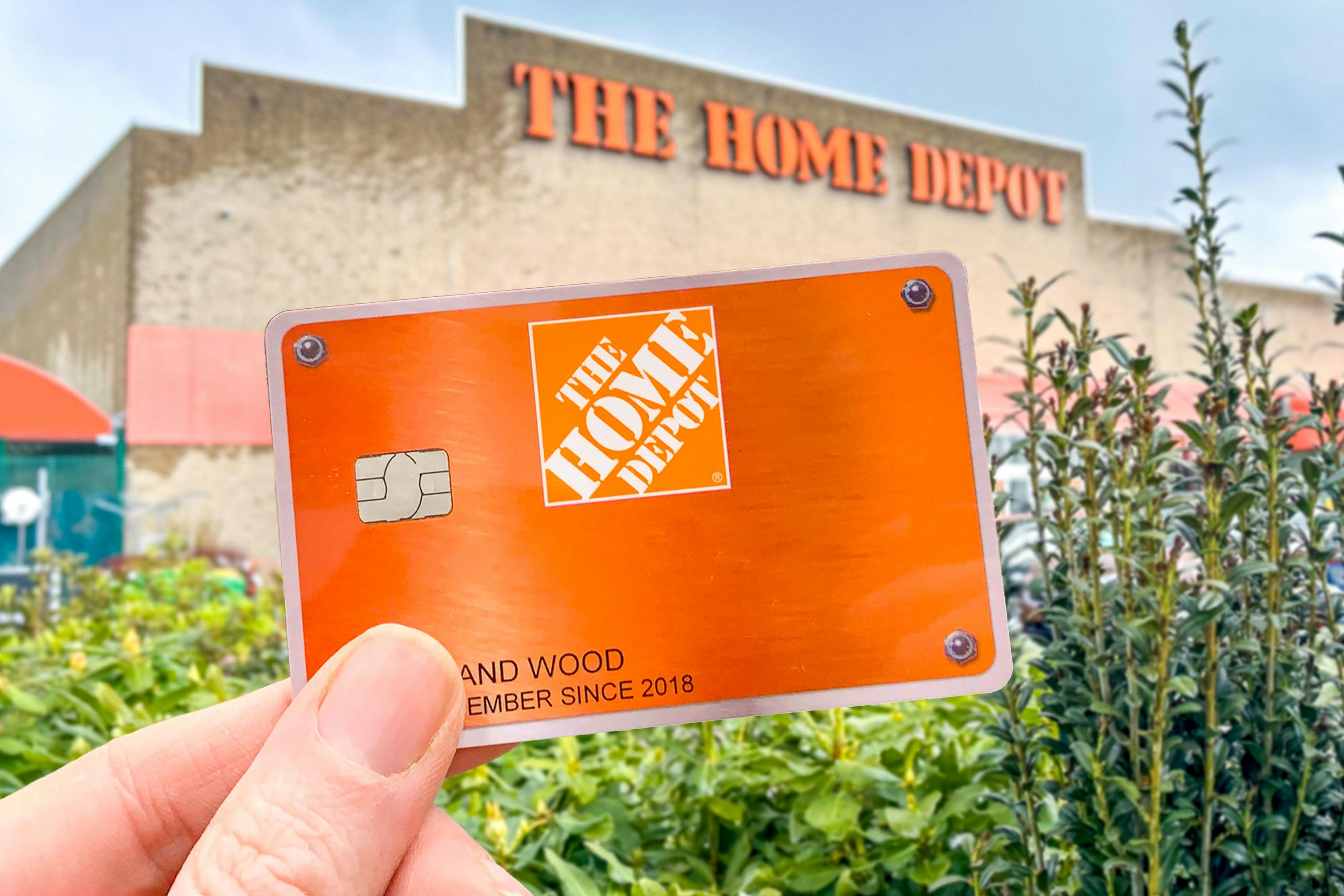
The term Home Depot My Card generally refers to the online account management dashboard and card services for the Home Depot Consumer Credit Card, which is issued and managed by Citibank, N.A. When cardholders refer to "My Card," they are describing the digital interface accessed via Home Depot's dedicated credit portal, where users activate new cards, manage monthly payments, view digital receipts, and track promotional financing offers.
Financial Disclaimer: Credit card terms, promotional interest periods, APRs, and credit limits are subject to credit approval by Citibank, N.A. The details provided in this guide are for instructional purposes and do not constitute formal financial or legal advice.
Home Depot offers distinct credit products designed for different types of customers:
- Consumer Credit Card: Designed for individual homeowners, renters, and DIY enthusiasts. It features everyday promotional financing options and an extended return window.
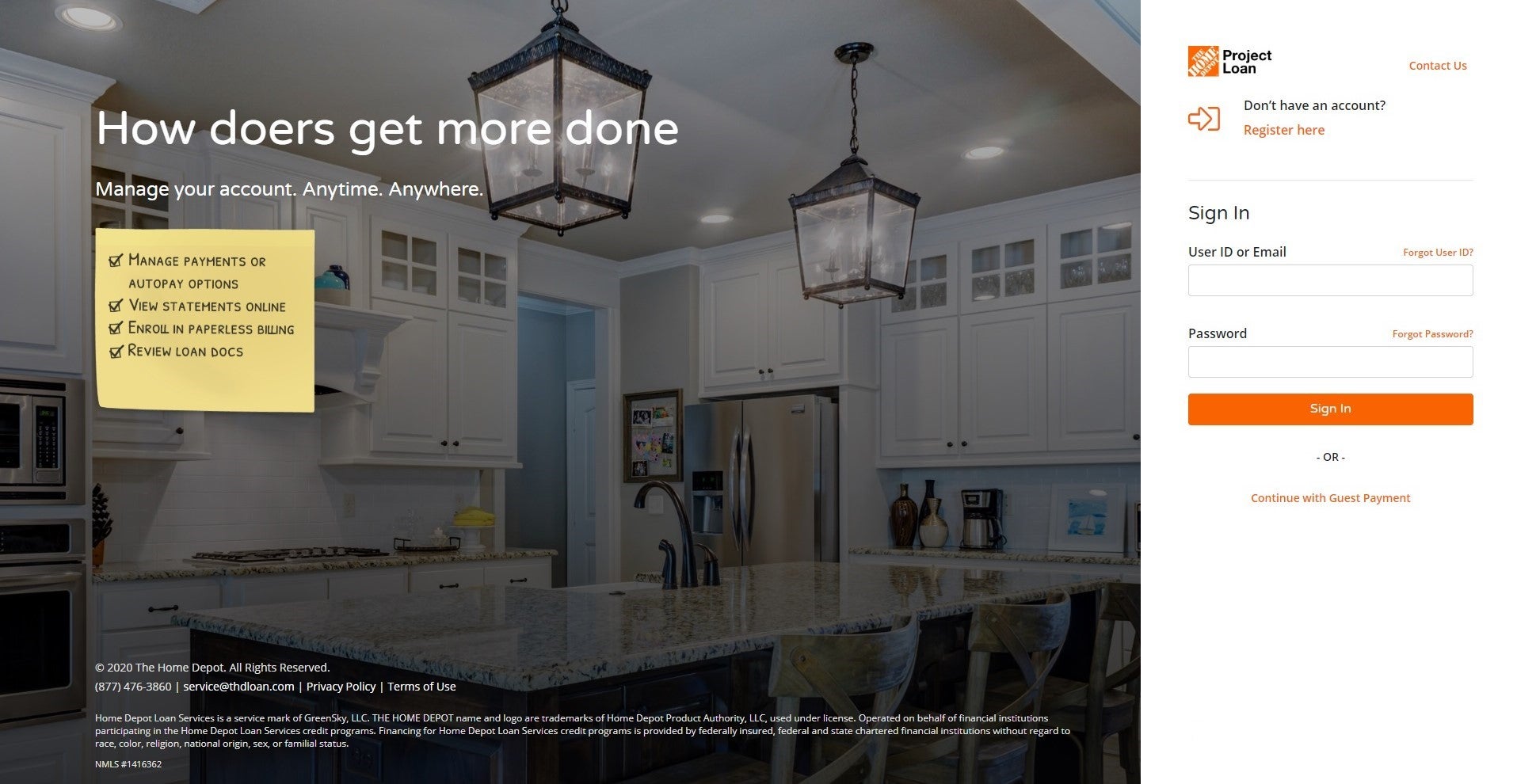
- Project Loan Card: Designed for major home renovations, offering a fixed monthly payment and a lower APR over an extended term (up to 84 months) rather than standard revolving credit.
- Commercial Revolving Charge & Commercial Account: Tailored for contractors, businesses, and Pro customers, providing detailed line-item invoicing, account tracking, and employee buyer controls.
This guide focuses primarily on managing and using the Consumer Credit Card via the online portal and in-store checkout systems.
How to Register and Activate Your Card Online
Before you can use your Home Depot card for purchases or manage payments digitally, you must activate the physical card and create your online banking credential.
Card Activation Process
- Receive Physical Card in Mail
- Visit Home Depot Credit Portal (homedepot.com/mycard)
- Verify Identify (Card Number, Security Code, SSN Digits)
- Set Up Online Credentials (Username, Password, 2FA)
- Enable Auto-Pay & Paperless Statements (Optional)
Step 1: Access the Home Depot Credit Portal
Navigate to the Home Depot primary credit hub or go directly to the management access page. Ensure the browser connection is secure before entering personal data.
Step 2: Verification of Account Credentials
Click on the Register Your Card or Activate Card option. You will be prompted to enter:
- Your 16-digit Home Depot Consumer Credit Card number.
- The name as it appears on the front of the card.
- The 3-digit Security Code (CVV) located on the back of the card.
- The last four digits of the primary cardholder’s Social Security Number (SSN).
Step 3: Setting Up Security and Account Details
Create a unique User ID and password. It is strongly recommended to set up Multi-Factor Authentication (MFA) via SMS or an authenticator app to protect your line of credit. At this stage, you can also opt into paperless billing and set up electronic bank pay profiles for seamless monthly balance settlements.
How to Use Your Home Depot Card In-Store
Using your card inside a Home Depot retail store can be accomplished using either the physical card or digital integration via the official Home Depot mobile application.
Using the Physical Card
At standard checkout lanes or self-checkout kiosks:
- Insert the EMV chip into the card terminal.
- Leave the card inserted until the machine prompts you to remove it.
- If your purchase total qualifies for promotional financing (such as $299 or more), the terminal will display available promotional options. Select your preferred payment plan directly on the touchscreen.
- Sign the electronic pad or enter your PIN if prompted.
Using the Home Depot Mobile App (Virtual Access)
If you do not have your physical card on hand, you can still make purchases in-store by linking your credit account to the Home Depot mobile app:
- Download and log into the official Home Depot app on iOS or Android.
- Link your Home Depot My Card to your account profile under Payment Methods.
- At checkout, present the barcode generated within the app's ID wallet to the cashier.
- The cashier will scan the barcode to charge the purchase directly to your card account.
Note: For security reasons, store cashiers cannot manually look up your credit card number using your Social Security Number unless you are applying for a new account or obtaining a temporary shopping pass at the Special Services Desk with valid government-issued photo ID.
How to Use Your Home Depot Card for Online Purchases
Shopping online at HomeDepot.com with your store card enables smooth checkout and automatically applies eligible credit promotions to qualifying items.
Step 1: Log In to Your Home Depot Shopping Account
Visit HomeDepot.com and sign in. Linking your Home Depot My Card to your primary shopping profile ensures that your purchase history, receipts, and warranty details are centralized in one dashboard.
Step 2: Add Items to Your Cart
Add your tools, building supplies, or appliances to the cart. Pay close attention to individual item totals, as promotional financing triggers automatically once qualifying purchase thresholds (e.g., $299 or higher) are reached in the shopping cart balance.
Step 3: Select Payment Method at Checkout
Proceed to the checkout screen:
- Choose Home Depot Consumer Credit Card under the payment selection.
- If your card is already saved, select it from your saved payment profiles and confirm your 3-digit CVV security code.
- If purchasing promotional items over the minimum threshold, select the financing option (e.g., "6 Months Special Financing") from the drop-down menu during checkout.
Step 4: Confirm Order and Track Receipt
Review the final order summary and place your order. The purchase will reflect on your online card balance within 24 to 48 hours, and an itemized receipt will be stored in your online user account.
Understanding Special Financing, Interest Rates, and Returns
One of the primary reasons homeowners use the Home Depot My Card is for promotional financing terms and extended cardholder benefits. However, understanding the terms established by Citibank is vital to avoiding unexpected interest charges.
The 6-Month Special Financing Rule ($299 Threshold)
Home Depot frequently offers 6 months of promotional financing on purchases of $299 or more.
Crucial Warning on Deferred Interest: Most standard Home Depot Consumer Credit Card promotions operate on a deferred interest structure. This means interest accrues at the standard purchase Annual Percentage Rate (APR) from the transaction date, but it is waived if the promotional balance is paid off entirely before the 6-month period expires.
If even a small balance remains when the promotional window closes, all accrued interest from the original purchase date will be added to your account balance. For details on how deferred interest operates under federal regulations, review the financial guidelines provided by the Consumer Financial Protection Bureau (CFPB).
Extended Return Benefits
Standard retail purchases at Home Depot typically come with a 90-day return window. However, purchases made with the Home Depot Consumer Credit Card receive an extended 1-year (365-day) return policy. Returns processed using the card are credited directly back to your card account or issued as store credit, depending on the item condition and return authorization.
Comparison of Home Depot Credit & Payment Options
To help evaluate how the Consumer Credit Card compares to other Home Depot payment and credit solutions, refer to the breakdown below:
| Credit Option | Best For | Key Advantage | Standard Financing Offer | Return Period |
|---|---|---|---|---|
| Consumer Credit Card | Homeowners & DIYers | Everyday project financing & extended return windows | 6 Months on $299+ (Deferred Interest) | 365 Days |
| Project Loan Card | Major Home Renovations | Large credit lines ($50k) with fixed low monthly payments | Up to 84 months fixed APR | Standard 90 Days |
| Commercial Revolving Charge | Contractors & Small Businesses | Flexible spending with line-item invoicing and buyer controls | Terms vary / Pro Xtra Rewards integration | 365 Days |
| Commercial Account | Large Enterprises & Municipalities | Pay-in-full monthly invoice terms (Net 30/60) | Interest-free if paid per monthly invoice terms | 365 Days |
Managing Payments and Online Account Maintenance
Keeping your Home Depot My Card in good standing requires regular management. You can schedule payments, view statements, and track promotional balance expiration dates through the online customer service portal.
Online Payment Methods
- One-Time Direct Bank Transfer: Link your checking or savings account using your bank routing number and account number.
- Recurring AutoPay: Configure monthly automated payments for either the minimum payment due, the full account balance, or a custom fixed dollar amount designed to pay off promotional balances before interest triggers.
- In-Store Payment: You can pay your credit card bill directly at any Home Depot register using cash, check, or debit card. Present your physical card or monthly statement to the cashier.
- Phone Payment: Call the customer service phone number listed on the back of your card to pay via an automated voice system or customer representative.
Requesting a Credit Limit Increase
As your home improvement project requirements expand, you may need a higher credit limit:
- Log into your online account management dashboard at homedepot.com/mycard.
- Select Card Services or Account Profile, then choose Request Credit Limit Increase.
- Update your annual household income and monthly housing payment details.
- Submit the request. In most cases, Citibank provides an instant online decision.
Troubleshooting Common Usage and Portal Issues
Card Declined at Checkout
- Reaching Credit Limits: Verify your available credit balance online or via the mobile app.
- Security Holds: Unexpected high-dollar tool or building supply purchases may trigger automated fraud alerts. Contact Citi Customer Service immediately to authorize the charge.
- Expired Card Information: Ensure your payment details online show the updated expiration date and CVV.
Locked Out of the Online Portal
If you enter an incorrect password multiple times, Citibank will lock your online profile for security purposes:
- Click the Reset Password or Forgot User ID link on the login page.
- Provide your registered email address, card number, and the primary account holder's SSN details.
- Complete the identity verification via an SMS security code sent to your registered phone number.
Financing Promotion Not Applied Online
If a purchase over $299 was processed under standard revolving terms instead of promotional financing:
- Log into your My Card management dashboard within 30 days of the purchase.
- Navigate to Account Messages or contact customer support to request a promotional financing adjustment for qualifying orders.
Key Takeaways and Recommended Next Actions
- Activate Promptly: Complete card registration via the Home Depot credit management portal as soon as your physical card arrives.
- Pay Down Deferred Interest Early: Calculate monthly payments for 6-month promotional purchases by dividing the total cost by 5 (not 6) to ensure the balance reaches zero well before the deadline.
- Leverage the 1-Year Return Window: Keep your transactions centralized on your store card to take full advantage of extended 365-day return protection on tools and building materials.
- Link to the Mobile App: Store your digital card barcode inside the Home Depot app so you can shop in stores even if you leave your wallet at home.
Frequently Asked Questions
Can I use my Home Depot credit card anywhere?
No. The Home Depot Consumer Credit Card is a closed-loop store card. It can only be used for purchases made directly at Home Depot retail stores, HomeDepot.com, or secondary Home Depot subsidiaries like Home Decorators Collection. It cannot be used at non-affiliated retail locations or ATMs.
What bank issues the Home Depot My Card?
The Home Depot Consumer Credit Card and Commercial accounts are issued and underwritten by Citibank, N.A. Account billing statements, online portal administration, and credit reporting are handled directly through Citi's credit card services division.
How do I avoid paying interest on promotional purchases?
To avoid paying deferred interest on purchases of $299 or more under a 6-month promotional banner, you must pay off the full promotional balance before the 6-month expiration date. Pay more than the minimum monthly requirement, as minimum payments are often calculated to leave an unpaid balance at the end of the term.
Can I pay my Home Depot credit card bill in the store?
Yes. You can pay your bill at any standard register or Special Services desk inside any Home Depot store using cash, check, debit card, or money order. The cashier will scan your physical credit card or physical monthly billing statement to credit your account immediately.
What happens if I lose my physical Home Depot credit card?
If your card is lost or stolen, log into your My Card online dashboard immediately to report it lost, or call Citibank customer support directly. The lost card will be locked to prevent unauthorized charges, and a new replacement card with a new account number will be mailed to your registered address within 5 to 7 business days.
Image Gallery