How to Choose a Brochure Print Service: A Complete Buyer’s Guide
Choosing the right brochure print service requires matching your project’s quantity, timeline, and budget with a vendor’s equipment and capabilities. The selection process involves evaluating printing methods (digital versus offset), a...
Choosing the right brochure print service requires matching your project’s quantity, timeline, and budget with a vendor’s equipment and capabilities. The selection process involves evaluating printing methods (digital versus offset), assessing paper stock weights and coating finishes, verifying pre-press proofing standards, and reviewing turnaround times to ensure high-quality marketing materials.
Contents
1. Determine Your Technical Requirements and Project Scope
Before requesting quotes or uploading design files to a commercial print provider, clearly establish your project specifications. Print service providers specialize in different production runs, equipment types, and finishing capabilities. Knowing your technical needs upfront prevents unexpected costs, production delays, and layout errors.
- Define Project Specifications
- (Run size, dimensions, folds, ink specifications)
- Select Printing Technology
- Digital (Low Volume) OR Offset (High Volume / PMS)
- Specify Paper Stock & Coating
- (Text vs. Cover weight, AQ / Gloss / Soft-Touch)
- Review Prepress & Hard/Soft Proofs
- (Bleeds, 300 DPI, CMYK color space, physical proof)
Print Quantity and Production Method (Offset vs. Digital)
The total volume of brochures you need directly dictates whether a digital printer or an offset commercial printer is most cost-effective:
- Digital Printing: Best suited for short-to-medium runs (typically 50 to 500 pieces). Digital presses require minimal setup time and no physical printing plates, making them efficient for fast turnaround times and variable data printing (VDP), such as personalized recipient addresses or localized offers.
- Offset Printing: Recommended for high-volume orders (usually 1,000 pieces or more). Offset presses utilize custom aluminum plates to transfer ink onto rubber blankets and then onto paper. While offset setup costs are higher, the cost per unit decreases significantly as quantity increases. Offset printing also offers superior color fidelity and consistency across large print runs.
Brochure Formats, Dimensions, and Folding
Brochures come in standard and custom sizes, each requiring precise folding equipment. The most common standard sizes in North America include 8.5" x 11" (letter), 8.5" x 14" (legal), 11" x 17" (tabloid), and 11" x 25.5" (three-panel landscape).
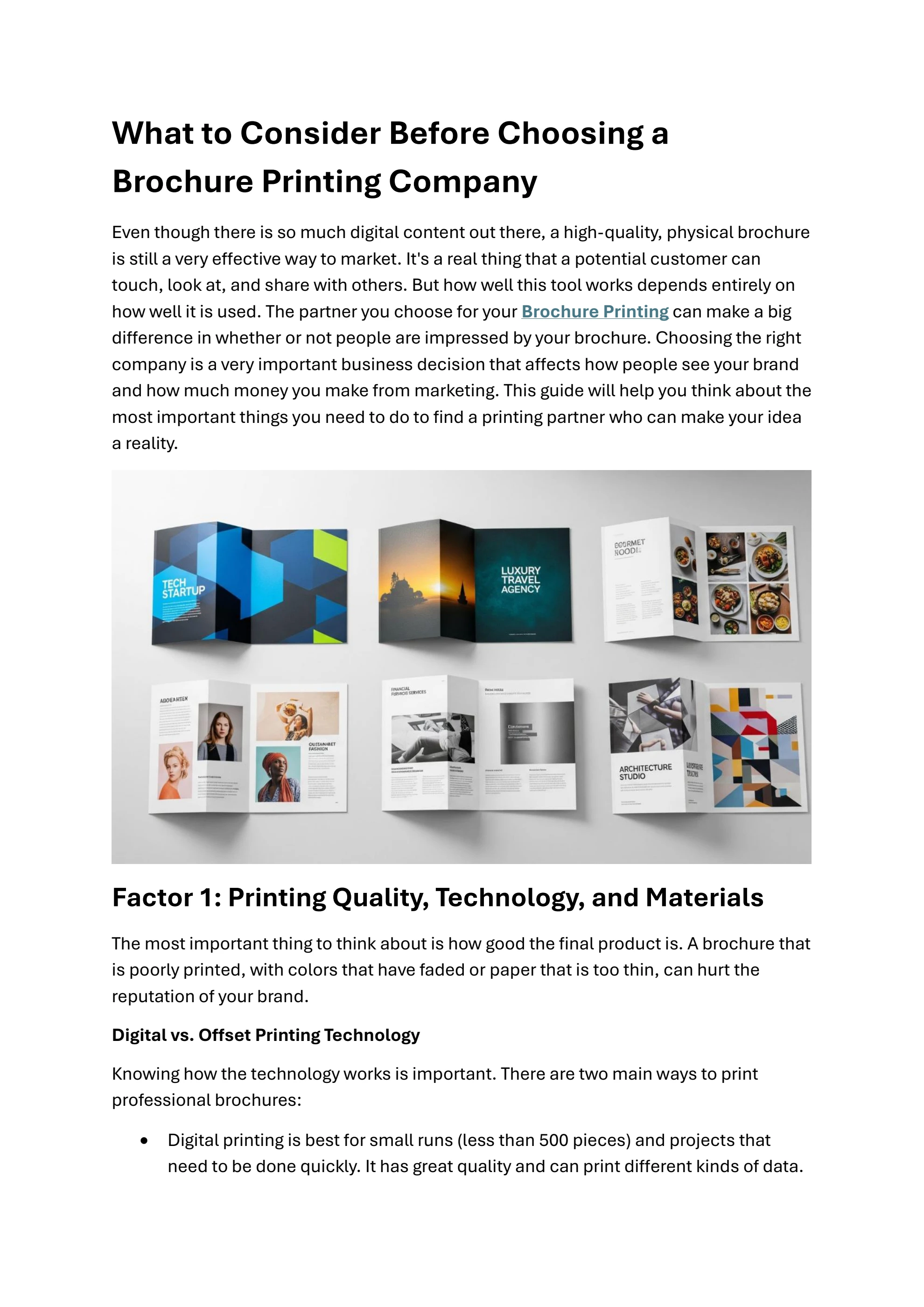
Common folding styles include:
- Half-Fold (Single Fold): Folded once down the middle, creating a 4-page layout ideal for simple presentations or product overviews.
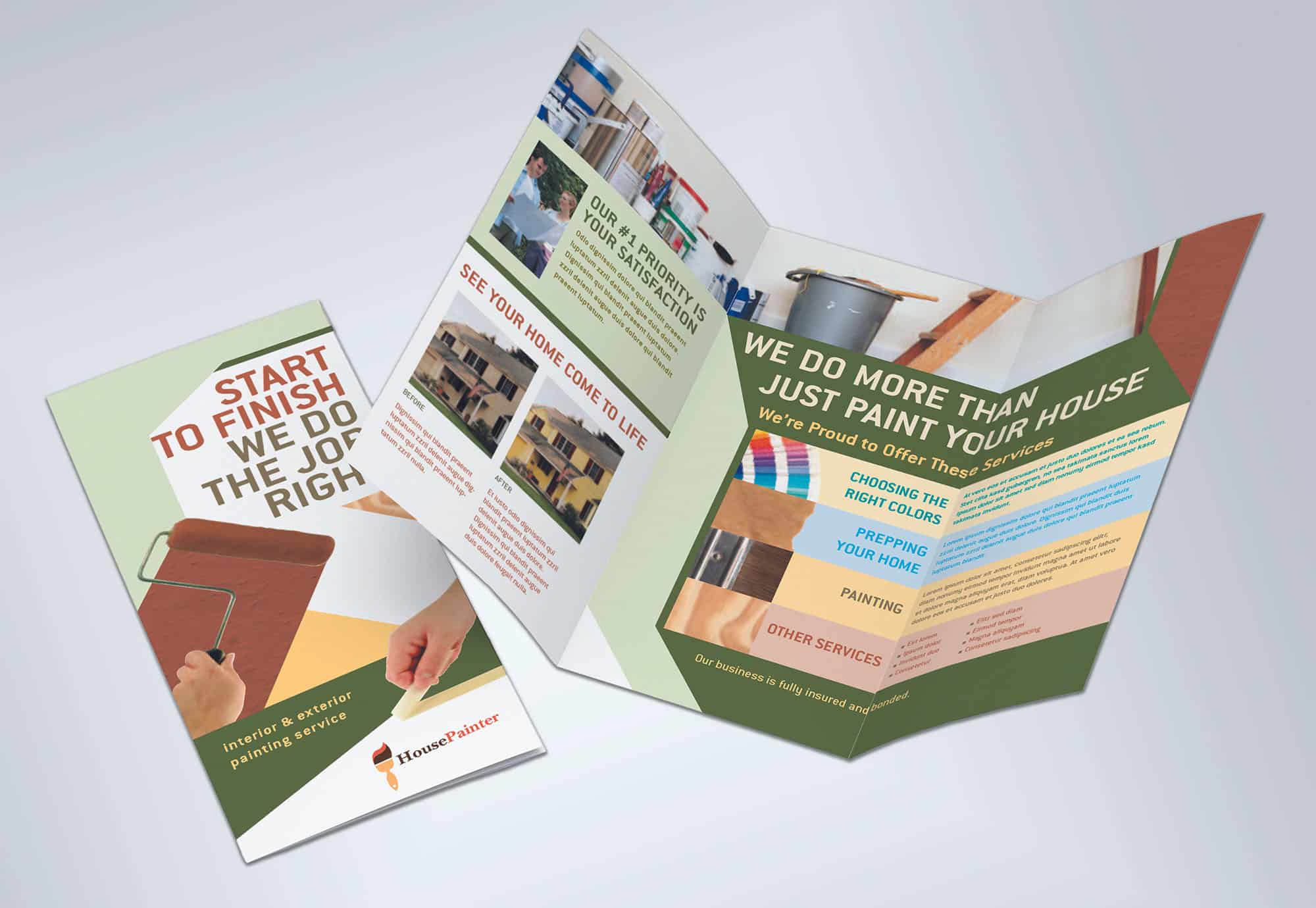
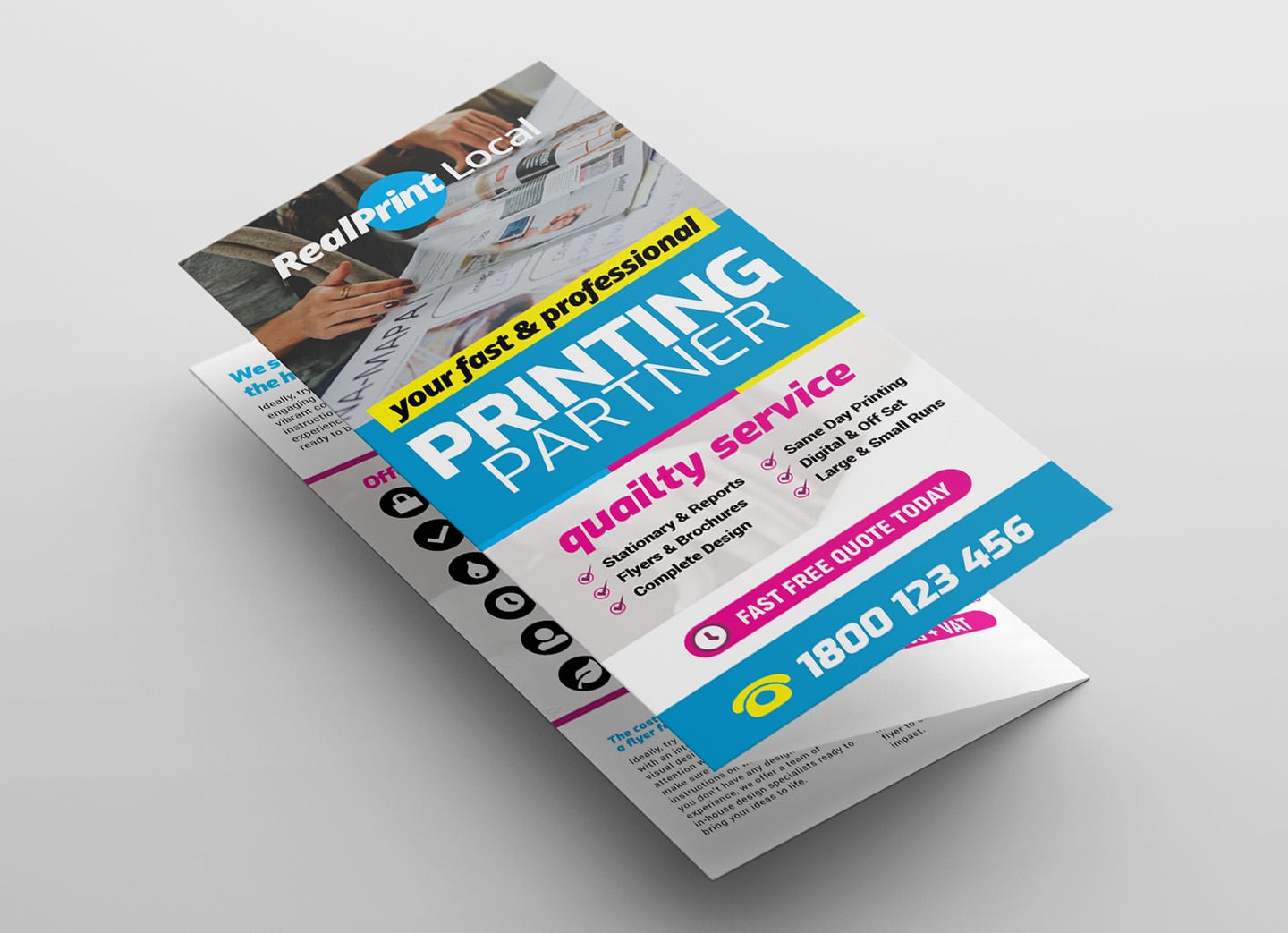
- Tri-Fold (Letter Fold): Folded twice into three equal panels that tuck inside one another. Fits standard envelope sizes for direct mail.
- Z-Fold: Folded in a zig-zag pattern, opening like an accordion. Best for sequential content or step-by-step guides.
- Gate Fold: Two side panels fold inward to meet in the middle. Suitable for high-impact visual introductions or luxury branding.
- Accordion Fold: Uses four or more panels that fold in alternating directions, expanding to display comprehensive product catalogs or maps.
Ensure your chosen print service possesses automated inline scoring and folding equipment. Heavy card stocks must be scored before folding to prevent the paper fibers from cracking along the spine.
2. Evaluate Paper Stock, Weight, and Finishing Options
Paper selection impacts the tactile experience of your brochure, shaping how customers perceive your brand. Paper stock is broadly categorized into Text Weight and Cover Weight.
Understanding Paper Weight and Density
Paper weight is expressed in pounds (lb) in the United States or grams per square meter (gsm) internationally.
- 70 lb to 80 lb Text (100–120 gsm): Light, flexible paper common for basic flyers and budget-friendly, mass-distributed tri-folds.
- 100 lb Text (150 gsm): The industry standard for high-quality marketing brochures. Offers good opacity, durability, and a substantial feel without being rigid.
- 80 lb Cover (215 gsm): A semi-rigid card stock that adds premium weight. Excellent for corporate presentations or direct mailers that must withstand handling.
- 100 lb Cover (270+ gsm): Heavyweight card stock providing maximum durability and a premium tactile feel. Requires mechanical scoring prior to folding.
Coatings and Protective Finishes
Coatings protect ink against smudging, fingerprint oil, and moisture while altering the visual sheen of the finished product:
- Aqueous (AQ) Coating: A water-based, fast-drying coating applied inline during printing. Offers basic protection in gloss, satin, or matte finishes. It is eco-friendly and standard across commercial print shops.
- UV Coating: A liquid coating cured with ultraviolet light. Creates a high-gloss, protective finish that makes colors pop.
- Spot UV: Applies high-gloss UV coating to targeted areas (such as logos, images, or headings) over a matte or soft-touch background, creating dynamic contrast.
- Soft-Touch Lamination: Adds a velvety, tactile texture to the paper surface while offering tear and moisture resistance. Ideal for luxury brand collateral.
3. Assess Quality Control, Proofing, and Prepress File Checks
Even high-end print machinery will produce poor results if file preparation or proofing protocols fail. A reliable print service provides clear prepress guidelines and multi-stage proofing options.
Proofing Options: Soft vs. Hard Proofs
- Soft Proofs (Digital PDFs): Electronic files generated by the printer's prepress system to check layout alignment, text positioning, panel placement, and overall design. Soft proofs do not accurately represent final printed colors due to computer monitor display variations (RGB vs. CMYK).
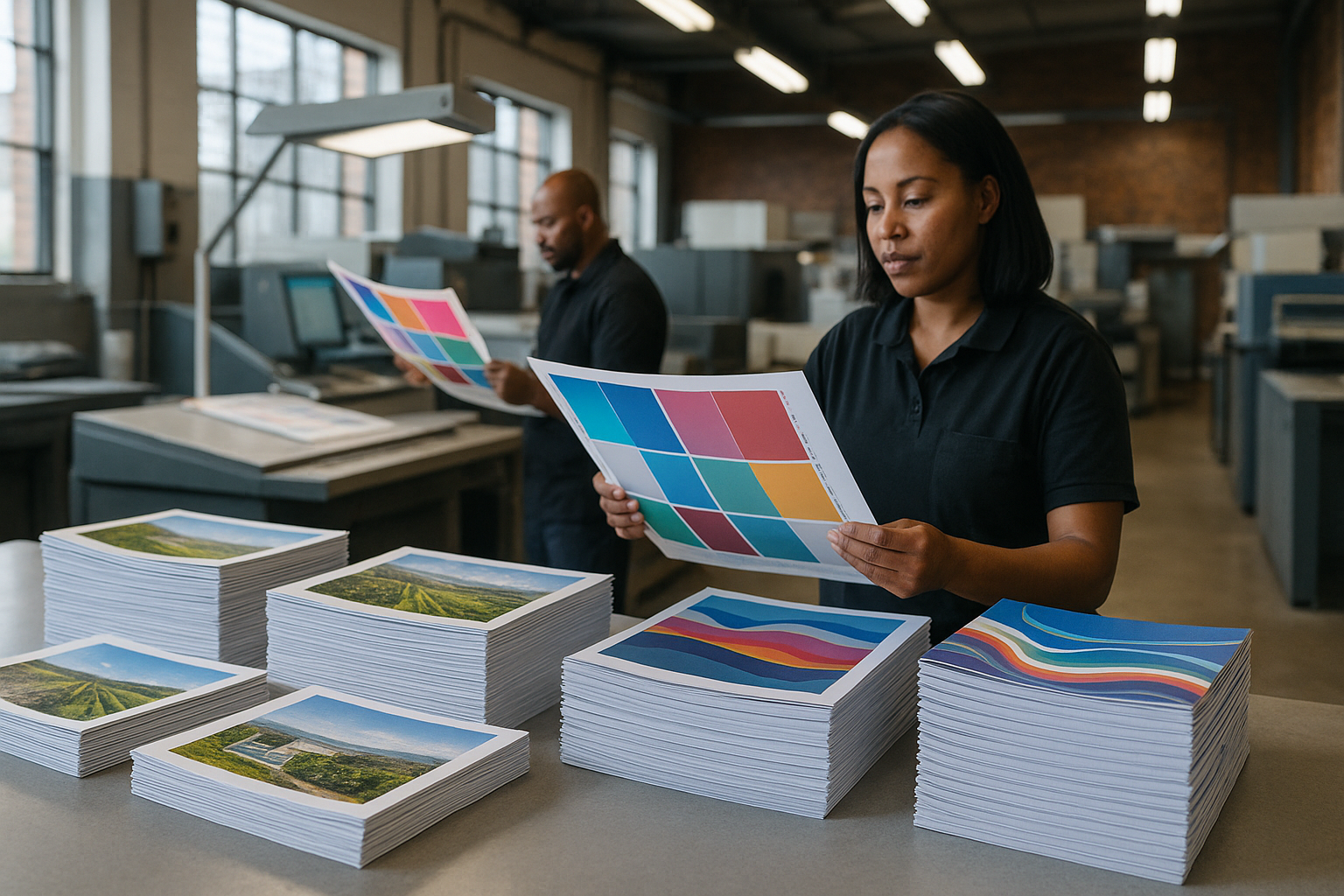
- Hard Proofs (Physical Press Proofs): Calibrated paper samples produced using calibrated digital proofer presses. A hard proof allows you to verify color reproduction, paper weight, and physical dimensions before authorizing full production.
File Setup Guidelines
Before submitting artwork, ensure your print service provides concrete file requirements. Standard production parameters include:
- Color Space: Artwork must be set up in CMYK (Cyan, Magenta, Yellow, Key/Black) or use dedicated Pantone (PMS) spot colors. Artwork submitted in RGB will undergo automatic conversion, often resulting in muted or shifted colors.
- Resolution: Images and artwork must be rendered at 300 DPI (dots per inch) at 100% scale. Lower resolutions lead to pixelated printing.
- Bleed and Margins: Standard print designs require a 0.125-inch (3mm) bleed extended beyond the trim line to ensure ink prints edge-to-edge after cutting. Critical content should remain inside a safe margin of 0.125 inches from the cut and fold lines.
4. Compare Costs, Turnaround Times, and Vendor Capabilities
Commercial print pricing structures vary significantly depending on vendor specialization, facility size, and order management.
EVALUATING BROCHURE PRINT VENDORS
| Cost Factors | Service Features | Quality & Compliance |
|---|---|---|
| Unit cost vs. volume | Hard/Soft proofing | FSC certification |
| Setup & plate fees | Turnaround speeds | Color management |
| Finishing surcharges | Sample kit access | Scoring & folding |
Pricing Structure and Hidden Fees
When comparing vendor quotes, verify that the total estimate includes:
- Prepress inspection and file processing fees.
- Proofing generation (soft PDF or hard copy shipping).
- Scoring, folding, and trim operations.
- Packaging, boxing, and freight/shipping charges.
Be cautious of quotes that appear significantly below market rate; they may exclude mandatory finishing steps, paper upgrades, or delivery costs.
Production Turnaround and Shipping Logistics
Standard print production typically ranges between 3 to 7 business days, excluding transit time. If you operate under tight marketing schedules, choose a provider that offers guaranteed rush options (24 to 48 hours). Confirm whether turnaround calculations begin upon file upload or after final proof approval.
Environmental Standards and Certifications
If sustainability is a priority for your organization, verify whether the printer holds FSC (Forest Stewardship Council) or PEFC (Programme for the Endorsement of Forest Certification) credentials. These certifications ensure paper stock comes from responsibly managed forests. Additionally, ask if the printer uses low-VOC (volatile organic compound) soy- or vegetable-based inks instead of traditional petroleum-based inks.
Digital vs. Offset Brochure Printing Comparison
Use this comparison matrix to evaluate which technology suits your brochure campaign:
| Feature | Digital Printing | Offset Lithography |
|---|---|---|
| Optimal Order Volume | Low to Medium (50 – 500 units) | High (1,000+ units) |
| Unit Cost Structure | Fixed per-unit price | Decreases significantly with higher volumes |
| Turnaround Time | Fast (1 – 3 business days) | Standard (4 – 10 business days) |
| Color Matching | Simulated CMYK matching | Exact Pantone Matching System (PMS) |
| Variable Data Support | Yes (Personalized fields/addresses) | No (Static layout per run) |
| Paper Compatibility | Limited to digital-compatible stocks | Extremely wide variety of stocks & textures |
| Initial Setup Cost | Minimal to none | High (requires plate creation & press washup) |
Common Pitfalls to Avoid When Selecting a Commercial Printer
- Ordering Without a Sample Kit: Never place a large print run without reviewing a physical sample kit. Printers offer free sample packets displaying their standard paper weights, textures, and finish options.
- Ignoring Paper Scoring Requirements: Ordering thick cover stock (over 80 lb cover) without specifying mechanical scoring leads to broken fibers and cracked ink lines along the folds.
- Approving Soft Proofs for Color Accuracy: Standard computer screens display artwork in RGB light, whereas presses print with CMYK inks. Relying on a digital PDF proof for exact color matching can lead to disappointing results. Request a physical hard proof for color-critical projects.
- Neglecting Panel Width Adjustments: In tri-fold and roll-fold brochures, the panel that folds inside must be designed slightly narrower (typically 1/16 to 1/8 inch smaller) than the outer panels. Failing to adjust panel widths causes the folded brochure to buckle.
Frequently Asked Questions
What is the standard turnaround time for commercial brochure printing?
Standard production for digital brochure printing ranges between 1 and 3 business days, while offset printing typically requires 4 to 7 business days. These timelines begin after you approve your prepress proof. Shipping times add to this duration based on destination and transit method.
What is the difference between text weight and cover weight paper?
Text weight paper is thin and flexible, similar to book pages or premium letterheads (e.g., 80 lb or 100 lb text). Cover weight paper is thicker and stiffer, resembling card stock or post cards (e.g., 80 lb or 100 lb cover). Cover stocks provide greater durability but require scoring before folding.
How do I ensure my corporate brand colors print accurately?
To ensure precise color reproduction, specify Pantone Matching System (PMS) spot colors in your design file and choose an offset print service capable of running custom PMS inks. If using CMYK printing, request a calibrated physical hard proof prior to starting the full press run.
Why do ink lines crack along the folds of my brochures?
Cracking occurs when paper fibers break during folding, particularly on heavy cover stocks or heavily coated papers. You can prevent cracking by ensuring your printer scores the paper (creasing the sheet along the fold line) before folding it.
Can I print brochures using recycled paper stocks?
Yes, most commercial printers offer recycled stocks containing post-consumer waste (PCW), ranging from 30% to 100% recycled content. Look for FSC-certified paper options to ensure environmental compliance without sacrificing print quality or brightness.
Final Recommendation: Steps to Choose Your Print Service
To select the ideal brochure printing partner:
- Define your parameters: Confirm your total quantity, budget, required delivery date, and whether you need variable data printing.
- Request sample kits: Contact 3 to 4 reputable print vendors to order physical sample portfolios. Inspect paper weights, coatings, fold precision, and color clarity.
- Submit files for prepress inspection: Have the vendor review your artwork for 300 DPI resolution, CMYK color profiles, correct panel sizing, and 0.125-inch bleeds.
- Request physical hard proofs: For high-volume or color-critical runs, order a physical press proof to verify stock weight, layout, and color accuracy before full production.
- Review all-inclusive pricing: Compare final quotes including setup fees, proofing, scoring, folding, and shipping before issuing a purchase order.
Image Gallery