The Best App Creating App: 2026 Complete No-Code and Low-Code Development Guide
Finding the best app creating app depends entirely on your technical proficiency, budget, and project scale, with platforms like FlutterFlow, Bubble, and Glide leading the market in 2026 for building scalable iOS and Android applicatio...
Finding the best app creating app depends entirely on your technical proficiency, budget, and project scale, with platforms like FlutterFlow, Bubble, and Glide leading the market in 2026 for building scalable iOS and Android applications without traditional software engineering. Whether you are a non-technical founder building a minimum viable product or a professional developer accelerating delivery, selecting the right software development platform dictates your application's performance, maintenance overhead, and long-term viability.
Contents
Understanding Modern App Development Platforms
The landscape of software development has shifted dramatically away from purely manual coding in Swift, Kotlin, or Java. Modern application creators use visual development environments that abstract complex syntax into drag-and-drop interfaces, visual logic builders, and managed cloud backends. These platforms generally fall into three distinct technical categories:
- No-Code Visual Builders: Platforms designed for users with zero programming experience, utilizing graphical user interfaces, pre-built template blocks, and visual database mapping.
- Low-Code Prosumer Environments: Solutions that offer visual design tools while granting full access to custom code insertion, advanced API integrations, and granular logic scripting.
- Design-to-Code Frameworks: Tools that convert UI/UX design files directly into functional frontend codebases, bridging the gap between designers and developers.
Before committing to a specific ecosystem, developers must evaluate key technical constraints including data privacy compliance, exportability of the underlying source code, vendor lock-in risks, and scalability ceilings under heavy concurrent user loads.
Core Evaluation Criteria for App Creators
Selecting the right app building tool requires a structured approach to architectural capabilities and operational costs. The evaluation matrix below highlights the critical metrics that separate consumer-grade hobbyist tools from enterprise-ready platforms.
| Evaluation Metric | Description | Why It Matters for Production |
|---|---|---|
| Source Code Ownership | Ability to export clean code (React Native, Flutter, etc.) | Prevents vendor lock-in if you need to migrate off the platform. |
| Database Scalability | Handling relational databases, data queries, and caching | Ensures the app does not crash or lag as user volume increases. |
| API & Webhook Integration | Connecting external SaaS tools, payment gateways, and CRMs | Essential for processing payments, user authentication, and notifications. |
| Publishing Support | Native compilation for Apple App Store and Google Play Store | Determines the friction level of pushing updates to end-users. |
| Pricing Tier Transparency | Scaling costs based on database rows, API calls, or active users | Protects project profitability as user acquisition grows. |
Top App Creating Platforms Compared
The market features several dominant players, each optimized for different use cases and technical skill levels. Understanding their unique strengths ensures you invest time in the correct ecosystem.
FlutterFlow: Best for Advanced Cross-Platform Mobile Apps
FlutterFlow stands out as the premier low-code environment for building native mobile applications for iOS and Android. Built on Google's Flutter framework, it allows creators to design visually while maintaining complete control over the underlying code.
FlutterFlow Technical Advantages: Full Source Code Export: You own the generated Dart code and can export it at any time to continue development locally in an IDE like Android Studio or VS Code. Advanced State Management: Offers granular control over application states, local variables, and complex conditional UI rendering. Custom Code Integration: Developers can write custom functions and widgets in Dart when standard visual components reach their limits.
Bubble: Best for Complex Web Applications and Marketplaces
For applications requiring heavy database logic, user permission tiers, and complex workflows—such as multi-vendor marketplaces or SaaS platforms—Bubble remains the industry standard. While primarily focused on web applications, Bubble-backed web apps can be wrapped into mobile containers for app store deployment.
- Robust Relational Database: Allows the creation of deeply linked data types, custom fields, and real-time privacy rules.
- Visual Workflow Engine: Implements "When X happens, do Y" logic trees without requiring traditional conditional programming syntax.
- Extensive Plugin Marketplace: Thousands of community-built and official plugins for Stripe, OpenAI, Google Maps, and analytics tools.
Glide: Best for Data-Driven and Internal Business Apps
Glide simplifies app creation by turning spreadsheets and databases (such as Google Sheets, Airtable, or SQL databases) into functional mobile and web apps instantly. It is ideal for internal team tools, inventory trackers, and client portals.
- Instant Deployment: The app builds itself dynamically based on the structure of your connected data source.
- Clean Mobile-First UI: Automatically organizes data into clean, modern lists, cards, and detail views optimized for mobile devices.
- Rapid Iteration: Changes made to the source spreadsheet reflect immediately within the application interface.
Step-by-Step Guide to Building Your First App
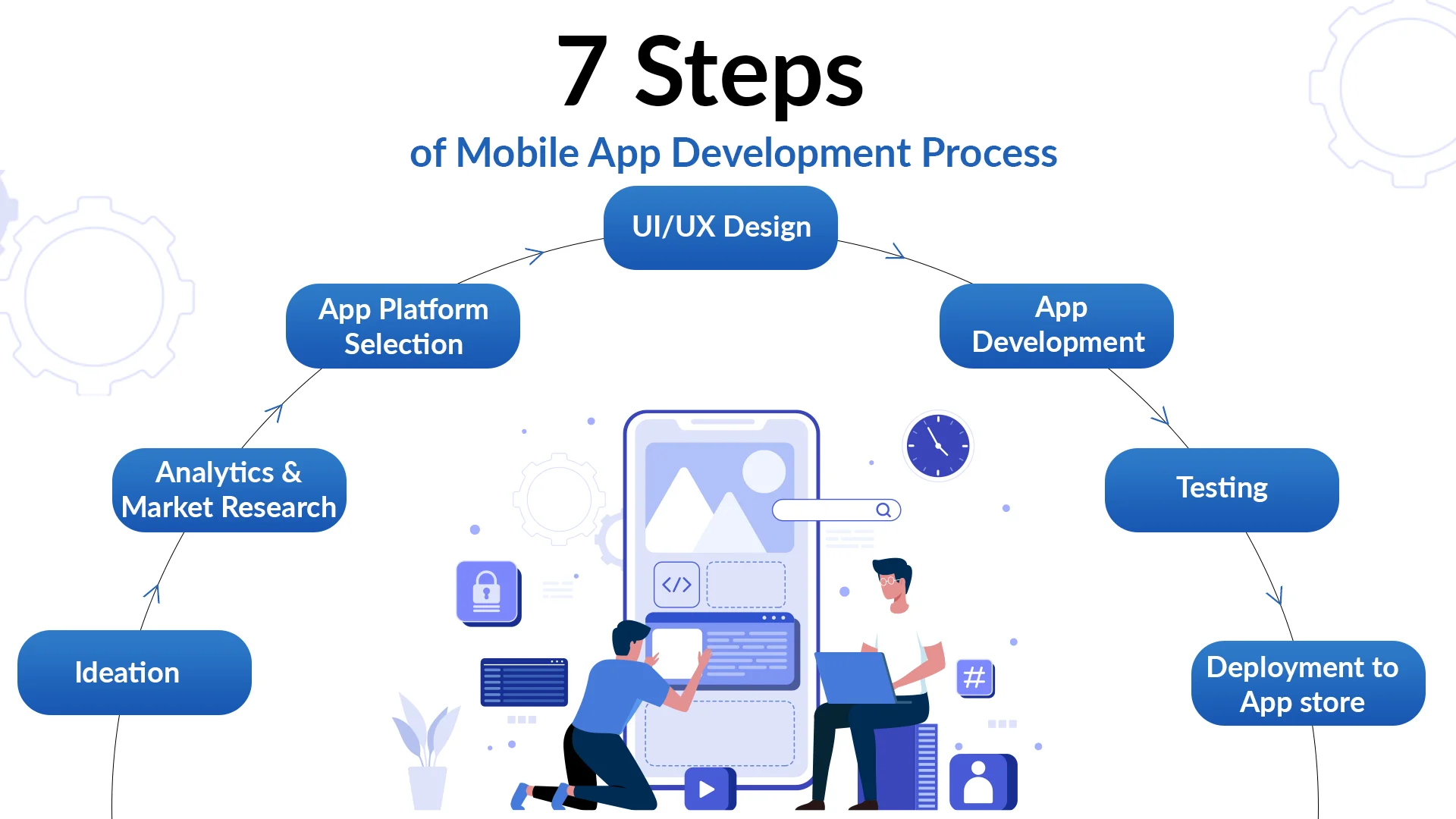
Executing an app creation project requires a disciplined workflow from initial concept to public deployment. Following a structured methodology prevents costly architectural mistakes midway through development.
Step 1: Define Scope and User Flows
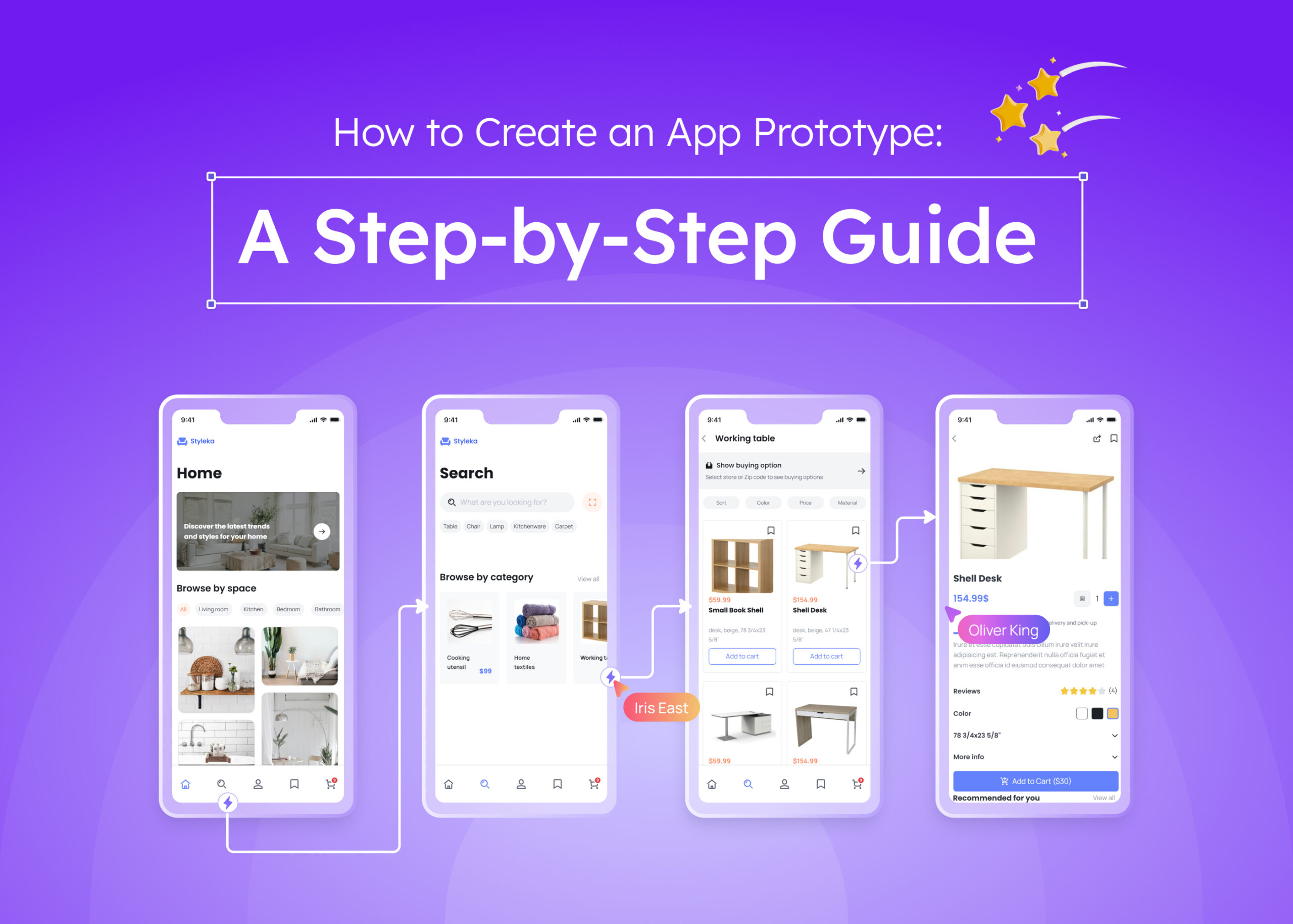
Map out the exact problem your app solves. Create wireframes detailing every screen a user will encounter, from the initial onboarding sequence to the core transactional feature. Define your database schema early by listing the exact data points you need to collect, store, and display.
Step 2: Choose Your Platform
Match your project requirements to the correct tool. Select Glide if your app is entirely data-table driven and meant for internal operations. Choose Bubble if you are building a data-heavy web platform. Opt for FlutterFlow if your primary target is a high-performance native mobile app for the App Store.
Step 3: Build the User Interface (UI)
Construct the visual layout using the platform's drag-and-drop builder. Ensure responsive design principles are applied so the interface adapts seamlessly across various screen sizes, tablet dimensions, and device orientations.
Step 4: Configure Data Structures and Workflows
Establish your database tables, fields, and relationships. Attach workflows to interactive elements like buttons, toggles, and search bars. Test user authentication pathways, ensuring secure password hashing and proper role-based access control.
Step 5: Test and Debug
Perform rigorous QA testing across multiple physical devices and operating system versions. Check for layout overflows, broken API endpoints, slow database queries, and edge cases in your workflow logic.
Step 6: Deploy to App Stores
Prepare your developer accounts with Apple (Apple Developer Program) and Google (Google Play Console). Compile your application bundle, fulfill privacy policy requirements, and submit your app through the formal review guidelines.
Pros and Cons of No-Code and Low-Code App Builders
While modern app creators accelerate time-to-market dramatically, they introduce specific trade-offs that developers and founders must weigh carefully.
- Pros:
- Speed: Build and launch functional MVPs in weeks instead of months.
- Cost Efficiency: Reduces initial engineering payroll requirements significantly.
- Visual Maintenance: Updates can be deployed instantly without compiling binaries manually for every minor text change.
- Cons:
- Platform Dependency: You are subject to the pricing updates, uptime reliability, and feature roadmap of the platform provider.
- Customization Ceilings: Highly unique animations or specialized hardware integrations may require custom code workarounds.
- Monthly Overhead: Subscription costs scale upward as your user base and data storage requirements grow.
Common Pitfalls and Troubleshooting
Navigating the app creation process successfully requires avoiding common architectural mistakes that frequently stall projects.
- Unoptimized Database Queries: Fetching entire data tables instead of utilizing pagination or filtering will cause severe application lag. Always query only the specific data required for the active view.
- Ignoring Mobile Ergonomics: Designing buttons too small for touch interaction or placing critical navigation elements outside the thumb zone creates poor user retention.
- Failing to Plan for Offline States: Ensure your app handles dropped internet connections gracefully with cached data views rather than displaying blank loading screens or crashing.
- Neglecting Security Rules: Leaving database collections wide open to public read/write access creates severe data vulnerability risks. Always configure strict backend privacy policies and role-based permissions before public launch.
Frequently Asked Questions
Can I publish apps built on no-code platforms to the Apple App Store and Google Play Store?
Yes, modern platforms like FlutterFlow and Bubble (via native wrappers) allow you to generate fully compliant binaries that can be submitted and approved for distribution on both major mobile app stores.
Do I need to know how to code to use the best app creating apps?
No-code platforms like Glide and Bubble require zero programming knowledge, relying entirely on visual logic builders and spreadsheet connections. Low-code tools like FlutterFlow benefit from basic programming logic understanding, though they still eliminate the need to write boilerplate frontend code from scratch.
What is the typical cost of building an app using a no-code platform?
Platform subscription costs generally range from $30 to over $200 per month depending on team seats, data row limits, and advanced feature access, alongside mandatory annual developer account fees charged by Apple ($99/year) and Google ($25 one-time).
Can I migrate my app away from a no-code builder if my business grows?
Platform portability varies significantly. Tools like FlutterFlow allow full source code export, making migration to a traditional custom codebase straightforward, whereas proprietary platforms with closed ecosystems require rebuilding the application from scratch if you outgrow them.
How do I handle payment processing within my created app?
Most leading app creators offer native integrations with secure payment gateways such as Stripe and RevenueCat, allowing you to manage one-time purchases, recurring subscriptions, and in-app purchases easily.
Conclusion and Next Steps
Choosing the best app creating app comes down to matching your specific project requirements with the right architectural environment. Assess your technical scope, map your data requirements, and leverage modern visual development tools to bring your application to market with unprecedented speed and efficiency. Begin by building a functional prototype on your chosen platform, test core user flows with real stakeholders, and scale your infrastructure iteratively as your user base expands.
Image Gallery