Choosing Editing Software for iPhone: The Complete Guide for 2026
Selecting the right editing software for your iPhone in 2026 requires balancing your technical skill level with your intended output. Professional creators should prioritize DaVinci Resolve or LumaFusion for video, and Adobe Lightroom...
Selecting the right editing software for your iPhone in 2026 requires balancing your technical skill level with your intended output. Professional creators should prioritize DaVinci Resolve or LumaFusion for video, and Adobe Lightroom for photos. Casual users often find the best value in free, AI-integrated tools like CapCut or Apple’s native iMovie application.
Contents
The landscape of mobile content creation has shifted dramatically. As of 2026, the iPhone is no longer just a "mobile" alternative to a desktop; for many photographers, YouTubers, and social media managers, it is the primary workstation. With the integration of powerful A-series chips and the widespread adoption of USB-C external storage support, the software available for these devices has reached parity with many desktop applications. However, the abundance of choices in the App Store can make the selection process daunting. To choose correctly, you must first define your workflow, your budget, and the specific limitations of your hardware.
Defining Your Editing Objectives
Before downloading an application, you must identify whether you are performing a "quick fix" or a "deep edit." Mobile software generally falls into three categories: automated AI-driven editors, social media content creators, and professional-grade post-production suites.
For users who want to post a vacation reel or a quick update to Instagram or TikTok, speed is the priority. These users benefit from software that includes pre-built templates, licensed music libraries, and AI auto-reframing. Conversely, if you are editing a short film, a high-end commercial, or a professional portrait session, you require manual control over color science, frame rates, and bitrates.
Hardware also dictates your software choice. By 2026, older iPhone models may struggle with the latest generative AI features or 4K ProRes Log footage. If you are using a base-model iPhone with limited storage, you will need a software solution that handles cloud proxies efficiently. If you are using a Pro model with an external SSD, you can opt for heavyweight suites that allow for direct editing from external drives.
Professional Video Editing: The Top Contenders
For those seeking to produce cinematic content, three apps dominate the market in 2026. Each offers a different approach to the mobile UI, ranging from traditional desktop layouts to touch-first innovations.
DaVinci Resolve for iPad and iPhone
Blackmagic Design’s port of DaVinci Resolve has become the industry gold standard for color grading on mobile. While originally launched for the iPad, the iPhone version has been optimized for the smaller screen. It is the best choice if you shoot in Apple Log or ProRes, as it allows for the application of complex LUTs (Look-Up Tables) and provides a granular color wheel system. The 2026 version includes advanced "Magic Mask" AI tools that allow you to isolate and track subjects with a single tap, a feature previously reserved for high-end PCs.
LumaFusion
LumaFusion remains the most popular "one-time purchase" professional editor. Unlike the subscription-heavy landscape of 2026, LumaFusion’s model appeals to those who want a permanent toolset. It offers a multi-track timeline that feels incredibly stable. It excels in organizational features, such as color-tagging clips and supporting a wide variety of aspect ratios (from vertical 9:16 to ultrawide 2.39:1). It is particularly well-suited for documentary-style editing where you have a large volume of "B-roll" footage to manage.
Final Cut Pro for iPad/iPhone
Apple’s own professional offering is designed for maximum synergy with the iPhone's camera system. Its standout feature in 2026 is the Live Multicam capability, which allows you to use your iPhone as a controller to direct and record up to four other iPhones simultaneously. While it operates on a subscription basis, its "Magnetic Timeline" is arguably the fastest way to assemble a rough cut using touch gestures.
Social Media and Rapid Content Creation
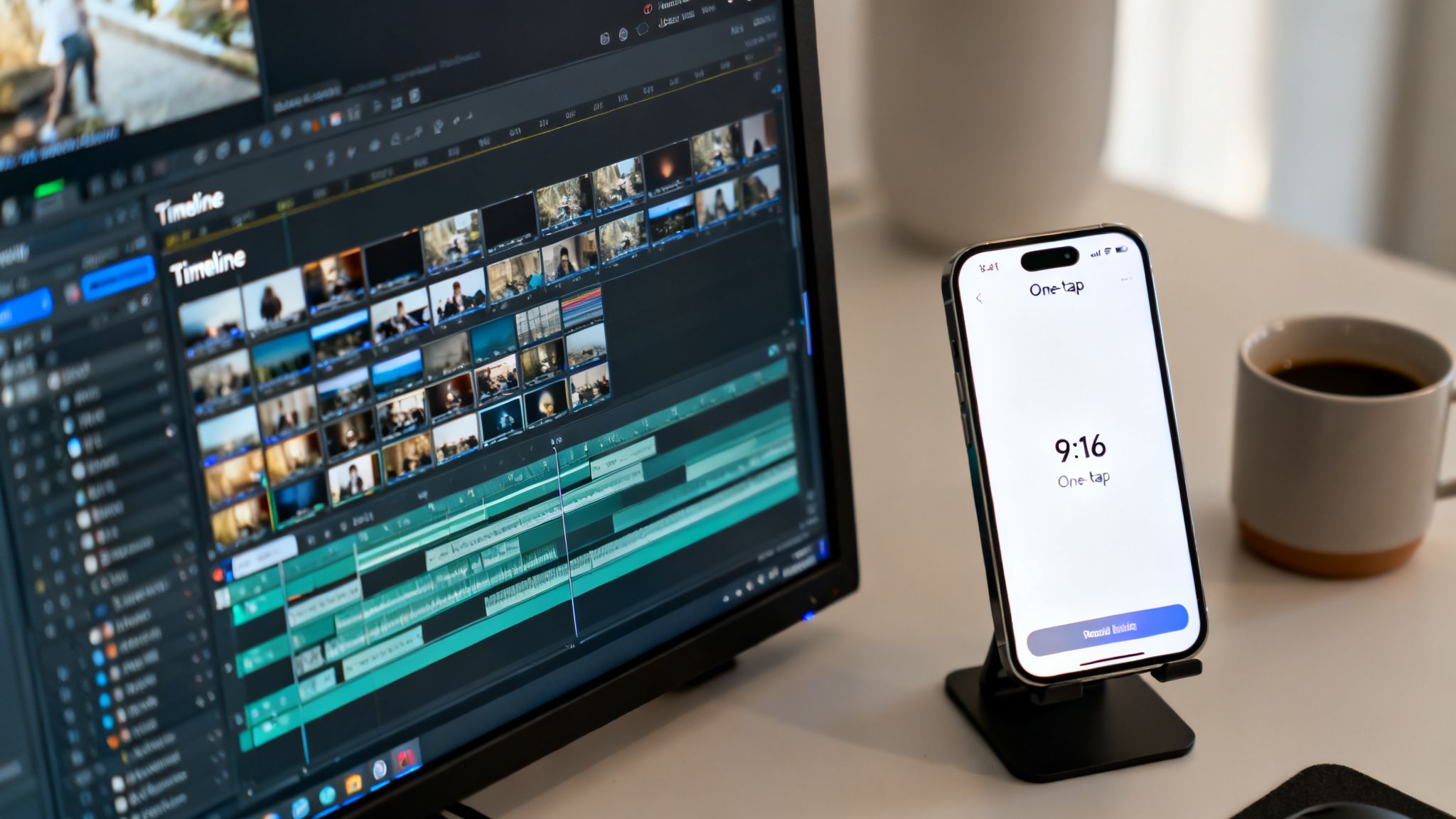
If your goal is engagement on platforms like TikTok, YouTube Shorts, or Reels, professional suites might actually slow you down. In this niche, software that prioritizes trending features and "one-tap" effects is superior.
CapCut
Owned by ByteDance, CapCut is the most influential editor for social media creators in 2026. Its primary advantage is its massive library of trending templates and sounds that are already synced to the beat of the music. The AI features in CapCut have evolved to include "AI Script-to-Video," which can generate a rough edit based on a text prompt. For creators who need to pump out high volumes of content daily, the efficiency of CapCut is difficult to beat, even if it lacks the deep color-grading precision of DaVinci Resolve.
VN Video Editor
VN Video Editor is often cited as the best "middle ground" app. It is free (with some limitations) and provides a more traditional timeline than CapCut, without the complexity of LumaFusion. It is excellent for creators who want to perform "speed ramping" (smoothly changing the speed of a clip) and need a clean, ad-free interface.
Professional Photo Editing and RAW Processing
Photo editing on the iPhone has moved beyond simple filters. In 2026, the focus is on maximizing the data captured by the iPhone’s 48MP (or higher) sensors and handling ProRAW files.
Adobe Lightroom Mobile
Lightroom remains the cornerstone of professional photography. Its strength lies in the Creative Cloud ecosystem. You can start an edit on your iPhone during a commute and finish it on your desktop with every adjustment preserved. In 2026, its "Generative Remove" feature—powered by Adobe Firefly—is the most seamless way to remove distracting elements from a photo while maintaining realistic textures and lighting.
Darkroom
Darkroom is frequently praised for its deep integration with the iOS ecosystem. It doesn't require an "import" process; it simply opens your existing Photo Library. This saves significant storage space. It is best known for its "Curves" and "Selective Color" tools, which provide a level of finesse that the default Apple Photos app cannot match.
Photomator
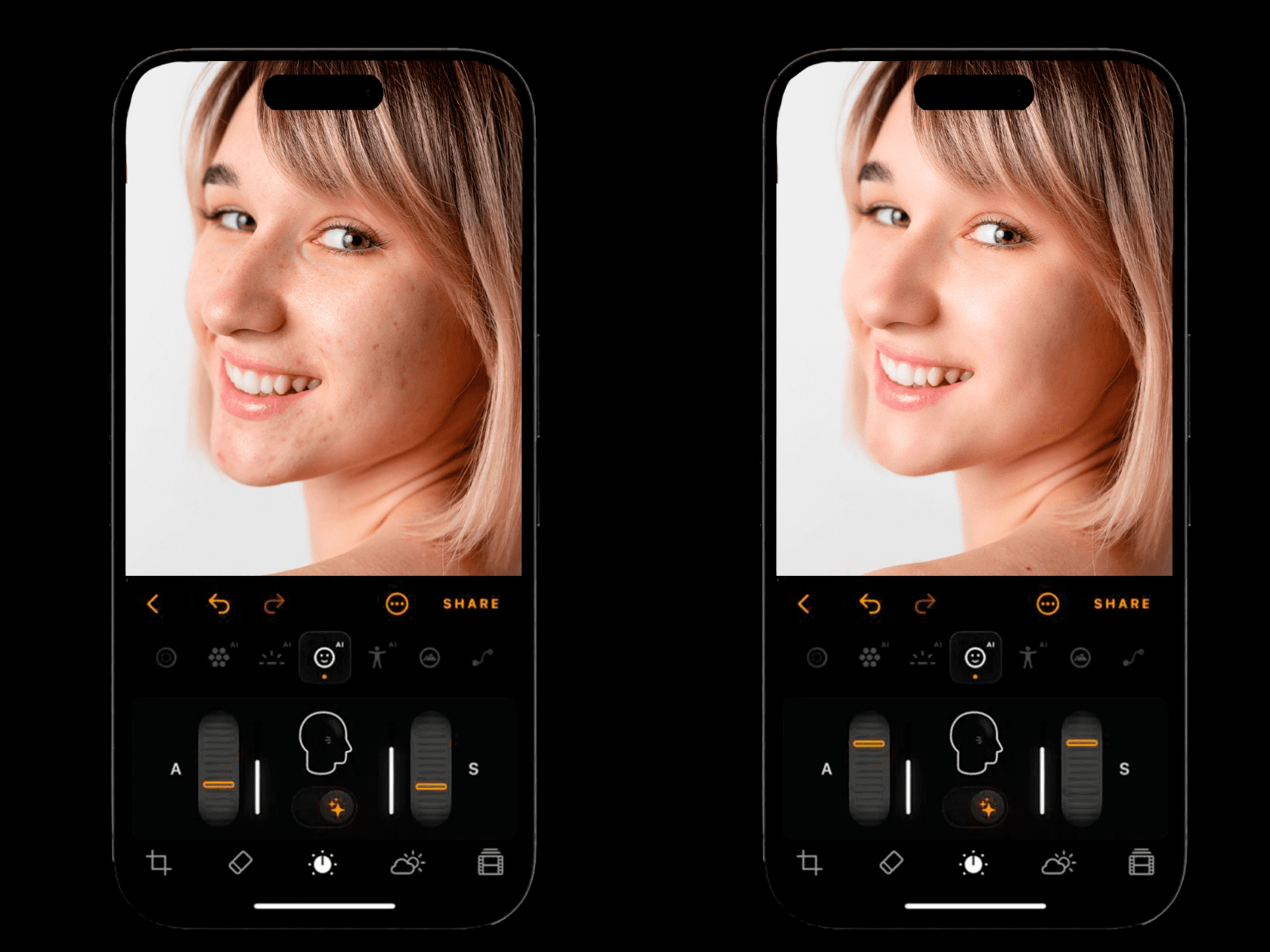
Photomator has surged in popularity by 2026 due to its heavy reliance on machine learning. It features a "Match Colors" function that can analyze the color palette of any famous photograph and apply that same look to your iPhone shot. It is an ideal choice for users who want "pro results" without having to manually tweak dozens of sliders.
Comparing Leading iPhone Editing Software (2026)
| Software | Primary Use | Pricing Model (2026) | Best For |
|---|---|---|---|
| DaVinci Resolve | Professional Video | Free / Pro Upgrade | Color Grading & Logic Editing |
| LumaFusion | Professional Video | One-time Purchase | Multi-track Storytelling |
| Final Cut Pro | Professional Video | Monthly Subscription | Ecosystem Synergy & Multicam |
| CapCut | Social Media | Free / Pro Subscription | Trends, Templates, & Speed |
| Adobe Lightroom | Pro Photography | Subscription | Professional RAW Workflows |
| Darkroom | Pro Photography | Subscription / Lifetime | Seamless Library Integration |
| iMovie | Basic Video | Free | Beginners & Simple Trimming |
| Snapseed | General Photo | Free | Powerful, Free Toolset |
Hardware Considerations and Storage Management
No matter which software you choose, the hardware of your iPhone acts as the "ceiling" for your creativity. By 2026, high-resolution video files (especially 4K 60fps or 8K) can consume gigabytes of data in minutes.
If you are serious about editing, you should look for software that supports External Drive Editing. This allows you to plug a USB-C SSD directly into your iPhone and edit the files stored on the drive without moving them to your phone's internal storage. Both LumaFusion and Final Cut Pro offer robust support for this.
Additionally, pay attention to "Thermal Throttling." Intense editing sessions, especially those involving AI upscaling or heavy color grading, generate significant heat. Newer iPhone models manage this better, but if you are on an older device, you may experience lag or app crashes during long export processes. In such cases, choosing a "lighter" app like VN Video Editor or iMovie might actually result in a faster overall workflow than trying to force a heavy app like Resolve to run on aging hardware.
Common Pitfalls to Avoid
When choosing software, many users fall into the trap of "over-buying." It is tempting to subscribe to the most expensive pro suite, but if you only need to trim clips and add text, you are paying for complexity that will actually hinder your speed.
Another mistake is ignoring Privacy and Terms of Service. Many free AI-based editors process your videos on their servers. If you are working with sensitive or private footage, you should prioritize "On-Device Processing." Apps like Apple’s Final Cut Pro and Photomator perform most of their calculations locally on the iPhone’s Neural Engine, ensuring your data never leaves the device.
Frequently Asked Questions
Can I edit professional-quality videos entirely on an iPhone?
Yes. By 2026, the iPhone's processing power is equivalent to mid-range laptops from just a few years prior. With apps like DaVinci Resolve and LumaFusion, you have access to professional timelines, keyframing, and color-correction tools. The primary limitation is the screen size, which can be mitigated by using an external monitor via a USB-C to HDMI adapter.
Is it better to pay for a subscription or a one-time purchase?
This depends on your usage frequency. If editing is your profession, subscriptions like Adobe Creative Cloud or Final Cut Pro provide continuous AI updates and cloud storage that justify the cost. For hobbyists, a one-time purchase like LumaFusion or Photomator is more cost-effective in the long run.
Which app is best for removing backgrounds from photos?
Adobe Lightroom and Photomator both offer industry-leading background removal tools in 2026. They use advanced AI to distinguish between fine details like hair and the background. For a free alternative, the native "Lift Subject" feature in the iOS Photos app is surprisingly effective for simple cutouts.
Do I need the latest iPhone to use these apps?
While most apps will run on iPhones from the last 3-4 years, "Pro" features like ProRes editing, 3D spatial video processing, and real-time generative AI usually require the A17 Pro chip or newer. Always check the App Store requirements for specific hardware compatibility before purchasing.
Can I move my projects from iPhone to Mac?
Most professional apps offer an export path. Final Cut Pro for iPhone projects can be opened in Final Cut Pro for Mac. Similarly, DaVinci Resolve uses "Project Archives" (.dra) that can be transferred via iCloud or external drive to a desktop workstation for final finishing.
Final Recommendation
To make your final decision, start with Apple’s native tools (Photos and iMovie) to find the limits of your current workflow. If you find yourself frustrated by the lack of color control, move to Darkroom or VN Video Editor. If you are looking to build a career in content creation or film, invest the time to learn DaVinci Resolve or Adobe Lightroom. The "best" software is ultimately the one that removes the most friction between your creative vision and the final export.
Image Gallery