Comprehensive Guide to Ocala Arrest Search and Marion County Public Records (2026)
To perform an Ocala arrest search, the primary resource is the Marion County Sheriff’s Office (MCSO) Jail Management System (JMS). This digital portal allows users to search for individuals currently in custody or recently released by...
To perform an Ocala arrest search, the primary resource is the Marion County Sheriff’s Office (MCSO) Jail Management System (JMS). This digital portal allows users to search for individuals currently in custody or recently released by name or booking date. Users can view mugshots, specific charges, bond amounts, and booking details for arrests occurring within Ocala and the broader Marion County jurisdiction.
Contents
Florida’s commitment to transparency, governed by Chapter 119 of the Florida Statutes (the Sunshine Law), ensures that most arrest records are accessible to the public. Whether you are a legal professional, a concerned family member, or a resident researching local safety, understanding how to navigate these specific databases in 2026 is essential for obtaining accurate, real-time information.
Primary Official Sources for Ocala Arrest Records
In 2026, the landscape of public records in Florida remains highly digitized, with Marion County providing robust online tools to facilitate public transparency. When searching for arrest information in Ocala, you must differentiate between the law enforcement agency that made the arrest and the facility where the individual is housed.
Marion County Sheriff’s Office (MCSO) Inmate Search
The MCSO maintains the central repository for all individuals booked into the Marion County Jail. Even if the Ocala Police Department (OPD) makes an arrest within city limits, the individual is typically transported to the county facility.
The MCSO Inmate Search portal offers two primary viewing modes:
- Current Inmates: Shows individuals currently held at the Marion County Jail.
- Released Inmates: Provides historical data on individuals who have been processed and subsequently released within a specific timeframe (usually the last 30 to 90 days).
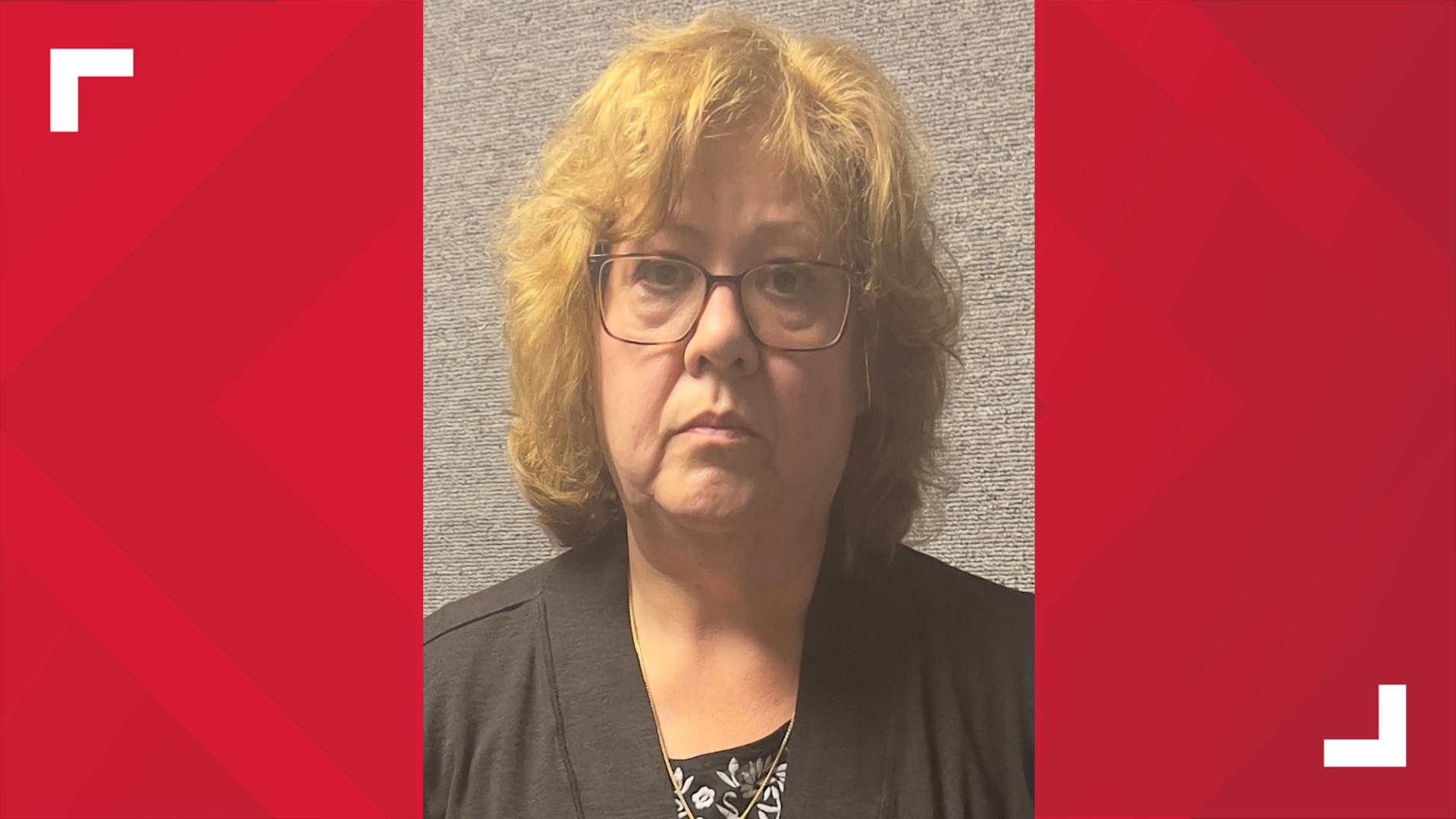
When using this tool, you can filter results by last name, first name, and booking date. The system provides a detailed "Inmate Profile" which includes the subject’s physical description, a high-resolution mugshot, the arresting agency, and a list of specific charges ranging from municipal ordinance violations to first-degree felonies.
Ocala Police Department (OPD) Records Division
While the Sheriff’s Office manages the jail, the Ocala Police Department maintains records of incidents and arrests that occur specifically within the Ocala city limits. If you are looking for a detailed "Arrest Report" or "Incident Report"—which contains the narrative of the responding officer—you must contact the OPD Records Division.
As of 2026, the OPD has updated its public records request portal to allow for electronic submission and retrieval. This is particularly useful if the "why" of the arrest is more important to you than the current custody status.
Comparison of Ocala and Marion County Search Portals
The following table outlines the different authorities and the types of data they provide to help you determine which resource fits your specific needs.
| Resource Name | Authority | Data Type | Access Speed | Cost |
|---|---|---|---|---|
| MCSO Inmate Search | Marion County Sheriff | Real-time Jail Status / Mugshots | Instant | Free |
| OPD Public Records Portal | Ocala Police Dept | Narrative Incident/Arrest Reports | 24-72 Hours | Free/Small Fee |
| Marion County Clerk of Court | Clerk of Circuit Court | Legal Filings / Court Dates | Near Instant | Free |
| FDLE Criminal History | State of Florida | Comprehensive FL Criminal Record | 3-5 Days | $24.00 |
| VINE System | Victim Services | Custody Status Notifications | Instant Alerts | Free |
Detailed Steps to Conduct an Ocala Arrest Search
Successfully locating a record requires a systematic approach, especially given the high volume of daily bookings in Marion County. Follow these steps to ensure you find the correct individual.
1. Gather Essential Information
Before beginning your search on the MCSO website, ensure you have the correct spelling of the individual’s name. Middle names or suffixes (Jr., Sr., III) are helpful for common names. If you know the date of the arrest, it will significantly narrow down the results in the "Released Inmates" database.
2. Access the Jail Management System (JMS)
Navigate to the official Marion County Sheriff’s Office website. Look for the "Jail" or "Inmate Search" link. In 2026, the interface is optimized for both desktop and mobile devices, allowing for quick searches on the go.
3. Review the Booking Details
Once you find the individual, click on their name to expand the record. Pay close attention to the following fields:
- Booking Number: A unique identifier for that specific stay in jail.
- Charges: The specific Florida Statutes cited (e.g., 812.014 for Theft).
- Bond Amount: The financial requirement for release. Note if the bond is "None" or "To Be Set," which often happens in cases involving domestic violence or capital crimes.
- Hold Status: Check if there are "Out of County" or "Federal" holds, which may prevent release even if the local bond is paid.
4. Cross-Reference with Court Records
An arrest is merely the beginning of the legal process. To see the actual charges filed by the State Attorney and the subsequent court dates, you must visit the Marion County Clerk of the Circuit Court website. By searching the "Court Records" section, you can track the case from the initial appearance through final sentencing.
Expert Strategic Tip for Legal Research
When searching the Clerk of Court records, always check the "Dockets" section. This area lists every document filed in the case, including motions to reduce bond or notices of appearance from defense attorneys. In 2026, many of these documents are viewable as PDFs directly in your browser, providing a level of detail not found on the Sheriff’s booking page.
Understanding Florida’s Public Records Laws (Sunshine Law)
The ability to perform an Ocala arrest search is a right granted by the Florida Constitution. However, there are limitations and nuances that users should be aware of to interpret the data correctly.
The Presumption of Innocence
Information found in an arrest search represents an allegation by law enforcement. It does not constitute a conviction. In 2026, digital footprints are permanent; therefore, it is vital to check the Clerk of Court records to see if charges were later dropped (Nolle Prosequi) or if the individual was found not guilty.
Redacted Information
Certain information is exempt from public disclosure under Florida Law. This includes:
- Home addresses of law enforcement officers, judges, and prosecutors.
- Information regarding active undercover investigations.
- Identification of victims of certain crimes (e.g., sexual battery or child abuse) under "Marsy’s Law."
Expungement and Sealing
If you search for someone and cannot find a record of a known arrest, the record may have been sealed or expunged. In Florida, individuals who meet specific criteria (such as charges being dismissed or being a first-time offender in certain categories) can petition the court to remove the arrest from public view. Once a record is expunged, law enforcement agencies and the Clerk of Court will respond to inquiries by stating that "no record exists."
State-Level and Background Check Options
If your search for an Ocala arrest extends beyond a simple "who is in jail now" inquiry, you may need to utilize state-level resources. These are more comprehensive but often come with a statutory fee.
Florida Department of Law Enforcement (FDLE)
The FDLE provides a "Certified Criminal History" search. This is the official background check used by employers and landlords. Unlike the local Sheriff's search, which is free, the FDLE charges a fee (currently $24.00 as of 2026) per search. This report includes all arrests statewide, not just those in Ocala or Marion County.
VINE (Victim Information and Notification Everyday)
For those who are victims of a crime or have a vested safety interest in an inmate’s status, the VINE system is an invaluable resource. You can register via the MCSO website to receive automated phone calls, texts, or emails the moment a specific inmate is released, transferred, or escapes.
Troubleshooting Common Search Issues
Sometimes, a search for an arrest in Ocala returns no results even when you are certain an arrest occurred. Consider the following troubleshooting steps:
- Jurisdictional Confusion: Was the person arrested by the Florida Highway Patrol (FHP) on I-75? While they might be in the Marion County Jail, the "arresting agency" field will list FHP, which might affect how some third-party sites index the data.
- Name Variations: Check for common aliases or maiden names. The system registers individuals under the name provided on their legal identification at the time of booking.
- Processing Time: There is often a lag of 1 to 4 hours between the physical arrest and the appearance of the record on the MCSO website. If the arrest just happened, check back later.
- Juvenile Records: Florida law strictly limits the public release of arrest information for minors (under 18) unless they are charged with a qualifying felony as an adult.
Frequently Asked Questions
How do I find a mugshot for someone arrested in Ocala?
You can find mugshots by visiting the Marion County Sheriff’s Office Inmate Search page. Once you locate the individual's record, the mugshot is typically the primary image displayed alongside their booking details. Florida law requires these to be public record, though some third-party sites are prohibited from charging fees to remove them under 2026 consumer protection regulations.
Can I see the bond amount for an Ocala arrest online?
Yes, the Marion County Jail Management System lists the bond amount for each specific charge. If the individual has multiple charges, you must add the bond amounts together to find the total required for release. Note that some charges may have a "No Bond" status until the individual appears before a judge at "First Appearance" (usually within 24 hours).
What is the difference between a police report and an arrest record?
An arrest record is a summary of the booking, including charges and physical descriptors. A police report (or incident report) is a narrative document written by the Ocala Police Department officer that details the events leading up to the arrest, witness statements, and evidence collected. Police reports must be requested specifically through the OPD Records Division.
Are Ocala arrest records available to the public for free?
Searching the official Marion County Sheriff’s Office and Clerk of Court databases is free of charge. However, if you require a certified copy of an arrest report or a statewide background check through the FDLE, there are associated statutory fees. Always use official .gov or .org sites to avoid unnecessary charges from third-party "people search" websites.
How long does an arrest stay on my record in Marion County?
In Florida, an arrest record is permanent unless it is specifically sealed or expunged by a court order. Even if the charges are dropped or you are found not guilty, the record of the arrest will remain visible in the MCSO and Clerk of Court databases until the legal expungement process is completed.
How can I find out when an inmate is being released?
The best way to track release status is through the VINE (Victim Information and Notification Everyday) system. By registering with the inmate’s name or booking number, you will receive real-time notifications via your preferred contact method once their status changes to "Released."
Summary of Actionable Steps
For the most accurate and timely results in 2026, always start your Ocala arrest search at the county level.
- Check MCSO First: Visit the Marion County Sheriff's Office website for current jail status and mugshots.
- Verify via Clerk of Court: Use the Marion County Clerk of the Circuit Court to see the official charges and future court dates.
- Request OPD Reports: If you need the specific details of the crime, submit a public records request to the Ocala Police Department.
- Use VINE for Updates: Register for notifications if you need to know exactly when someone leaves custody.
By utilizing these official channels, you ensure that the information you receive is verified, legal, and compliant with Florida’s public record standards.
Image Gallery