Complete Guide to Managing Your Cricket Payment Online in 2026
Managing your Cricket Wireless bill online is the fastest, most secure way to keep your prepaid mobile service active without visiting a physical retail location. Whether you are setting up automatic payments, handling a one-time reple...
Managing your Cricket Wireless bill online is the fastest, most secure way to keep your prepaid mobile service active without visiting a physical retail location. Whether you are setting up automatic payments, handling a one-time replenishment, or troubleshooting account login errors, utilizing the official digital portals ensures your transaction processes instantly and safely.
Contents
Understanding Cricket Wireless Account Types and Payment Architecture
Before initiating a payment, it is essential to understand how Cricket Wireless structures its accounts and payment processing systems. Cricket operates primarily on a prepaid cellular model, meaning service must be paid for in advance of each monthly billing cycle.
Unlike traditional postpaid carriers that send a bill at the end of the month, Cricket requires your account balance to cover the full cost of your service plan on or before your designated payment due date. Failure to pay by midnight on the due date typically results in a suspension of data, talk, and text services until the balance is successfully cleared.
Account management is split into a few primary access tiers:
- My Cricket App: The official mobile application available for iOS and Android devices, optimized for quick mobile payments and plan modifications.
- Official Website Portal: The desktop and mobile browser-compatible account manager hosted on the official Cricket Wireless domain.
- Automated Phone System: A self-service IVR (Interactive Voice Response) system accessible by dialing 611 from your Cricket handset.
- Quick Pay Portal: A streamlined web interface that allows users to pay an account balance using a phone number and PIN without logging into a full dashboard.
Prerequisites and Information Required Before You Pay
To ensure a seamless transaction when handling your cricket payment online, gather the necessary credentials and payment instruments ahead of time. Missing information can lead to failed transactions or accidental payments applied to the wrong account.
- Cricket Phone Number: The active 10-digit mobile number associated with the service line.
- Account PIN: The secure 4-digit numeric code assigned when the account was created. This is vital for security verification during quick pay sessions.
- Accepted Payment Methods: Cricket accepts major credit and debit cards (Visa, MasterCard, Discover, American Express), prepaid cards bearing major network logos, and official Cricket refill cards or refill PINs purchased from authorized retailers.
- Valid Billing Address: Ensure the ZIP code entered during the online checkout matches the billing address registered with your financial institution to prevent card decline errors.
Step-by-Step Guide to Completing a Cricket Payment Online
Executing a payment through the official web portal takes only a few minutes when following a structured sequence.
- Navigate to the Official Portal: Open your preferred web browser and go directly to the official Cricket Wireless website or the dedicated Quick Pay page. Avoid clicking unverified links from third-party search advertisements to protect your financial data.
- Input Account Identification: Enter your 10-digit Cricket phone number into the designated field. If using the Quick Pay option, you will also be prompted to enter your 4-digit account PIN.
- Review Your Current Balance: Once authenticated, check the dashboard display for your exact current balance, upcoming due date, and any applicable service charges or add-on fees.
- Select Your Payment Method: Choose between stored payment cards on file or input a new credit, debit, or refill card. If you purchased a physical or digital refill card from a store, select the refill card option and scratch off or reveal the hidden PIN.
- Authorize the Transaction: Review the final total, including any local taxes and regulatory fees, and click the submit or pay button. A confirmation screen displaying a transaction ID number will appear immediately upon successful processing.
Comparison of Available Cricket Payment Channels
While paying online is the most convenient method for most users, Cricket offers several alternative ways to settle your bill. The following table compares these channels based on processing speed, convenience, and fees.
| Payment Channel | Processing Speed | Convenience Level | Potential Fees | Recommended Use Case |
|---|---|---|---|---|
| Online Quick Pay | Instant | High | None | Fast, one-time payments without logging into a full dashboard. |
| My Cricket App | Instant | Very High | None | Managing plans, changing features, and recurring auto-pay setups. |
| Auto-Pay Enrollment | Automated | Maximum | Monthly Discount Available | Users who want to prevent service interruptions and earn discounts. |
| Automated Phone (611) | Instant | Moderate | None | Quick payments using a saved card over voice prompts. |
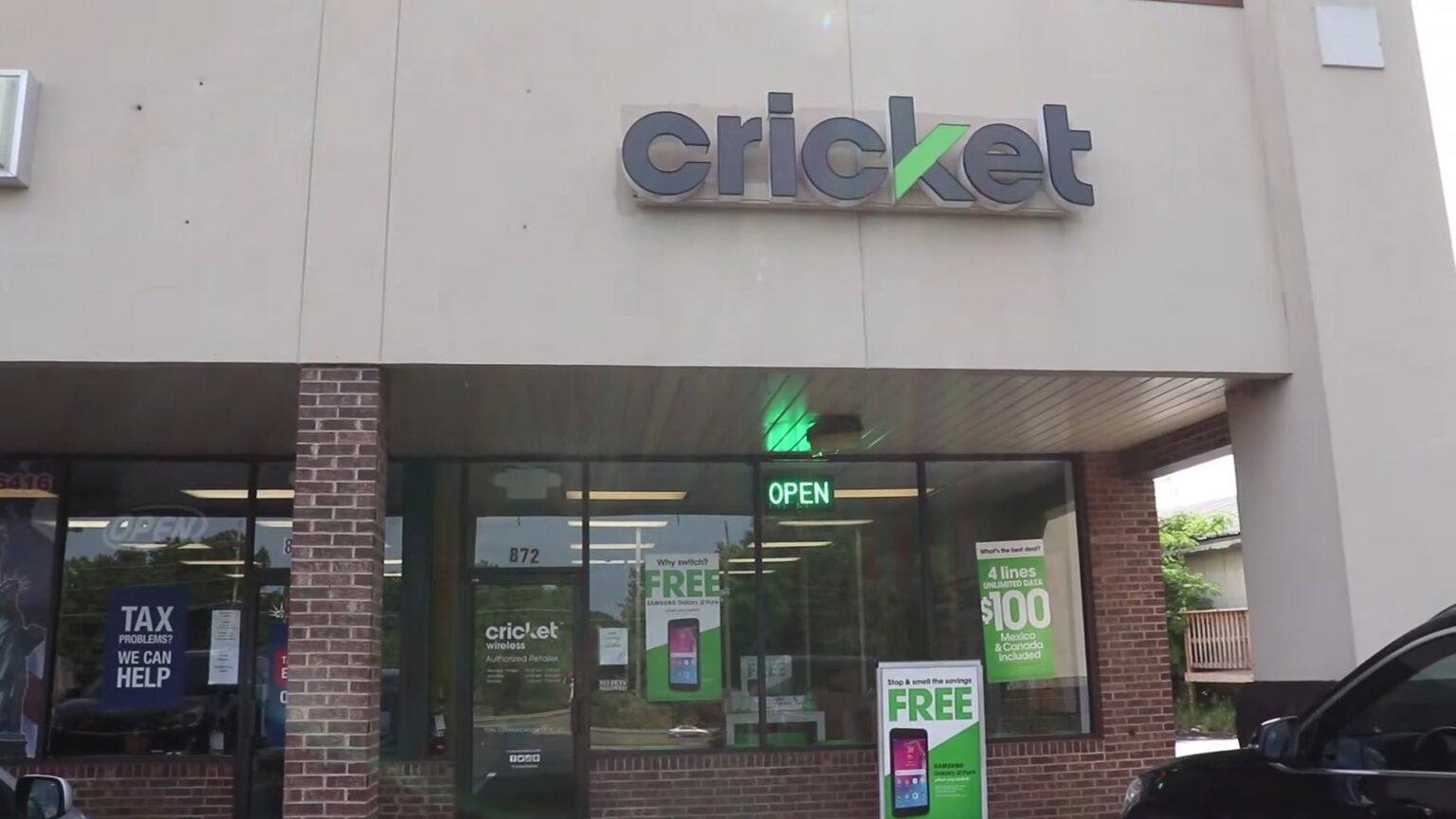
| In-Store Cash Payment | Instant | Low | Retail Assist Fee May Apply | Customers paying with physical cash or requiring in-person technical assistance. |
Maximizing Savings with Auto-Pay and Refill Cards
Digital payment management opens up opportunities to reduce your monthly cellular expenses through enrollment incentives and alternative funding methods.
Auto-Pay Discount Enrollment
Enrolling in Auto-Pay through the My Cricket App or web portal often qualifies eligible multi-line or single-line plans for a monthly account credit. Once activated, your designated card is charged automatically a few days before your actual due date, eliminating the risk of accidental late payments or service suspensions.
Using Third-Party Refill Cards Safely
Many users purchase discounted Cricket refill cards from major retailers or warehouse clubs. When applying these online, ensure you are scratching the PIN panel carefully and entering the exact sequence into the online refill portal. Never share your refill PIN with unverified third parties offering discounted services via social media or messaging platforms.
Troubleshooting Common Cricket Online Payment Errors
Even with a streamlined digital infrastructure, users occasionally encounter roadblocks during online checkouts. Review these common issues and their resolutions:
- Card Declined Errors: This is frequently caused by a mismatched billing ZIP code or insufficient funds. Verify that the address numerals entered match your bank statement precisely.
- Invalid PIN Rejections: If the system rejects your 4-digit PIN during Quick Pay, do not guess repeatedly, as this can trigger a temporary security lockout. Use the password recovery options on the main login page or dial customer support from your device.
- Payment Processing Delays: If your service remains suspended after a successful online payment, power cycle (restart) your mobile device to force a network re-authentication. It can take up to 15 minutes for towers to update billing statuses after a digital clearance.
- Browser Cache Conflicts: If the payment page freezes or fails to load buttons correctly, clear your browser cookies and cache, or attempt the transaction in an incognito or private browsing window.
Practical Recommendations for Secure Account Management
Protecting your financial data while handling wireless bills requires adherence to basic cybersecurity hygiene. Always ensure the URL in your browser address bar begins with the secure protocol indicator and displays the correct domain name before typing sensitive financial information. Avoid using public Wi-Fi networks when submitting credit card data unless you are actively utilizing a trusted Virtual Private Network (VPN). Keep your 4-digit account PIN strictly confidential and update your online account password regularly to prevent unauthorized plan modifications or fraudulent charges.
Image Gallery