Grifols Donor Hub Login: Complete Access and Account Management Guide 2026
Accessing the Grifols Donor Hub login portal allows plasma donors to efficiently track their donations, check compensation amounts, manage appointments, and review health histories. This comprehensive guide details the secure authentic...
Accessing the Grifols Donor Hub login portal allows plasma donors to efficiently track their donations, check compensation amounts, manage appointments, and review health histories. This comprehensive guide details the secure authentication process, system requirements, troubleshooting protocols, and essential mobile application features for 2026.
Contents
Understanding the Grifols Donor Portal Ecosystem
Plasma donation relies on digital infrastructure to streamline donor check-ins, medical screenings, and financial compensation tracking. The Grifols Donor Hub serves as the central digital touchpoint for individuals participating in the plasma collection program. Through this portal, users interface directly with their donor accounts, which store critical operational data governed by federal health and safety standards.
The digital ecosystem connects your local donation center visit with a secure cloud database. When you complete a donation, the physical volume, protein content tests, and associated debit card compensation loads are synchronized with your profile. Maintaining secure access ensures that your financial earnings and sensitive personal health information remain protected against unauthorized access.
Core Functions Managed Through the Hub
- Compensation Tracking: View exact payment breakdowns per donation, bonuses, and loyalty tier incentives.
- Appointment Scheduling: Book, reschedule, or cancel upcoming donation slots at your preferred local center.
- Digital ID Access: Display your digital donor identification barcode for rapid check-in at physical kiosks.
- Health History Updates: Complete pre-donation questionnaires and review deferred status flags if applicable.
Prerequisites and System Requirements for Secure Access
Before attempting the Grifols Donor Hub login, verifying that your device and network meet security and compatibility standards prevents common authentication roadblocks. Because plasma center platforms handle sensitive financial and medical data, modern encryption protocols and active software versions are mandatory.
Supported environments include up-to-date iterations of major web browsers such as Google Chrome, Mozilla Firefox, Apple Safari, and Microsoft Edge. Additionally, mobile users can utilize the official Grifols Donor Hub app available on iOS and Android platforms.
| Access Method | Minimum Requirement | Recommended Specification |
|---|---|---|
| Web Browser | TLS 1.3 Encryption Support | Latest Chrome or Safari with JavaScript Enabled |
| Mobile OS | iOS 15.0+ / Android 10.0+ | iOS 17+ / Android 14+ with Biometric Security |
| Network | Stable Cellular Data / Broadband | Secure Wi-Fi or 5G Connection (Avoid Public VPNs) |
| Credentials | Registered Email and Password | Verified Two-Factor Authentication Device |
Step-by-Step Grifols Donor Hub Login Procedure
Executing the login sequence correctly safeguards your account against lockout triggers. Follow these sequential steps to access your dashboard safely from a desktop browser or mobile device.
- Navigate to the official login portal via the authorized Grifols plasma website or launch the official mobile application.
- Locate the designated username or email input field on the authentication screen.
- Enter the exact email address associated with your donor profile during your initial physical registration at the local center.
- Input your secure password, ensuring capitalization and special characters match your established credentials.
- Complete any presented security challenges, such as multi-factor authentication (MFA) codes sent via SMS or CAPTCHA verifications.
- Click or tap the primary submission button to enter your personalized donor dashboard.
Security Reminder: Never input your Grifols credentials into third-party websites, unverified mobile apps, or links received through unsolicited text messages. Official authentication pages always utilize HTTPS encryption and originate directly from recognized Grifols domain structures.
Resolving Login Failures and Common Technical Errors
Encountering error messages during the login process is typically related to credential mismatches, browser cache conflicts, or temporary system maintenance periods. Systematic troubleshooting resolves the vast majority of access problems without requiring direct staff intervention.
Invalid Password or Locked Accounts
Entering incorrect credentials multiple times triggers temporary security lockouts to protect your financial balance and medical records. If you forget your password, utilize the "Forgot Password" utility on the login screen to receive a secure reset link via your registered email. Password resets require access to your verified inbox and may require answering security questions established during onboarding.
Browser Cache and Cookie Conflicts
Outdated local data stored by web browsers frequently disrupts modern single-sign-on and session cookies. Clearing your browser cache, disabling aggressive content blockers, or attempting the login via an incognito/private browsing window instantly clarifies whether the issue stems from local device storage.
Account Inactivity and Physical Center Verification
If your donor profile has remained inactive for an extended period—typically exceeding several months—your digital access permissions may require re-verification. In such cases, local center staff must update your physical identification documents or run an updated health screening before digital portal functionality is fully restored.
Maximizing the Grifols Donor Hub Mobile Application
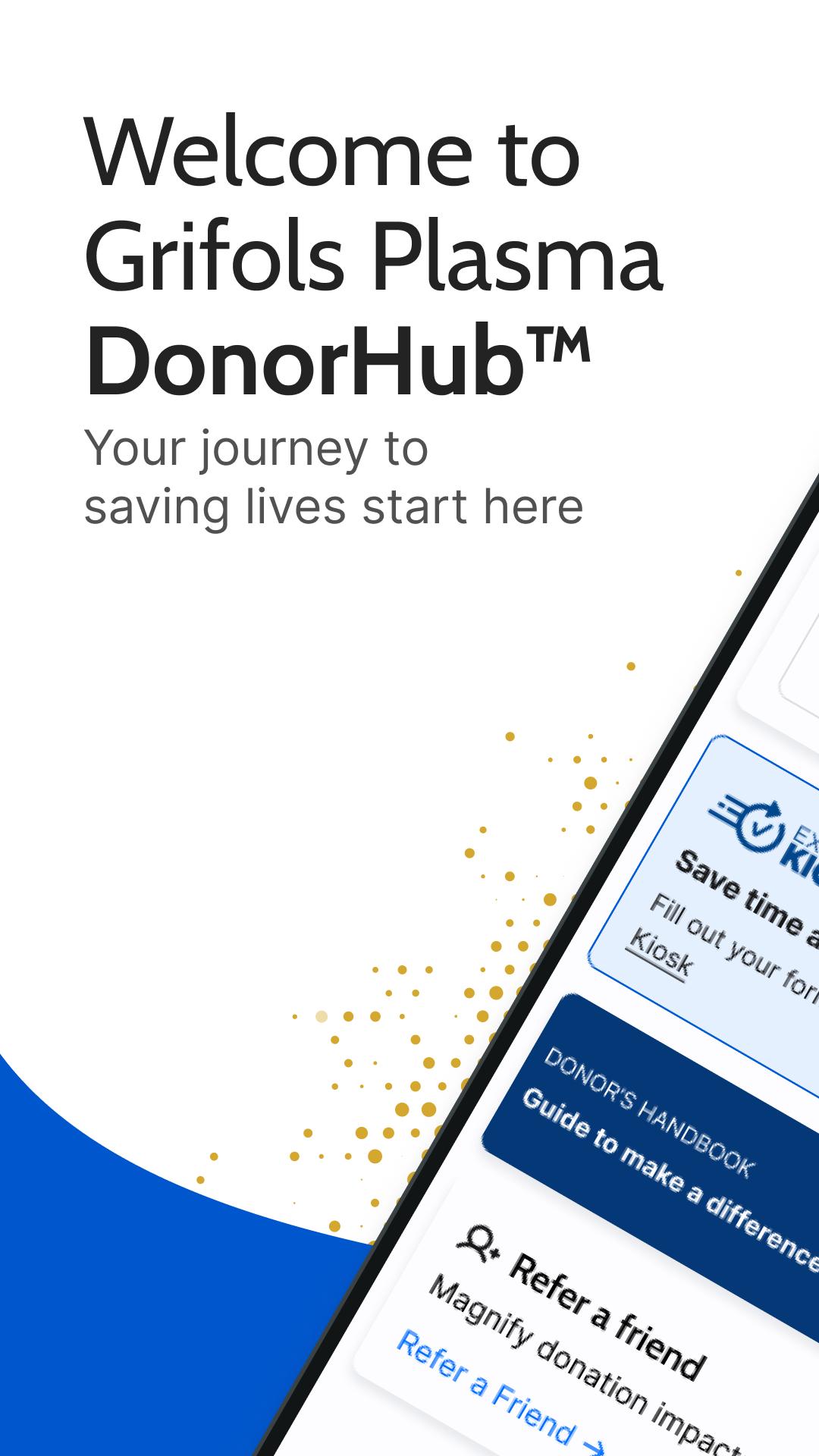
The official mobile application delivers streamlined access compared to desktop browsing, integrating device-level security features like Face ID, Touch ID, or PIN codes. Utilizing the application enables instant push notifications regarding promotional bonus payouts, temporary center closures, and appointment reminders.
Key Advantages of App-Based Access
- Biometric Sign-In: Eliminates the need to manually type complex passwords during every session.
- Instant QR Check-In: Generates your dynamic donor barcode directly on your smartphone screen for kiosk scanning.
- Earnings Overview: Provides real-time balance updates for your reloadable pre-paid debit card linked to the center.
Comparing Web Portal vs. Mobile App Access
Choosing between browser-based login and mobile application access depends on individual user preference and device availability. Both platforms draw from the same secure database, ensuring data consistency regardless of the chosen entry point.
| Feature | Web Portal (Desktop/Mobile Browser) | Official Mobile App (iOS/Android) |
|---|---|---|
| Biometric Login | Not Supported | Fully Supported (FaceID/Fingerprint) |
| Initial Setup | Instant via Browser | Requires App Store Download and Installation |
| Push Notifications | Unavailable | Available for Payouts and Reminders |
| Document Viewing | Optimal for Printing Tax/Payment Summaries | Optimized for Quick Mobile Viewing |
Frequently Asked Questions Regarding Donor Access
What should I do if I change my email address and cannot log in?
If you no longer have access to the email address tied to your account, you must contact your local Grifols plasma donation center directly. Staff members must verify your physical photo ID and update your contact records in the internal database before your login identifier can be changed.
Why is my debit card balance not reflecting accurately in the app?
Card balances are managed through the third-party financial institution issuing your reloadable donor debit card rather than directly by the portal server. While the app displays historical compensation logs, real-time financial balance checks require logging into the specific debit card provider's portal or calling the number on the back of your card.
Can I schedule appointments for multiple family members through one login?
No. Each donor account must remain strictly confidential and tied to an individual legal identity, unique health history, and distinct email address. Sharing login credentials violates terms of service and compromises private medical data.
Is two-factor authentication mandatory for the Donor Hub?
Grifols implements rigorous security measures to protect financial compensation and medical privacy, making multi-factor verification protocols standard practice during sign-in attempts from unrecognized devices or browsers.
How do I update my physical address or phone number in the portal?
While minor profile preferences can sometimes be reviewed digitally, regulatory compliance mandates that major identity markers like legal address changes or phone number updates be verified by center staff using official government-issued documentation during your next physical donation visit.
Practical Recommendations for Account Security
Maintaining uninterrupted access to your Grifols Donor Hub account requires adherence to fundamental cybersecurity practices. Never store your password in unencrypted browser notes or share your verification codes with anyone claiming to represent Grifols support staff. Staff members will never ask for your password or multi-factor authentication codes over the phone or via text message. Keep your mobile operating system updated to patch vulnerabilities and ensure seamless compatibility with the latest security certificates utilized by health and financial networks.
Image Gallery