Why a Gaming Chair Can Ease Lower Back Pain: The Science of Ergonomic Support
Gaming chairs ease lower back pain by providing specialized structural support that maintains the spine's natural "S" curve. Through adjustable lumbar cushions, high backrests, and multi-directional armrests, these chairs reduce the me...
Gaming chairs ease lower back pain by providing specialized structural support that maintains the spine's natural "S" curve. Through adjustable lumbar cushions, high backrests, and multi-directional armrests, these chairs reduce the mechanical load on the lumbar discs and prevent the muscular fatigue associated with prolonged, unsupported sitting.
Contents
The relationship between sedentary behavior and musculoskeletal disorders is well-documented. As we move through 2026, the convergence of remote work and digital entertainment has made specialized seating more than a luxury; it is a fundamental tool for postural health. While often perceived as purely aesthetic "racing-style" furniture, the engineering behind high-quality gaming chairs focuses on biomechanics to mitigate the risks of chronic back issues.
The Biomechanics of Sitting and Lumbar Strain
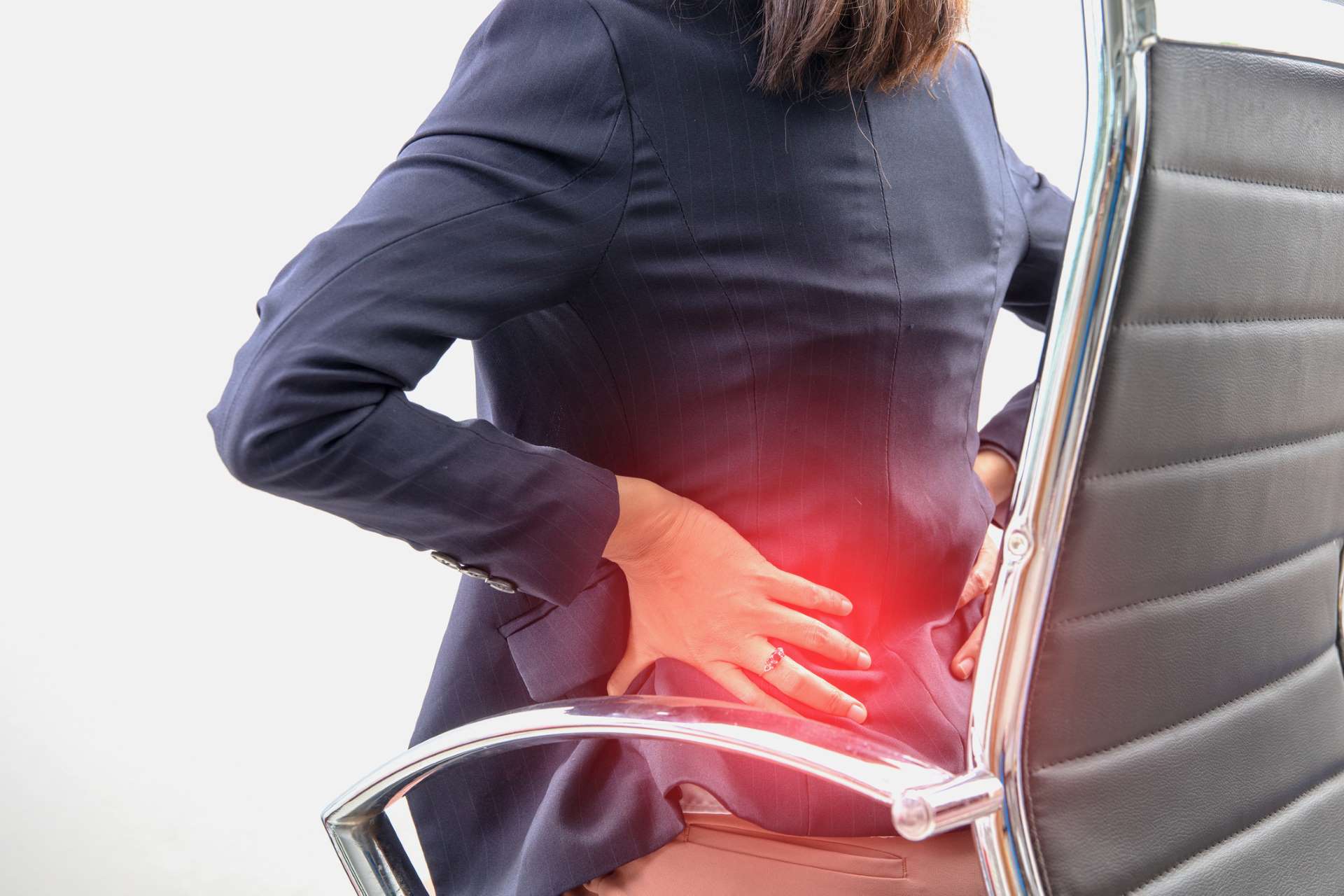
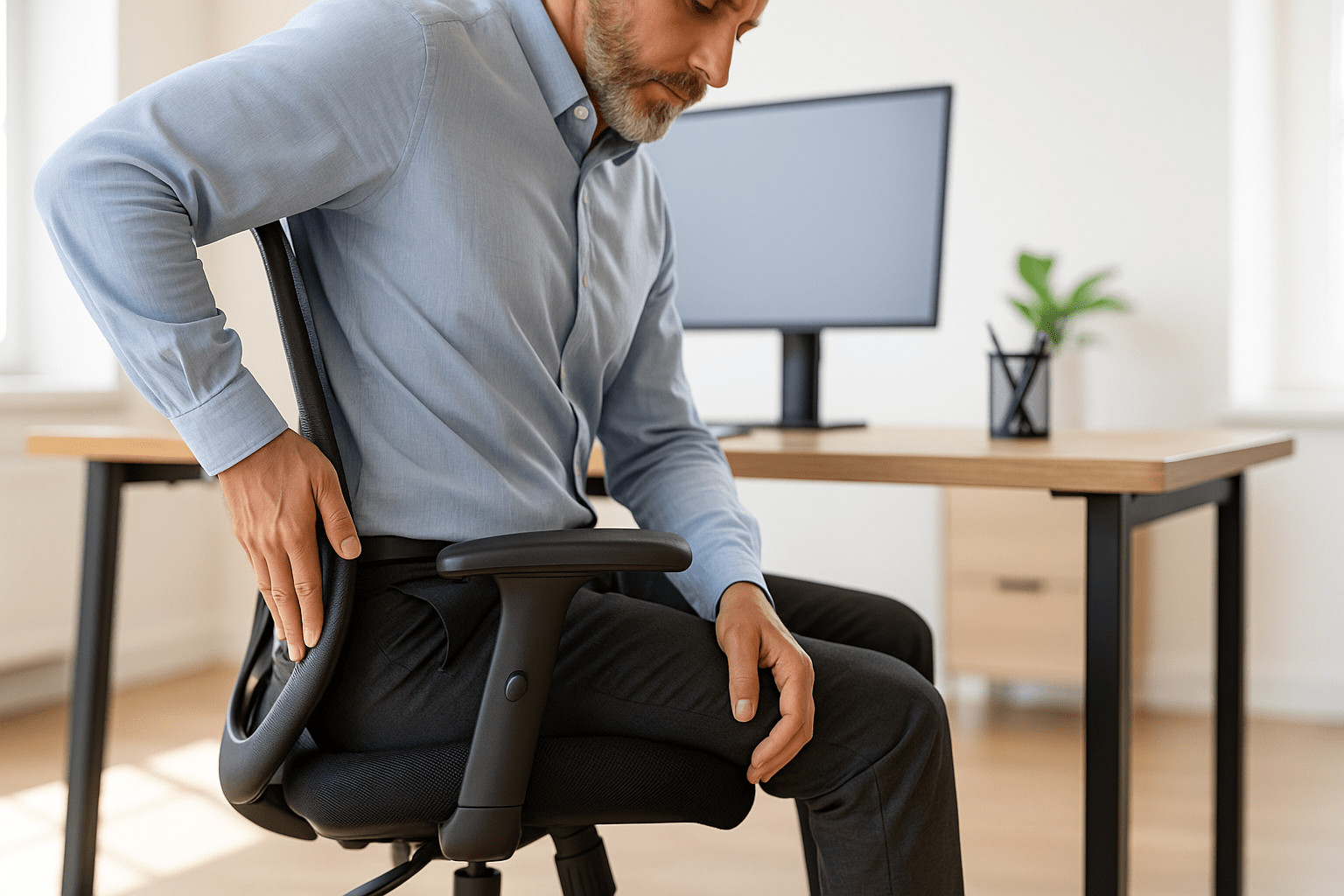
To understand why a gaming chair helps, one must first understand the anatomy of a seated spine. The human spine is not naturally designed to remain in a seated position for eight to twelve hours a day. When you sit in a standard, non-ergonomic chair, your pelvis often tilts backward (posterior pelvic tilt), which flattens the natural inward curve of the lower back, known as the lumbar lordosis.
This flattening increases the pressure on the intervertebral discs. Research in biomechanics indicates that sitting unsupported can increase intradiscal pressure by up to 40% compared to standing. Over time, this leads to muscle strain, ligament overextension, and eventually, chronic pain or herniation. Gaming chairs are designed specifically to counteract this "slouching" effect by providing a physical barrier and support system that encourages a neutral spinal alignment.
How Gaming Chairs Support the Lumbar Region
The primary reason a gaming chair succeeds in easing pain where a standard kitchen or basic office chair fails lies in its targeted support zones.
Dedicated Lumbar Support Systems
Most gaming chairs come equipped with either an external lumbar pillow or an integrated, adjustable internal support system. By placing firm support against the lower back, the chair pushes the lumbar spine forward into its natural curve. This takes the workload off the lower back muscles (the erector spinae), allowing them to relax rather than constantly firing to keep the torso upright.
The Role of the High Backrest
Unlike mid-back office chairs that end at the shoulder blades, gaming chairs feature a full-length backrest. This design supports the entire length of the spinal column, from the sacrum to the cervical spine (neck). By supporting the upper back and head, the chair prevents "forward head posture" or "tech neck." When the head is aligned over the shoulders, the center of gravity remains balanced, which significantly reduces the compensatory strain usually felt in the lower back.
Winged "Bucket Seat" Design
Inspired by racing cars, the "winged" design of many gaming chairs is not just for show. These side bolsters help keep the user centered in the chair. By limiting side-to-side shifting, the chair encourages a symmetrical sitting position. Asymmetry—such as leaning to one side or sitting on one leg—is a leading cause of uneven pressure on the pelvic floor and lower lumbar region.
The Importance of Adjustability in Pain Management
Static chairs are a "one-size-fits-none" solution. Pain often arises when a user is forced to adapt their body to the chair. Gaming chairs flip this dynamic by allowing the chair to adapt to the user.
- Recline and Tilt-Lock: High-end gaming chairs in 2026 allow for deep recline angles, often up to 165 degrees. Periodically reclining during the day shifts the weight of the torso from the lower back to the chair’s backrest, providing immediate decompression for the spinal discs.
- 4D Armrests: Armrests that move up, down, left, right, forward, and backward are crucial. If armrests are too low, the user leans forward, straining the lower back. If they are too high, they cause shoulder tension. Proper armrest placement allows the arms to rest at a 90-degree angle, removing the weight of the limbs from the upper back and lumbar area.
- Seat Height and Depth: Ensuring the feet are flat on the floor with thighs parallel to the ground is essential for pelvic stability. Proper seat height prevents the pelvis from rotating uncomfortably, which is often the "silent" cause of lower back aches.
Comparing Seating Solutions for Back Health
The following table compares the features of standard seating versus ergonomic gaming chairs to highlight why the latter is often preferred for pain relief.
| Feature | Standard Office Chair | Gaming Chair (2026 Standards) | Impact on Lower Back |
|---|---|---|---|
| Backrest Height | Mid-back / Low | High (Full Spinal Support) | Reduces upper-body slouching and lumbar load. |
| Lumbar Support | Minimal or None | Dedicated Pillow or Internal Dial | Maintains the natural S-curve of the spine. |
| Recline Function | Limited (90°-110°) | Deep Recline (90°-165°) | Allows for periodic spinal decompression. |
| Armrest Mobility | Fixed or 1D (Vertical) | 4D (Multi-directional) | Prevents forward leaning and shoulder strain. |
| Seat Material | Standard Foam | Cold-Cure / High-Density Foam | Distributes weight evenly to prevent pressure points. |
| Neck Support | None | Dedicated Headrest Pillow | Aligns the head to prevent secondary lumbar strain. |
Material Science and Long-Term Comfort
The internal composition of a chair is just as important as its shape. In 2026, the industry standard has shifted toward cold-cure foam. This material is produced through a specialized molding process that creates "air pockets" within the foam, providing a balance between firmness and comfort.
Standard foam often bottoms out after an hour of sitting, leaving the user's sit-bones (ischial tuberosities) pressing against the hard frame. This creates a chain reaction of discomfort: the user shifts their weight to find relief, loses their ergonomic posture, and ends up in a slouched position that stresses the lower back. Cold-cure foam retains its structural integrity for years, ensuring that the support you feel in the first minute remains consistent through the eighth hour.
Furthermore, the integration of breathable materials—such as high-end mesh or perforated synthetic leathers—prevents heat buildup. Thermal discomfort often leads to fidgeting, and fidgeting leads to poor posture. By maintaining a neutral temperature, the chair helps the user remain still and correctly aligned.
Common Mistakes When Using a Gaming Chair for Pain Relief
Simply buying a gaming chair is not a guaranteed cure for lower back pain. To experience the benefits, users must avoid common pitfalls:
- Incorrect Lumbar Placement: Many users place the lumbar pillow too high (in the middle of the back) or too low (on the seat). It should be nestled exactly in the small of your back to fill the gap between your spine and the chair.
- Neglecting Foot Position: If your feet don't reach the floor, the weight of your legs pulls on your lower back. If the chair is too high, use a footrest to maintain a neutral pelvic angle.
- Over-reliance on the Chair: No chair can replace movement. Even the most ergonomic setup requires the user to stand and stretch every 30 to 60 minutes.
- Choosing the Wrong Size: Gaming chairs are often categorized by "Small/Medium" and "Large/XL." If the chair is too wide, the armrests won't provide support; if the seat is too deep, it will press against the back of your knees, cutting off circulation and forcing a slouch.
Practical Recommendations for Selecting a Chair
If you are transitioning to a gaming chair to alleviate lower back pain, prioritize the following specifications:
- Seek Built-in Lumbar Adjustment: While pillows are effective, chairs with internal, dial-adjustable lumbar support (similar to those found in premium automobiles) provide a more precise fit.
- Verify Foam Density: Look for a density of at least 50kg/m³. This ensures the seat won't sag over time.
- Check the Gas Lift Class: A Class 4 hydraulic piston is the gold standard for durability and smooth height adjustment, ensuring the chair remains stable at the correct ergonomic height.
- Prioritize Material Breathability: If you live in a warmer climate, opt for fabric or mesh rather than standard PU leather to ensure long-term comfort.
For individuals with existing medical conditions such as herniated discs or sciatica, it is recommended to consult with a physical therapist before making a purchase. While gaming chairs provide excellent general support, specific spinal pathologies may require customized orthopedic solutions.
Frequently Asked Questions
Can a gaming chair actually fix my posture? A gaming chair acts as a "posture trainer." By providing physical cues—such as the lumbar pillow and high back—it makes it more comfortable to sit correctly than to slouch. However, true postural correction also requires conscious effort and strengthening of the core muscles.
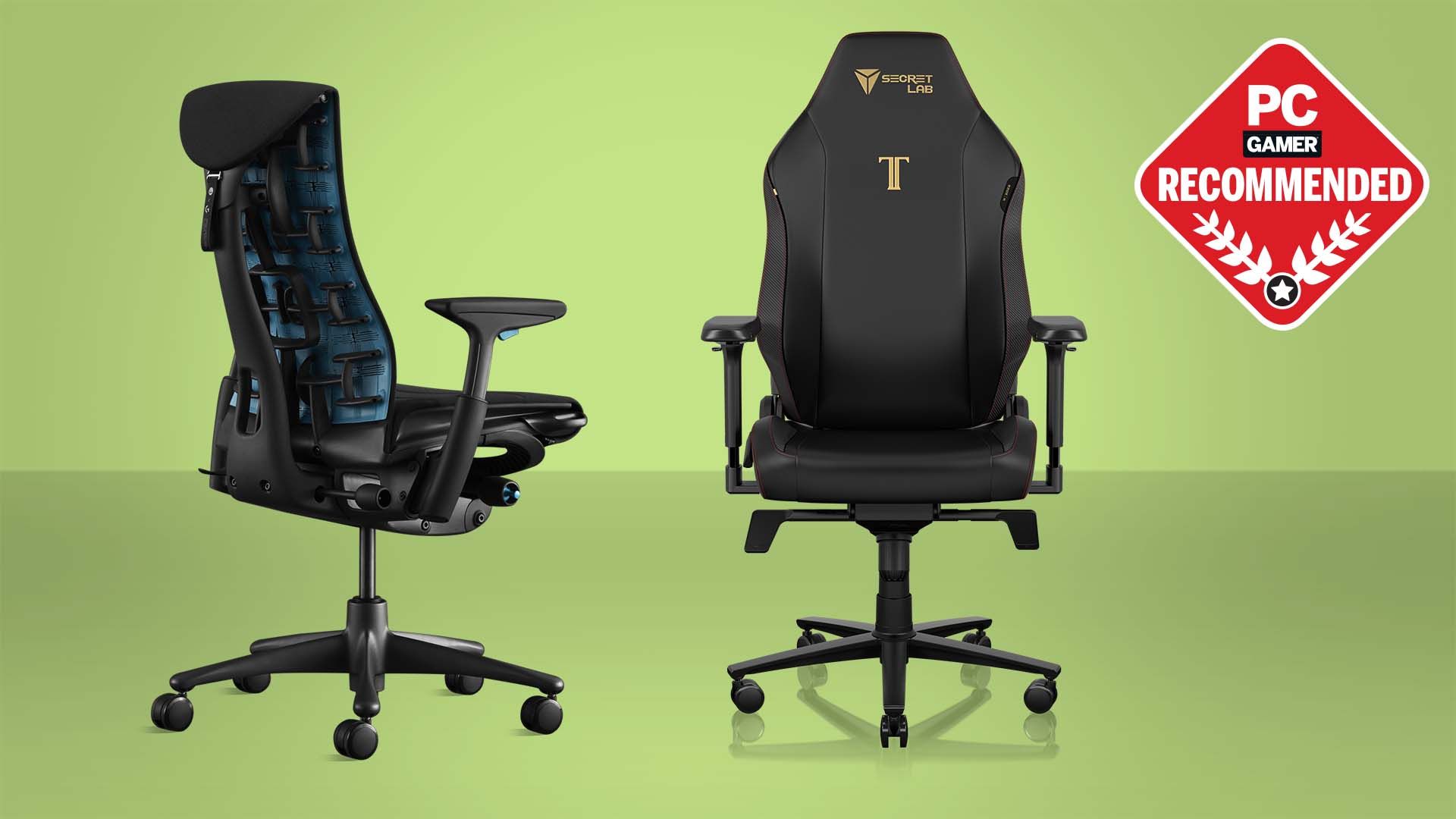
Is a gaming chair better than a high-end office chair? Not necessarily. A premium ergonomic office chair (like those from Herman Miller or Steelcase) offers similar or superior support. However, gaming chairs often provide more features (like deep recline and headrests) at a lower price point, making them a highly accessible solution for lower back pain.
Why does my back hurt more after switching to a gaming chair? This is often a "transition period." If you have spent years slouching, your muscles have shortened and adapted to a poor position. Correcting that alignment can cause temporary soreness as your muscles adjust to the new, healthy position. If the pain persists beyond two weeks, re-evaluate your chair settings.
Do the wings on the seat help with back pain? The wings on the backrest help keep your torso aligned, but wings on the seat base can sometimes be restrictive for people with wider hips. For back pain relief, the most important "wing" is the one that prevents you from leaning excessively to one side.
How long should I sit in a gaming chair? Regardless of how ergonomic a chair is, experts recommend the "20-8-2" rule: sit for 20 minutes, stand for 8 minutes, and move/stretch for 2 minutes. A gaming chair makes those 20 minutes of sitting much safer for your lumbar discs.
Image Gallery