AI Prompt Generator NSFW: Mastering Technical Constraints and Ethical Deployment in 2026
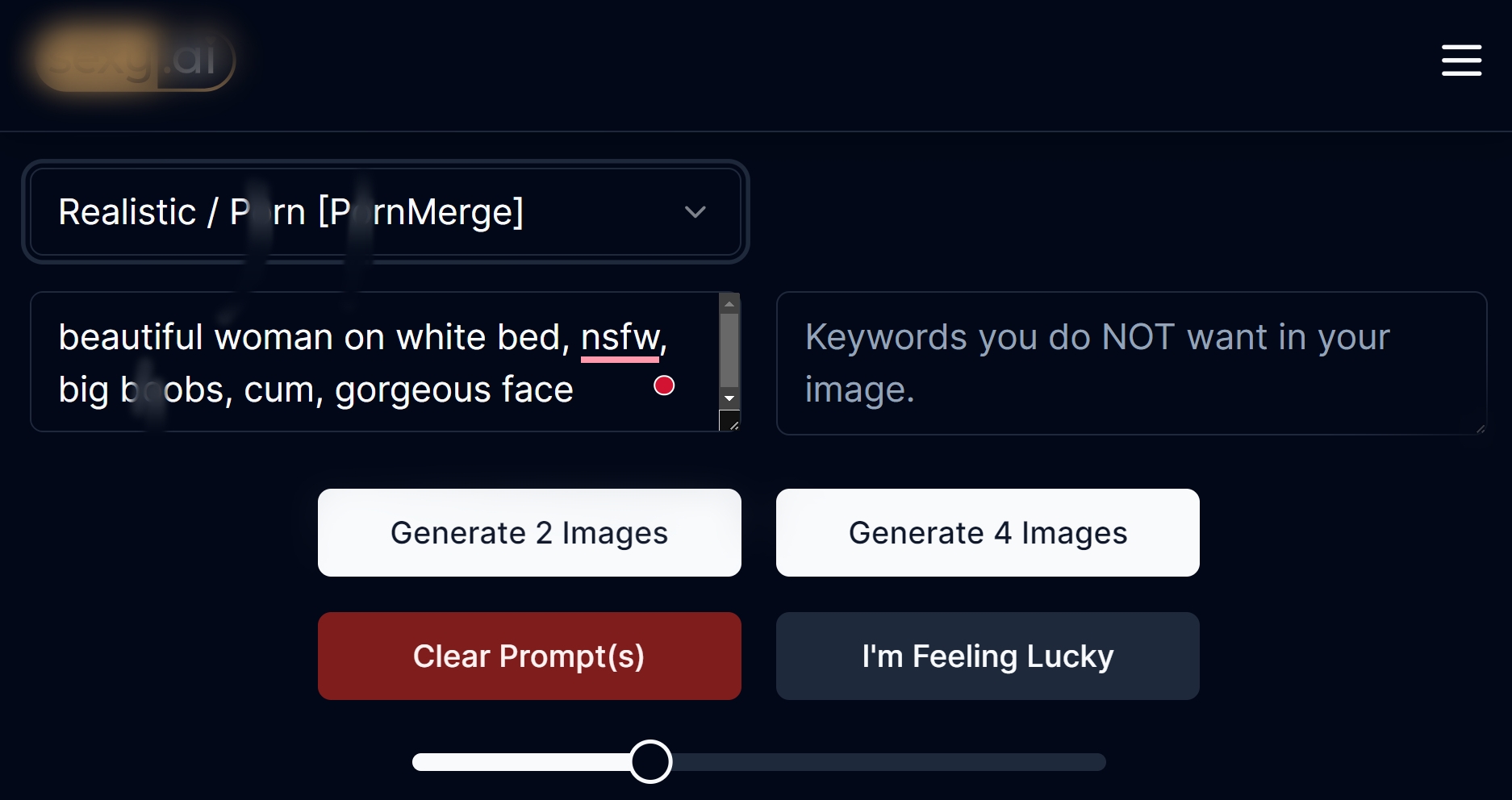
An AI prompt generator for unrestricted or NSFW content functions by bypassing standard safety filters inherent in commercial generative models to produce adult-oriented or uncensored imagery and text. These tools utilize specialized f...
An AI prompt generator for unrestricted or NSFW content functions by bypassing standard safety filters inherent in commercial generative models to produce adult-oriented or uncensored imagery and text. These tools utilize specialized fine-tuned models, local hardware execution, or API-based interfaces that disable safety alignment protocols while maintaining high-fidelity output generation.
Contents
The Architecture of Unrestricted Generative Models
Generating content outside the standard safety boundaries of mainstream models like DALL-E 3 or Midjourney requires a fundamental shift in technical approach. In 2026, the primary method involves moving away from centralized cloud-gated services toward open-weights models and local inference environments.
Developers and power users typically rely on architectures such as Stable Diffusion XL (SDXL), Flux.1, or specialized derivatives of the Llama-3 series. These models are designed to be run on private hardware, such as GPUs with a minimum of 12GB to 24GB of VRAM, to ensure that the user retains total control over the output parameters without triggering the content moderation triggers found in commercial SaaS platforms.
Key components of this technical stack include:
- Model Weights: Pre-trained checkpoints (often sourced from platforms like Civitai) that have been fine-tuned on diverse datasets to remove alignment and safety layers.
- LoRA (Low-Rank Adaptation): Lightweight plugins that allow users to introduce specific aesthetic styles, anatomical realism, or thematic consistency to the generation process without retraining the entire core model.
- ControlNet: A neural network structure that provides granular control over spatial composition, such as character posing, depth maps, and edge detection, ensuring that the visual output matches the intended prompt geometry.
- Inference Engines: Optimized backends like ComfyUI or Automatic1111 that manage the VRAM allocation and prompt-to-image pipeline, allowing for batch processing and high-resolution upscaling.
Technical Requirements for Local Execution
Running an advanced AI prompt generator for uncensored content demands significant hardware investment. As of 2026, the industry standard for high-quality, local generation is centered around NVIDIA-based architecture due to the mature support for CUDA cores.
Hardware Specifications for Optimal Performance
GPU Requirement: NVIDIA RTX 4090 or RTX 5090 is recommended for rapid inference speeds. A minimum of 24GB VRAM is necessary to avoid system offloading to RAM, which significantly degrades generation time.
Processor/CPU: A multi-core processor (Intel Core i9 or AMD Ryzen 9 series) ensures that pre-processing tasks and data management do not bottleneck the GPU.
System Memory: 64GB of DDR5 RAM is the suggested minimum to handle complex models and large LoRA files simultaneously.
Storage: NVMe SSD storage is critical, as large model checkpoints (often 5GB to 15GB each) require high read/write speeds to load efficiently into the VRAM.
Strategies for Precision Prompt Engineering
Engineering prompts for unrestricted models requires a different taxonomy than those used in heavily filtered systems. Since these models lack the "corrective" behavior of commercial AI, they are highly sensitive to syntax, weight allocation, and negative prompts.
Effective prompt engineering involves a hierarchical structure:
- Subject Definition: Establish the focal point with high-weight modifiers (e.g., (detailed face:1.2), (photorealistic:1.3)).
- Environmental Context: Define lighting, camera angle, and focal length to create depth.
- Style Modifiers: Incorporate artist-specific tags or technical parameters (e.g., 8k, raw photo, cinematic lighting).
- Negative Prompts: This is the most crucial step for quality control. You must explicitly define what the model should exclude, such as (blurry, deformed, low quality, bad anatomy, extra fingers).
Comparative Analysis of Model Deployment Options
| Feature | Local Open-Source Models | API-Based Unfiltered Services | Commercial SaaS |
|---|---|---|---|
| Privacy | Complete (Offline) | Data dependent on provider | None (Monitored) |
| Safety Filters | None | Limited/None | Rigid/Strict |
| Hardware Cost | High (Initial Investment) | Low (Subscription) | Low (Subscription) |
| Customization | Unlimited | Restricted by API | None |
| Reliability | Depends on User Setup | Variable (Network based) | Very High |
Ethical Considerations and Data Responsibility
Operating or utilizing an AI prompt generator for NSFW purposes introduces significant responsibility regarding data usage and the provenance of training sets. In 2026, legal frameworks regarding "synthetic media" are increasingly granular. Users must be aware of the following:
- Consent and Likeness: The creation of non-consensual imagery is a severe violation of both ethical standards and, in many jurisdictions, criminal law. Ensuring that datasets and prompts do not utilize the likeness of real individuals without permission is a non-negotiable standard.
- Copyright and Licensing: Many high-quality model weights and LoRAs are released under licenses (such as the CreativeML Open RAIL-M) that require users to follow specific usage policies. Users should verify the license of every checkpoint they download.
- Platform Compliance: If you are hosting a generator via a cloud server or a web-based service, ensure the provider's Terms of Service explicitly permit adult-oriented content to avoid account termination and potential legal escalation.
Troubleshooting Common Generation Issues
When a generator fails to produce the desired output, the issue is rarely the prompt alone. It is usually a mismatch between the base model's capabilities and the user's specific request.
- Model Compatibility: If you are using a base model that is too small or undertrained, no amount of prompt engineering will fix the output. Upgrade to a larger, more modern checkpoint.
- Sampling Method: If the image is grainy or noise-heavy, try switching the sampler. Euler a is generally faster, while DPM++ 2M Karras often yields better aesthetic results in 2026.
- VRAM Fragmentation: If the generator crashes, clear your VRAM cache or reduce the image resolution. Attempting to generate at 4k directly is often less effective than generating at a lower resolution (e.g., 1024x1024) and using an upscaler later.
Frequently Asked Questions
How can I ensure my AI-generated content remains high quality without safety filters? High quality in unrestricted generation is achieved by using high-quality base models and specific LoRAs. Focus on "checkpoint" models that have been specifically fine-tuned for realism, as these maintain structural integrity better than base foundation models.
Is it legal to use AI prompt generators for NSFW content? Laws vary by country; however, generating illegal content (such as CSAM or non-consensual deepfakes) is universally prohibited and carries severe criminal penalties. Always adhere to your local jurisdictional laws regarding the creation and distribution of synthetic imagery.
Why does my local AI generator run out of memory? Memory exhaustion typically occurs due to high-resolution generation attempts or too many models loaded simultaneously. Close background applications, use a smaller batch size, or employ a VRAM-efficient optimizer like xFormers within your web UI settings.
What is the best way to learn prompt engineering for these models? The most effective way is to study "prompt sharing" communities where users post images with their metadata (the specific prompt, model used, and sampler settings). Analyzing successful images will help you understand how weights and modifiers interact in your specific environment.
Do I need a high-end graphics card to run these generators? For efficient local processing, yes. While some cloud-based services offer access to unrestricted models via a web interface, running them locally for privacy and speed requires a modern NVIDIA GPU with at least 12GB of VRAM to ensure a stable user experience.
For those looking to advance their technical setup, focusing on stable model fine-tuning and mastering the configuration files of your preferred interface will yield the most consistent results. Always prioritize local execution to maintain maximum control over your privacy and the safety of your generated assets.
Image Gallery