How to Use Python with Google Voice in 2026: A Technical Guide
To use Python with Google Voice in 2026, you must navigate the lack of an official public API for personal accounts. Developers primarily use browser automation frameworks like Playwright or Selenium to interact with the web interface,...
To use Python with Google Voice in 2026, you must navigate the lack of an official public API for personal accounts. Developers primarily use browser automation frameworks like Playwright or Selenium to interact with the web interface, or utilize the Google Workspace Admin SDK for enterprise-level voice management. For high-volume SMS or telephony, integrating third-party APIs like Twilio is generally more reliable than scripting Google Voice.
Contents
The Landscape of Google Voice and Python Integration
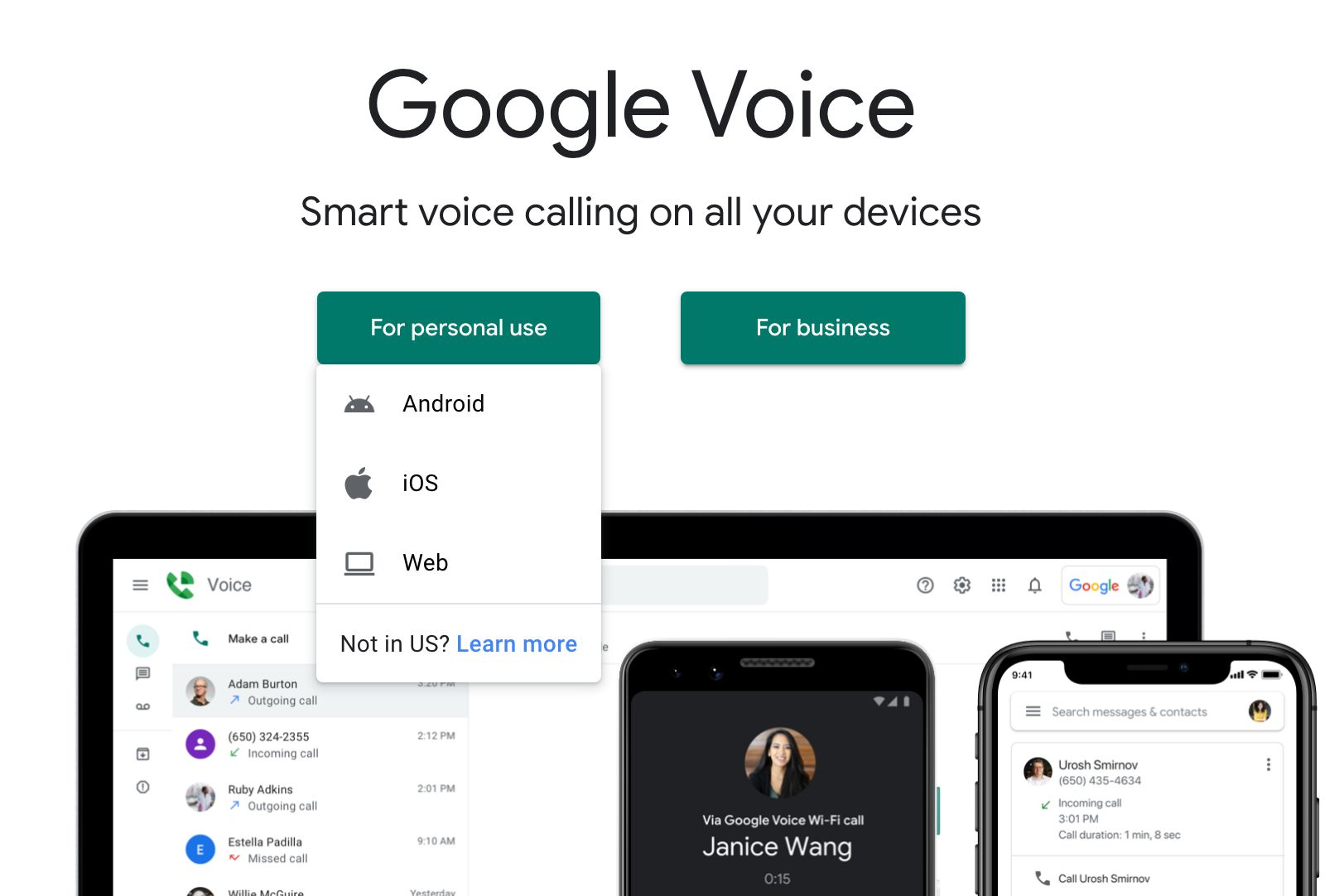
Google Voice has historically occupied a unique position in the telecommunications space. While it provides users with a free or low-cost virtual phone number for calls, SMS, and voicemail, Google has maintained a strictly "walled garden" approach regarding programmatic access. Unlike other Google services such as Gmail or Google Drive, there is no dedicated, public REST API for the personal version of Google Voice.
In 2026, the technical challenge remains centered on authentication and bot detection. The legacy Python library pygooglevoice, which thrived in the early 2010s, is entirely non-functional due to Google's transition to modern authentication protocols and sophisticated CAPTCHA mechanisms. Developers today must choose between modern browser orchestration, enterprise Workspace solutions, or redirecting their workflow through email-to-SMS gateways.
Personal vs. Business Accounts
Before writing a single line of code, it is essential to distinguish between the two types of Google Voice accounts, as the "how-to" differs significantly:
- Personal Accounts: Free or low-cost accounts associated with
@gmail.comaddresses. These have no official API. Automation is technically against the Terms of Service and carries a high risk of account suspension. - Google Workspace Accounts: Paid business accounts. These offer better integration through the Google Workspace Admin SDK for provisioning and managing users, though they still lack a direct "Send SMS" endpoint for standard Python scripts.
Option 1: Browser Automation with Playwright (Personal Accounts)
For developers needing to interact with a personal Google Voice account, browser automation is the most viable path. Playwright has largely surpassed Selenium in 2026 due to its superior handling of asynchronous events and better resistance to bot detection.
Prerequisites and Environment Setup
You will need Python 3.10 or higher. It is recommended to use a virtual environment to manage dependencies.
python -m venv gvoice_env source gvoice_env/bin/activate pip install playwright playwright install chromium
Handling Authentication
The most significant hurdle is Multi-Factor Authentication (MFA). You cannot easily script the login process without triggering security alerts. The best practice is to perform a manual login once, save the browser state (cookies and session storage), and then load that state in your script.
- Launch a browser in "headed" mode.
- Log in to
voice.google.commanually. - Save the storage state to a JSON file.
Sample Script for Sending a Message
Once the session is authenticated, you can use Playwright to navigate the DOM (Document Object Model) and send messages.
from playwright.sync_api import sync_playwright def send_voice_sms(phone_number, message_text): with sync_playwright() as p: # Load the saved authentication state browser = p.chromium.launch(headless=True) context = browser.new_context(storage_state="state.json") page = context.new_page() page.goto("https://voice.google.com/u/0/messages") # Click 'Send new message' button page.click('aria-label="Send new message"') # Type the recipient number page.fill('input[placeholder="Type a name or phone number"]', phone_number) page.keyboard.press("Enter") # Type and send the message page.fill('textarea[aria-label="Type a message"]', message_text) page.keyboard.press("Enter") browser.close()
Limitations of Automation
- Rate Limiting: Google's algorithms are highly sensitive to "bursty" behavior. Sending too many messages in a short window will lead to a temporary or permanent shadowban.
- UI Changes: If Google updates the layout of the Voice website, your selectors (e.g.,
aria-label) may break, requiring script maintenance.
Option 2: The Google Workspace Admin SDK (Business Accounts)
For organizations using Google Voice for Business, the integration is more formal but still limited in scope. The Google Workspace Admin SDK allows you to manage Voice locations, assign licenses, and manage phone numbers programmatically.
Use Cases for Business Python Scripts
- Batch Provisioning: Automatically assigning Google Voice numbers to new employees as part of an onboarding script.
- Audit Logs: Extracting usage logs for compliance monitoring.
- SIP Link Management: Managing the connection between Google Voice and existing PBX systems.
To use this, you must set up a project in the Google Cloud Console, enable the Admin SDK API, and configure OAuth 2.0 credentials.
Option 3: The Email-to-SMS Gateway (The "Low-Tech" Reliable Method)
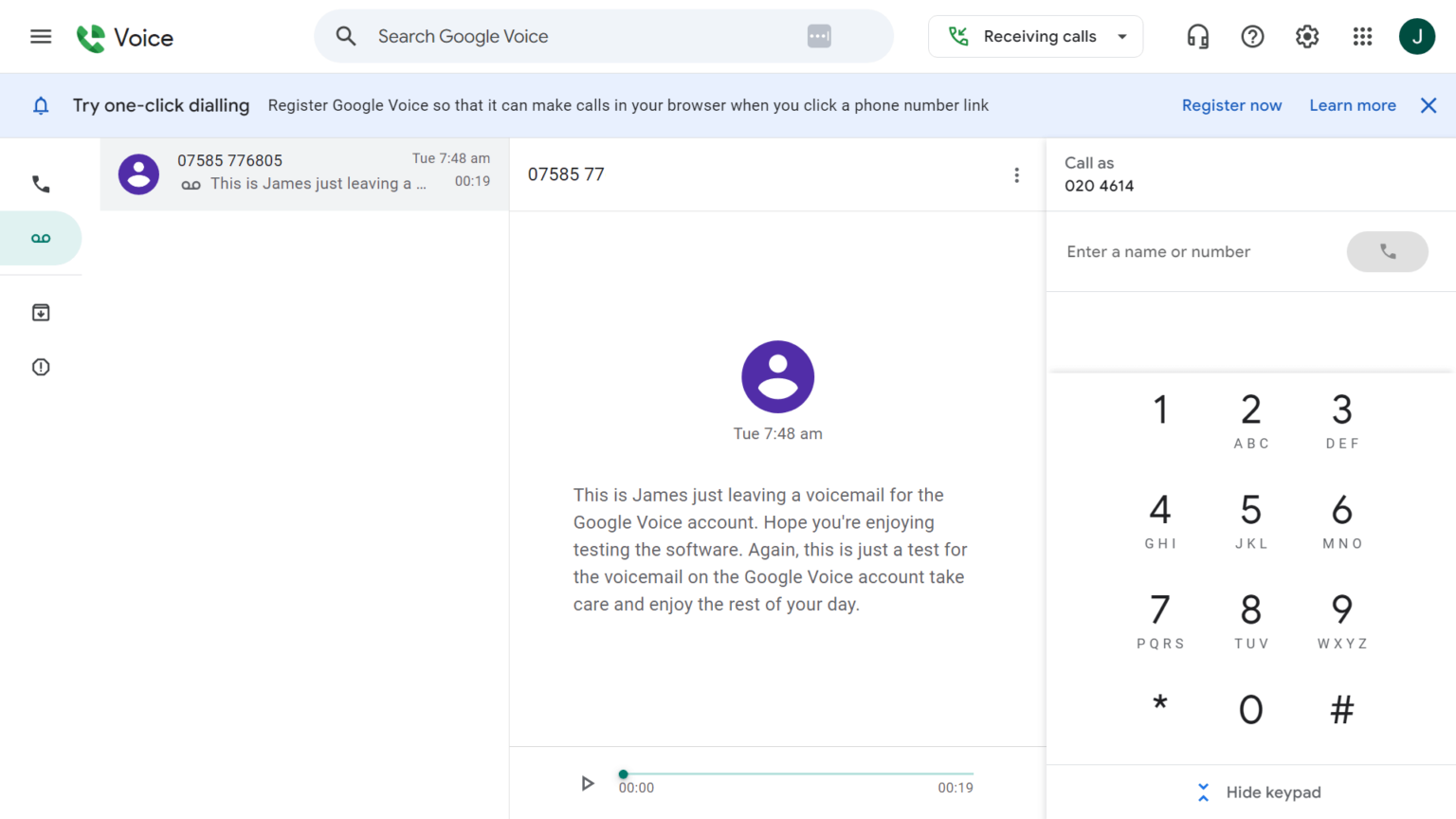
One of the most stable ways to interact with Google Voice via Python is not through the Voice interface itself, but through Gmail. Google Voice can be configured to forward incoming SMS messages to your associated Gmail account. You can also reply to these messages via email.
Implementation Logic
- Forwarding: In Google Voice settings, enable "Forward messages to email."
- IMAP/Gmail API: Use the
google-api-python-clientto monitor your inbox for messages coming from@txt.voice.google.com. - Sending: Send an email to the specific unique address generated for that contact (e.g.,
15551234567.16669876543.randomstring@txt.voice.google.com).
This method is significantly more robust than browser automation because it uses the official Gmail API, which is well-documented and supported.
Technical Comparison of Methods
| Feature | Browser Automation (Playwright) | Email-to-SMS Gateway | Workspace Admin SDK |
|---|---|---|---|
| Reliability | Low (Breaks on UI updates) | High | Very High |
| Setup Difficulty | Moderate | Moderate | High (Needs GCP setup) |
| Primary Use Case | Personal task automation | Notification systems | User management |
| Scalability | Poor | Moderate | High (Enterprise) |
| TOS Risk | High | Low | None |
Alternative: Google Cloud Speech and Communications APIs
If your goal isn't specifically to use a "Google Voice number" but rather to implement voice and text features in a Python application, Google Cloud offers much more powerful, developer-friendly tools. These are often confused with Google Voice but are separate products.
Google Cloud Speech-to-Text
This allows you to convert audio (like recorded phone calls) into text. In 2026, the v2 API provides exceptional support for multi-speaker recognition and real-time streaming.
Google Cloud Text-to-Speech
This generates high-fidelity, human-like speech from text. If you are building a voice bot, this is the engine you would use to "speak" to your users, often integrated with a telephony provider like Twilio or SignalWire.
Security and Compliance Best Practices
When automating any communication service in 2026, security is paramount. Python developers should adhere to the following guidelines:
- Credential Management: Never hardcode Google credentials or
state.jsonfiles. Use environment variables or a secure vault (like HashiCorp Vault or AWS Secrets Manager). - User-Agent Mimicry: When using browser automation, ensure your
User-Agentstring matches a common, modern browser to avoid immediate flagging by Google's security systems. - Rate-Limiting (Jitter): Do not perform actions at perfectly regular intervals. Introduce "jitter" (randomized delays) using the
randomlibrary to simulate human behavior. - Legal Considerations: Ensure your use of automated messaging complies with the Telephone Consumer Protection Act (TCPA) in the US or the GDPR in Europe. Automated SMS for marketing purposes without explicit opt-in is subject to heavy fines.
Troubleshooting Common Issues
"Your browser is not supported"
This often happens when using "headless" mode in Selenium or Playwright. Google detects that no physical screen is attached. To fix this, try running in "headful" mode or use a package like playwright-stealth to mask automation signals.
Authentication Loops
If your script gets stuck in a login loop, your state.json has likely expired or Google has flagged your IP address as "low reputation." Using a residential proxy can sometimes resolve IP-based reputation issues.
Message "Failed to Send"
This usually occurs if the recipient number is invalid or if Google has flagged the content of your message as spam. Avoid using shortened URLs (like bit.ly) in automated messages, as these are high-priority triggers for spam filters.
Summary and Next Actions
Using Python with Google Voice in 2026 requires a pragmatic approach. For personal use, Playwright provides the most direct (if fragile) interface. For professional applications, the Email-to-SMS method via the Gmail API is the most stable workaround for the lack of a native Voice API.
Recommended Next Step: If you are building a commercial product, evaluate whether Google Voice is truly the right tool. Services like Twilio, Vonage, or MessageBird provide native Python libraries and official APIs that are designed for automation, offering 99.9% uptime and full legal compliance frameworks that Google Voice for personal accounts simply cannot match.
Frequently Asked Questions
Does Google Voice have an official Python SDK?
No. Google does not provide an official Python SDK or a public REST API for personal Google Voice accounts. You must use third-party automation or the Workspace Admin SDK for business-related user management.
Is it legal to automate Google Voice with Python?
While not illegal in a criminal sense, it violates Google’s Terms of Service. This can result in your Google account being permanently banned. Always review the latest terms before deploying automation scripts.
Can I send images (MMS) using Python and Google Voice?
Sending MMS via browser automation is significantly more complex than text, as it requires automating the file upload dialog. The email-to-SMS gateway method is generally unable to handle outgoing MMS reliably.
How do I handle CAPTCHAs during login?
Automated CAPTCHA solving is difficult and often fails with Google's advanced reCAPTCHA v3. The most effective strategy is to use a persistent login session (session cookies) so that you only have to solve the CAPTCHA manually once every few weeks.
Is there a way to get a webhook for incoming calls?
Personal Google Voice does not support webhooks. However, you can set Google Voice to forward calls to a SIP-enabled number or use the "Forward to Email" feature to trigger a webhook-like action using a Python script that monitors your Gmail inbox.
Image Gallery