SunTrust Login Online Banking: Your Guide to Truist Digital Access in 2026
Accessing your SunTrust login online banking portal requires navigating the unified digital ecosystem of Truist Financial, following the historic merger between BB&T and SunTrust. SunTrust Bank officially integrated into Truist, meanin...
Accessing your SunTrust login online banking portal requires navigating the unified digital ecosystem of Truist Financial, following the historic merger between BB&T and SunTrust. SunTrust Bank officially integrated into Truist, meaning all legacy SunTrust digital credentials now direct through the modern Truist online banking infrastructure.
Contents
Understanding the Transition from SunTrust to Truist Digital Banking
The transition from SunTrust to Truist completely modernized how legacy banking clients manage their money online. When SunTrust and Branch Banking and Trust Company (BB&T) merged to form Truist, the legacy SunTrust online banking platform was systematically retired in favor of a unified, highly secure web portal and mobile application.
Clients attempting to access their accounts using old SunTrust bookmarks or legacy portals are automatically routed to the Truist digital ecosystem. Understanding this architecture is vital for maintaining account security and ensuring uninterrupted access to checking, savings, credit card, and loan portfolios.
Key Milestones in the Truist Platform Evolution
- The Merger Announcement: BB&T and SunTrust announced their merger of equals, setting the stage for one of the largest bank integrations in modern financial history.
- System Integration: Core banking platforms, routing numbers, and consumer login interfaces were fully unified under the Truist brand name.
- Current Infrastructure (2026): The digital banking environment utilizes advanced cloud architecture, biometric authentication protocols, and real-time fraud monitoring to protect account holders.
Essential Prerequisites for Online Banking Access
Before attempting your SunTrust login online banking transition or regular daily sign-in on Truist, you must ensure your system meets baseline security and technical requirements. Financial institutions enforce strict browser and device compatibility rules to prevent unauthorized interception of credentials.
Technical and Security Requirements
- Supported Web Browsers: Use the latest, automatically updated versions of Google Chrome, Apple Safari, Mozilla Firefox, or Microsoft Edge. Outdated browsers lacking modern Transport Layer Security (TLS) encryption protocols will be blocked from loading the login portal.
- Two-Factor Authentication (2FA) Readiness: Keep your registered mobile phone number or authenticated email address active to receive one-time passcode (OTP) verifications.
- JavaScript and Cookies: Ensure that JavaScript and first-party cookies are enabled in your browser settings, as these are required for session management and secure token exchange.
Step-by-Step Guide to Accessing Your Legacy SunTrust Account on Truist
Navigating the login process correctly prevents security lockouts and guards against phishing attempts. Follow this structured procedure to access your accounts safely.
- Navigate to the Official Portal: Open your trusted web browser and type the official web address for the parent institution, or use a verified bookmark pointing directly to the Truist official sign-in page. Avoid clicking links in unsolicited emails or text messages.
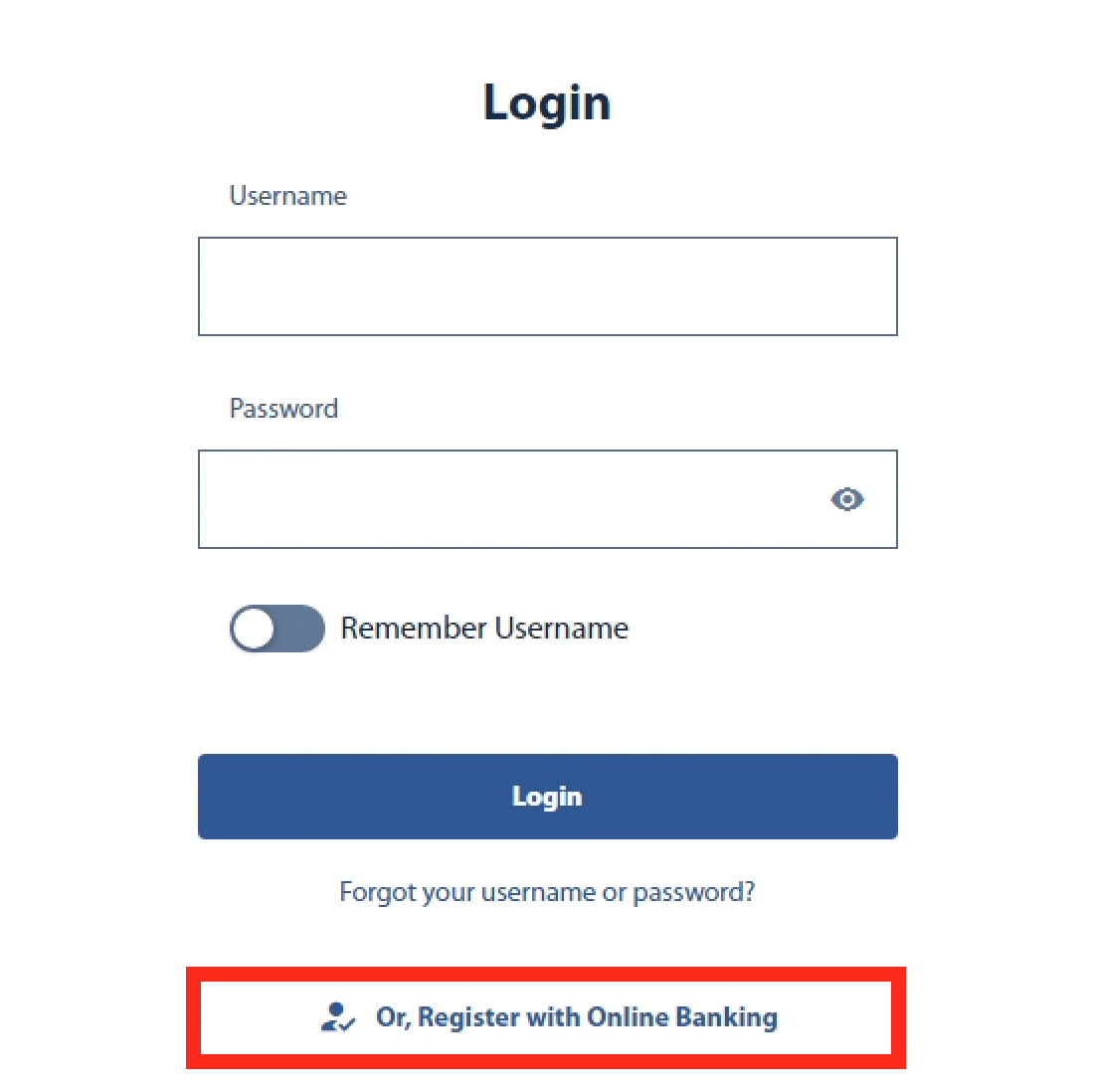
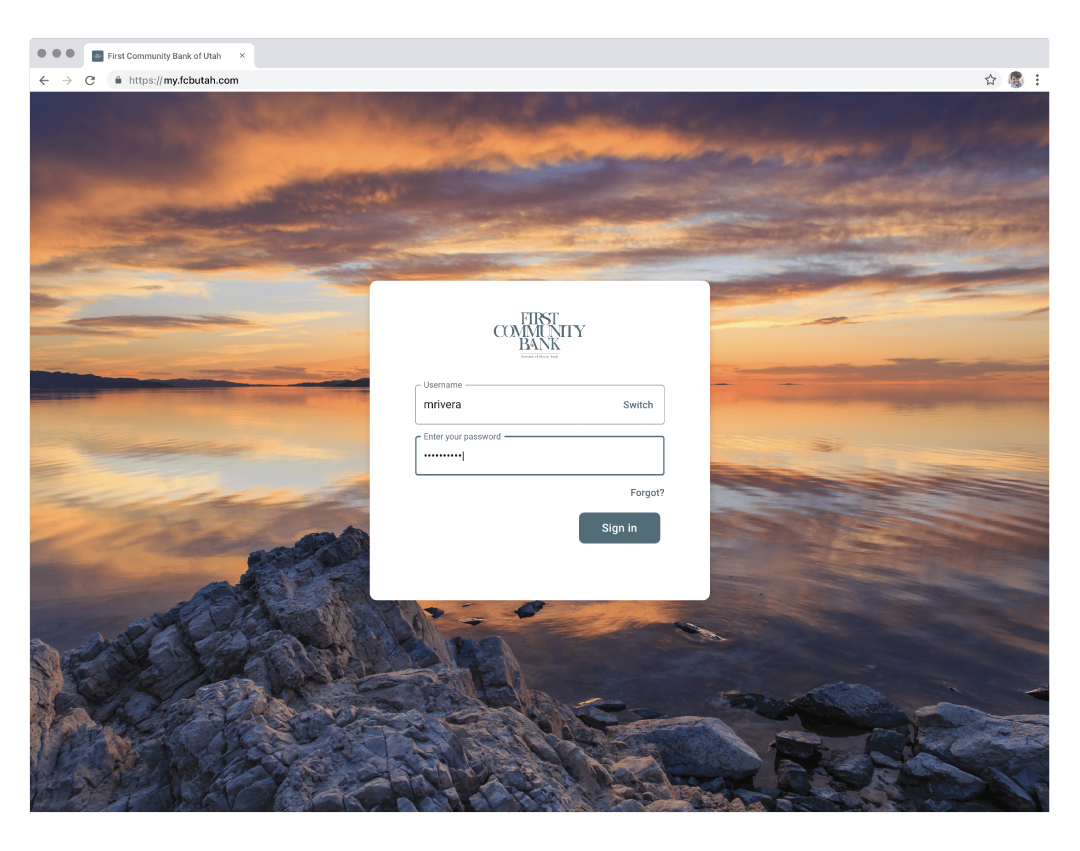
- Locate the Sign-In Fields: On the homepage, locate the secure login widget typically positioned in the upper right corner or central banner.
- Enter Your User ID: Input the User ID you originally established during your legacy SunTrust online banking registration or your migrated Truist credentials.
- Enter Your Password: Type your confidential password. Verify that Caps Lock is disabled to prevent typing errors.
- Complete Multi-Factor Authentication: If prompted by the security system, enter the temporary verification code sent via SMS, voice call, or the Truist Mobile app authenticator.
- Access Your Dashboard: Once authenticated, you will land on your primary account overview dashboard, displaying your balances, recent transactions, and quick-transfer options.
Feature Comparison: Legacy SunTrust vs. Current Truist Digital Platform
To help legacy customers understand the improvements made to their digital banking experience, the comparison matrix below outlines the differences between the old SunTrust portal and the modern Truist platform.
| Feature / Metric | Legacy SunTrust Online Banking | Current Truist Digital Banking (2026) |
|---|---|---|
| Primary Platform | SunTrust Online Banking Portal | Unified Truist Mobile & Web Ecosystem |
| Authentication | Standard Password & Security Questions | Advanced Biometrics & Multi-Factor Authentication |
| Mobile Integration | Separate SunTrust Mobile App (Retired) | All-in-One Truist Mobile App |
| P2P Payments | Zelle integrated late in platform lifecycle | Native, Real-Time Zelle & Internal Transfers |
| Alerts & Insights | Basic email/text balance alerts | AI-Driven Spending Insights & Budgeting Tools |
Troubleshooting Common Login Failures and Security Lockouts
Technical hurdles can disrupt your banking routine. Applying systematic troubleshooting steps resolves most access issues quickly without requiring immediate customer service intervention.
Password Reset Protocols Action Plan: If you forget your password, click the "Forgot User ID or Password?" link directly beneath the sign-in fields. You will be required to verify your identity by entering sensitive personal data, such as your Social Security Number (SSN), account number, and the mobile phone number associated with your profile.
Resolving Account Lockouts
Entering incorrect credentials multiple times will trigger an automatic security lock to protect your funds against brute-force cyber attacks. When this occurs, the system will temporarily suspend login privileges. To regain access, complete the automated identity verification workflow or contact Truist customer support directly through the verified phone number printed on the back of your debit card.
Security Best Practices for Online Banking
Safeguarding your financial accounts requires constant vigilance against sophisticated online threats, including credential stuffing, phishing websites, and malware.
- Never Share Credentials: Bank representatives will never ask for your full online password, PIN, or complete multi-factor authentication passcodes.
- Verify URL Authenticity: Always check the browser address bar to confirm you are visiting the legitimate domain before typing any login information.
- Enable Device Alerts: Configure push notifications and text alerts for every transaction exceeding a specific dollar threshold or for any login attempt from an unrecognized device.
Frequently Asked Questions
Can I still use my old SunTrust login credentials?
Yes, legacy SunTrust User IDs and passwords that were successfully migrated during the bank integration continue to serve as your valid credentials on the Truist platform. If you have not accessed your account since the merger, automated prompts will guide you through updating your profile security settings.
What should I do if the online banking page fails to load?
First, check your internet connection and clear your browser cache and cookies. If the issue persists, verify that your browser is updated to the latest version, or try accessing the portal using a different trusted web browser or the official mobile application.
Are legacy SunTrust account numbers still valid for deposits and transfers?
Yes, routing numbers and legacy account numbers generally remain fully operational. Truist has maintained legacy account identifiers to ensure smooth direct deposits, automated bill payments, and ACH transfers without requiring immediate account number modifications.
How do I contact customer support if I am locked out of my account?
You can reach Truist customer support by calling the dedicated consumer banking assistance line listed on your monthly statements or on the official contact page. Prepare your account details and identity verification documents before placing the call to expedite assistance.
Is biometric login available for online banking access?
Yes, when accessing the platform via supported smartphones and tablets through the Truist Mobile app, you can enable Face ID or fingerprint authentication for fast, secure access without manually typing your password each session.
Manage your accounts securely today by visiting the official Truist sign-in portal and utilizing your established credentials to review balances, pay bills, and monitor your financial goals.
Image Gallery