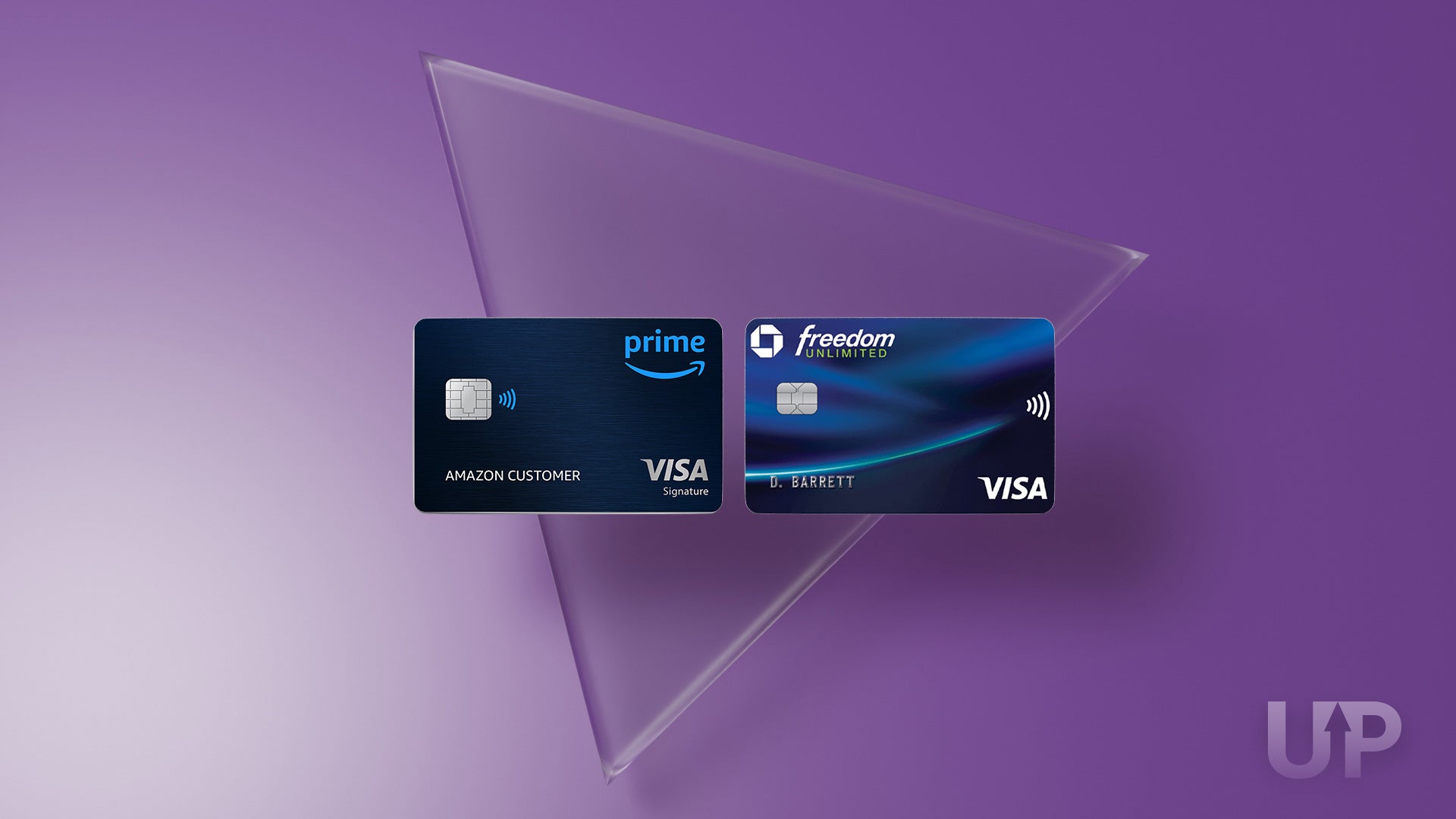
Prime CC Login: Official Access Guide and Security Protocols for 2026
Accessing your Prime CC account requires a standardized authentication process designed to protect sensitive financial and personal data from unauthorized access. To log in, visit the official portal of your specific card issuer, navig...
Accessing your Prime CC account requires a standardized authentication process designed to protect sensitive financial and personal data from unauthorized access. To log in, visit the official portal of your specific card issuer, navigate to the secure login interface, and input your verified credentials; if you encounter issues, verify that your browser supports current TLS 1.3 encryption standards and clear your cache to resolve temporary session conflicts.
Contents
Understanding Secure Access Protocols
The term Prime CC typically refers to specific financial products, credit cards, or institutional service portals. Because financial institutions maintain high-security environments, the login process is strictly governed by multi-factor authentication (MFA) requirements active as of 2026. Users must ensure they are interacting with the authentic domain of their financial provider to avoid phishing attempts or credential harvesting.
Accessing these portals generally involves several layers of verification:
- Primary Authentication: Entry of a unique username or account identifier.
- Secret Credential: Entry of a password that meets the institution's complexity requirements.
- Secondary Verification: Utilization of a hardware token, SMS-based one-time password (OTP), or biometric verification via a mobile application.
Prerequisites for Account Authentication
Before attempting to log in, ensure your technical environment meets the minimum standards required by banking security protocols in 2026. Financial institutions regularly update their platforms to mitigate risks from outdated software and compromised network environments.
- Browser Compatibility: Always use the most recent version of mainstream browsers such as Chrome, Edge, or Firefox. These browsers receive timely security patches that are essential for secure banking.
- Network Security: Avoid accessing your financial account through public, unsecured Wi-Fi networks. If mobile data is unavailable, utilize a reputable Virtual Private Network (VPN) that employs end-to-end encryption.
- Account Status: Ensure your account has not been suspended due to inactivity or flagged for security review. If your account is locked, you must contact your institution’s customer support department directly via the telephone number printed on the back of your physical card or on an official monthly statement.
Step-by-Step Login Workflow
Following a consistent procedure ensures that you do not trigger automated security lockouts that occur after multiple failed attempts.
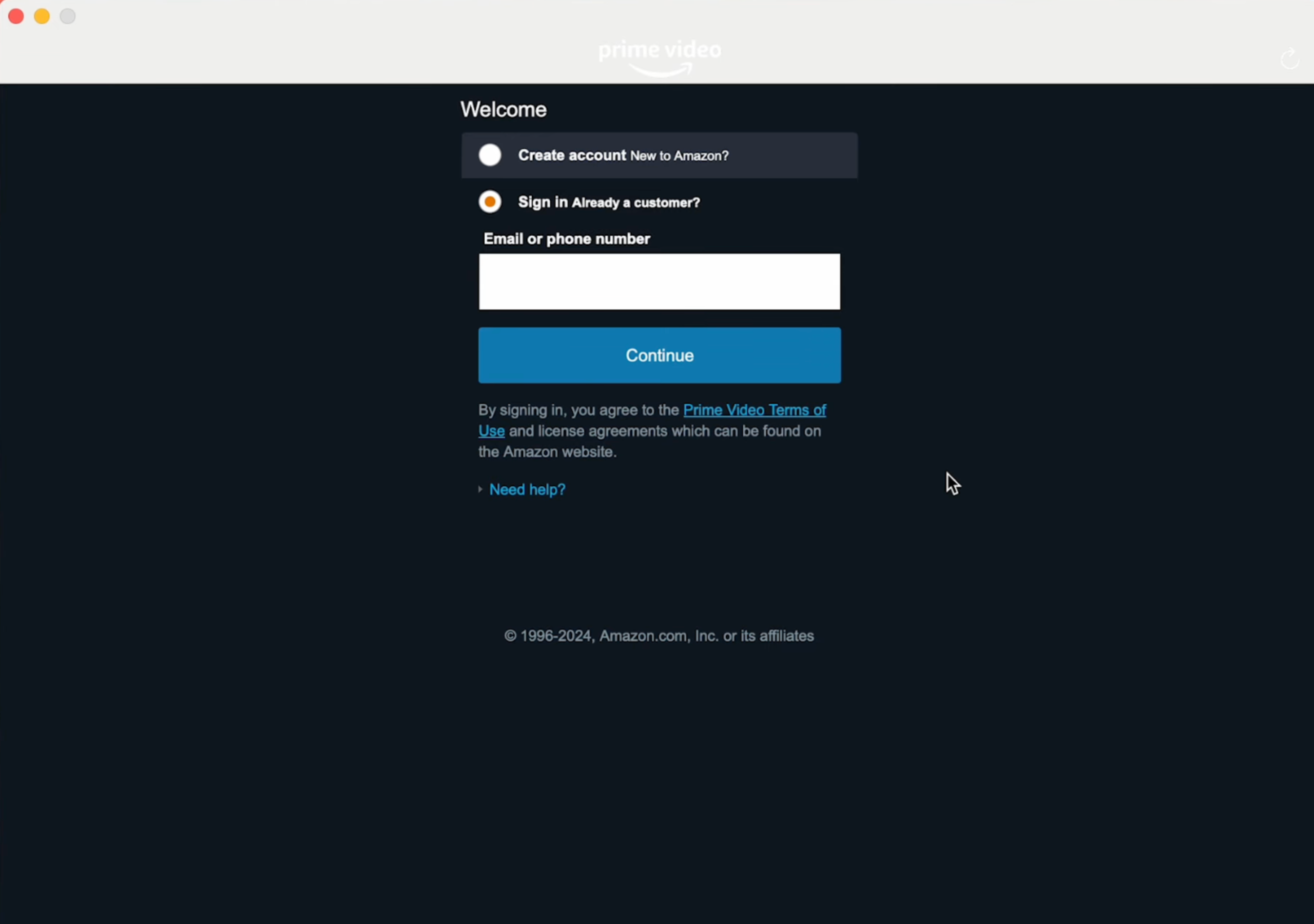
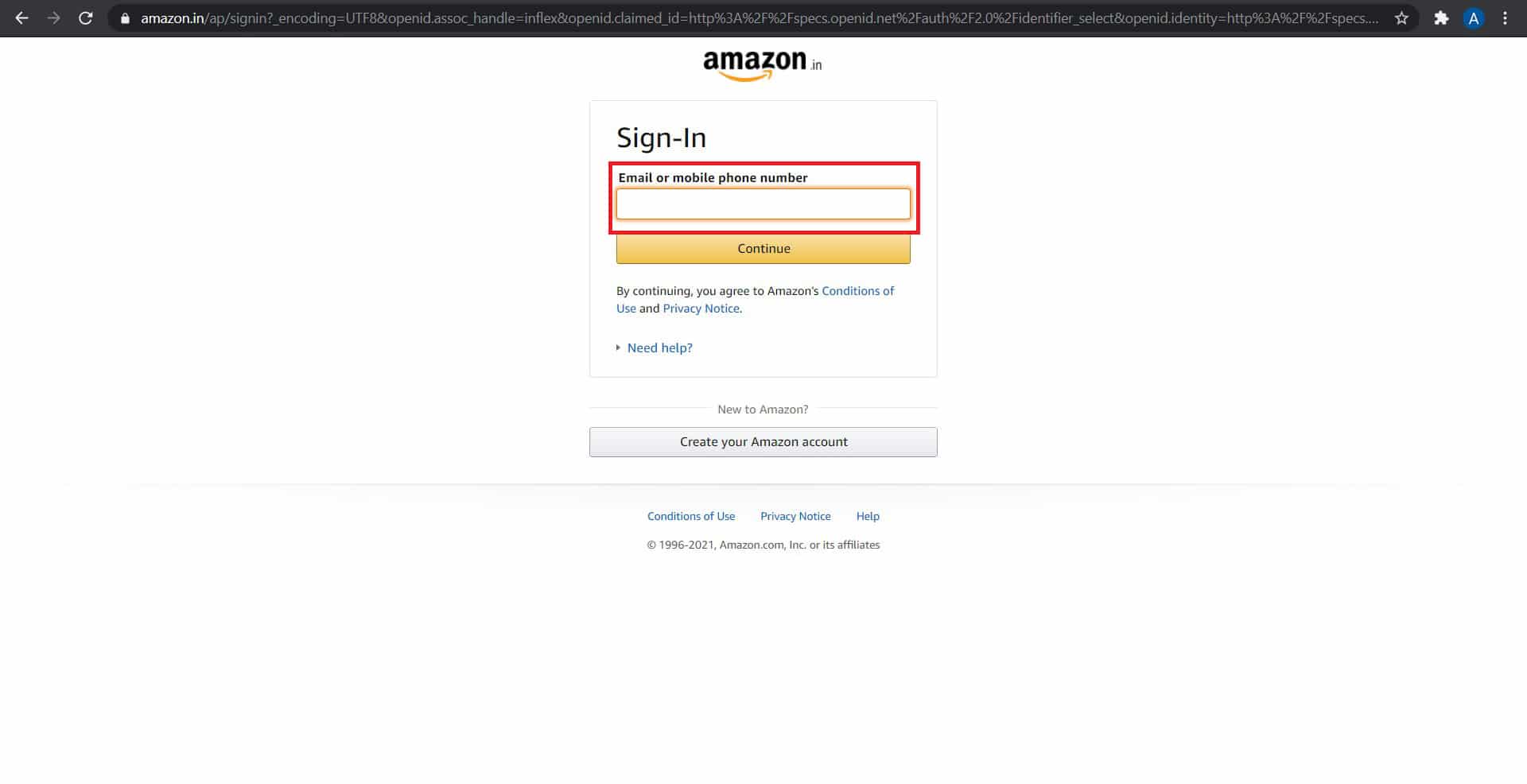
- Navigate to the official domain provided by your card issuer. Verify the URL matches the address provided in your cardholder agreement.
- Locate the login field, typically situated in the upper-right corner of the landing page.
- Enter your assigned username and password. Avoid using "Remember Me" features on shared or public devices.
- Input the multi-factor authentication code if prompted. Ensure this code is entered within the designated time limit provided by the security server.
- Review your account dashboard for any notifications regarding account activity or updated terms of service.
Technical Comparison of Access Methods
The following table compares common methods of account access used by financial institutions in 2026, highlighting the security posture and recommended use case for each.
| Access Method | Security Level | Best Use Case | Risk Factor |
|---|---|---|---|
| Mobile Application | Very High | Frequent daily transactions | Device theft or malware |
| Web Portal (MFA) | High | Detailed statement review | Browser-based phishing |
| Automated Phone System | Moderate | Emergency balance inquiry | Social engineering |
| Customer Support Agent | Low | Account recovery/Lockouts | Identity verification errors |
Troubleshooting Common Login Obstacles
If you find yourself unable to access your Prime CC account, do not attempt to guess your password repeatedly. This often results in a permanent lockout that requires identity verification to reverse.
Password Reset Protocols When resetting your credentials, utilize a unique password that is not shared with other online services. A password manager is highly recommended to store complex, randomized strings that satisfy 2026 financial cybersecurity standards. If you are locked out, utilize the "Forgot Password" function on the official site, which will prompt you for identity verification—typically involving a partial social security number, date of birth, or the last four digits of your card.
- Clearing Cache and Cookies: Corrupt browser data is a common cause of login loops. Clearing your browser data often resolves issues where the session token is not being recognized by the server.
- Disabling Browser Extensions: Certain ad-blockers or security extensions may inadvertently block JavaScript required for the authentication process. Attempt a login using an "Incognito" or "Private" window to test if an extension is the culprit.
- Verifying URL Legitimacy: Never navigate to a login page via a link provided in an unsolicited email. Always type the official URL directly into the browser address bar.
Frequently Asked Questions
Why does my account require multi-factor authentication? Multi-factor authentication (MFA) is a mandatory security standard in 2026 that adds a secondary layer of protection beyond a password. Even if a third party obtains your password, they cannot access your account without the secondary device or code physically in their possession.
How do I update my contact information if I cannot log in? If you are locked out, you must contact the financial institution’s dedicated security or support team. They will perform a manual identity verification process over the phone to confirm ownership before updating your email or phone number for MFA purposes.
Is it safe to save my login information in my browser? Storing login information in a browser is generally discouraged for high-security accounts. Using a dedicated, encrypted password manager is significantly more secure as it protects your data with master encryption, preventing browser-based scripts from reading your stored credentials.
What should I do if I suspect unauthorized access? If you notice unrecognized transactions or login timestamps that do not match your activity, contact your financial institution immediately to freeze your account. Most institutions have a 24/7 fraud department reachable through the number on your credit card.
Will I be charged for using the online portal? Accessing your account via the official web portal is a standard service and is free of charge. Be wary of any "support" sites that request payment to unlock an account; these are fraudulent entities and should be avoided.
To maintain the security of your financial profile, ensure that you always perform your Prime CC login only on secured, private networks and keep your contact details updated to facilitate smooth authentication processes. If you continue to experience technical difficulties, refer to the printed materials provided by your card issuer to reach the verified technical support department.
Image Gallery