The Ultimate Guide to iOS Jailbreak Apps in 2026: Modern Customization and Security
A jailbreak app is a specialized software utility that exploits vulnerabilities in the iOS operating system to remove software restrictions imposed by Apple, granting users "root" access to the file system. In 2026, these apps primaril...
A jailbreak app is a specialized software utility that exploits vulnerabilities in the iOS operating system to remove software restrictions imposed by Apple, granting users "root" access to the file system. In 2026, these apps primarily facilitate the installation of third-party package managers like Sileo or Zebra, enabling advanced system-wide customizations, themes, and functionalities not permitted within the official App Store ecosystem.
Contents
While the term "jailbreak app" often refers to the initial exploitation tool, it also encompasses the ecosystem of tweaks and modifications that follow. As of 2026, the community has largely transitioned to a rootless architecture, which enhances system stability and security while maintaining the ability to modify the user experience. This guide explores the current technical landscape, the best tools available for modern firmware, and the critical security considerations for users in the current year.
The Evolution of the Jailbreak App Ecosystem in 2026
The landscape of device modification has shifted significantly from the early days of Cydia and simple kernel patches. In 2026, jailbreaking is no longer just about "cracking" a phone; it is a sophisticated method of reclaiming hardware ownership. Apple’s security mitigations, such as the Page Protection Layer (PPL) and Pointer Authentication Codes (PAC), have become increasingly robust, forcing developers to find more creative exploits.
Modern jailbreak apps are typically categorized by how they interact with the hardware and software. We no longer see the "untethered" jailbreaks of the past where a device remains jailbroken after a reboot. Instead, 2026's standards rely on semi-untethered or hardware-based solutions that require a specific app to be run or a computer connection to reactivate the modified state after a power cycle.
Technical Architecture Shift: Rootless vs. Rootful
In 2026, the industry standard is the rootless jailbreak. Unlike traditional methods that modified the system partition (root), rootless jailbreaks operate within the /var directory. This approach is necessary because modern iOS versions use a sealed system volume that is cryptographically signed. Attempting to modify the root partition directly would prevent the device from booting. Rootless apps ensure that system updates are easier to manage and that the device remains more secure against malicious software that might try to leverage the same exploits.
Leading Jailbreak Apps and Tools for 2026
As we navigate through the 2026 firmware cycles, specifically iOS 18 and the early stages of iOS 19, a few primary tools have emerged as the gold standard for stability and compatibility. These tools are developed by dedicated teams who prioritize device longevity and security.
Dopamine 3.0 and Beyond
Dopamine remains the premier choice for users on supported ARM64e devices (iPhone XS and newer). It is a semi-untethered rootless jailbreak that offers high success rates and a clean user interface. In 2026, Dopamine 3.0 has introduced enhanced support for the latest exploit chains, making it the most user-friendly jailbreak app for the modern era.
Palera1n (The Hardware Benchmark)
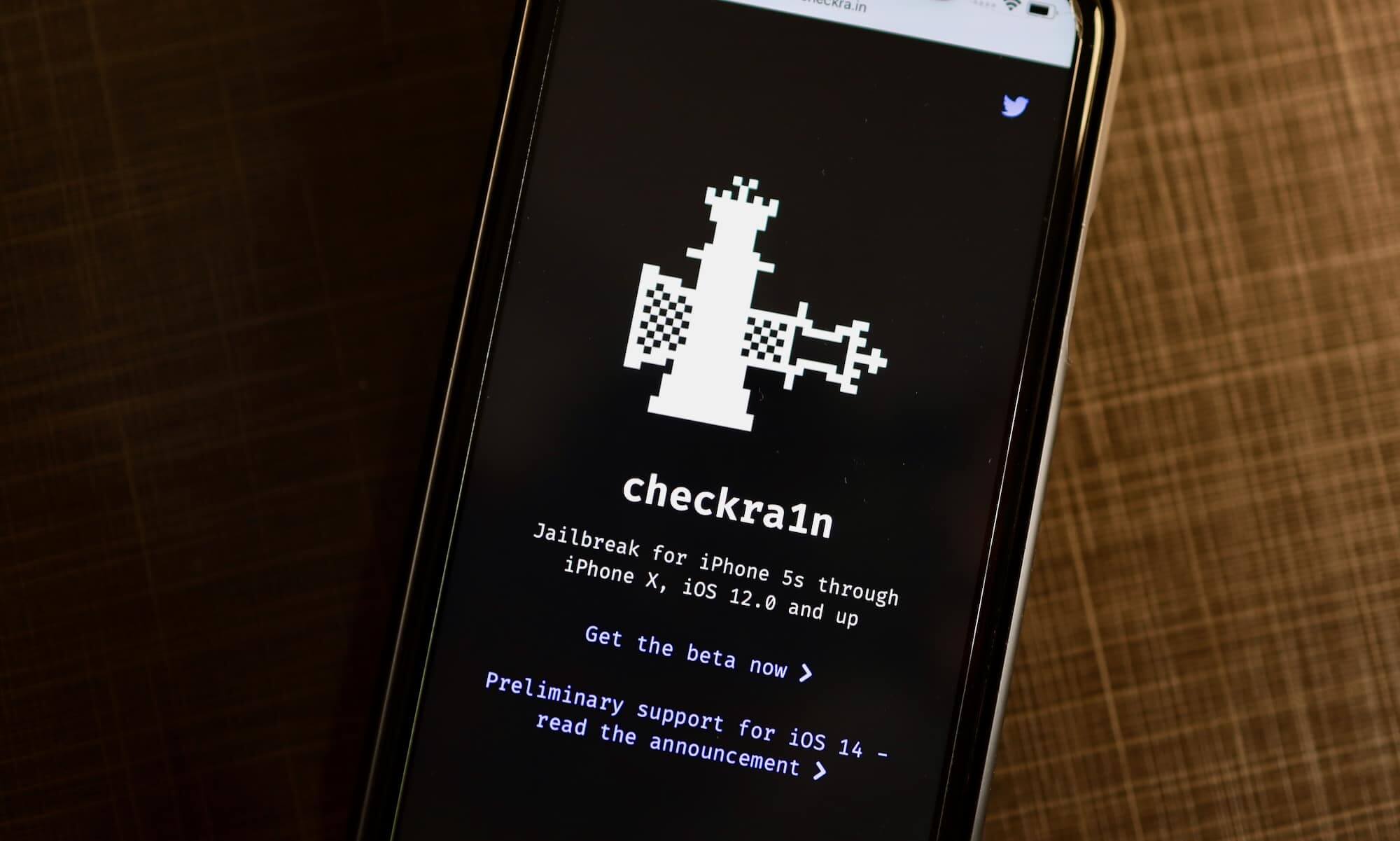
For older devices, particularly those with the checkm8 hardware vulnerability, Palera1n continues to be the most reliable option. Because it utilizes a bootrom exploit that Apple cannot patch with software updates, it provides a permanent gateway for jailbreaking. However, it requires a computer (macOS or Linux) to trigger the exploit on every boot, which is the hallmark of a semi-tethered jailbreak app.
Sileo and Zebra: The Modern Gateways
Once the initial jailbreak is established, users interact with package managers. Cydia is now considered a legacy tool in 2026, having been replaced by Sileo and Zebra. These apps are modern, fast, and built to handle the complexities of rootless tweak injection. They serve as the "App Store" for jailbroken devices, allowing users to browse repositories and install modifications safely.
Comparing Major Jailbreak Frameworks in 2026
The following table provides a technical comparison of the most prominent jailbreak methods available for current devices.
| Feature | Dopamine (3.x) | Palera1n | Misaka/KFD (LITE) |
|---|---|---|---|
| Device Compatibility | iPhone XS to iPhone 16 Pro Max | iPhone 8 to iPhone X | All Modern Devices |
| iOS Versions | iOS 17.0 through 18.2 | All versions (Hardware bound) | Limited iOS 18 versions |
| Jailbreak Type | Semi-Untethered | Semi-Tethered | MacDirtyCow / KFD Exploit |
| Architecture | Rootless (Mandatory) | Rootless / Rootful (Optional) | Non-Jailbreak (Tweak Box) |
| Primary Use Case | Full System Tweak Injection | Legacy Device Utility | Superficial UI Changes |
| Stability Rating | High (Production Grade) | Very High | Moderate (Exploit Dependent) |
Essential Prerequisites for a Successful Jailbreak
Before attempting to use a jailbreak app in 2026, there are several mandatory steps to ensure device safety and data integrity. Failure to follow these prerequisites can lead to boot loops or forced restores to the latest non-jailbreakable firmware.
- Firmware Preservation: Always check the compatibility of your current iOS version before updating. In 2026, Apple often closes "signing windows" for older versions within days of a new release. Once you update, you cannot go back.
- SHSH Blobs: While less critical than they were a decade ago, saving SHSH blobs for your current firmware is still a recommended practice for advanced users attempting to downgrade or re-restore using specific tools.
- Data Redundancy: Perform a full encrypted backup via a computer or iCloud. A jailbreak modifies system-level behavior; while modern tools are safe, the risk of data loss during the initial exploitation phase is never zero.
- Remove Security Obstacles: For certain exploits like Palera1n on A11 devices, you may need to disable the passcode and FaceID/TouchID entirely due to Secure Enclave Processor (SEP) conflicts.
The Security Reality: Risks and Best Practices
Using a jailbreak app involves a deliberate trade-off between customization and the native security "sandbox" of iOS. In 2026, the risks are more nuanced than they were in the past.
The Impact on Banking and High-Security Apps
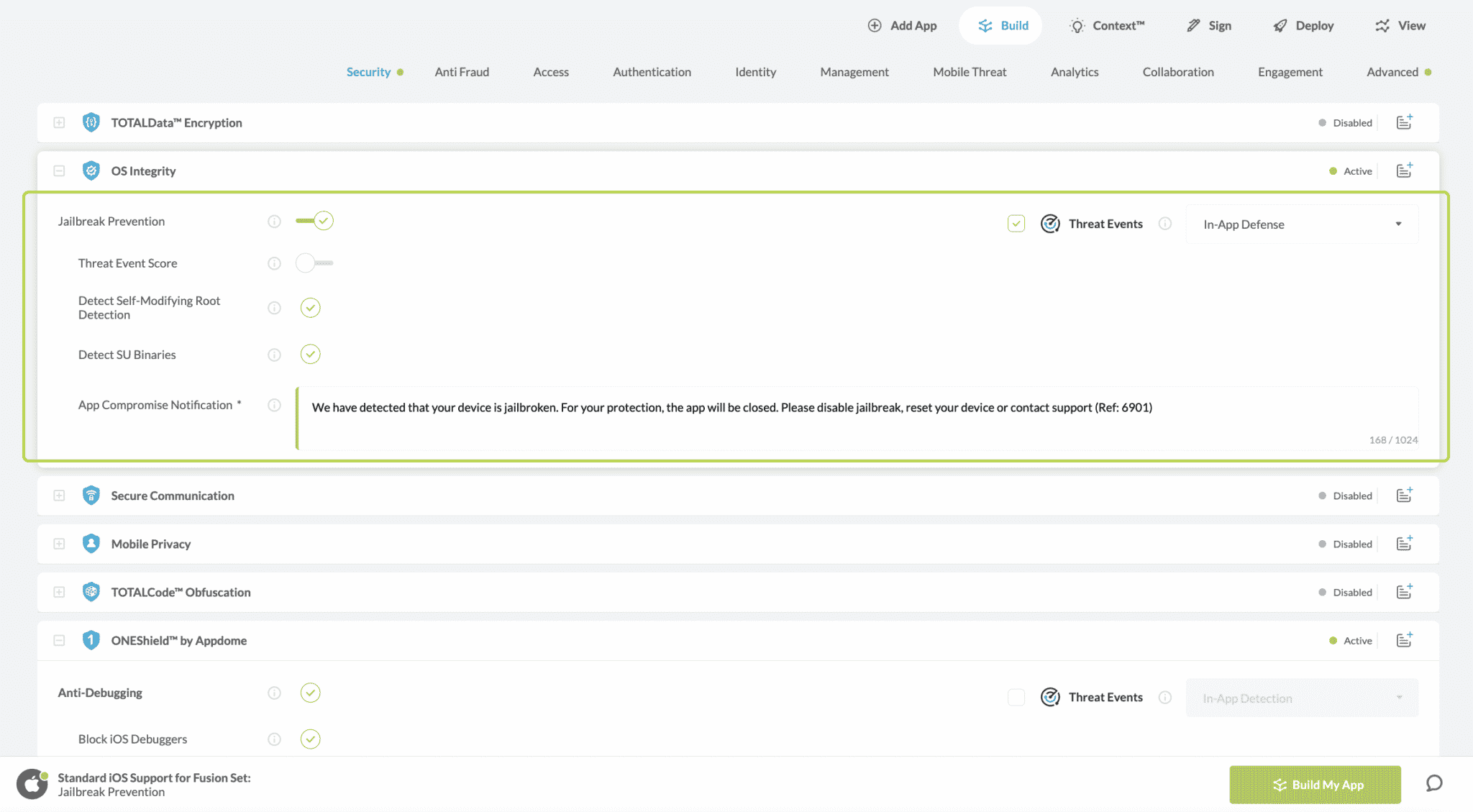
Many financial institutions and enterprise applications utilize "Jailbreak Detection" mechanisms. Because a jailbreak app grants root access, these high-security programs may refuse to run to prevent potential data skimming. While "Detection Bypass" tweaks exist, they are a constant game of cat-and-mouse. Users who rely heavily on mobile banking or corporate VPNs should weigh this heavily before proceeding.
Maintaining the Integrity of the Secure Enclave
Modern jailbreaks in 2026 are designed to be as non-intrusive as possible to the Secure Enclave Processor (SEP). However, some hardware-based exploits may break functionality like Apple Pay or iCloud Keychain on specific older models. It is vital to read the "ReadMe" files for your specific device-firmware combination to understand which security features might be compromised.
Step-by-Step Installation Process (Standard 2026 Workflow)
While every jailbreak app has a slightly different flow, the general process for a modern semi-untethered jailbreak like Dopamine follows this standardized path:
- Environment Preparation: Ensure the device is in Airplane Mode and that any pending OTA (Over-The-Air) updates are deleted from the iPhone Storage settings.
- Sideloading the Jailbreak App: Use a trusted tool like AltStore or Sideloadly to install the jailbreak IPA file onto your device. This requires an Apple ID to sign the app for a 7-day period (or 365 days with a Developer Account).
- Trusting the Profile: Navigate to Settings > General > VPN & Device Management and "Trust" the developer profile associated with your sideloaded app.
- Executing the Exploit: Open the jailbreak app (e.g., Dopamine) and tap the "Jailbreak" button. The device will likely undergo a userspace reboot or a respring.
- Bootstrap and Package Manager: During the first run, the app will install the bootstrap and your choice of package manager (Sileo or Zebra).
- Setting a Root Password: Immediately upon finishing, open your terminal tweak or package manager and change the default mobile and root passwords from "alpine" to something secure. This is a critical security step in 2026.
Troubleshooting Common 2026 Jailbreak Errors
Even with the advancements in 2026, software exploits can be finicky. Here are the most common issues and their remedies:
- Exploit Failure / Random Reboot: If the jailbreak app fails to trigger the exploit, wait 60 seconds after a reboot before trying again. This allows system services to settle.
- Repository Not Updating: In Sileo, if a repository fails to refresh, it is likely due to an expired SSL certificate or a legacy repo that does not support the rootless architecture. Ensure you are using "Rootless-compatible" sources.
- Tweak Preferences Not Appearing: This is often caused by missing dependencies like "PreferenceLoader" or "AltList." Ensure your bootstrap is fully updated in the package manager.
- Boot Loop: If a tweak causes your device to hang on the Apple logo, use the "Volume Up" (or specific app toggle) to boot into a "No-Tweak" mode. This allows you to open the jailbreak app or package manager and uninstall the offending tweak.
Frequently Asked Questions
Is jailbreaking legal in 2026? In many jurisdictions, including the United States under DMCA exemptions, jailbreaking a smartphone for the purpose of interoperability and installing legally obtained software is permitted. However, the legality can vary by device type (e.g., tablets vs. phones) and country. Always check your local regulations regarding digital rights and hardware modification.
Does using a jailbreak app void my warranty? Technically, Apple considers jailbreaking a violation of the software license agreement and may deny service for a modified device. However, because modern jailbreaks are semi-untethered, you can simply restart the device and delete the jailbreak app to return it to a "stock" state. For hardware repairs, a factory restore usually removes all traces of the jailbreak.
Can I still get iOS updates after jailbreaking? You can, but doing so will almost certainly remove your jailbreak and may prevent you from jailbreaking again for several months or years. Most jailbreak apps in 2026 include an "OTA Disabler" to prevent the device from accidentally updating and losing its modified status.
Are jailbreak apps safe for my data? The tools themselves from reputable developers (like the ElleKit or Opa334 teams) are safe. The risk comes from third-party tweaks or "piracy" repositories that may host malware. Stick to well-known, community-vetted repositories to maintain the security of your personal information.
What happens if my phone dies? With a semi-untethered jailbreak, the device will boot into a standard, non-jailbroken state when turned back on. Your tweaks will not work, and the package manager will crash on launch. You must simply open the jailbreak app and run the exploit again to restore all your modifications.
Final Recommendations for Enthusiasts
Jailbreaking in 2026 remains a powerful way to enhance the iOS experience, but it requires a disciplined approach to security and updates. For most users, the Dopamine tool on a rootless environment provides the perfect balance of performance and stability.
If you value features like system-wide dark mode enhancements, advanced file management via Filza, or removing springboard limitations, the current jailbreak apps are more refined than ever. However, always maintain a rigorous backup schedule and stay informed through community hubs like the r/jailbreak Discord or specialized security forums to ensure you are using the most current and patched versions of your chosen tools.
Image Gallery