Complete Guide to Managing Your Xfinity Com Pay Bill Process Efficiently in 2026
Navigating xfinity com pay bill options allows you to manage your monthly broadband, mobile, and television services securely through official web portals, automated phone lines, mobile applications, or authorized physical payment cent...
Navigating xfinity com pay bill options allows you to manage your monthly broadband, mobile, and television services securely through official web portals, automated phone lines, mobile applications, or authorized physical payment centers. Choosing the correct payment method ensures your funds apply instantly, prevents service interruptions, and protects sensitive financial data from fraudulent third-party services.
Contents
Managing household utility and telecommunication expenses requires a clear understanding of digital billing portals, payment timelines, and security protocols. Comcast Xfinity provides multiple avenues for customers to clear their monthly balances. Whether you prefer setting up automatic recurring charges, executing one-time web transfers, or utilizing cash payment options at retail partners, knowing how the infrastructure operates keeps your internet and entertainment services running without interruption.
Understanding the Xfinity Billing Cycle and Payment Prerequisites
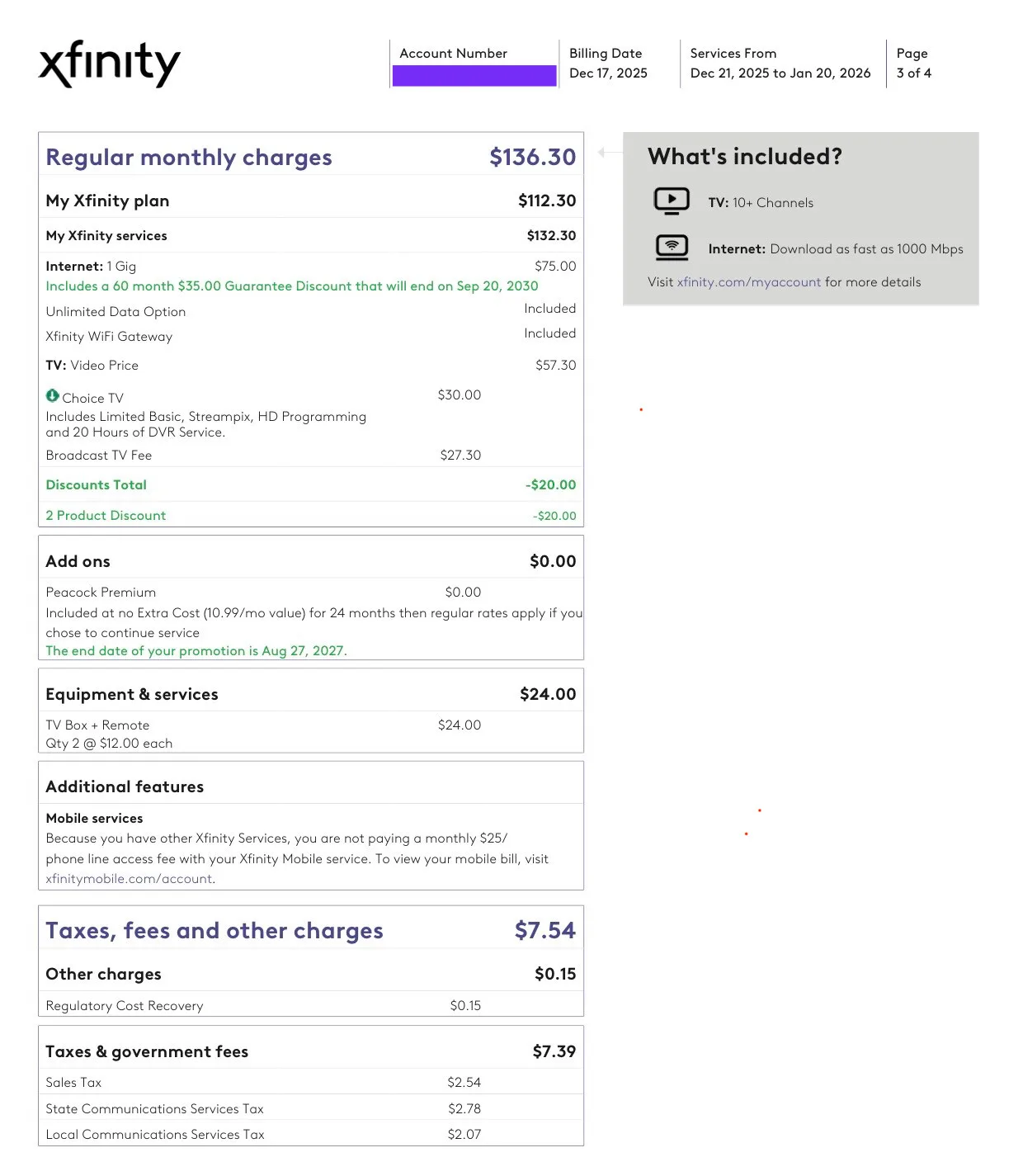
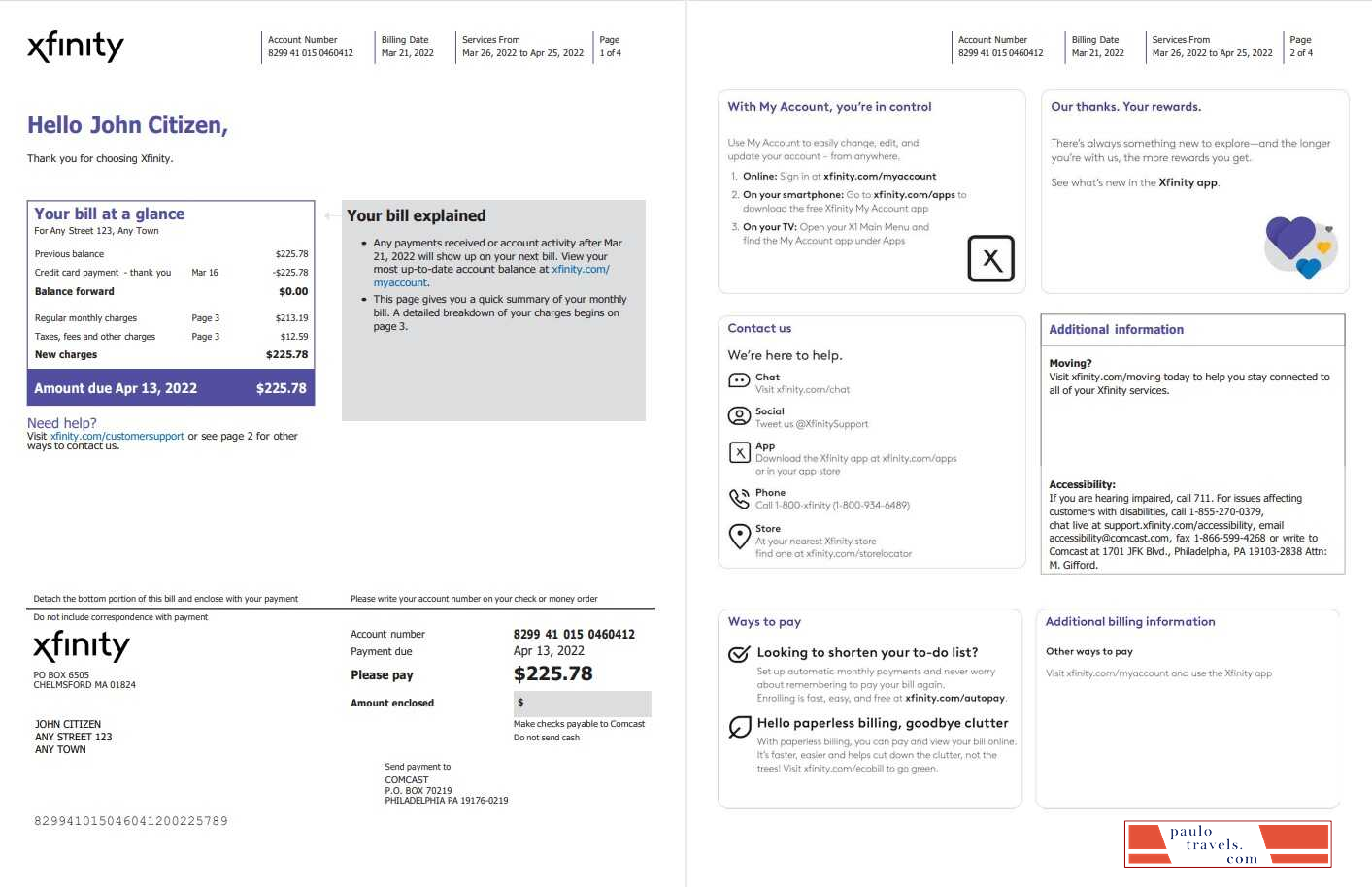
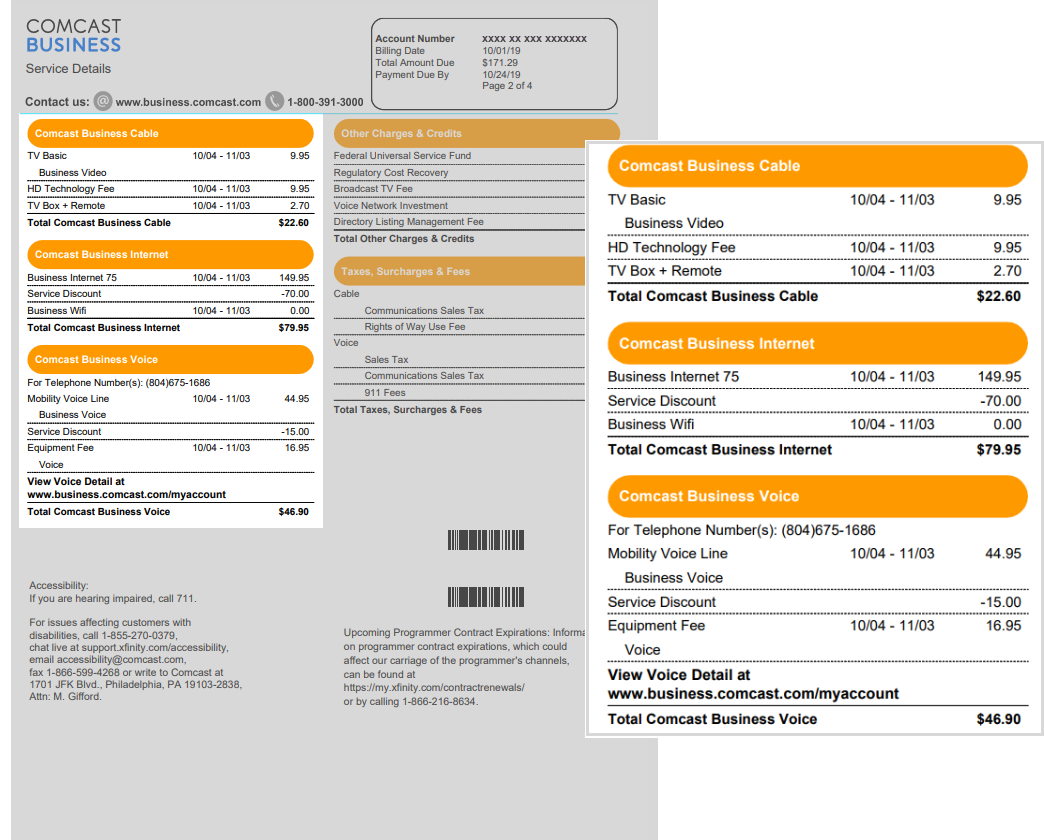
Before initiating a payment through xfinity com pay bill portals, it is essential to understand how your billing cycle is structured. Comcast typically generates statements on a rolling monthly basis tied to the date your initial service was activated. Your bill details the recurring charges for the upcoming month, equipment rentals, taxes, fees, and any usage-based charges such as excessive data consumption on residential internet plans.
To successfully execute an online payment, you must have specific credentials and security measures in place:
- An active Xfinity ID and secure password associated with your account.
- A verified email address or mobile phone number for multi-factor authentication (MFA) security prompts.
- An accepted payment instrument, which includes major credit cards (Visa, MasterCard, Discover, American Express), debit cards linked to checking accounts, or direct Automated Clearing House (ACH) bank routing details.
- A stable internet connection or cellular data service to access the official domain safely.
Failing to settle the balance by the stated due date triggers a grace period, followed by automated reminder notifications via email and text message. Consistent non-payment eventually leads to service suspension, requiring payment of the past-due balance plus potential reactivation fees to restore connectivity.
Step-by-Step Walkthrough for Paying Your Bill via the Official Portal
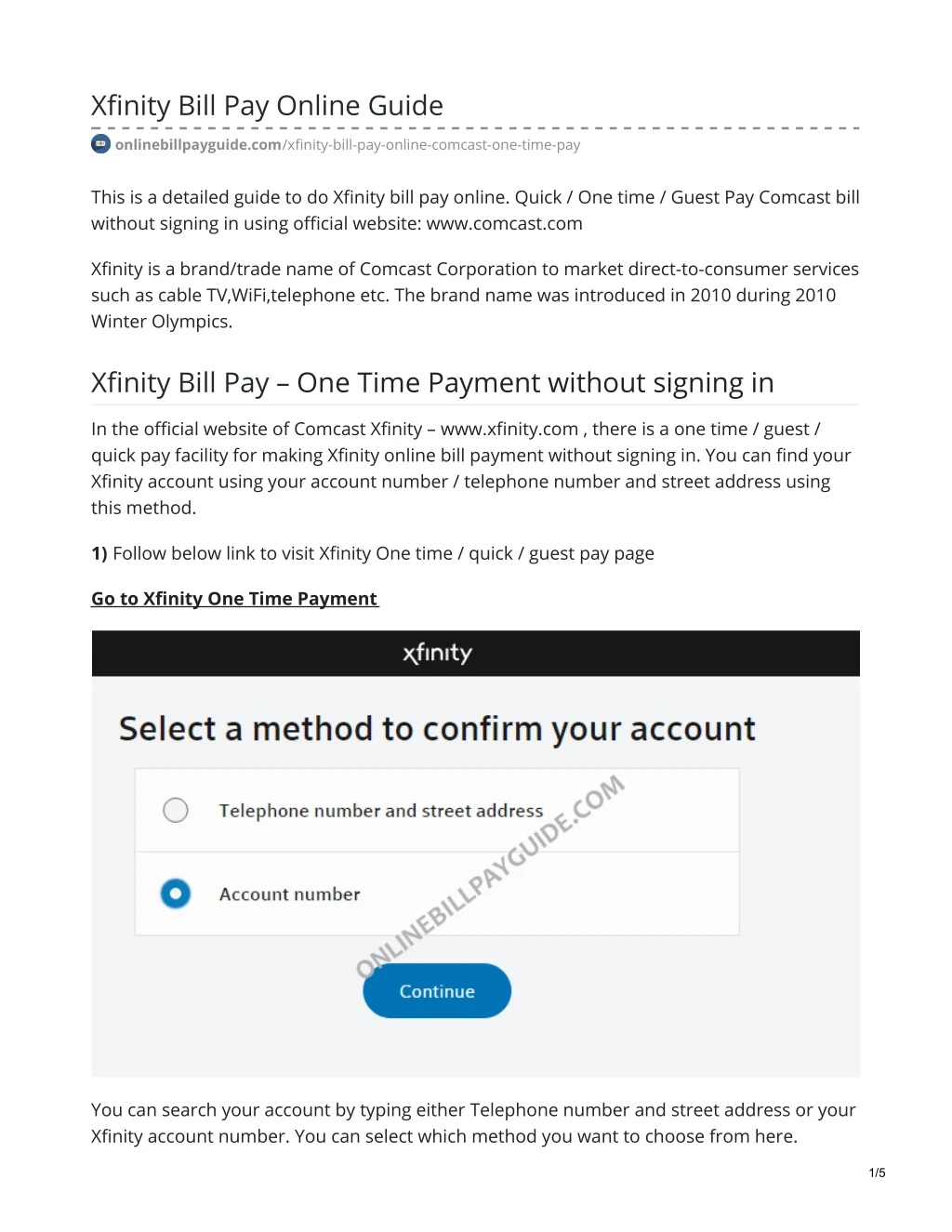
Using the official web portal remains the most common method for clearing monthly balances. The platform provides a complete breakdown of current and historical charges, allowing you to review line items before authorizing transactions.
| Step | Action Required | Technical Details & Security Tips |
|---|---|---|
| 1. Navigate to the Portal | Open your web browser and go directly to the official Xfinity payment portal. | Always verify the URL begins with HTTPS and points to the official domain to prevent phishing attacks. |
| 2. Authenticate Your Identity | Enter your Xfinity ID and password. Complete any requested MFA verification codes sent to your phone or email. | Never share your authentication credentials or enter them into third-party pop-up windows. |
| 3. Review Statement Details | Access the Billing tab to view your current statement balance, billing date, and itemized service fees. | Check for unreturned equipment charges or unauthorized add-on services before proceeding. |
| 4. Select Payment Method | Choose an existing saved payment card or input new credit, debit, or bank routing information. | Ensure billing zip codes match the financial institution's records to prevent transaction declines. |
| 5. Authorize and Confirm | Review the total payment amount, submit the transaction, and save the digital confirmation receipt. | Take note of the confirmation number provided on screen for your personal records. |
Digital payments processed through the primary web portal typically post to your account within minutes, immediately clearing pending balance flags on your service profile.
Alternative Methods for Settling Your Xfinity Balance
While web-based portals offer convenience, various alternative channels cater to different customer preferences and technological access levels. Selecting the right method depends on your urgency and preferred payment medium.
Automatic Payments (Auto-Pay)
Enrolling in Auto-Pay deducts your monthly balance automatically on your specified billing due date using a saved debit card, credit card, or bank account. Comcast frequently offers paperless billing and auto-pay discounts for eligible service tiers. Maintaining up-to-date card expiration dates within your profile is critical to prevent accidental payment failures.
Mobile Application Payments
The Xfinity app, available for iOS and Android devices, provides a streamlined interface for account management. By logging into the application with your credentials, you can view your current balance, scan digital barcodes for in-person retail payments, or execute instant one-time card charges with biometric authentication (Face ID or fingerprint recognition).
Phone-Based Automated Systems
Customers who prefer verbal interaction or lack immediate internet access can pay via the automated customer service phone lines. By dialing the designated Xfinity support number, you can navigate the Interactive Voice Response (IVR) prompts to securely enter your credit or debit card information over the phone without speaking to a live agent. Note that certain phone payment channels may assess a localized processing fee.
In-Person and Retail Payment Locations
For individuals utilizing cash or physical checks, Xfinity operates dedicated retail stores equipped with self-service payment kiosks. Additionally, authorized third-party payment centers (such as select grocery chains and check-cashing locations) accept physical payments, though processing times can range from 24 to 72 hours depending on the vendor.
Comparative Analysis of Xfinity Payment Channels
Evaluating the various payment mechanisms helps identify the most secure, rapid, and cost-effective option for managing your monthly financial obligations.
| Payment Channel | Processing Speed | Convenience Factor | Potential Fees | Security Level |
|---|---|---|---|---|
| Official Web Portal | Instant (Real-time) | High | None | High (Encrypted HTTPS) |
| Xfinity Mobile App | Instant (Real-time) | Very High | None | High (Biometric Protected) |
| Automatic Payments | Instant on Due Date | Maximum | None | High |
| Phone IVR System | Instant to 2 Hours | Moderate | Possible Agent Fee | Moderate-High |
| Retail Store Kiosks | Instant | Moderate | None | High (Physical Location) |
| Authorized Third-Party | 1 to 3 Business Days | Low | Vendor Dependent | Variable |
Troubleshooting Common Payment Errors and Transaction Failures
Encountering issues while attempting to settle your account can be stressful, particularly when service disconnection is imminent. Understanding common technical hurdles allows you to resolve issues rapidly.
- Transaction Declined by Financial Institution: This occurs when your bank flags the transaction for potential fraud or when insufficient funds exist. Contact your bank or credit card issuer to authorize the charge, then retry through the portal.
- Billing Address Mismatch: Entering a billing address that differs from the address registered with your bank will trigger an automated security rejection. Double-check numeric street addresses and zip codes.
- Session Timeouts and Browser Errors: Cached browser data or outdated extensions can interfere with secure payment forms. Clear your browser cache, disable aggressive ad-blockers, or switch to an incognito window before attempting payment again.
- Pending Balance Delays: If you paid via an authorized third-party retailer and your service remains suspended after 24 hours, contact customer support with your physical transaction receipt to manually clear the block flag.
Expert Financial Tip: Always retain digital or printed copies of your transaction confirmation numbers until your next monthly statement generates. This provides concrete evidence of payment if administrative discrepancies ever arise regarding your account status.
Practical Recommendations for Account Management and Budgeting
Maintaining uninterrupted telecommunication services requires proactive financial management. Implement these strategic practices to optimize how you handle your recurring utility expenses:
- Set calendar reminders three days prior to your official billing due date if you do not utilize automatic payments, ensuring you never miss a cycle.
- Regularly audit your monthly billing statements for promotional rate expirations, equipment rental fees, or unauthorized service add-ons that inflate your baseline cost.
- Keep backup payment methods updated in your profile to ensure automatic drafts do not fail due to expired plastic cards.
- Utilize paperless billing to reduce physical clutter and gain earlier visibility into upcoming charges via email notifications.
By combining secure digital habits with an understanding of billing mechanics, you can maintain full control over your account status and enjoy seamless, uninterrupted connectivity.
Image Gallery